Illustration Techniques in Pixel Art
A course by Galamot ShakuIlustrator / Pengembang game
A course by Galamot Shaku, Ilustrator / Pengembang game

Create a pixel-art portrait with Photoshop using a photograph or drawing
Adrián de la Garza (better known as Galamot Shaku)—illustrator, pixel artist, and video-game developer—teaches you everything you need to know about pixel art, a digital art form where images are edited at the pixel level.
In this course, Galamot goes over the different illustration techniques that exist in this discipline, from the theoretical base and technical foundations to applications in different formats and supports.
Apa yang akan Anda pelajari dalam kursus daring ini?
1 pelajaran & 1 unduhan
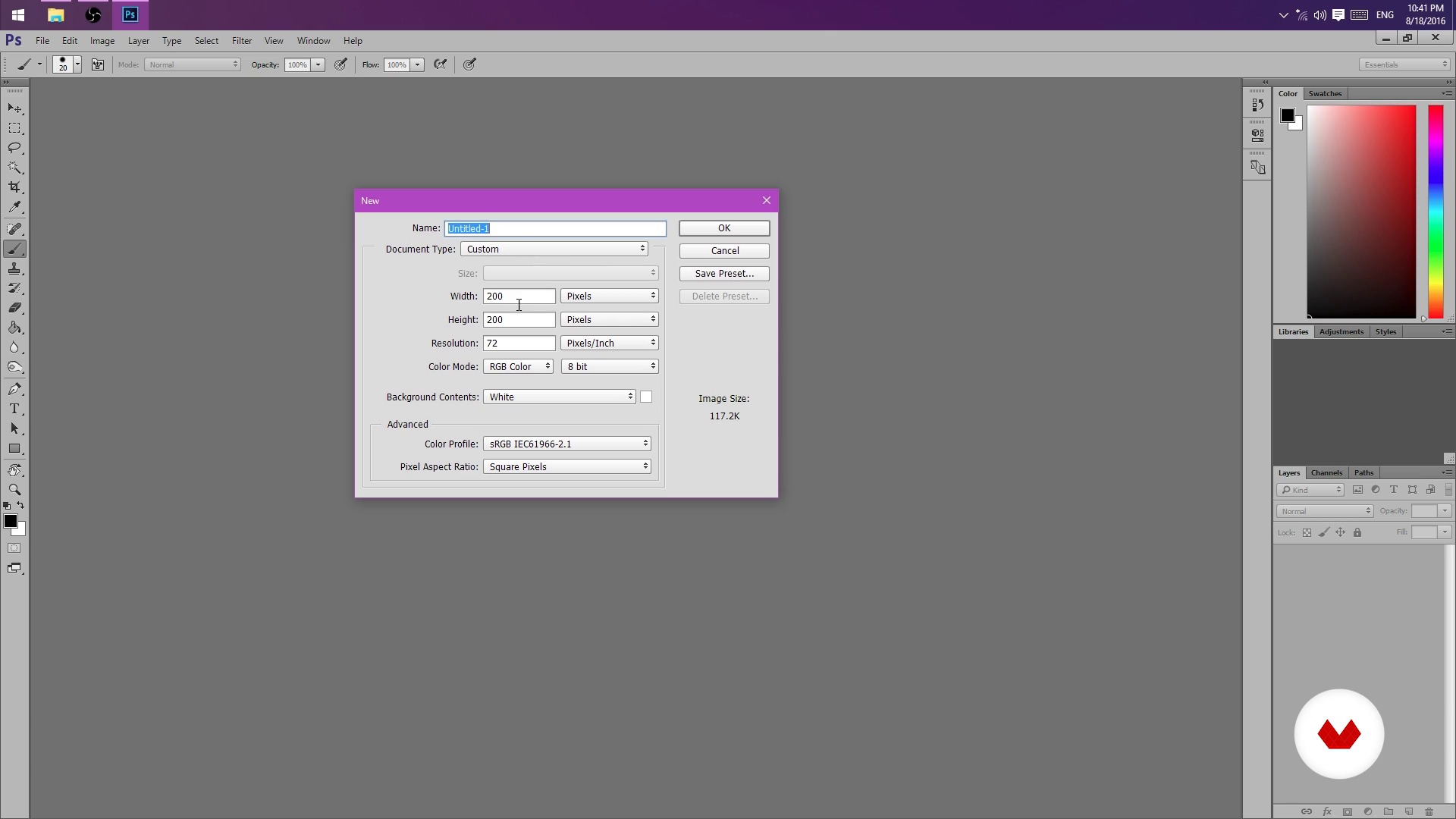
But I could do it in Paint! (And you can actually)
1 menit, 1 detik
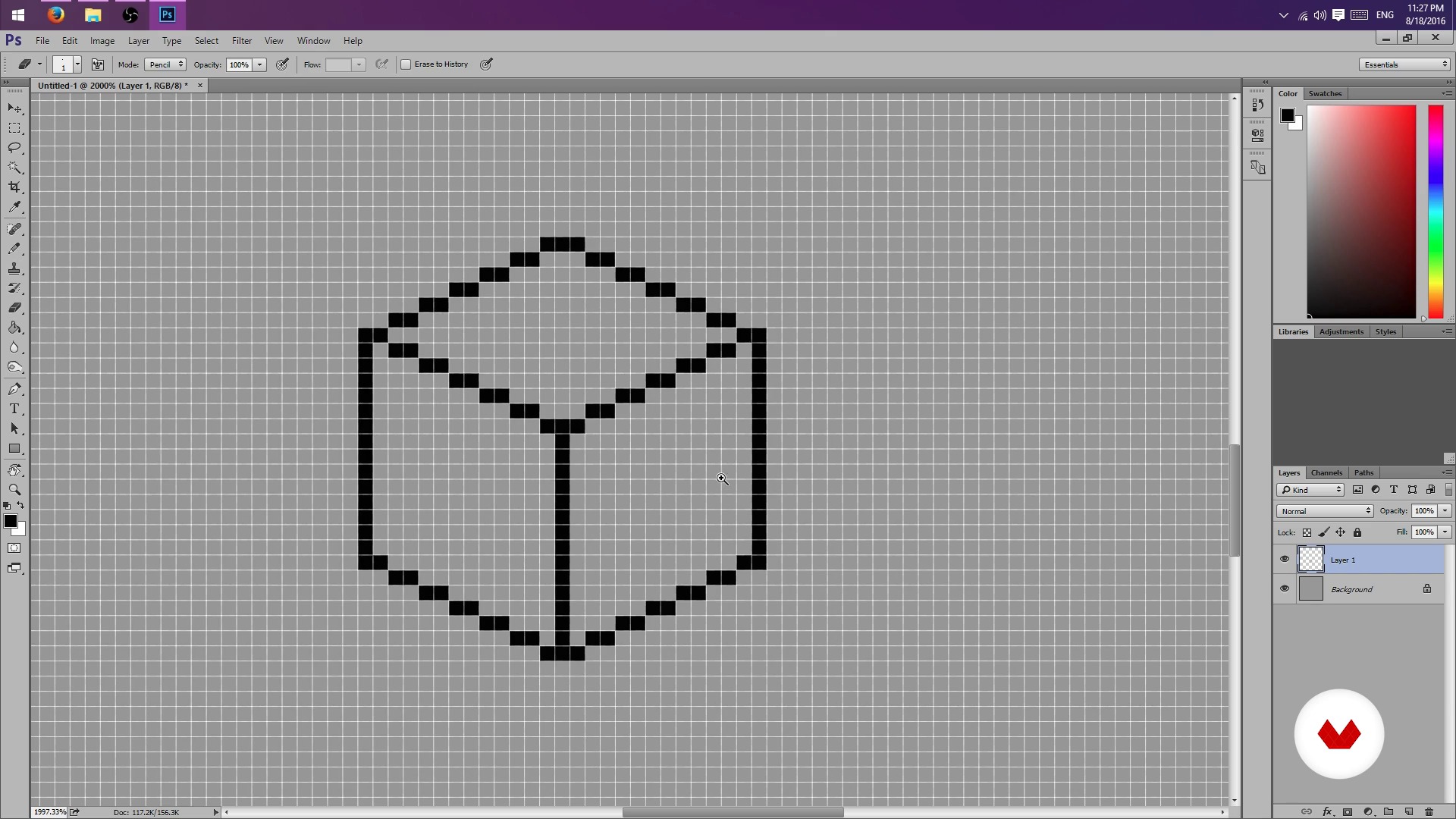
Pencil, rubber and lots of patience - Part I
1 menit, 1 detik
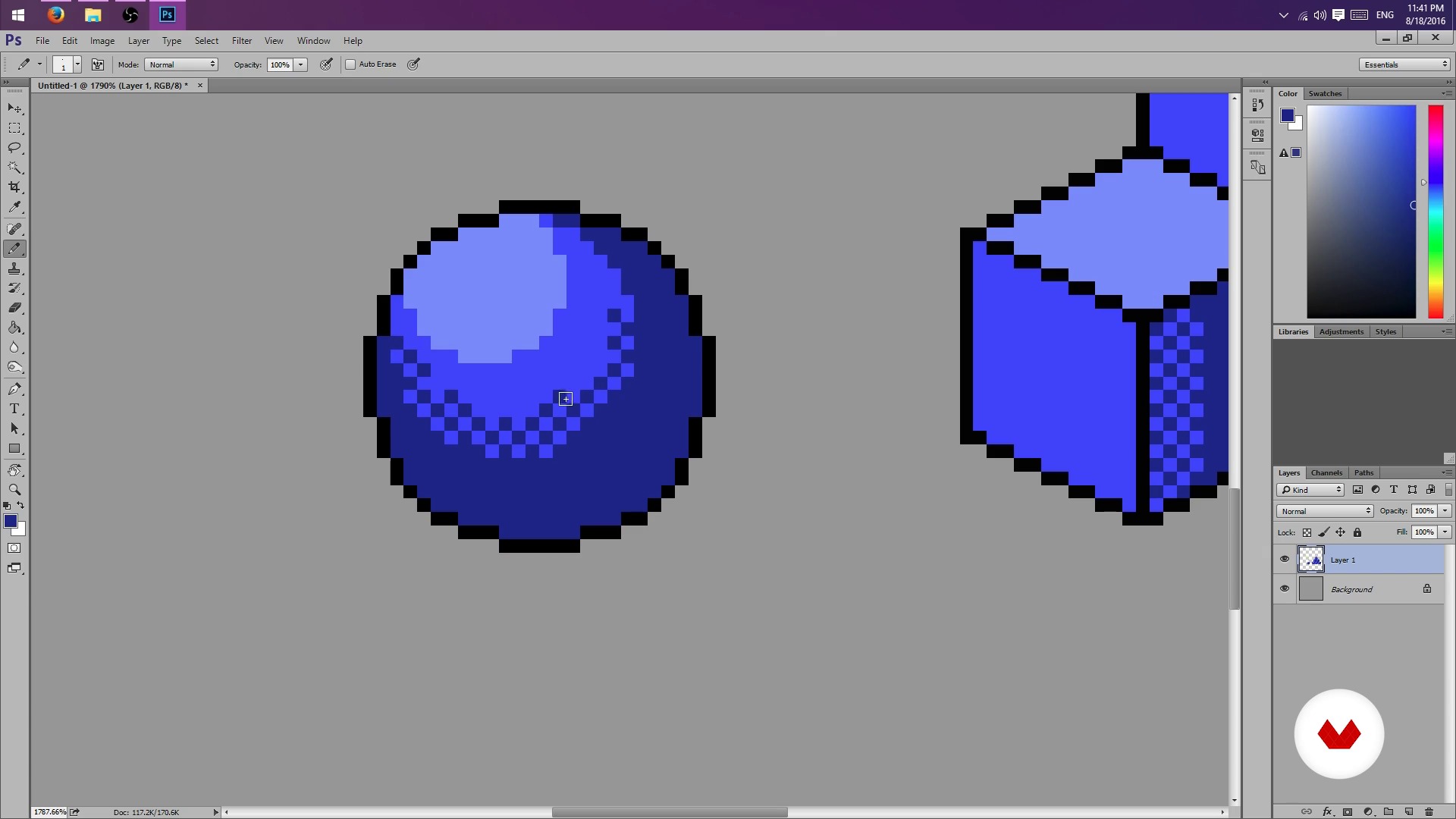
Pencil, rubber and lots of patience - Part II
1 menit, 1 detik
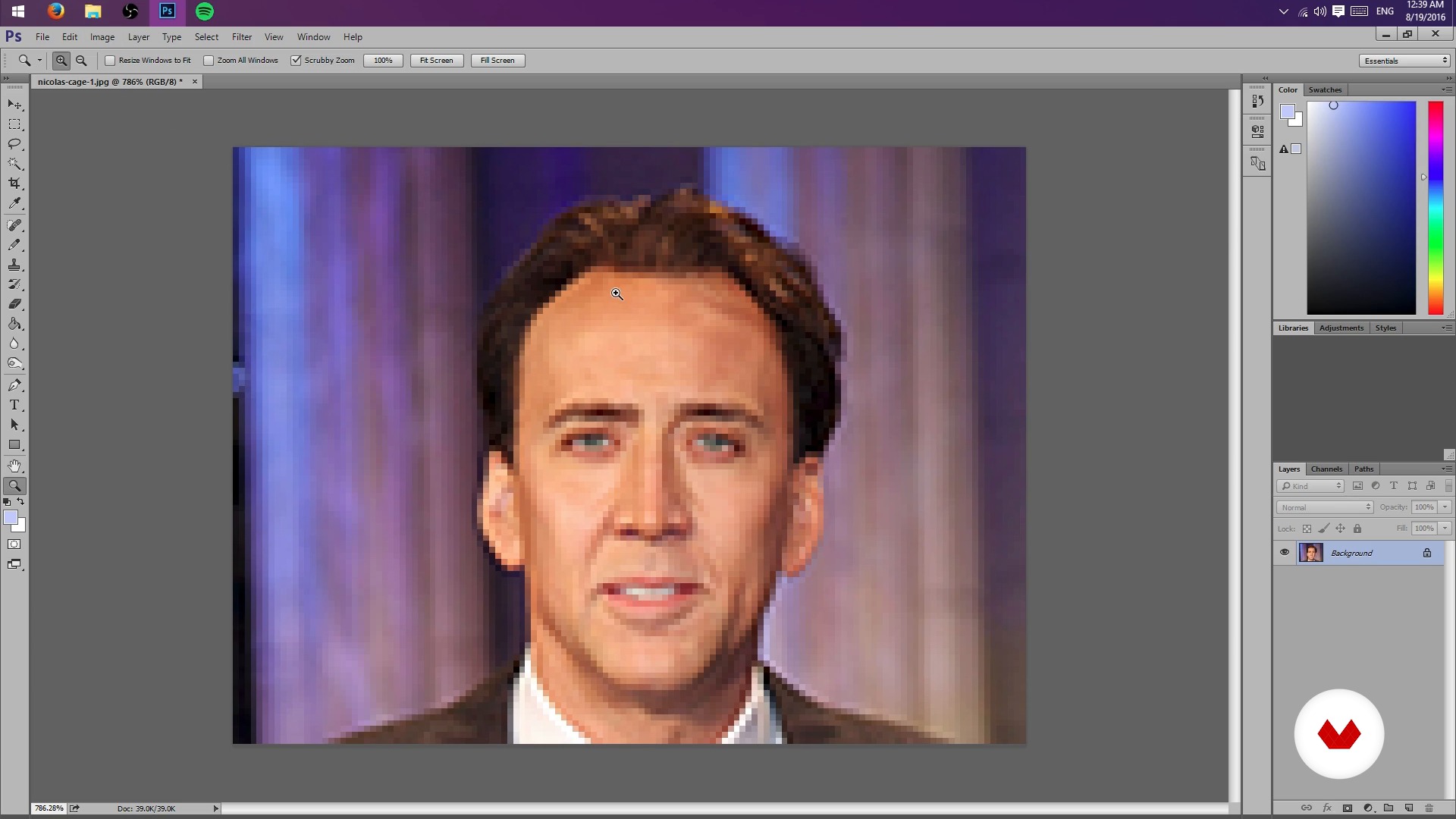
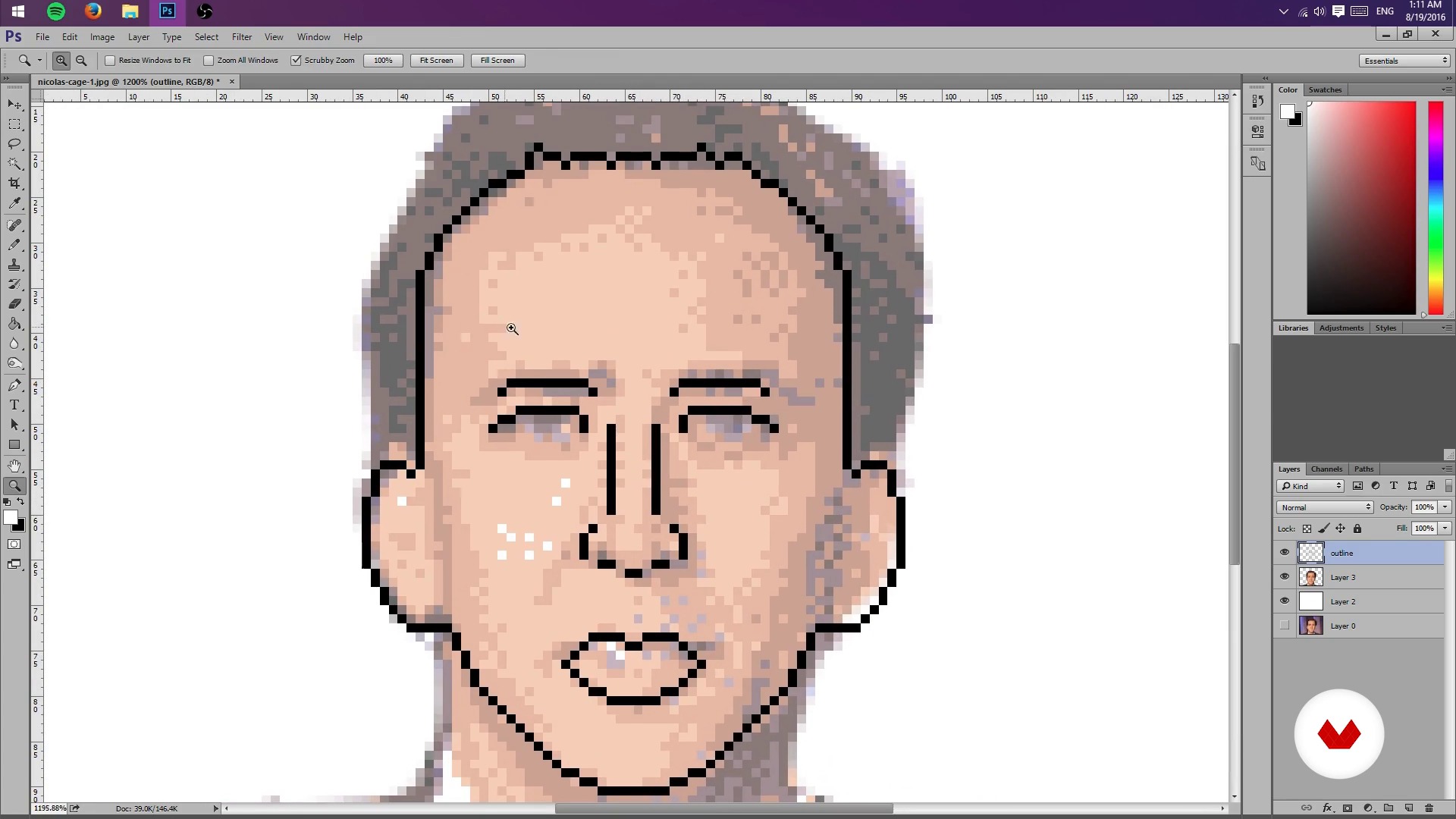
Creation of sketch from a photograph
1 menit, 1 detik
Test Your Might
1 menit, 1 detik
Colors, lights and shadows - Part I
1 menit, 1 detik
Apa yang termasuk dalam kursus ini?
Start by learning about Galamot's work and influences, from console graphics to more traditional illustrations.
Next, learn how to set up a file in Photoshop and the tools needed to work easily with pixels.
Learn how to conceptualize objects in 2D space and practice different shading techniques.
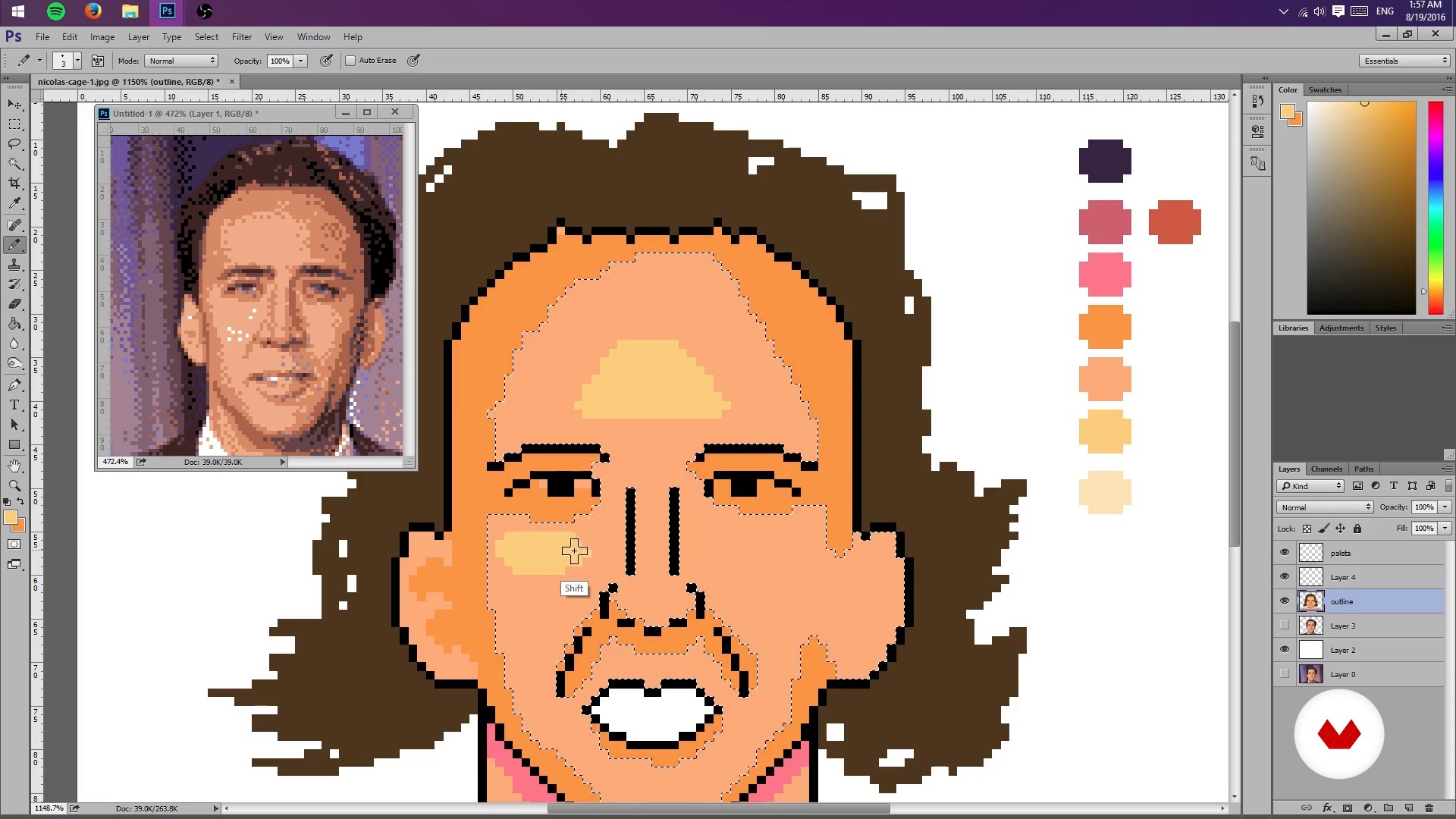
Once you understand the basics of pixel art, learn how to create a sketch of a portrait from a photograph by scaling the composition and limiting the color palette to limit lights and shadows. Then, create a general lighting map of the image.
Once you have the base of your pixel-art portrait, learn how to add details such as highlights and textures, try different color palettes, and, finally, export the final project.
As an extra, Galamot goes over some useful formats to share a pixel-art creation in print media, GIFs, video games, and animation.
Recommended software & tools for this course
What is this course's project?
Make a pixel-art portrait from a photograph or your own drawing by applying the lessons learned during the course.
Proyek oleh mahasiswa kursus


Who is this online course for?
This course is for illustrators interested in learning a new technique, video-game developers, animators, and anyone who wants to delve into the world of pixels.
Requirements and materials
Basic knowledge of Photoshop and a graphics tablet are recommended, but not required.

Ulasan
- 4 bulan yang lalu
muy bien curso, aprendí bastante.
- 11 bulan yang lalu
Me esta gustando.
- 2 tahun yang lalu
Excelente curso, me sirvió muchísimo para iniciar mis proyectos.
- 2 tahun yang lalu
i love that
- 2 tahun yang lalu
Good course. I'm happy to have taken it, especially because it goes through the process using Photoshop, which I wasn't used to for making Pixel Art. I recommend the course also because the processes are explained well step by step in a good way!

Dia selalu menyukai gim video. Seperti yang dijelaskannya
Isi
- U 1
Hello World
- Presentation
- Influences
- U 2
Photoshop settings
- But I could do it in Paint! (And you can actually)
- Pencil, rubber and lots of patience - Part I
- Pencil, rubber and lots of patience - Part II
- U 3
Sketch and layout
- Creation of sketch from a photograph
- Test Your Might
- Colors, lights and shadows - Part I
- Colors, lights and shadows - Part II
- U 4
Colors, lights and flavors
- More Color - Part I
- More Color - Part II
- Bonus Stage
- FP
Proyek akhir
- Illustration Techniques in Pixel Art
Apa yang diharapkan dari kursus Domestika
Belajar dengan kecepatan Anda sendiri
Nikmati belajar dari rumah tanpa jadwal tetap dan dengan metode yang mudah diikuti. Anda bisa mengatur kecepatan belajar Anda sendiri.
Belajar dari para profesional terbaik
Pelajari metode dan teknik berharga yang dijelaskan oleh para ahli terkemuka di sektor kreatif.
Bertemu dengan guru ahli
Setiap pakar mengajarkan apa yang paling mereka kuasai, dengan pedoman yang jelas, semangat yang membara, dan wawasan profesional dalam setiap pelajaran.
Certificates
PLUSIf you're a Plus member, get a sertifikat khusus signed by your teacher for every course. Share it on your portfolio, social media, or wherever you like.
Dapatkan kursi baris depan
Video berkualitas tinggi, jadi Anda tidak akan melewatkan satu detail pun. Dengan akses tak terbatas, Anda dapat menontonnya sesering yang Anda butuhkan untuk menyempurnakan teknik Anda.
Berbagi pengetahuan dan ide
Ajukan pertanyaan, minta masukan, atau tawarkan solusi. Bagikan pengalaman belajar Anda dengan siswa lain di komunitas yang sama bersemangatnya dengan Anda dalam hal kreativitas.
Terhubung dengan komunitas kreatif global
Komunitas ini merupakan rumah bagi jutaan orang dari seluruh dunia yang ingin tahu dan bersemangat untuk mengeksplorasi dan mengekspresikan kreativitas mereka.
Tonton kursus yang diproduksi secara profesional
Domestika menyusun daftar guru dan memproduksi setiap kursus secara internal untuk memastikan pengalaman belajar daring berkualitas tinggi.
Tanya Jawab Umum
Pixel art is a digital illustration technique that uses visible pixels to create stylized images. In Photoshop, specific tools like the pencil and palette management are used to design pixelated characters, backgrounds, and scenes.
The course is intermediate level, so it’s recommended to have basic digital editing skills and some experience with Photoshop before starting.
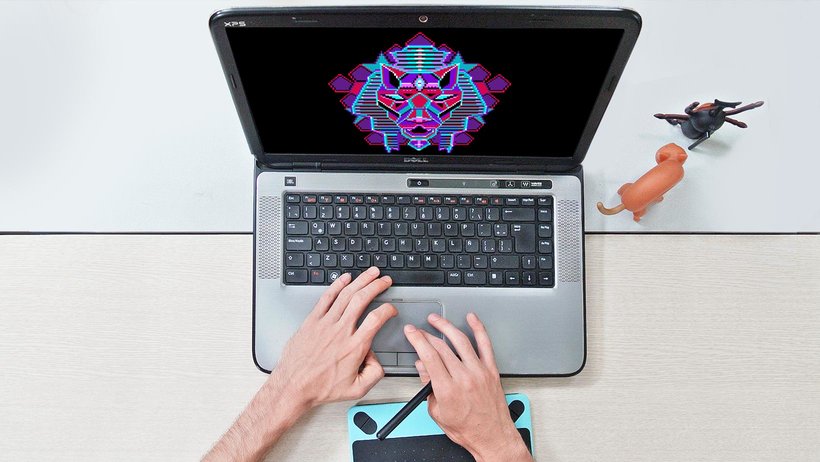
You just need a computer with Adobe Photoshop installed and preferably a graphics tablet, though you can work with a mouse. No physical materials are required.
You’ll learn how to scale images, reduce color counts, adjust palettes, and use layers and opacity to turn photos into pixelated sketches ready for illustration.
The course teaches how to limit the color palette using Photoshop’s settings and modes, making it easier to create visually simple images with a retro or minimalist style.
By the end, you’ll be able to create portraits, characters, isometric illustrations, video game covers, and pixel art GIF animations, exporting your work in various digital formats.
Yes, the course covers creating simple GIF-style animations using Photoshop and optimizing color palettes for smooth, retro effects.