
Photographic Post-Production for Imagination
A course by Silvia GravFotografer
A course by Silvia Grav, Fotografer

Learn professional techniques for creative retouching with Photoshop
Silvia Grav—named by Flickr as one of the 20 best photographers in the world under the age of 20 and who currently works for brands such as HBO, Lexus, and Samsung—teaches you each of the photographic post-production processes and techniques that she has discovered by researching throughout her career.
These are basic retouching processes that, when combined, give rise to very interesting, dreamlike results. Learn to replicate some of the iconic elements in Silvia's photographs, such as the sharp contrasts between light and shadow, the use of smoke in the scenes, and the incorporation of elements from nature in portraits, to achieve an amazing effect.
Apa yang akan Anda pelajari dalam kursus daring ini?
1 pelajaran & 1 unduhan
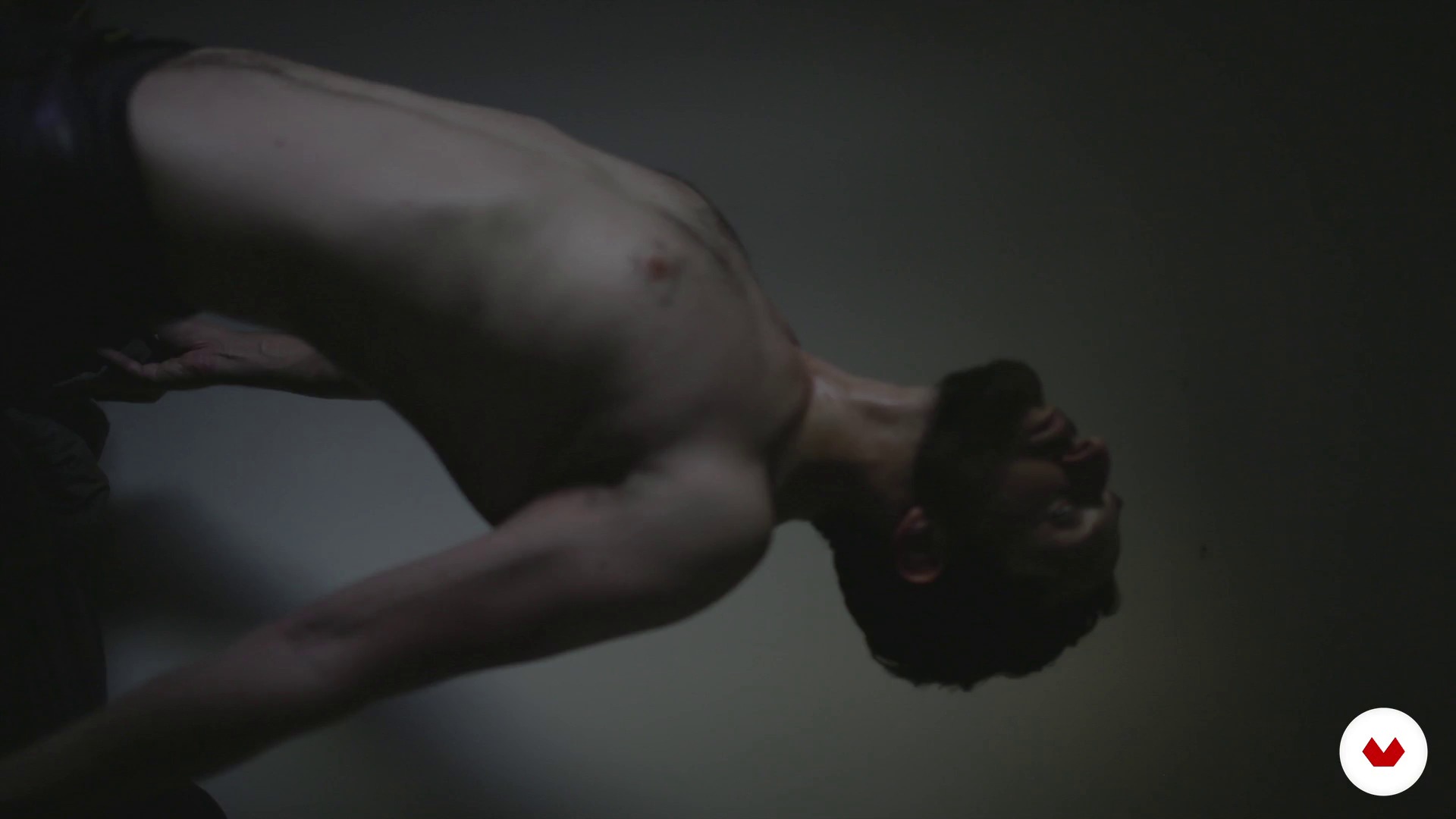
Create, choose or propose a project
1 menit, 1 detik
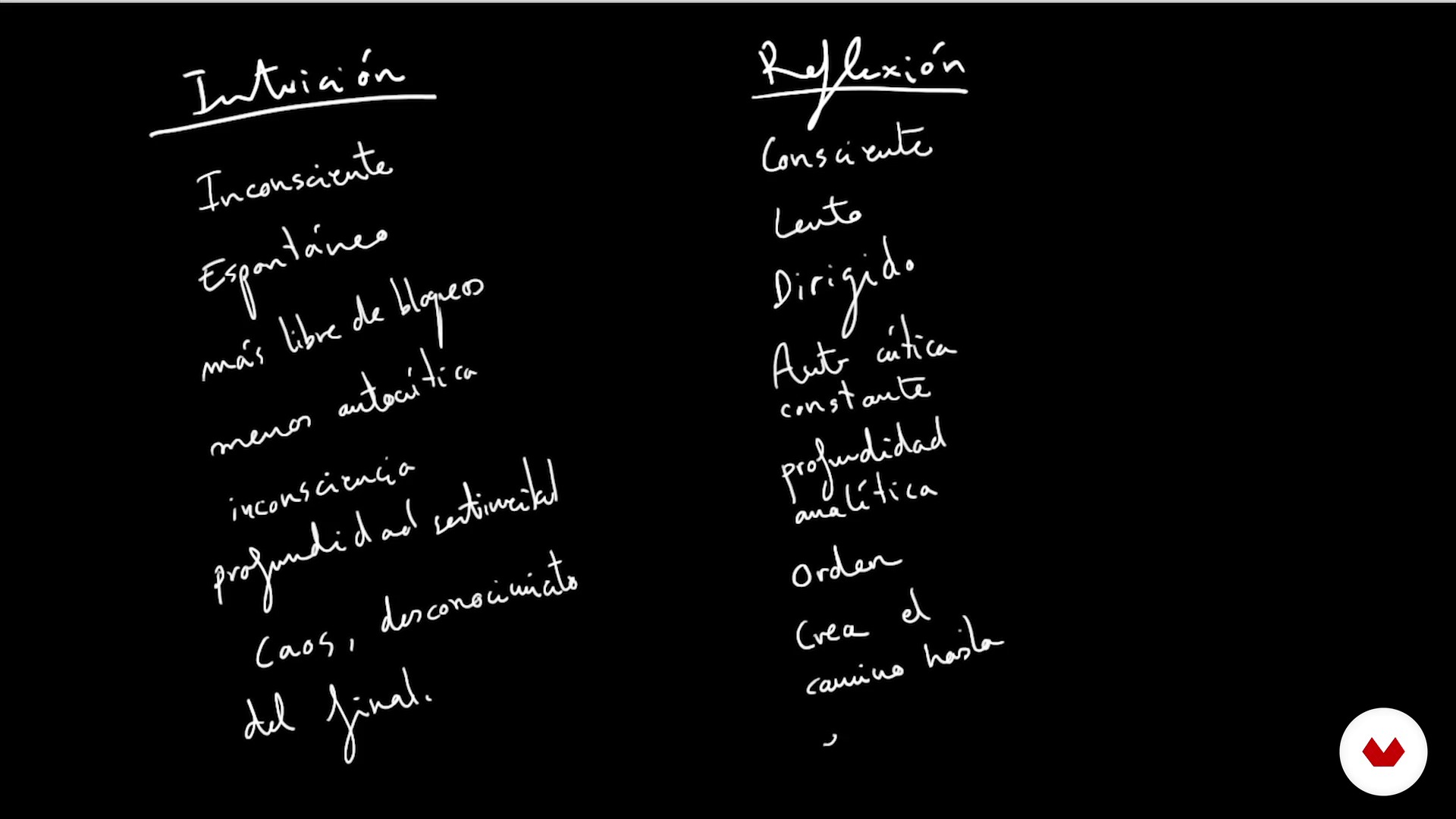
Choose a way to work. Or many. Or not choose anything.
1 menit, 1 detik
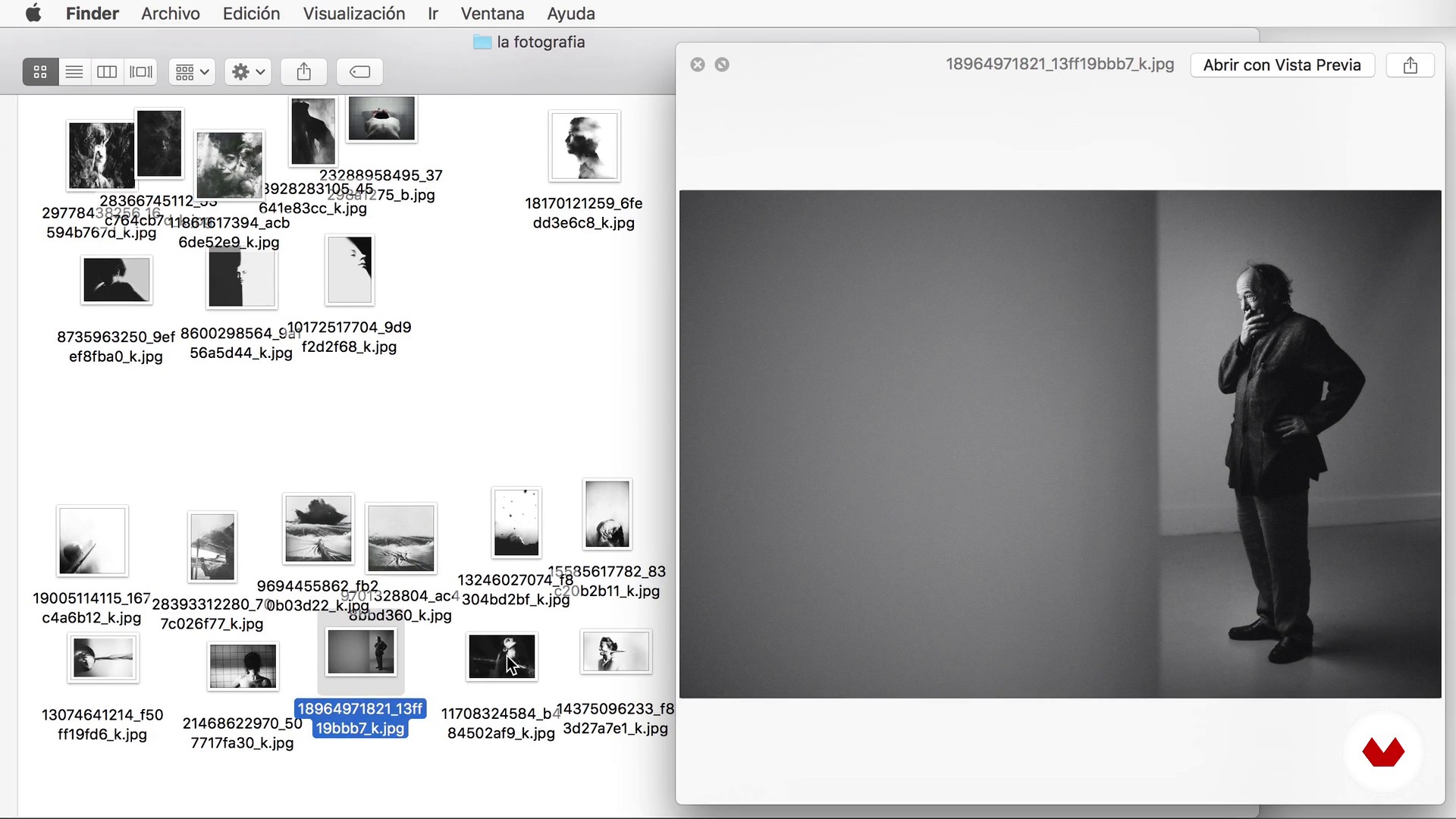
The photograph
1 menit, 1 detik
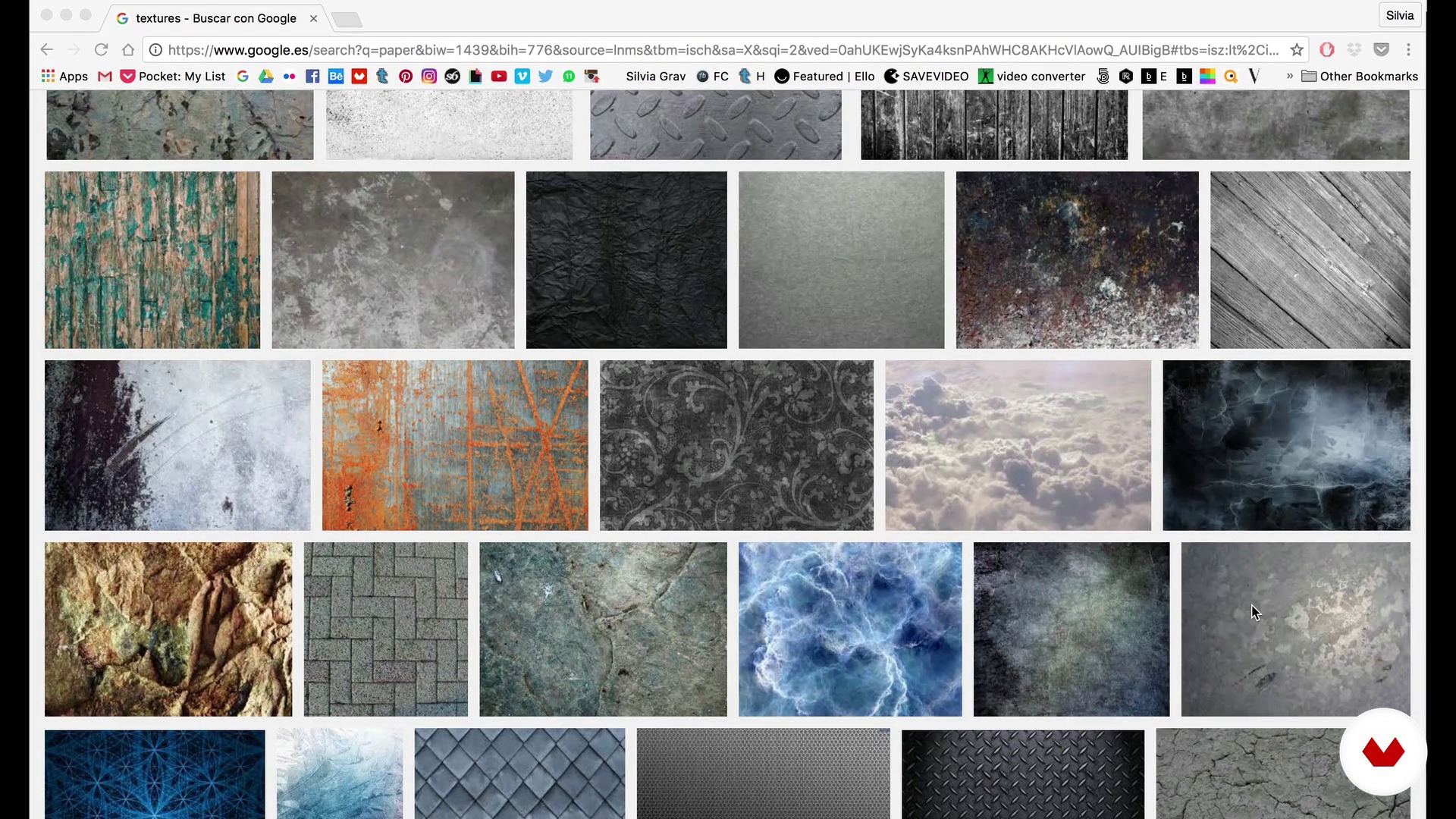
Search for textures
1 menit, 1 detik
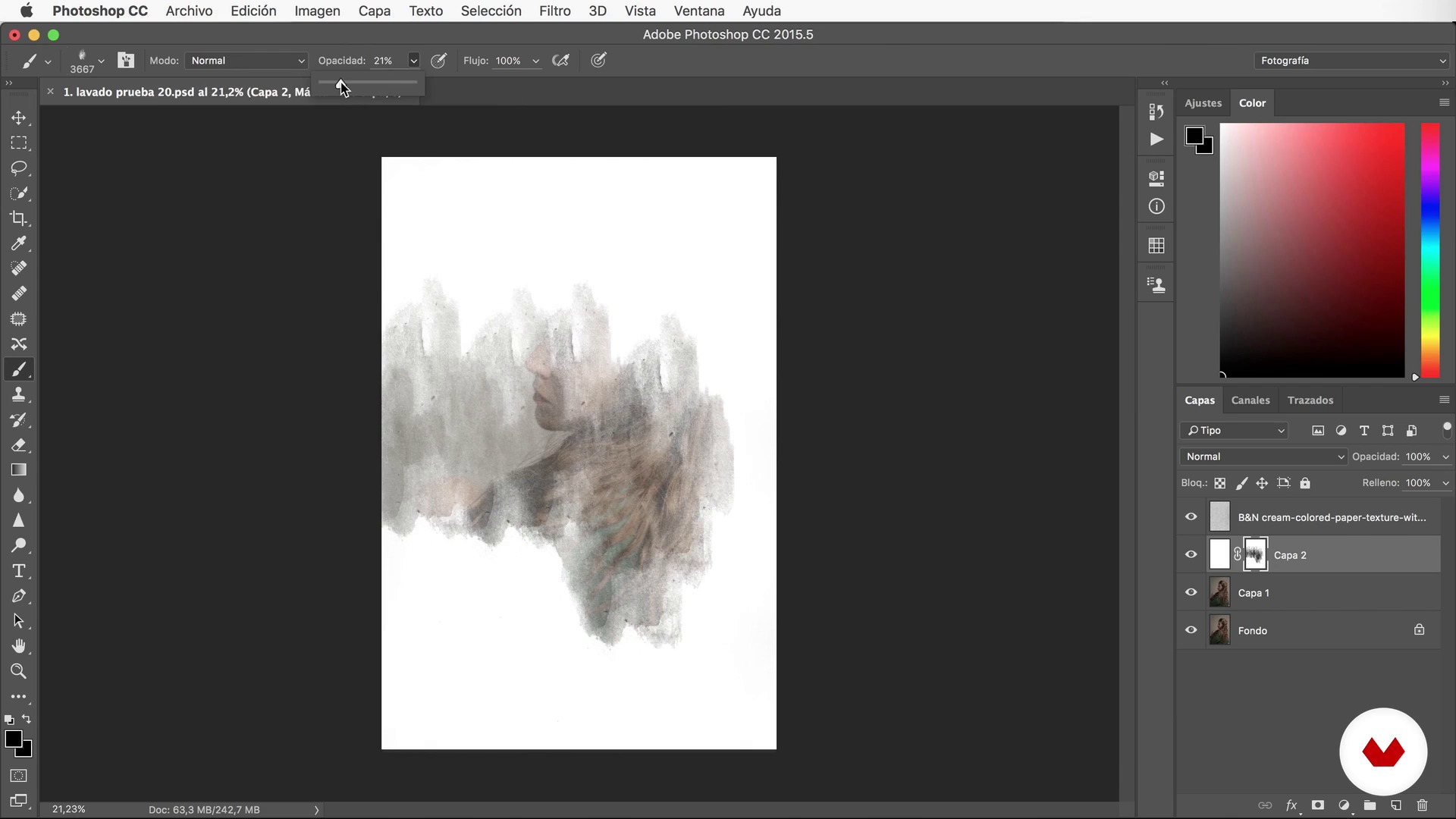
Coat and wash masks
1 menit, 1 detik
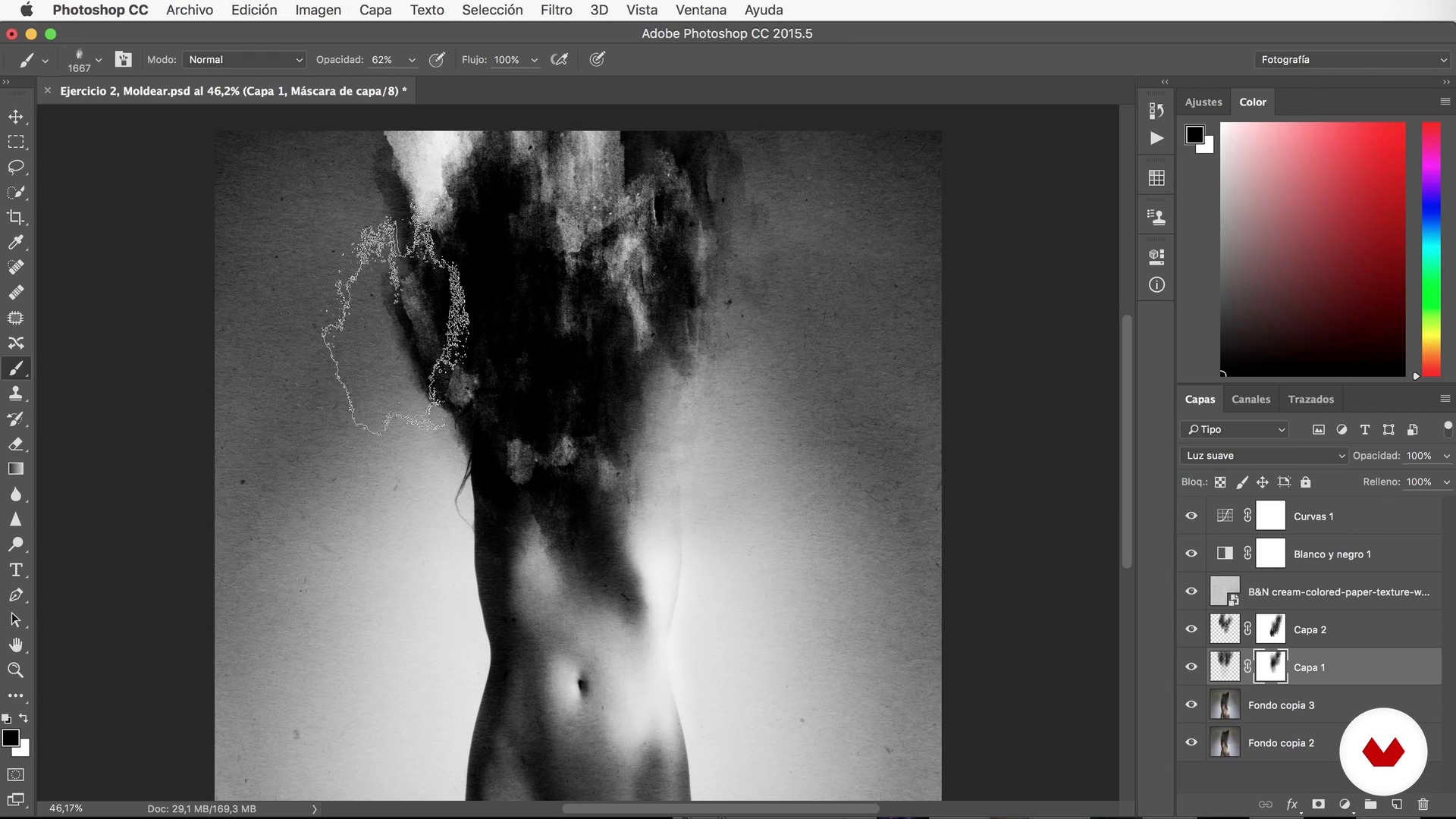
Mold
1 menit, 1 detik
Apa yang termasuk dalam kursus ini?
Begin by learning about the work and influences of Silvia Grav in post-production and digital retouching.
Next, Silvia leads you to reflect on the decision-making that takes place before facing any project. In this case, Silvia's work is more intuitive than reflective. Implement this process of self-analysis to define what kind of photographer you are.
Once you have the image, Silvia teaches you how to add different types of textures: some to homogenize and others to give a new meaning to the photo.
Discover Silvia's favorite Photoshop resources, such as layer masks and wash brushes. Thanks to these effects, you can play, for example, with large white spots that leave your subjects voiceless or visionless.
In addition, learn to mold with brushes by twisting the shapes, to "paint light," and to mix textures or add and remove elements, achieving narrative expressiveness by building or deconstructing the original image.
Finally, learn to mix real images with drawing techniques, letting your imagination fly and breaking down the barriers between what is true and what is invented.

Recommended software & tools for this course
What is this course's project?
At the end of the course, choose a series of photographs (whether part of a personal, professional, or fictitious project) and experiment with them by applying the new editing methods explained by Silvia.
Proyek oleh mahasiswa kursus


Who is this online course for?
This course is for photographers, designers, post-producers, and creatives who want to learn the retouching process that Silvia Grav uses when editing her images.
Some of these processes are more complex and others are simpler, which is why this course is of interest to those who have mastered Photoshop and those who are just starting out.
Requirements and materials
Basic knowledge of Photoshop is recommended.

Ulasan
- 4 bulan yang lalu
Me ha gustado mucho el curso, muy ameno y aportando buenos recursos y técnicas que dan mucho juego. 10/10
- 1 tahun yang lalu
Estremamente interessante, immersivo. Questo corso è un illuminazione che ognuno di noi dovrebbe farlo, apre la prospettiva visiva su altri mondi, dando spazio alla nostra infinita immaginazione. Semplicemente formidabile.
- 1 tahun yang lalu
Un curso muy bueno.
- 1 tahun yang lalu
Très interessant , super les ressources en plus
- 2 tahun yang lalu
its was really good! she speaks fast but perfectly understandable for me! tks

Isi
- U 1
Introduction
- Presentation
- Influences
- U 2
Decision making
- Create, choose or propose a project
- Choose a way to work. Or many. Or not choose anything.
- U 3
Photography and textures
- The photograph
- Search for textures
- U 4
Postproduction
- Coat and wash masks
- Mold
- Paint light
- Mix of texture and image
- Destroy and build
- Add items
- U 5
Postproduction II: the drawing
- The brushes.
- The preparation of the photograph
- The drawing
- FP
Proyek akhir
- Photographic postproduction for the imagination
Apa yang diharapkan dari kursus Domestika
Belajar dengan kecepatan Anda sendiri
Nikmati belajar dari rumah tanpa jadwal tetap dan dengan metode yang mudah diikuti. Anda bisa mengatur kecepatan belajar Anda sendiri.
Belajar dari para profesional terbaik
Pelajari metode dan teknik berharga yang dijelaskan oleh para ahli terkemuka di sektor kreatif.
Bertemu dengan guru ahli
Setiap pakar mengajarkan apa yang paling mereka kuasai, dengan pedoman yang jelas, semangat yang membara, dan wawasan profesional dalam setiap pelajaran.
Certificates
PLUSIf you're a Plus member, get a sertifikat khusus signed by your teacher for every course. Share it on your portfolio, social media, or wherever you like.
Dapatkan kursi baris depan
Video berkualitas tinggi, jadi Anda tidak akan melewatkan satu detail pun. Dengan akses tak terbatas, Anda dapat menontonnya sesering yang Anda butuhkan untuk menyempurnakan teknik Anda.
Berbagi pengetahuan dan ide
Ajukan pertanyaan, minta masukan, atau tawarkan solusi. Bagikan pengalaman belajar Anda dengan siswa lain di komunitas yang sama bersemangatnya dengan Anda dalam hal kreativitas.
Terhubung dengan komunitas kreatif global
Komunitas ini merupakan rumah bagi jutaan orang dari seluruh dunia yang ingin tahu dan bersemangat untuk mengeksplorasi dan mengekspresikan kreativitas mereka.
Tonton kursus yang diproduksi secara profesional
Domestika menyusun daftar guru dan memproduksi setiap kursus secara internal untuk memastikan pengalaman belajar daring berkualitas tinggi.
Tanya Jawab Umum
You'll learn how to blend painterly techniques and textures into digital photography, master advanced Photoshop tools for editing, experiment with composition, effects, and creative workflow, and develop a personal visual style inspired by a wide range of artistic references.
The course is aimed at people with intermediate knowledge of photography and digital editing, though concepts are explained clearly for those who already have a basic understanding of Photoshop.
You'll need a computer with Photoshop installed, your own images to edit, and internet access. Basic knowledge of digital photography and working with layers in Photoshop is recommended.
You'll learn to use the Liquify effect, overlay and blend textures, create layer masks, adjust curves and contrast, work with digital brushes and blending modes, and incorporate painterly elements into your photos.
The course guides you through finding, selecting, adjusting, and layering textures using layers and blending modes to create unique painterly and visual effects in your images.
Yes, you'll learn to reinterpret album covers, design visuals inspired by albums and movie posters, combining photography, visual references, and artistic post-production techniques.
Yes, it covers methods to analyze creative blocks, blend intuition with reflection in the creative process, and strategies for seeking visual references and inspiration from classical and contemporary painting.