


Figma Tutorial: Visual Exploration Based on a Moodboard
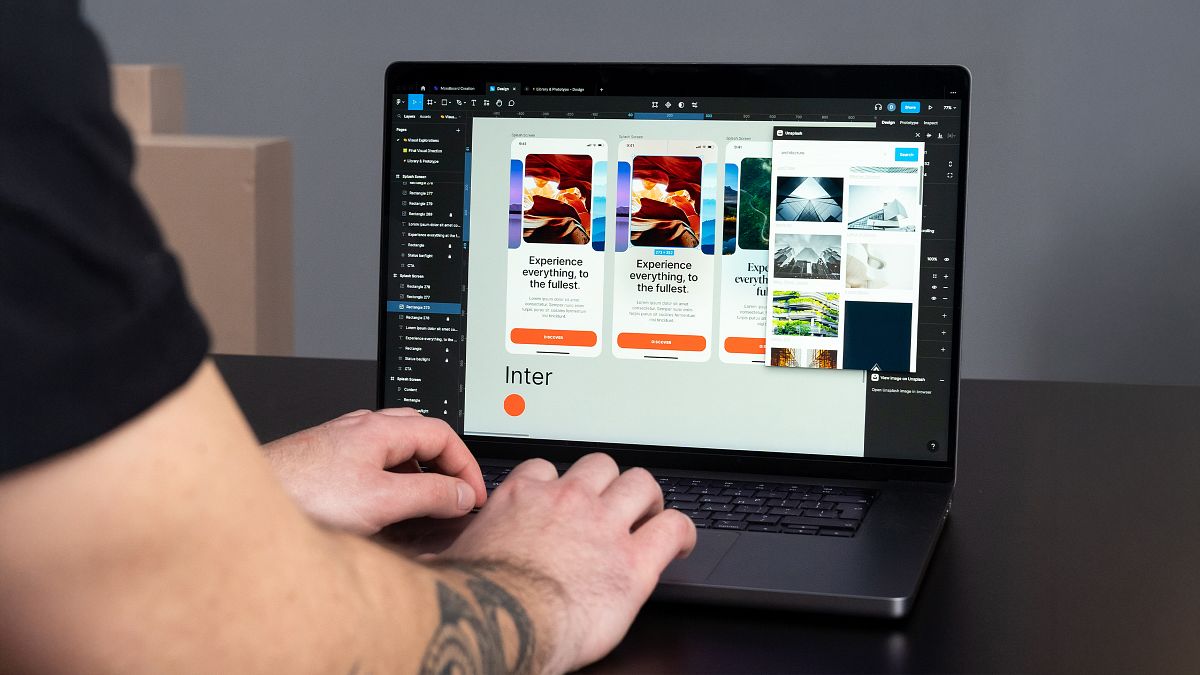
A Step-by-Step Guide to Creating Stunning Visuals in Figma
When designing a user interface (UI), every detail—from typography to imagery and color—plays a crucial role in the final aesthetic. In this UI design tutorial, Daniel Buffa, a visual and product designer, takes us through an in-depth exploration using Figma, based on a pre-created mood board. This guide will help you understand how to structure and refine a visual direction while maintaining a cohesive and engaging design system.

1. Big, Strong Imagery
One of the most striking features in many modern UI designs is the use of large, bold imagery. Whether centered or placed strategically in the layout, strong visuals help create an engaging user experience.
✔️ Use high-resolution images for clarity
✔️ Position imagery strategically to create visual hierarchy
✔️ Combine with clean and linear typography for a modern look
2. Clean, Bold, and Refined Typography
Typography defines the personality of a design. In this tutorial, Daniel emphasizes the power of using bold, clean, and refined typefaces.
🔥 Experiment with:
✔️ Uppercase typography for strong impact
✔️ Serif fonts for an editorial, high-end feel
✔️ Sans-serif fonts for a minimalist and modern look
3. Rounded vs. Straight Corners
UI elements like buttons, cards, and images often incorporate rounded corners for a softer look. However, for a bold, brutalist aesthetic, using straight corners can enhance the design’s edge.
✔️ Rounded corners for a smooth, modern feel
✔️ Straight corners for a more editorial and structured approach

4. Adding Graphic Elements for Visual Interest
Simple lines, circles, and abstract shapes can break up content and add movement to a layout. They’re often used to:
✔️ Frame typography and create visual flow
✔️ Overlap images for depth
✔️ Guide the viewer’s eye across the design
5. Minimalist Color Palette with a Bold Accent Color
Color selection is a defining factor in UI design. In this exploration, the mood board emphasizes black, white, and a single accent color to maintain elegance and visual clarity.
✔️ Stick to neutral tones (black, white, off-white, gray)
✔️ Select one strong accent color (e.g., bright orange, deep blue, or bold yellow)
✔️ Experiment with full-background color blocks to add contrast
By combining these elements—big imagery, bold typography, strategic color use, and graphic accents—you can create a stunning splash screen in Figma that sets the tone for a modern UI design. Ready to put these techniques into practice? Start designing and explore how to craft professional UI visuals with Figma! Join my online course.


1 komentar