
Pig in Christ
Pig in Christ
von Claudia Liu @muju_sangria
- 21
- 0
- 0
(Automatisch übersetzt aus Englisch)
Einführung
Introduction
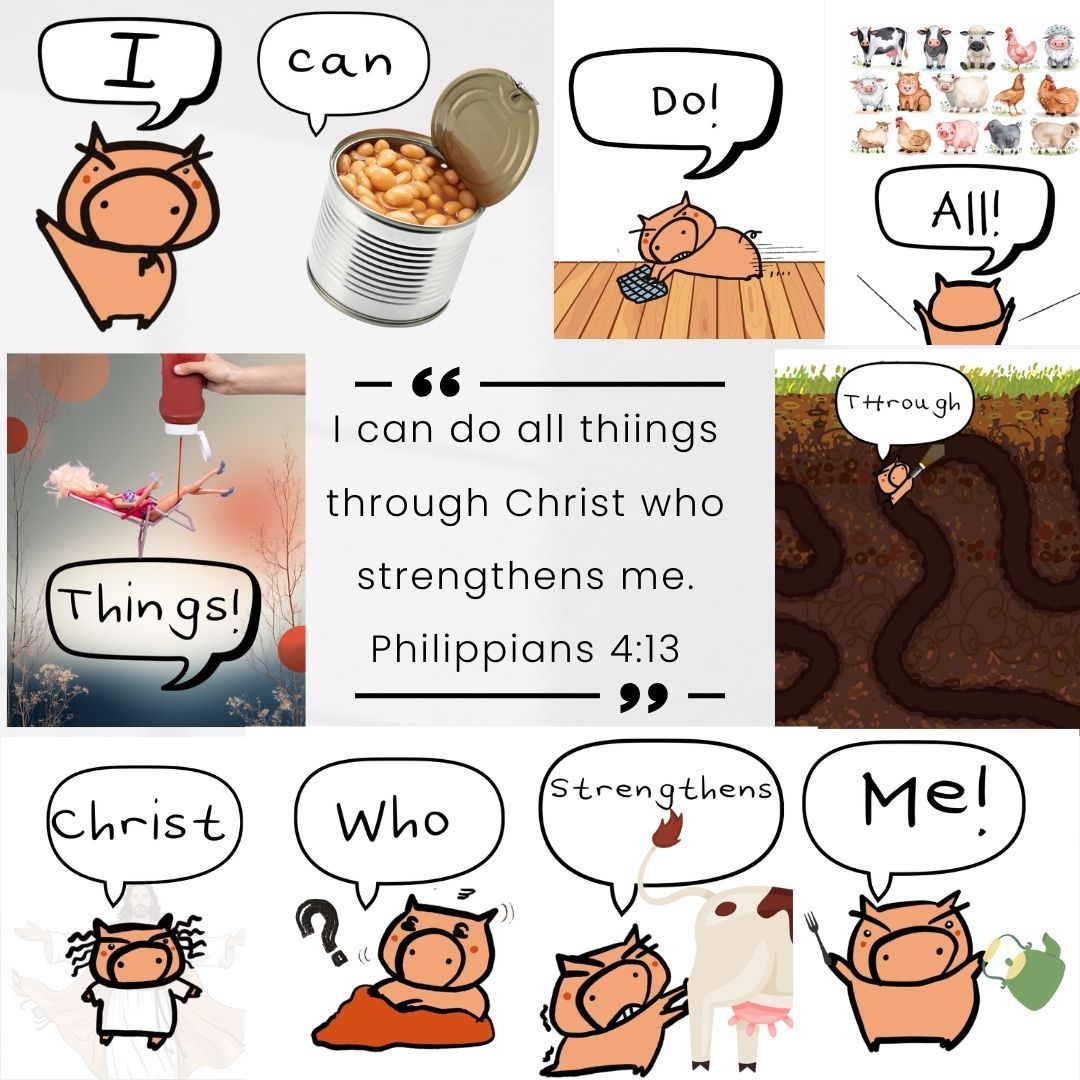
Ich habe einen Bibelvers in Schweinesprache übersetzt, was ich schon lange machen wollte. Als Christ fällt es mir manchmal schwer, mir Bibelverse zu merken, und da ich ein Comic-Schwein habe, dachte ich, es wäre eine gute Idee, jedes Wort mithilfe des Schweins (mit absichtlichen Tippfehlern) zu erklären, damit man sich die Sätze leichter einprägen kann. Es gibt die Praxis der Lectio Divina, eine Methode, über Gottes Wort im Augenblick zu meditieren, und ich denke, dieses Schwein setzt sie in die Praxis um.
I've created a 'pig-interpreted' bible verse and this is something I've been wanting to do for a long time. As a Christian, I sometime find bible verses difficult to memorise and since I have a cartoon pig, I think it would be a good idea to break down each word using the pig (with intentional typos) so that it will be easier for people to remember the phrases. There's this practice called Lectio Divina, which is a method to meditate upon the words of God moment by moment, and I think this pig is putting it into real practice.
Lieferungen
Supplies
Ich verwende folgende Tools: Procreate, den Apple Pencil und Apps wie Canva. Ich habe es zwar auch mit Aquarellfarben versucht, aber das passt nicht zum Schweinemotiv. Deshalb bleibe ich bei der digitalen Variante.
The tool I'm using are: Procreate, Apple pen and apps like Canva. I've tried using watercolor in real life but it doesn't fit with the pig character. So, digital it is.
Schritt 1: Die Idee skizzieren
Step 1: Sketching the idea
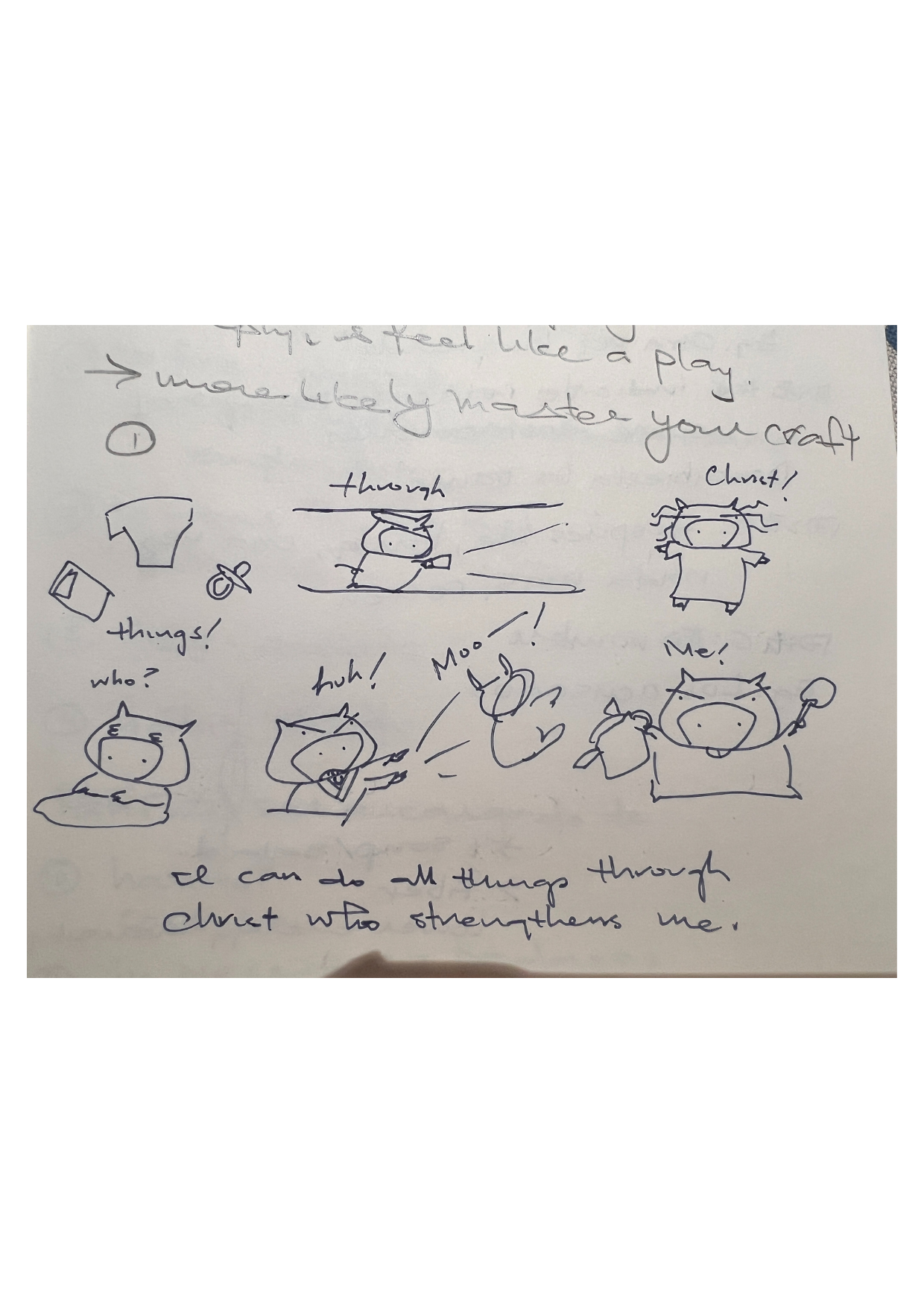
Als ich den Wettbewerbstitel „Illustriere ein Sprichwort“ sah, kam mir sofort der entsprechende Bibelvers in den Sinn. Also habe ich, ganz unstrukturiert und mit meinem ADHS-Gehirn, das Schwein grob in die Ecke meines Spanisch-Lernhefts gekritzelt. Der Spruch, der mir in den Sinn kam, lautet: „Ich vermag alles durch den, der mich stärkt.“ Ich glaube, wir vergessen manchmal die wunderbare Kraft, die uns gegeben ist.
When I saw the competition title 'Illustrate a Saying', the selected Bible phrase come into my mind immediately. So with my ADHD brain, without any organization whatsoever, I've sketched the pig roughly at the corner of my Spanish learning notebook. The phrase that comes to my mind is "I can do all things through Christ who strengthens me", which I think we sometimes forgot the miraculous power that we are granted.
Schritt 2: Umstellung auf digital
Step 2: Move to digital
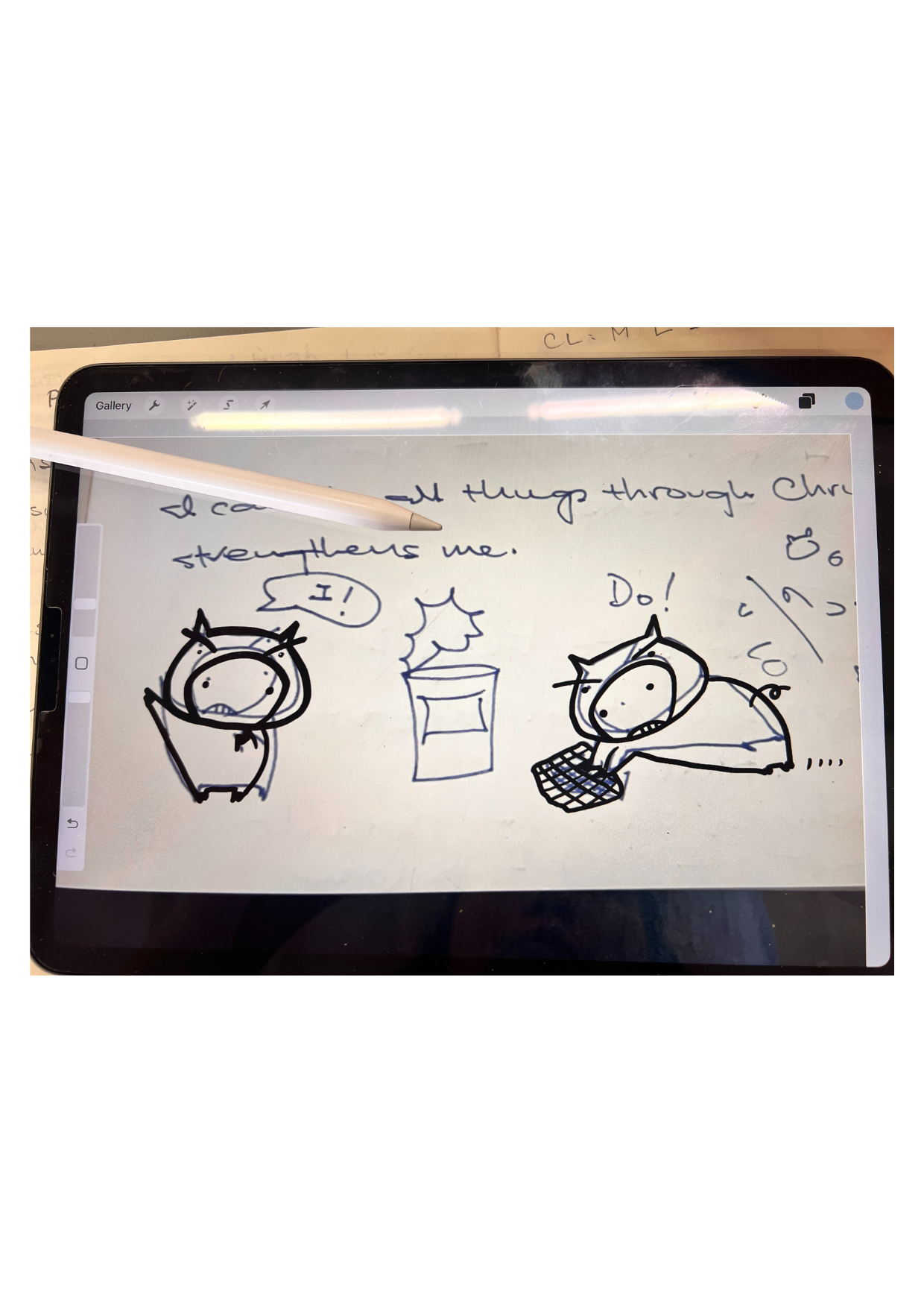
Obwohl es auf meinem Notizbuch etwas unordentlich aussieht, habe ich es fotografiert und in Procreate geöffnet. Hier geschieht die Magie: Ich kann die Zeichnung mit dem digitalen Stift nachzeichnen und sie etwas bearbeiten. Deshalb verlaufen die Linien, die du hier siehst, nicht exakt über der Linie des Schweins.
Übrigens heißt das Schwein Pigigi.
Despite that it looks messy on my notebook, I've taken a photo of it and opened it in Procreate. This is where the magic happens, where I can trace using the digital pen and edit it a bit. That is why the lines you see here are not exactly on top of the line of this pig.
By the way, the name of the pig is Pigigi.
Schritt 3: Hinzufügen der Farbe
Step 3: Adding the color
Ich habe mit dem Farbauftrag in Procreate angefangen. Das Problem war, dass die Farbe oft die gesamte Seite bedeckte, was ziemlich frustrierend war. Ich musste dann zur ursprünglichen Ebene zurückkehren, die Auswahl mit einem Klick auf „Referenz“ aufheben und die Linie sauber nachziehen, um Lücken zu vermeiden. Bis dahin hatte ich aber auch schon wieder vergessen, welche Pinselgröße und welchen Pinseltyp ich verwendet hatte. 🤨
I started the color dropping process through procreate. The problem I kept on encountering was that the color often just covered the entire surface of the page, which is rather frustrating. I would then need to go back to the original layer, deselect the layer with click of 'reference', and then draw the line properly to ensure there's no open gap. But then by that time, I've also forgotten the size of the brush and the type of brush I was using. 🤨
Schritt 4: Die Schweine tauchten auf
Step 4: The Pigs emerged
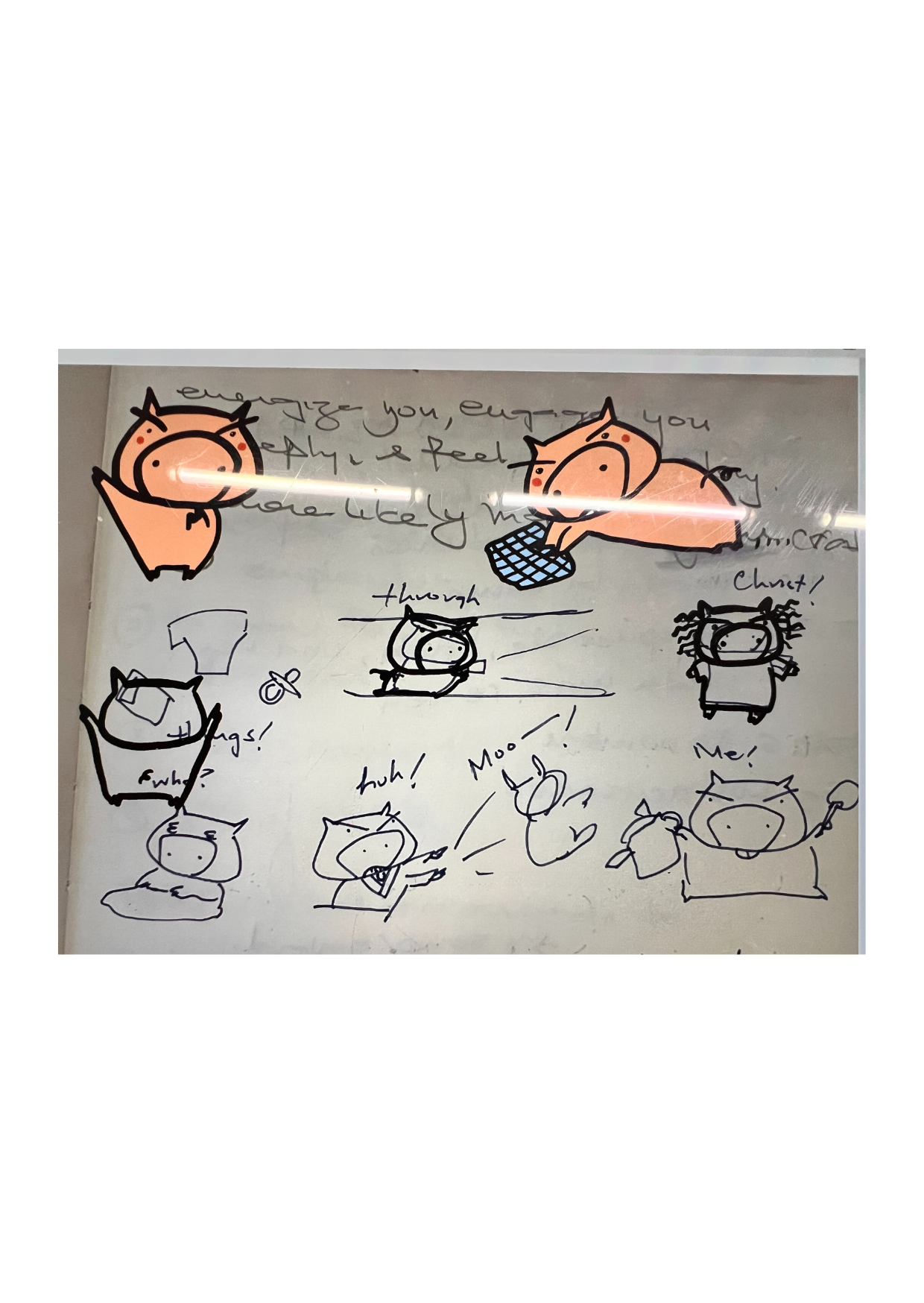
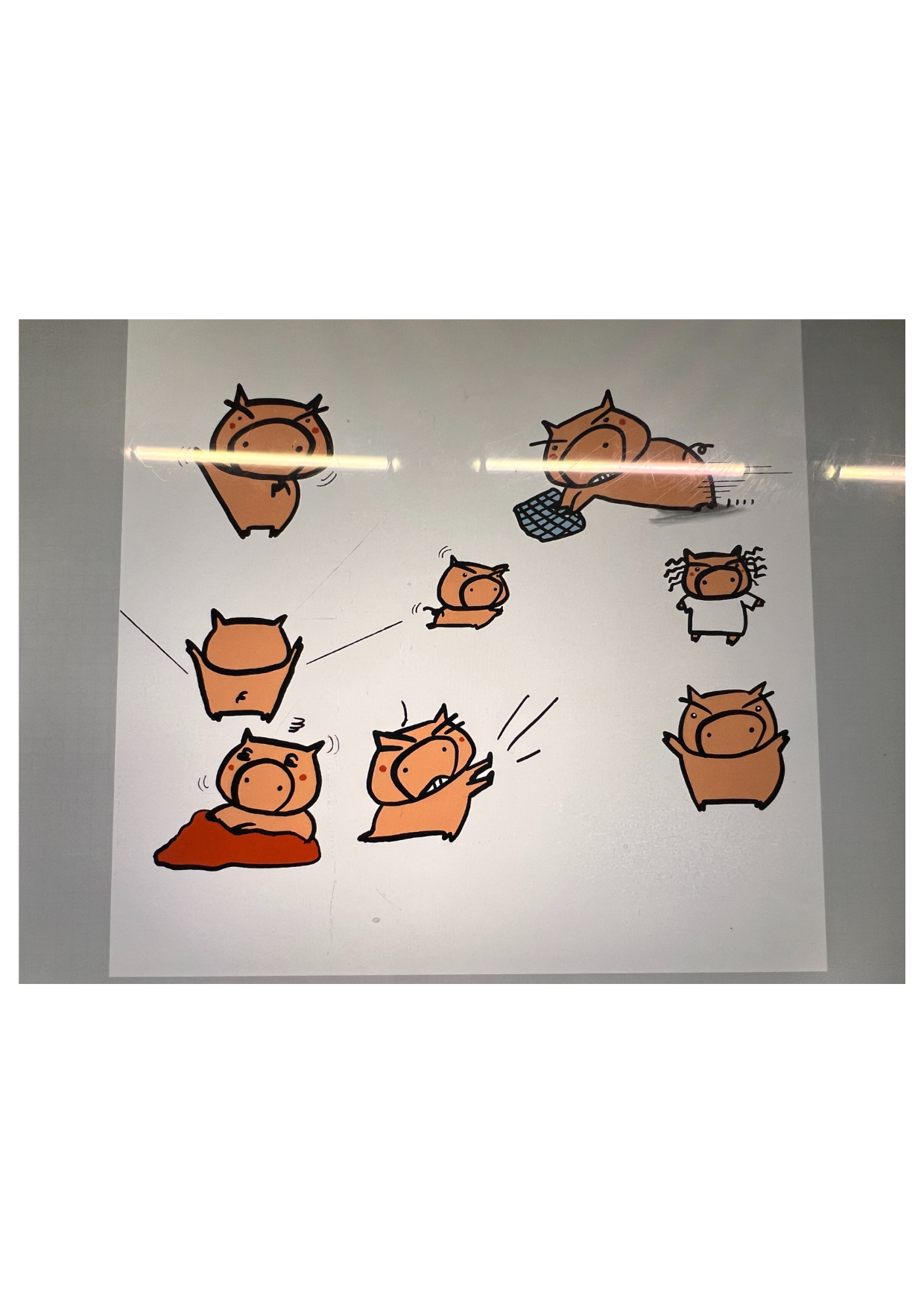
Ich habe die unübersichtliche Fotoebene ausgeblendet und siehe da! Alle Schweine waren zu sehen. Anschließend habe ich die Seite an Canva gesendet, wo ich die Schweine zugeschnitten und angeordnet habe.
I turned off that messy photo layer and yeah! all pigs emerged. Now, I send this page to Canva, where I did the cropping and arranging of all the pigs.
Schritt 5: Das Schwein platzieren
Step 5: Placing the pig
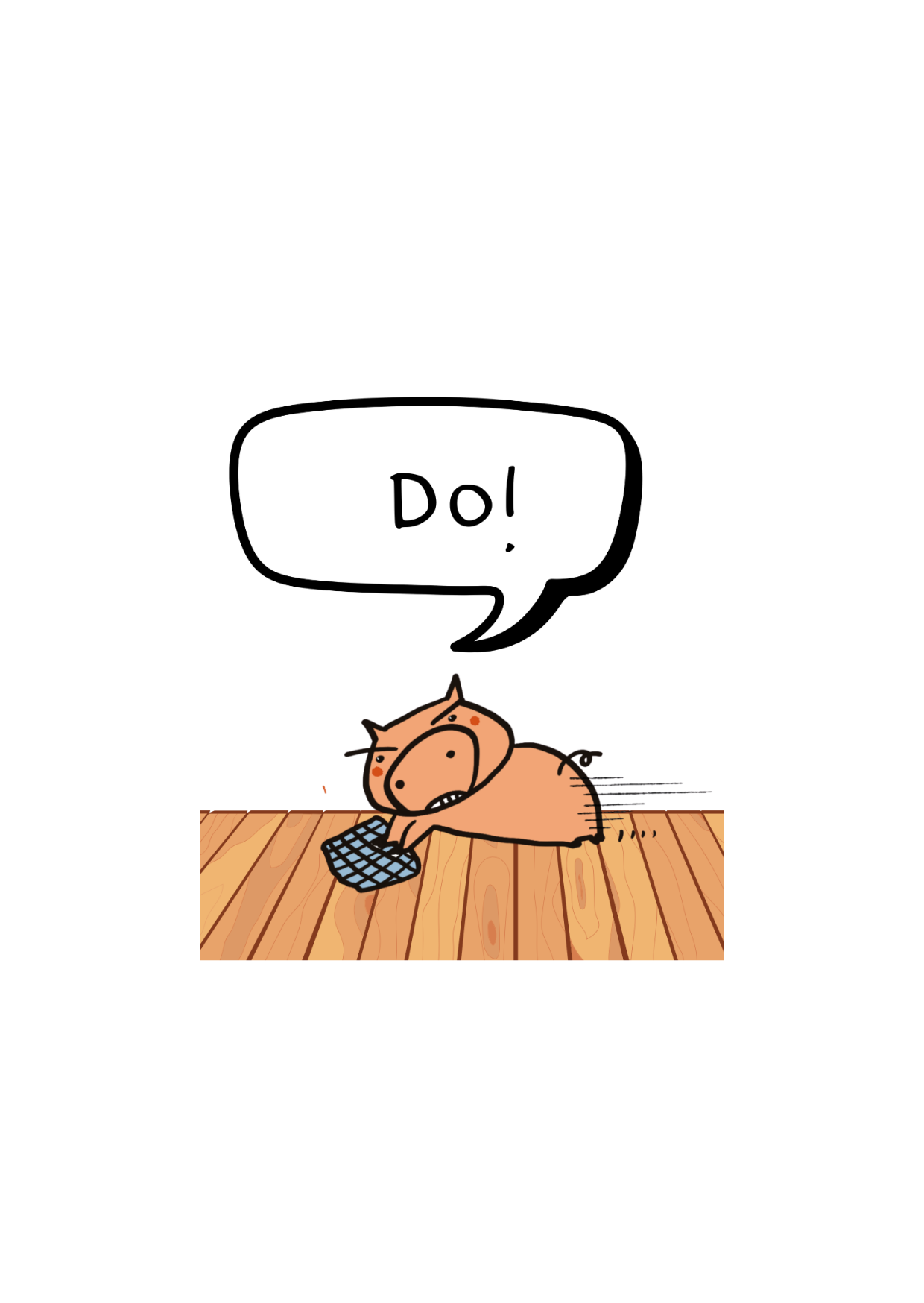
Dies ist ein Beispiel eines der Schweine, das ich ausgeschnitten und in die Canva-App eingefügt habe. Da ich vom Zeichnen der Schweine schon ganz erschöpft war, nutze ich jetzt die Canva-Elemente für den Hintergrund und die Dekoration. Dieser Teil ist einfach; am schwierigsten war es für mich, die Schweine selbst zu zeichnen.
This is a sample of one of the pig I've cropped and inserted to the Canva app. Since I was already exhausted from drawing the pigs, I now use the Canva elements to help me with the background and deco. This part is easy, the hardest for me was drawing those pigs.
Schritt 6: Der letzte Schliff
Step 6: The Finale Touch
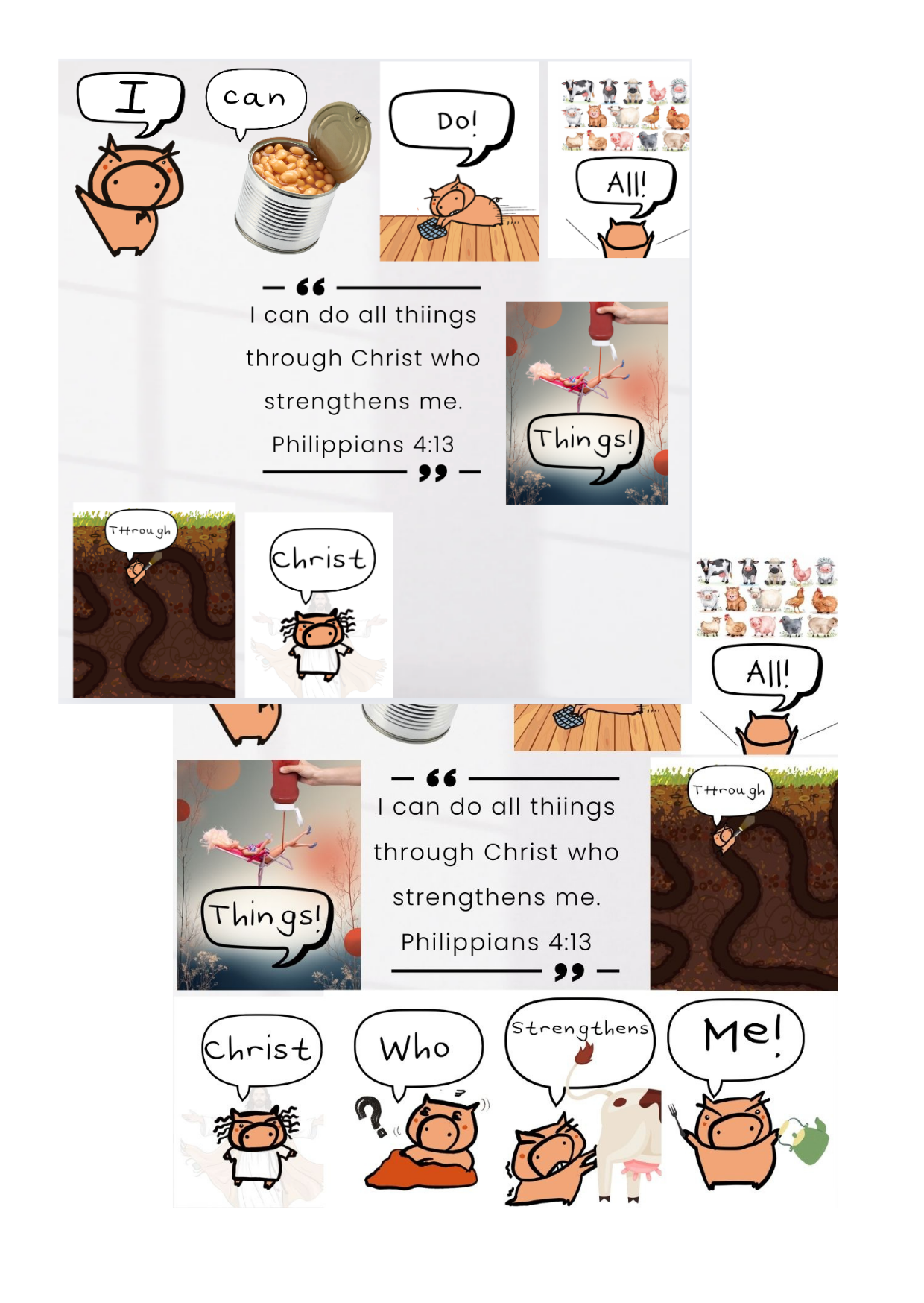
Ich habe ziemlich viel Zeit mit diesem Teil verbracht, da die Leinwandgröße ziemlich festgelegt ist. Ich musste das Schwein verschieben und anpassen, bis es die richtige Größe hatte, damit es auf die Fläche passte.
I spent quite sometime on this part as the canvas size is rather set. I would need to drag and adjust the pig to a good size so that it fits the surface.
Schritt 7: Das Schweinefinale
Step 7: The Pig Finale
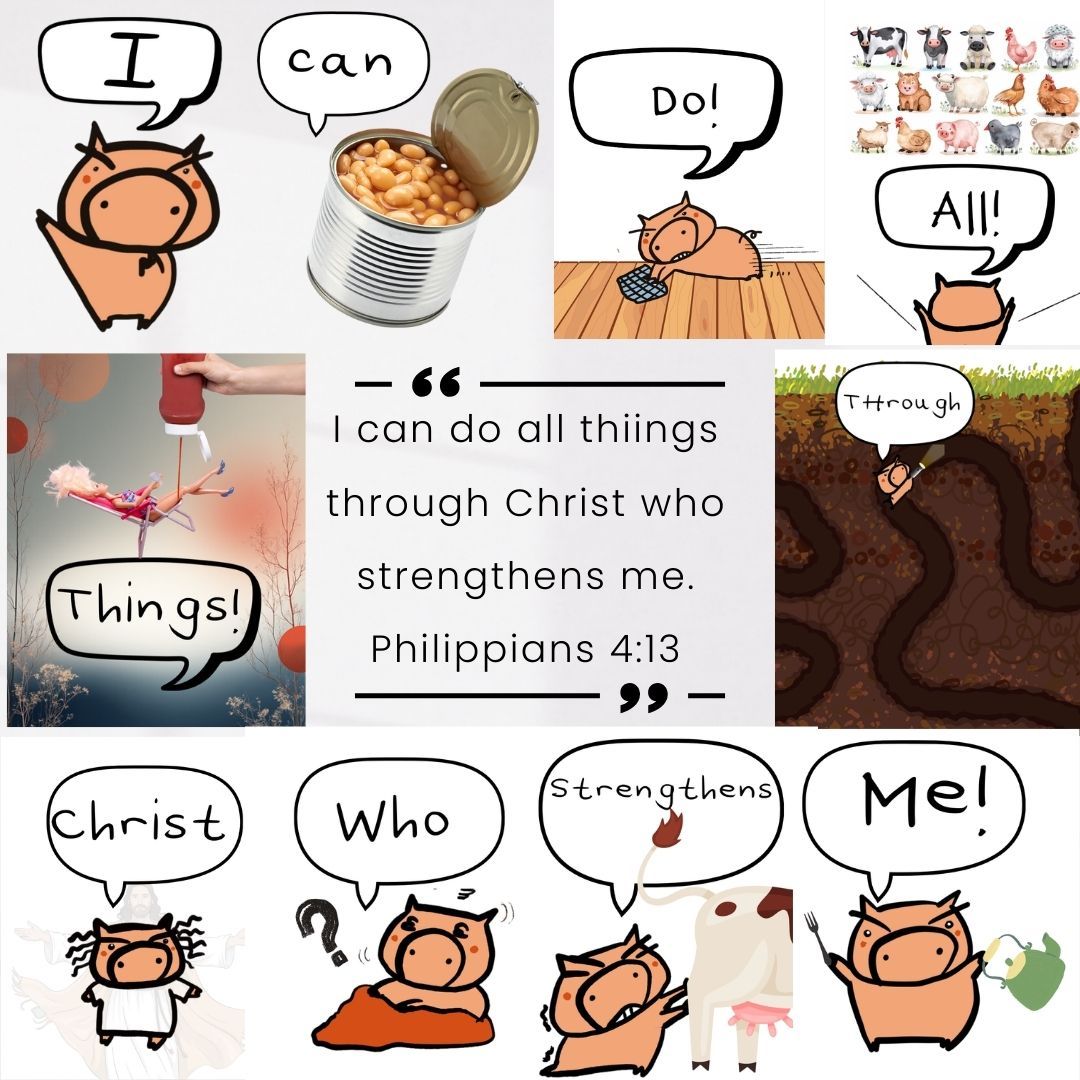
Dies ist der letzte Teil. Ich hoffe, mein geistliches Schwein hat seine Mission erfüllt, das Wort Gottes unterhaltsam und einprägsam zu vermitteln. Möge die Trotter-Kraft mit euch sein!
This is the final piece. I hope my pig in Christ completed the mission of making the word of God fun and memorable. May the Trotter Force be with you!


+0 Kommentare
Melden Sie sich an oder melden Sie sich kostenlos an, um zu kommentieren