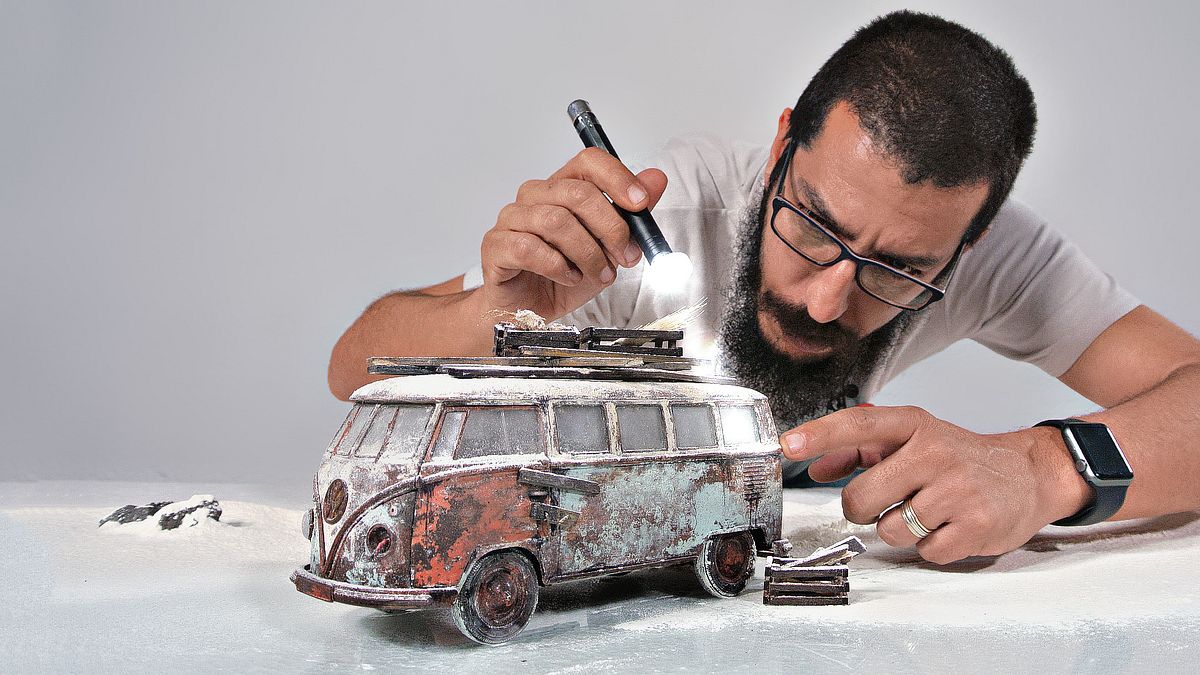
Kreative Studiofotografie mit maßstabsgetreuen Modellen
A course by Felix Hernandez DreamphographyFotograf und Kreativdirektor
A course by Felix Hernandez Dreamphography, Fotograf und Kreativdirektor

Erstellen Sie realistische Szenen mit Spielzeug und der Lichtmaltechnik
Félix Hernández Fotograf, Modelist und digitaler Künstler, spezialisiert auf Spielzeugfotografie - bringt Ihnen die Techniken und Geheimnisse bei, um mit maßstabsgetreuen Modellen (Spielzeug) zu fotografieren und das Auge dazu zu bringen, sie als Teil einer realen Szene erscheinen zu lassen.
Sie werden den gesamten Arbeitsprozess von Felix entdecken; Von der Auswahl des zu fotografierenden Modells über die Vorbereitung der Szene und das Entwerfen der Beleuchtung oder das Erstellen von Effekten im Studio bis hin zur digitalen Postproduktion und Farbkorrektur in Photoshop.
Was lernst du in diesem Onlinekurs?
24 Lektionen & 11 Downloads
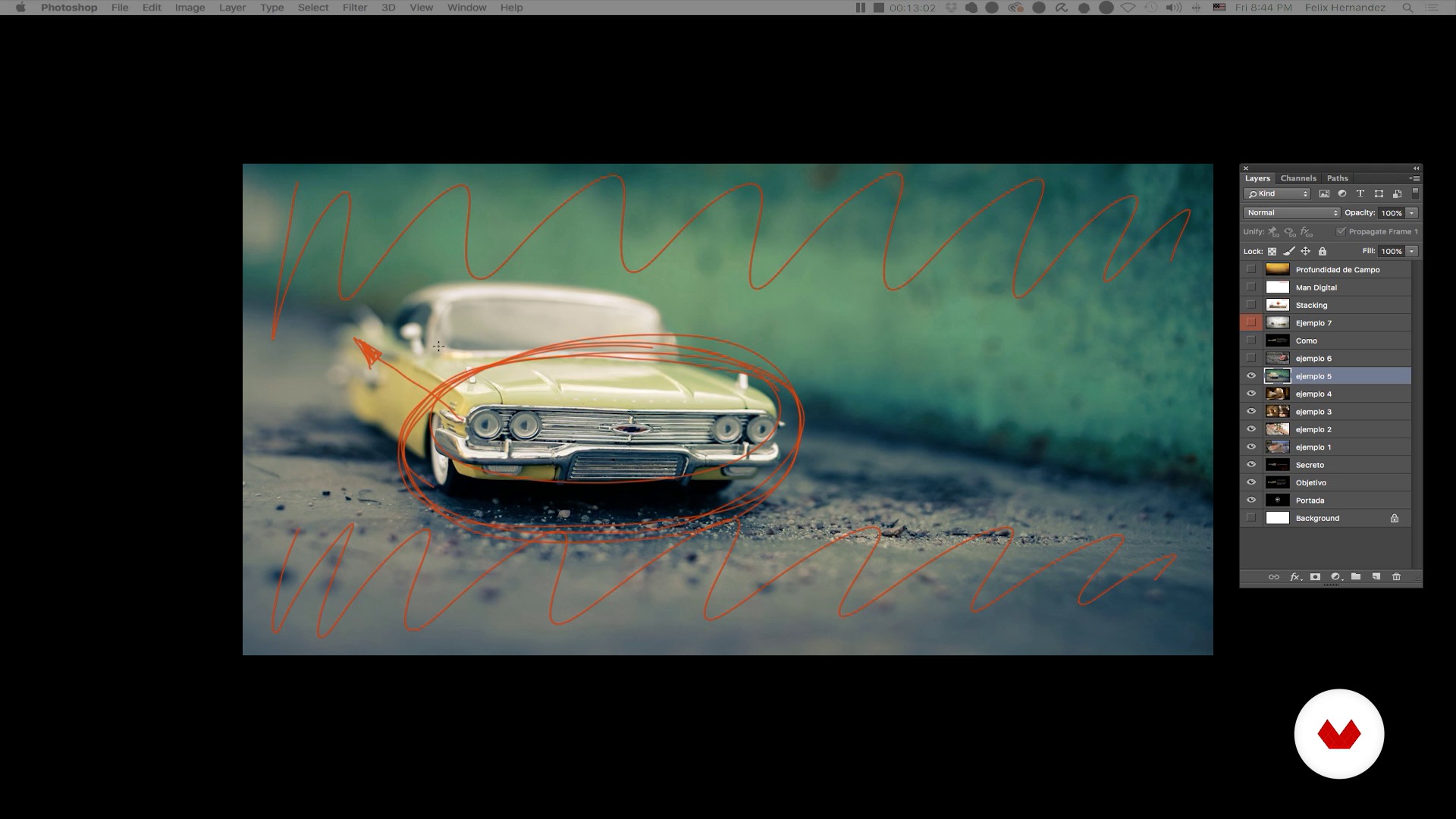
Spielzeugfotografie: Eine kurze Einführung - Teil I.
13 Minuten, 44 Sekunden
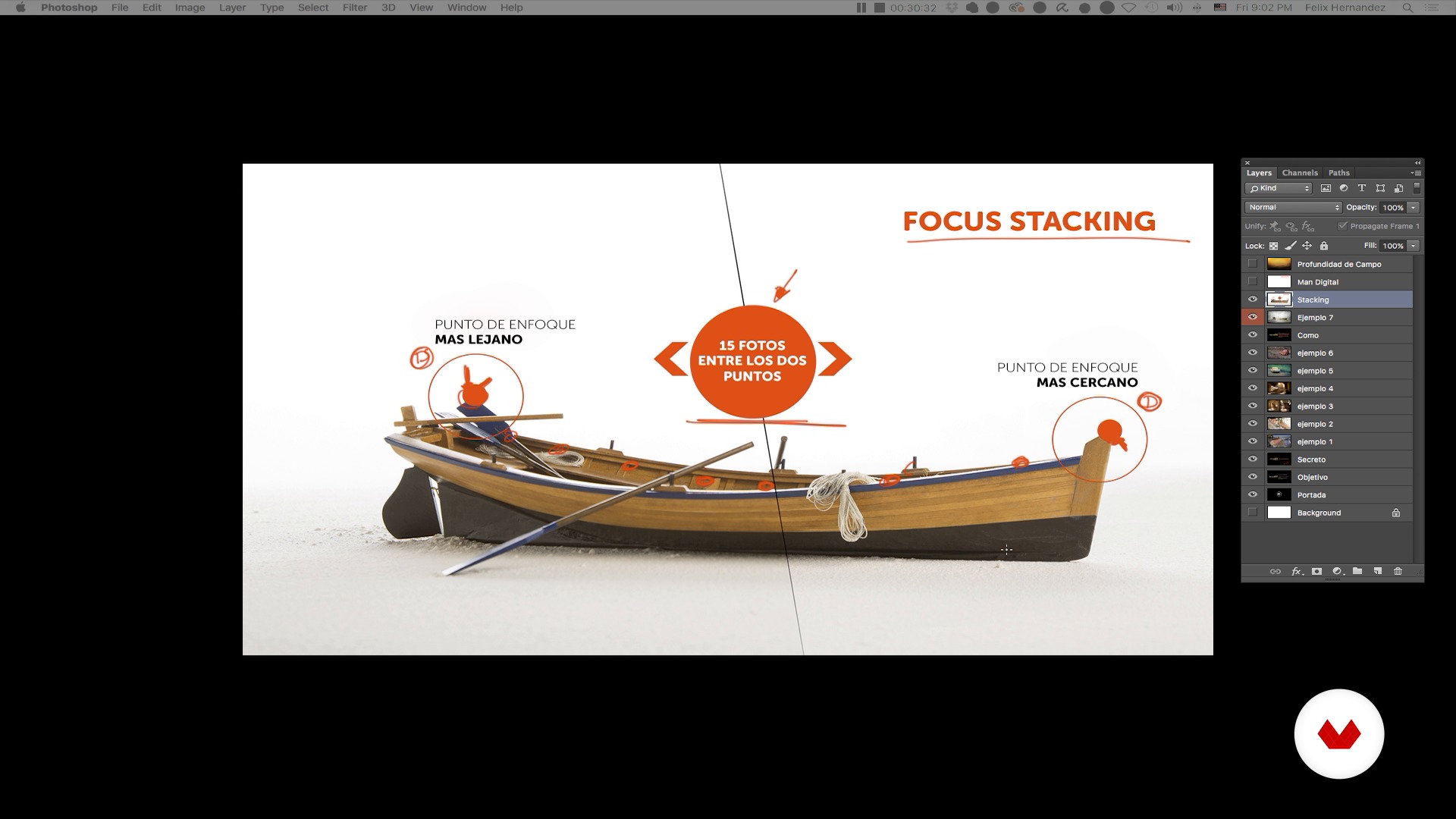
Spielzeugfotografie: eine kurze Einführung - Teil II
18 Minuten, 0 Sekunden
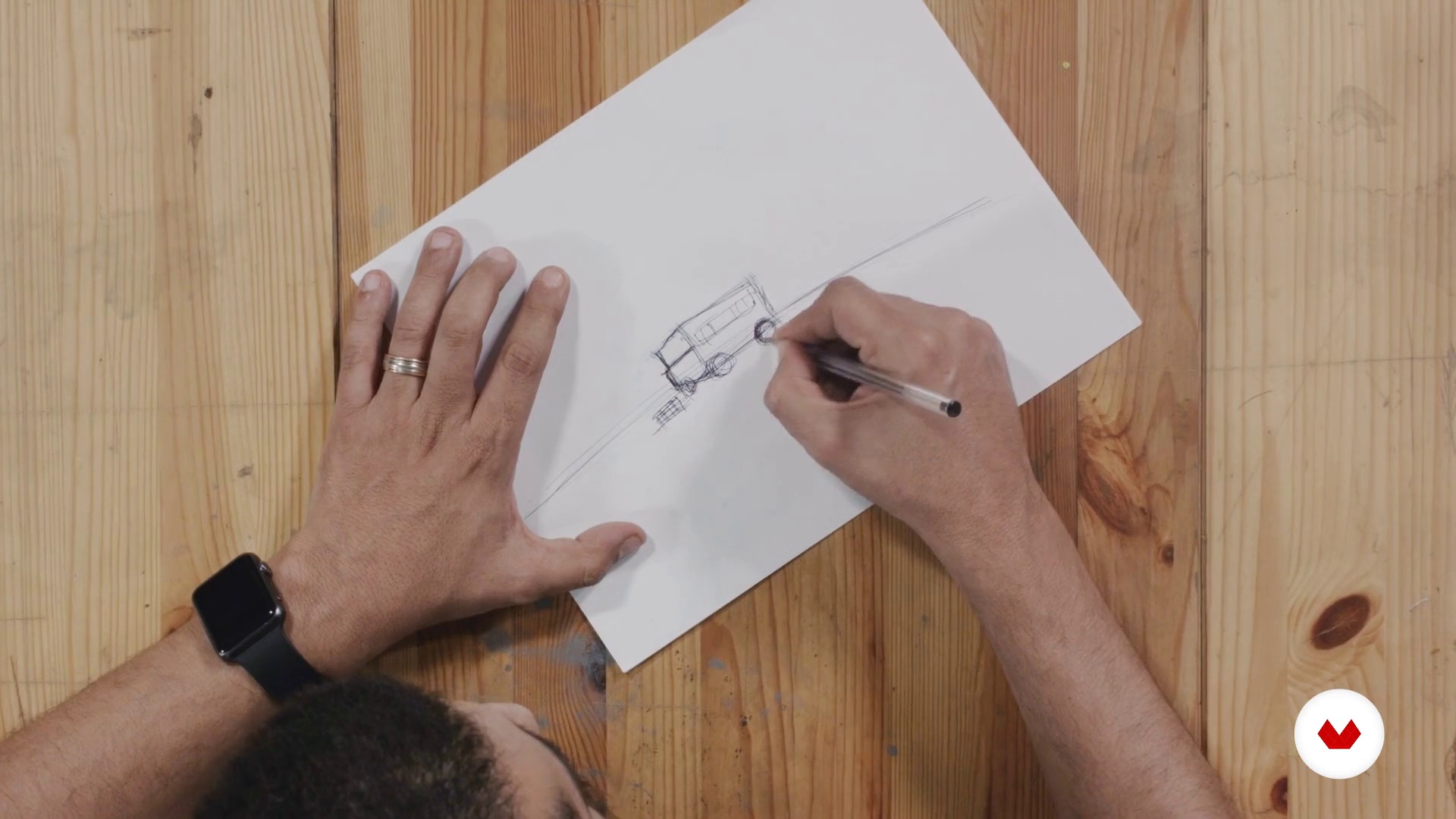
Erstellung des Konzepts
13 Minuten, 29 Sekunden
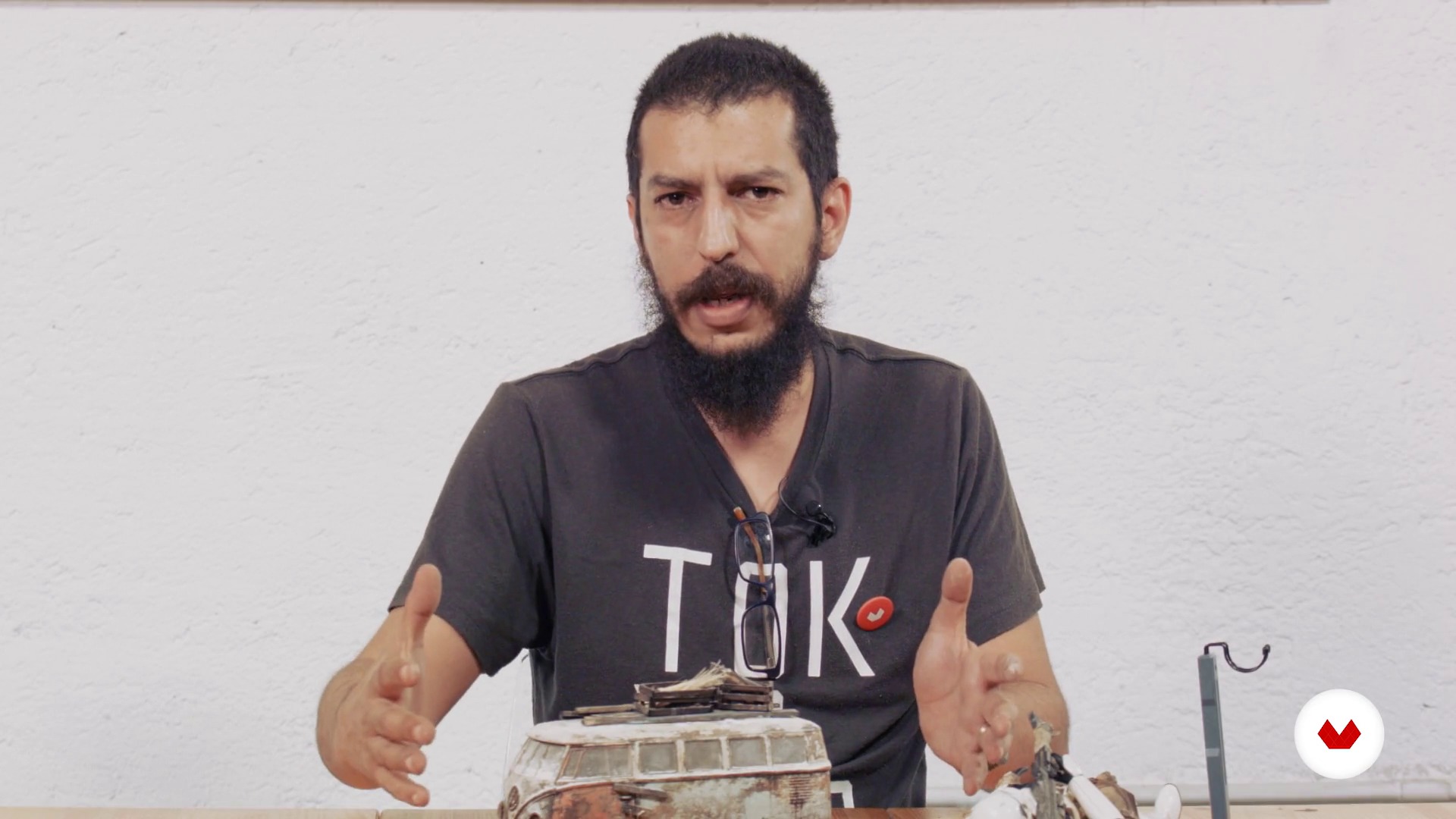
Unser Modell
14 Minuten, 16 Sekunden
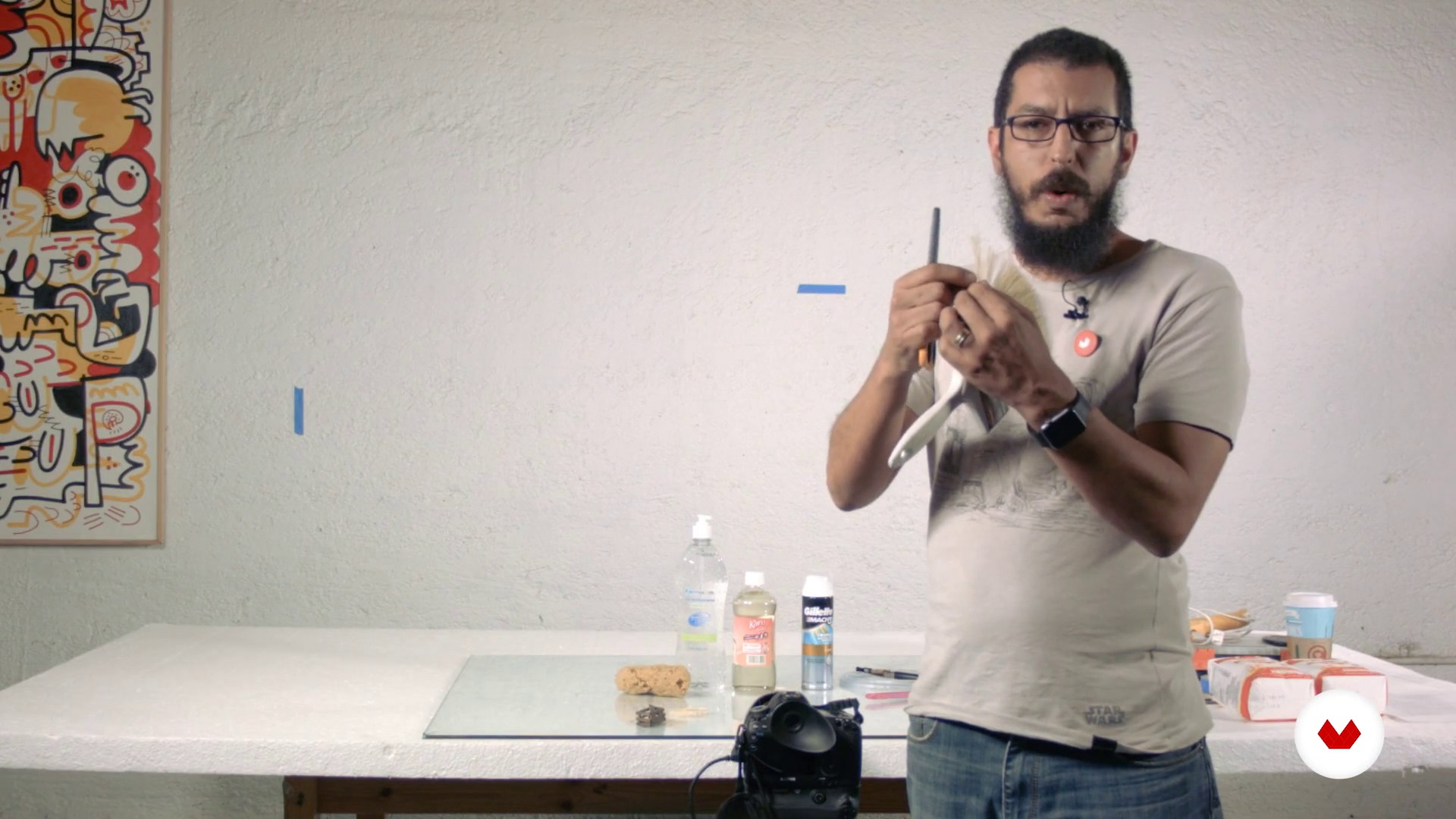
Materialien und Ausrüstung
17 Minuten, 23 Sekunden
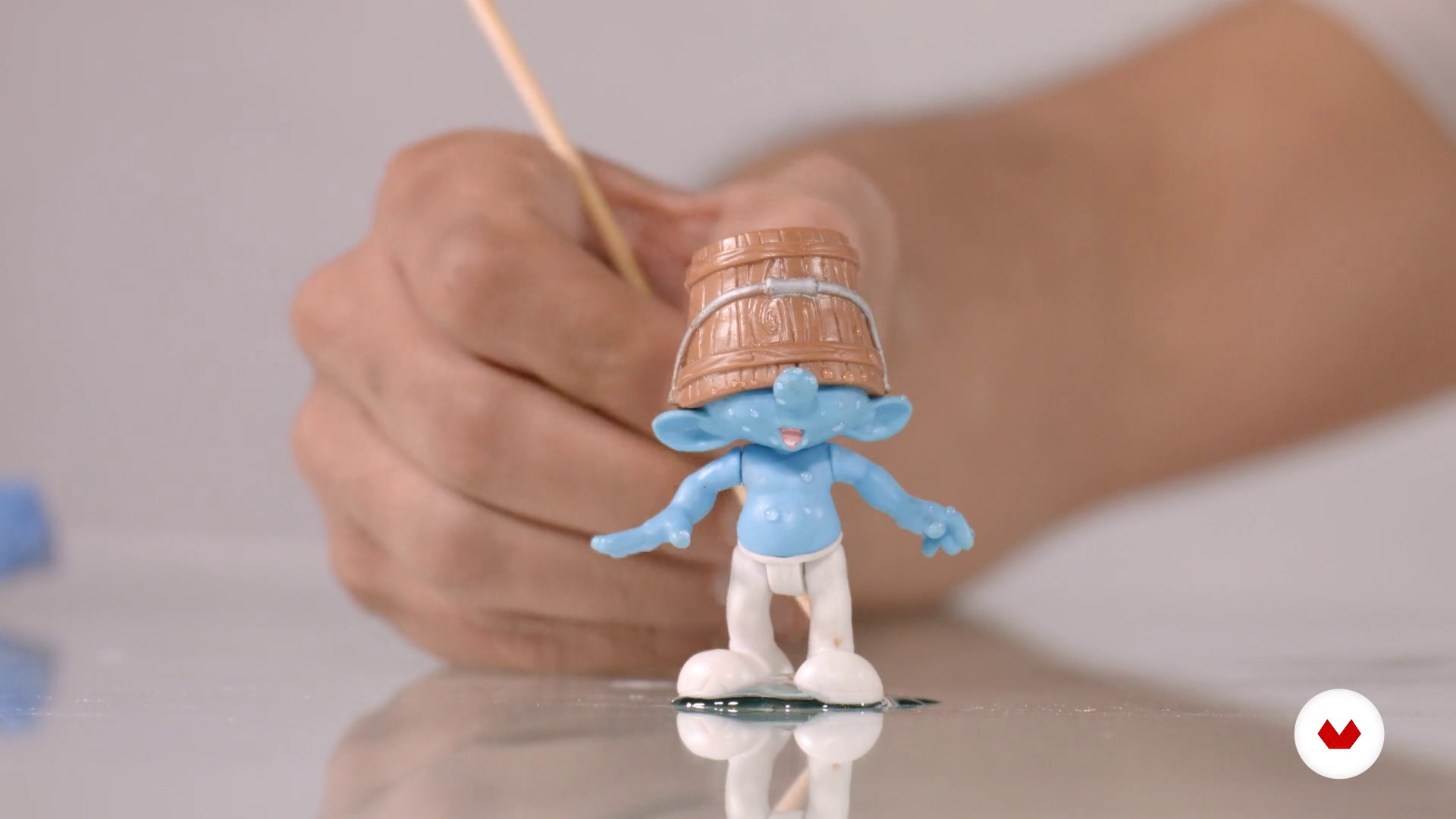
Materialtipps
10 Minuten, 4 Sekunden
Was ist in diesem Kurs enthalten?
Sie beginnen mit einem besseren Verständnis der Arbeit von Félix Hernández, seiner Einflüsse sowie einer Einführung in die Welt der Spielzeugfotografie und der maßstabsgetreuen Modelle.
Als nächstes entwerfen Sie eine Geschichte aus einem Bild und definieren den Stil, die Komposition und die Beleuchtung anhand einer Skizze.
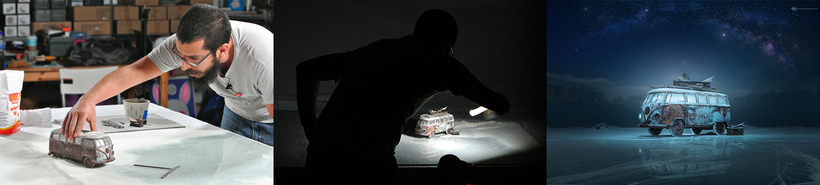
An dieser Stelle erklärt Felix einige Aspekte der Arbeit mit maßstabsgetreuen Modellen, ihre Vor- und Nachteile sowie einige nützliche Posen. Sie werden auch die Materialien und Geräte entdecken, die für die Darstellung einer Szene erforderlich sind, und lernen, Ihre eigene Beleuchtung mithilfe der "Light Painting" -Technik mit einer einfachen LED-Taschenlampe zu entwerfen.
Sobald die Szene definiert ist, informiert Sie Félix über die optimalen Objektive, Blenden und Brennweiten für die Art der Beleuchtung, mit deren Hilfe Sie mehrere Aufnahmen Ihrer Szene machen können.
Schließlich lernen Sie, das Bild in der digitalen Postproduktion zu manipulieren, indem Sie Hintergründe einfügen, zusätzliche Elemente hinzufügen, um ein höheres Maß an Realismus zu erzielen, und die endgültige Bewertungsfarbe für Ihre Komposition festlegen.
Recommended software & tools for this course
What is this course's project?
Sie erstellen ein realistisches Bild mit maßstabsgetreuen Modellen, Produkten, die wir meistens zu Hause finden, mit dem Ziel, das Auge des Betrachters zu täuschen und zu glauben, dass das, was er sieht, ein lebensgroßes Bild ist.
Projekte von Kursteilnehmenden


Who is this online course for?
Für Fotografen, Designer, Retuscheure und all jene Kreativen, die sich kreativ ihrem Beruf zuwenden und mit Fantasie kreieren möchten.
Requirements and materials
Grundkenntnisse in Fotografie und digitaler Postproduktion mit Photoshop sind erforderlich.
In Bezug auf die Materialien benötigen Sie eine professionelle oder semiprofessionelle Digitalkamera, mit der Sie im manuellen Modus (Glühbirne) fotografieren und im RAW-Format fotografieren können, eine kleine LED-Taschenlampe, ein Stativ, ein maßstabsgetreues Modell (vorzugsweise ein Auto mit) Maßstab 1/24 oder 1/18) und einen Photoshop-Computer.

Bewertungen
- vor 7 Monaten
Excelente professor. Curso com técnicas bem explicadas em que nada fica de fora. Infelizmente, o plugin Nik Colletion, utilizado para acabamento, não é mais disponível gratuitamente.
- vor 10 Monaten
I've followed Felix's work for several years. We're both of a similar age, and we share the same icon, such as Joel Grimes. The course is great. It takes you through his process; however, the one thing it cannot replace or offer is your creativity and imagination. You must bring those with you. Great course; my only gripe is the dubbing. As it's AI, it slows down or speeds up at the wrong time; it's not a hindrance. I'd go on and buy the other courses he offers on Domestika.
- vor 1 Jahr
Vraiment un très bon prof, qui prend le temps de bien expliquer les choses et aussi donne pleins d'astuces. Top du top
- vor 1 Jahr
Estupendo curso, muy bien explicado y muy práctico para maquetistas y coleccionistas de miniaturas.
- vor 1 Jahr
I have learned a lot of new creative ways. Thank you very much.

Darüber hinaus leitet er die Kreativagentur 'Proyecto Matatema' und das Fotostudio 'Hernandez Dreamphography', von wo aus er kreative Projekte für nationale und internationale Marken wie Audi Deutschland, Audi Naher Osten, Volkswagen, Nickelodeon, Wilson Mexiko, Jungle Island Miami usw. durchführt. .
Er hat auch als Richter an den "Handam International Photography Awards" in Dubai und am "Art Directors Club" in New York teilgenommen. Aktivitäten, die es mit Konferenzen und Workshops kombiniert, die es in verschiedenen Teilen der Welt unterrichtet.
Inhalt
- E1
Einführung
- Präsentation
- Einflüsse
- Spielzeugfotografie: Eine kurze Einführung - Teil I.
- Spielzeugfotografie: eine kurze Einführung - Teil II
- E2
Vorproduktion
- Erstellung des Konzepts
- Unser Modell
- Materialien und Ausrüstung
- Materialtipps
- E3
Produktion
- Beleuchtung: Lichtmalerei
- Die Szene
- Testaufnahmen - Teil I.
- Probeaufnahme - Teil II
- Endgültiges Schießen
- E4
Postproduktion
- Digitale Dateivorbereitung
- Digital Negativ
- Verbund - Teil I.
- Verbund - Teil II
- Verbund - Teil III
- Verbund - Teil IV
- Verbund - Teil V.
- Verbund - Teil VI
- Farbkorrektur - Teil I.
- Farbkorrektur - Teil II
- Endgültige Abreise
- AP
Abschlussprojekt
- Kreative Studiofotografie mit maßstabsgetreuen Modellen
Was erwartet dich in einem Domestika-Kurs?
Lerne in deinem Tempo
Lerne bequem von zuhause aus, in deinem eigenen Tempo und ohne festen Zeitplan. Du entscheidest, wann und wo.
Lerne mit den Profis
Lerne die nützlichsten Techniken und Methoden mit den Profis der Kreativbranche.
Tritt mit den erfahrendsten Experten in Kontakt
Jede Lehrperson übermittelt dir in jeder Lektion leidenschaftlich sein/ ihr Wissen mittels ausführlichen Erklärungen aus professioneller Sicht.
Certificates
PLUSIf you're a Plus member, get a personalisiertes und unterzeichnetes Zertifikat signed by your teacher for every course. Share it on your portfolio, social media, or wherever you like.
Sei ganz vorne mit dabei
Dank hochwertig produzierter und gestochen scharfer Videos entgeht dir kein einziges Detail. Du hast uneingeschränkten Zugriff auf deinen Kurs und kannst dir so alle Videolektionen so oft ansehen, wie du möchtest.
Teile Wissen und Ideen
Stelle deine Fragen, bitte um Meinungen und biete Lösungsansätze. Teile deine Lernerfahrung mit anderen Schüler*innen in der Community, die genauso kreativ sind wie du.
Sei Teil einer globalen kreativen Community
Die Community umfasst Millionen wissbegierige Menschen weltweit, die Freude an kreativem Ausdruck finden.
Arbeite mit von Profis produzierten Kursen
Um eine einzigartige Online-Lernerfahrung zu garantieren, zählt Domestika auf eine sorgfältige Auswahl der Lehrpersonen und produziert jeden Kurs intern.
FAQ
You’ll learn how to organize, select, and edit digital images using Adobe Bridge, Camera Raw, and Photoshop, streamlining your workflow from file import to creating complex composites and managing color grading.
Yes, this course is designed for those with basic knowledge who want to deepen their skills in digital photo post-production and composition using Bridge and Photoshop.
It’s not required, but having basic digital editing skills is recommended. The course starts by covering essential functions of Bridge and Camera Raw to bring beginners up to speed.
You’ll need Adobe Bridge, Photoshop, and Camera Raw installed on your computer, plus a digital camera to practice downloading and managing images.
In Adobe Bridge, you can view, rate, and tag images using sorting tools and color labels, making it easy to efficiently pick the best photos for your project.
Working with RAW files in Camera Raw lets you make non-destructive adjustments to exposure, white balance, and lens correction, ensuring the highest quality before advanced editing in Photoshop.
You can load multiple images as layers in Photoshop and use auto-align features, layer masks, and selection tools to precisely blend and combine elements.