Pig in Christ
van Claudia Liu @muju_sangria
- 132
- 0
- 0
Introduction
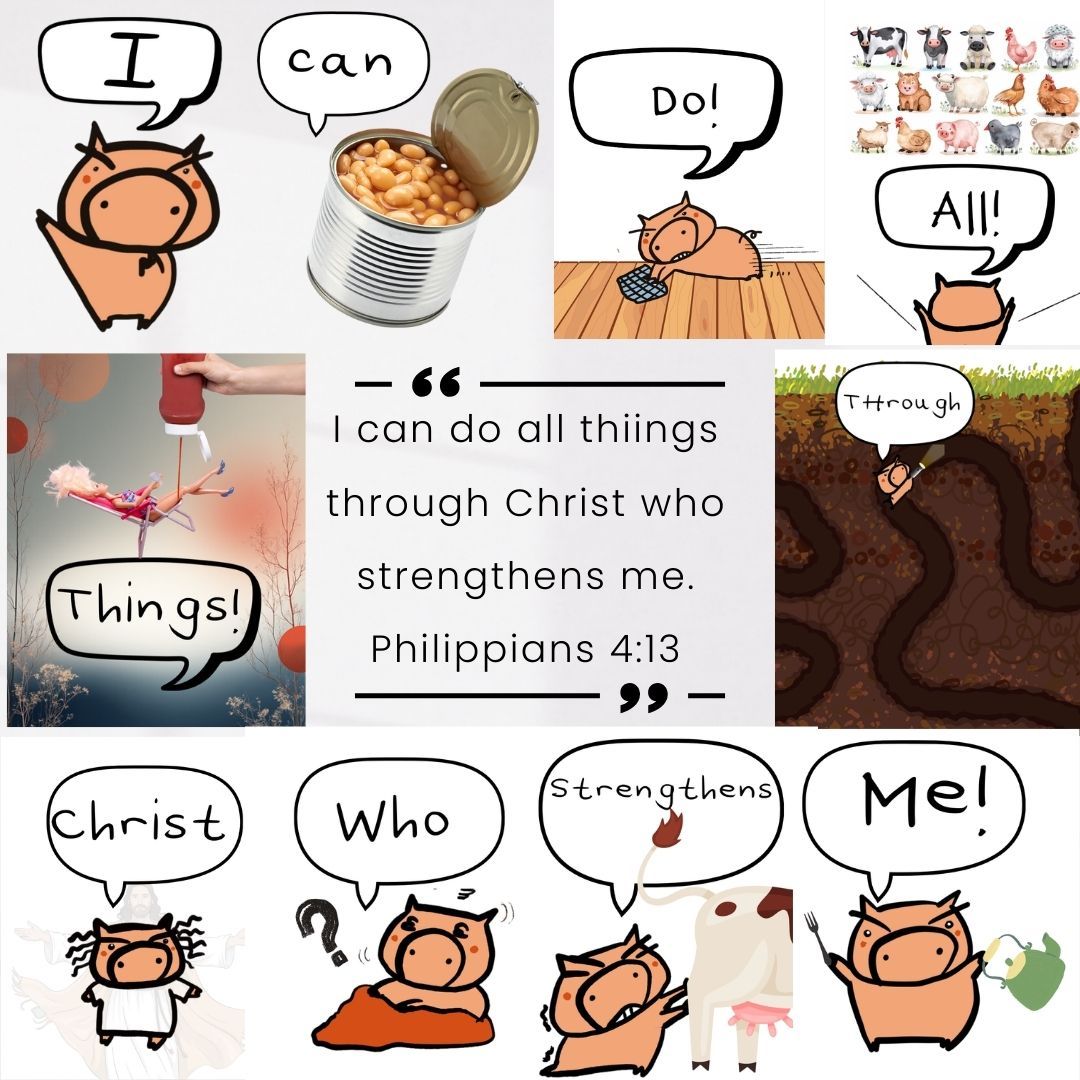
I've created a 'pig-interpreted' bible verse and this is something I've been wanting to do for a long time. As a Christian, I sometime find bible verses difficult to memorise and since I have a cartoon pig, I think it would be a good idea to break down each word using the pig (with intentional typos) so that it will be easier for people to remember the phrases. There's this practice called Lectio Divina, which is a method to meditate upon the words of God moment by moment, and I think this pig is putting it into real practice.
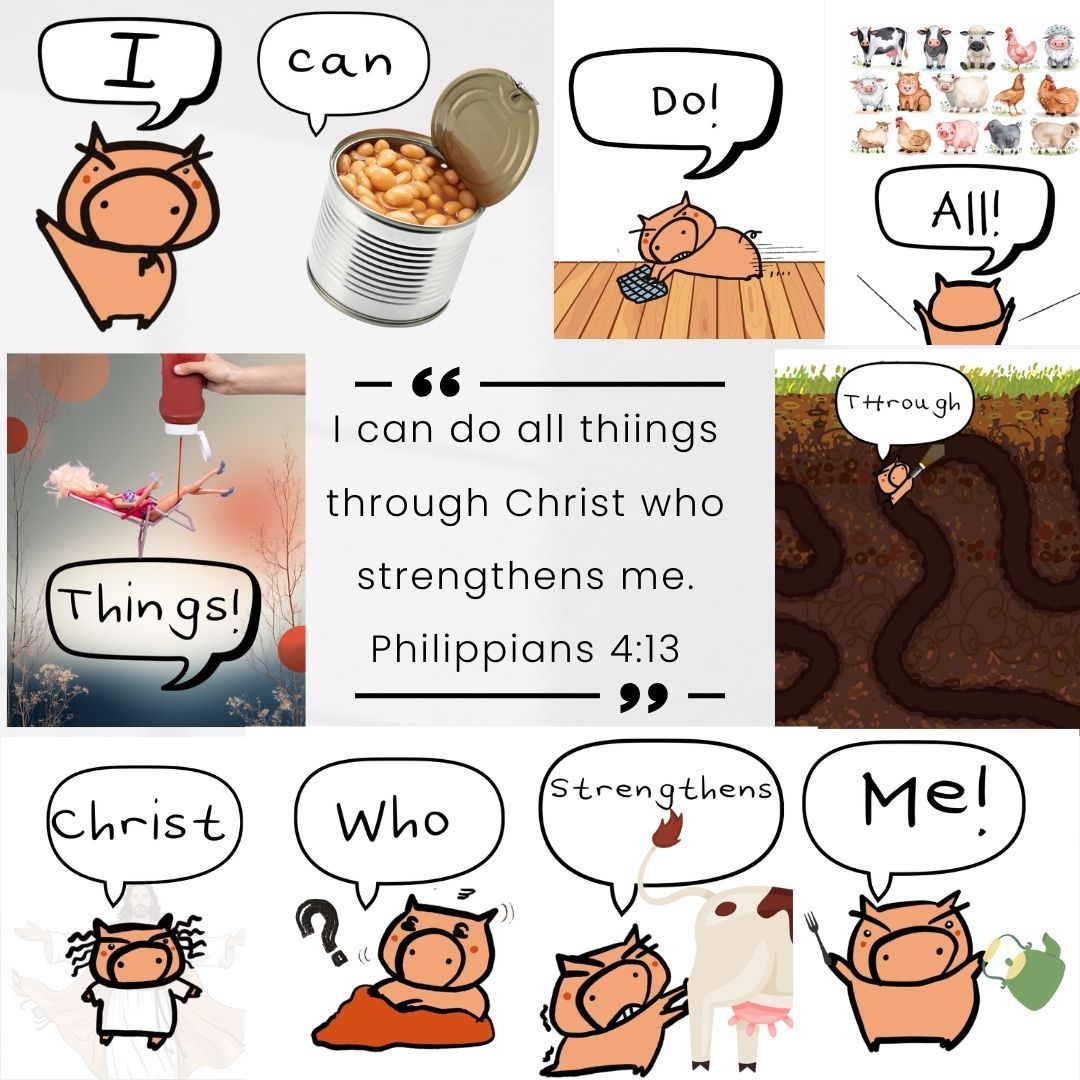
Supplies
The tool I'm using are: Procreate, Apple pen and apps like Canva. I've tried using watercolor in real life but it doesn't fit with the pig character. So, digital it is.
Step 1: Sketching the idea
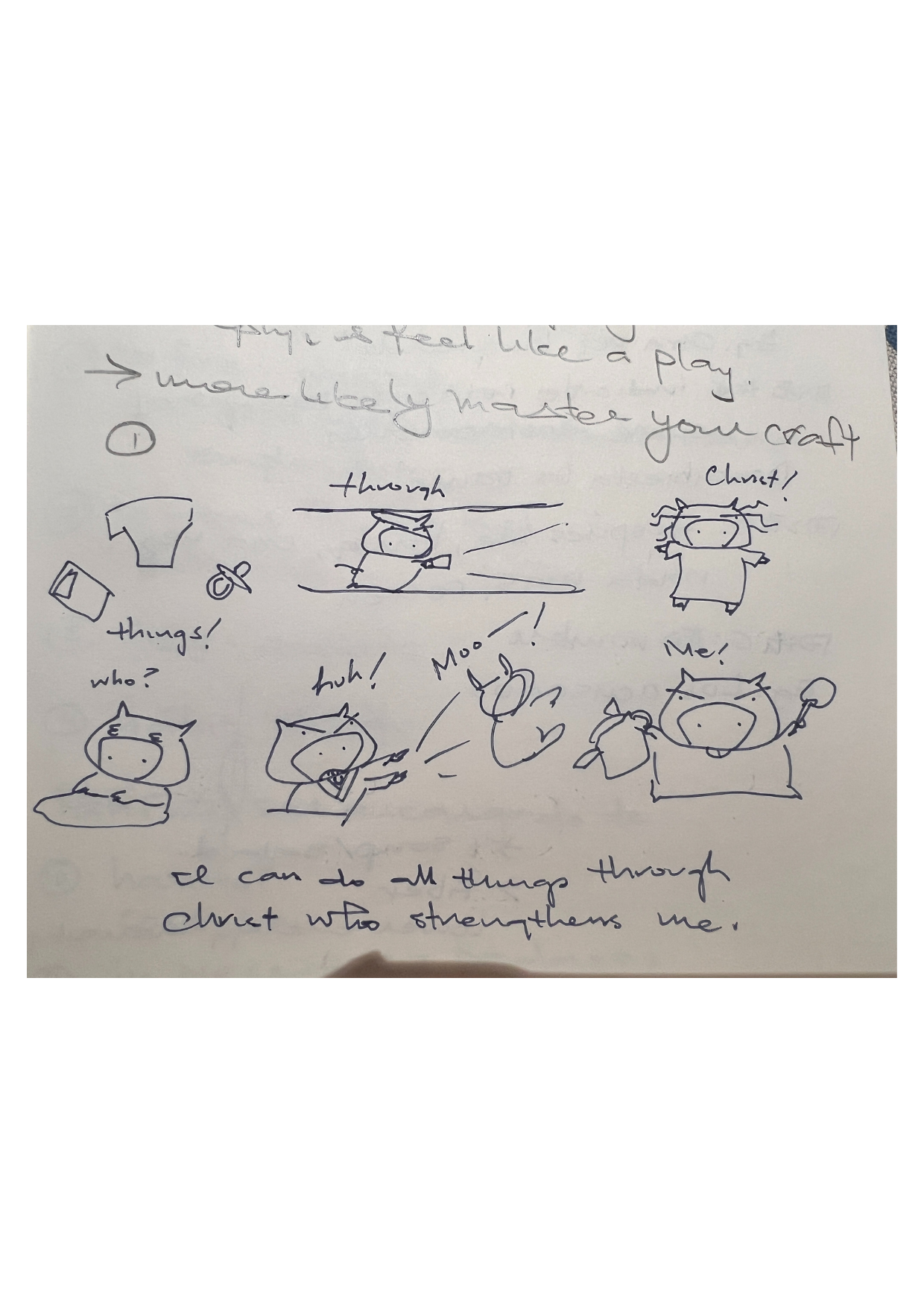
When I saw the competition title 'Illustrate a Saying', the selected Bible phrase come into my mind immediately. So with my ADHD brain, without any organization whatsoever, I've sketched the pig roughly at the corner of my Spanish learning notebook. The phrase that comes to my mind is "I can do all things through Christ who strengthens me", which I think we sometimes forgot the miraculous power that we are granted.
Step 2: Move to digital
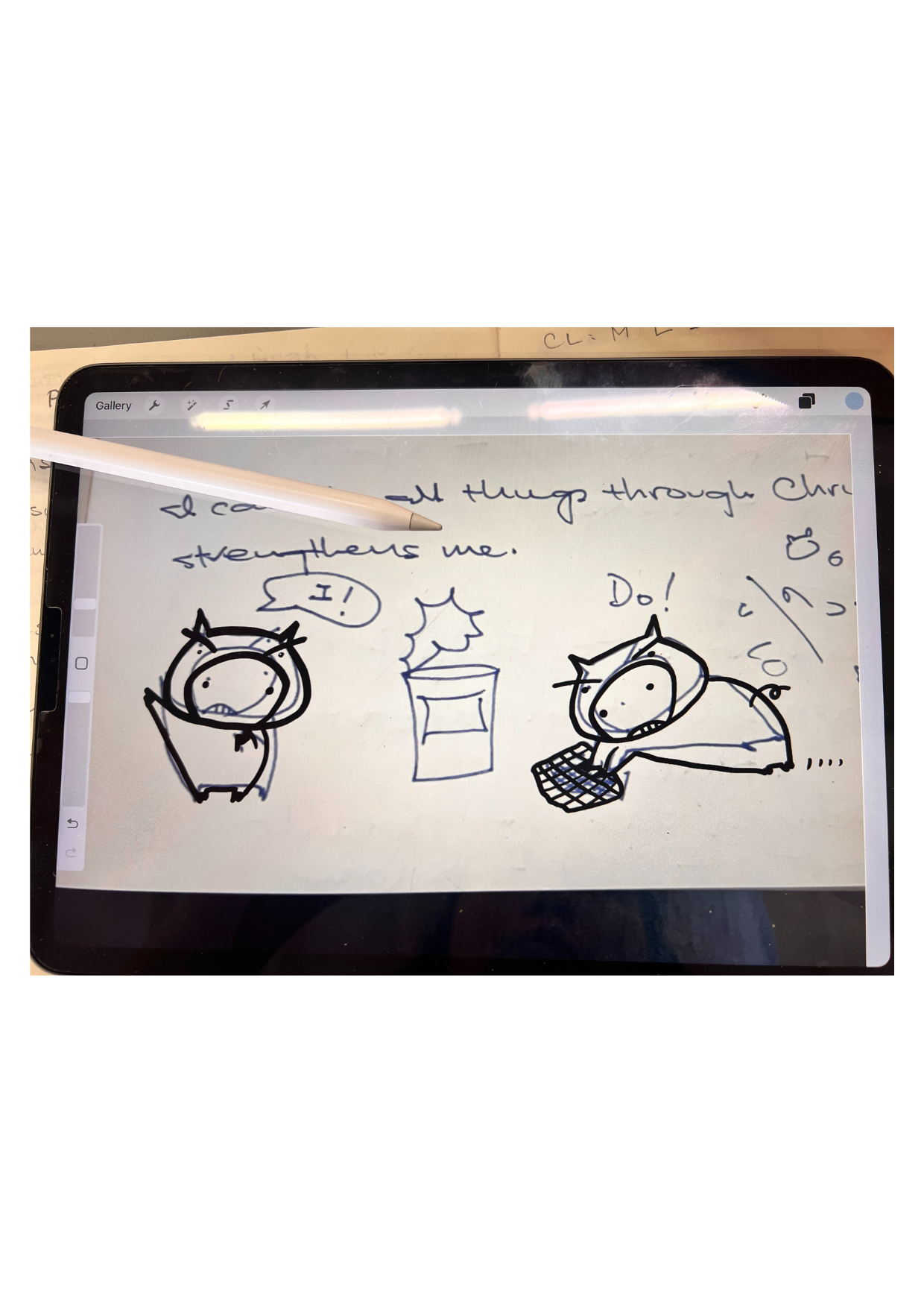
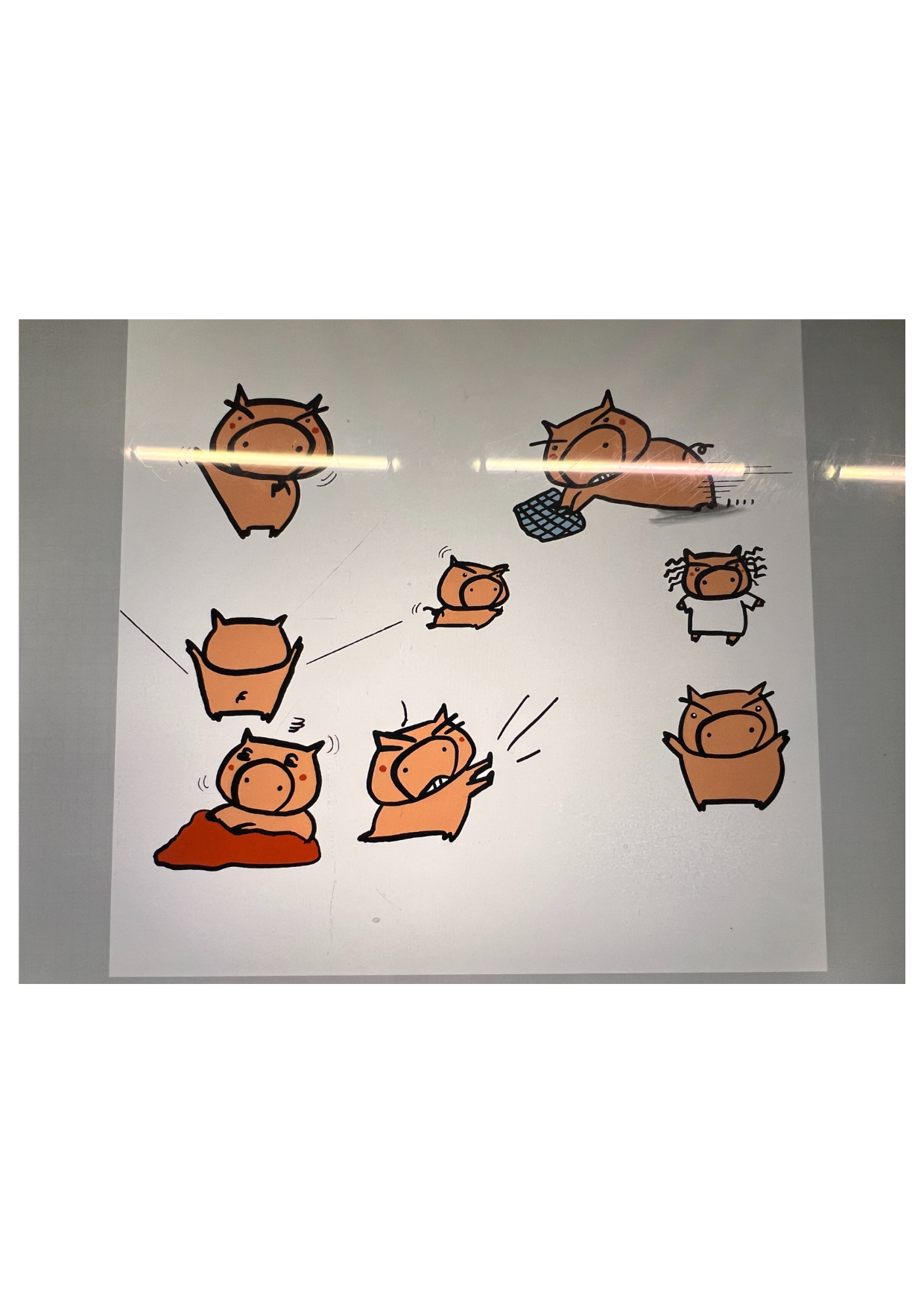
Despite that it looks messy on my notebook, I've taken a photo of it and opened it in Procreate. This is where the magic happens, where I can trace using the digital pen and edit it a bit. That is why the lines you see here are not exactly on top of the line of this pig.
By the way, the name of the pig is Pigigi.
Step 3: Adding the color
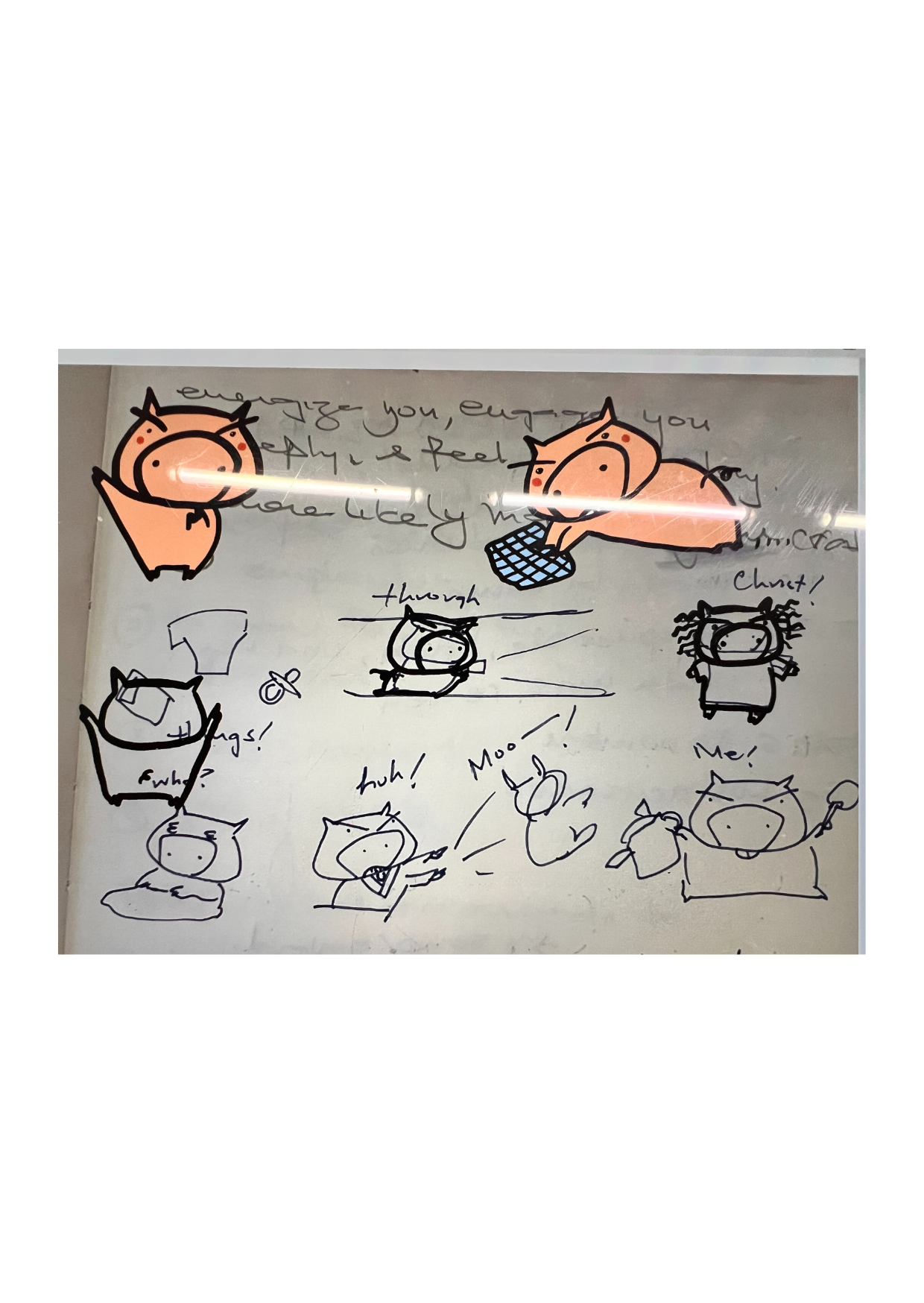
I started the color dropping process through procreate. The problem I kept on encountering was that the color often just covered the entire surface of the page, which is rather frustrating. I would then need to go back to the original layer, deselect the layer with click of 'reference', and then draw the line properly to ensure there's no open gap. But then by that time, I've also forgotten the size of the brush and the type of brush I was using. 🤨
Step 4: The Pigs emerged
I turned off that messy photo layer and yeah! all pigs emerged. Now, I send this page to Canva, where I did the cropping and arranging of all the pigs.
Step 5: Placing the pig
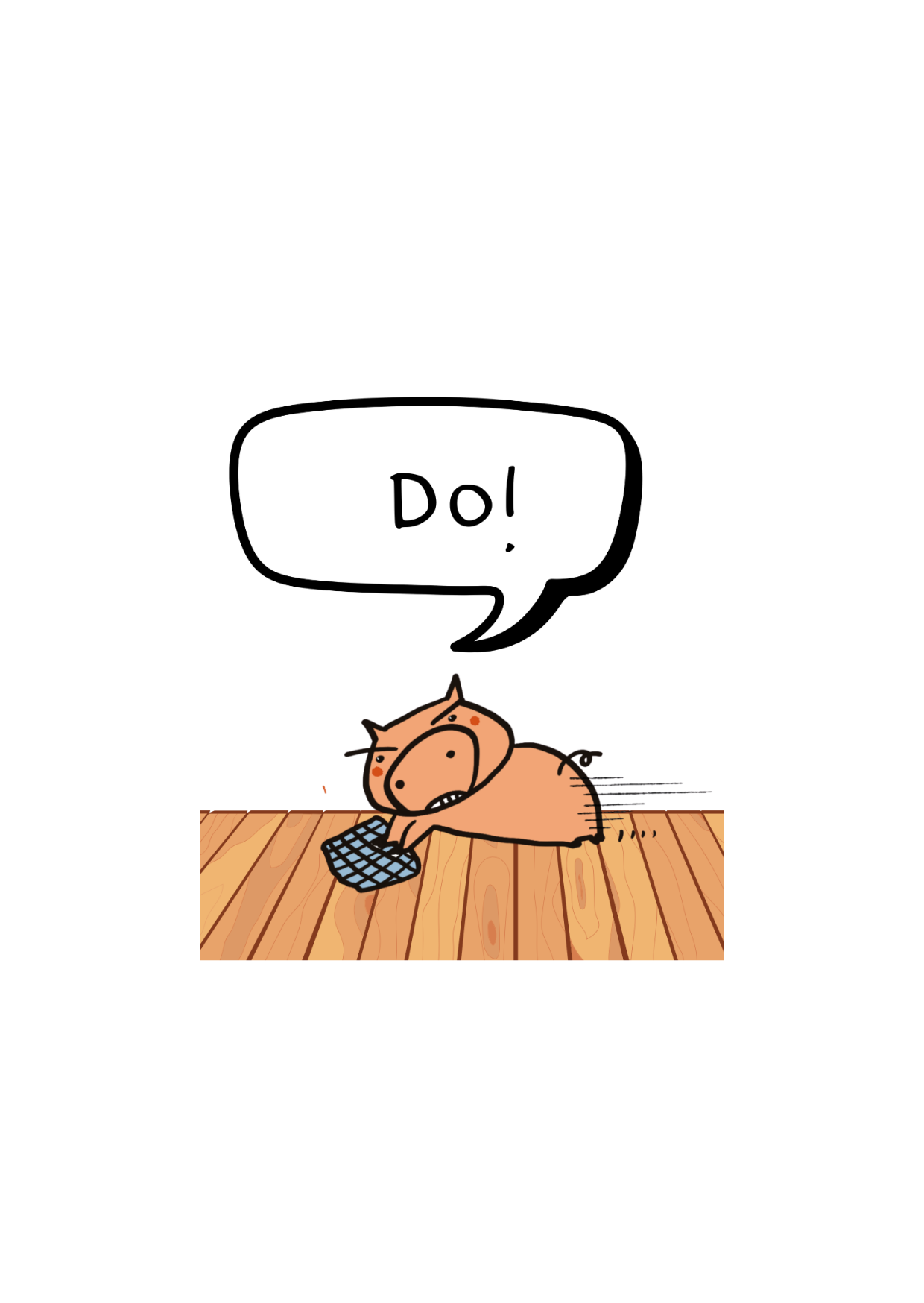
This is a sample of one of the pig I've cropped and inserted to the Canva app. Since I was already exhausted from drawing the pigs, I now use the Canva elements to help me with the background and deco. This part is easy, the hardest for me was drawing those pigs.
Step 6: The Finale Touch
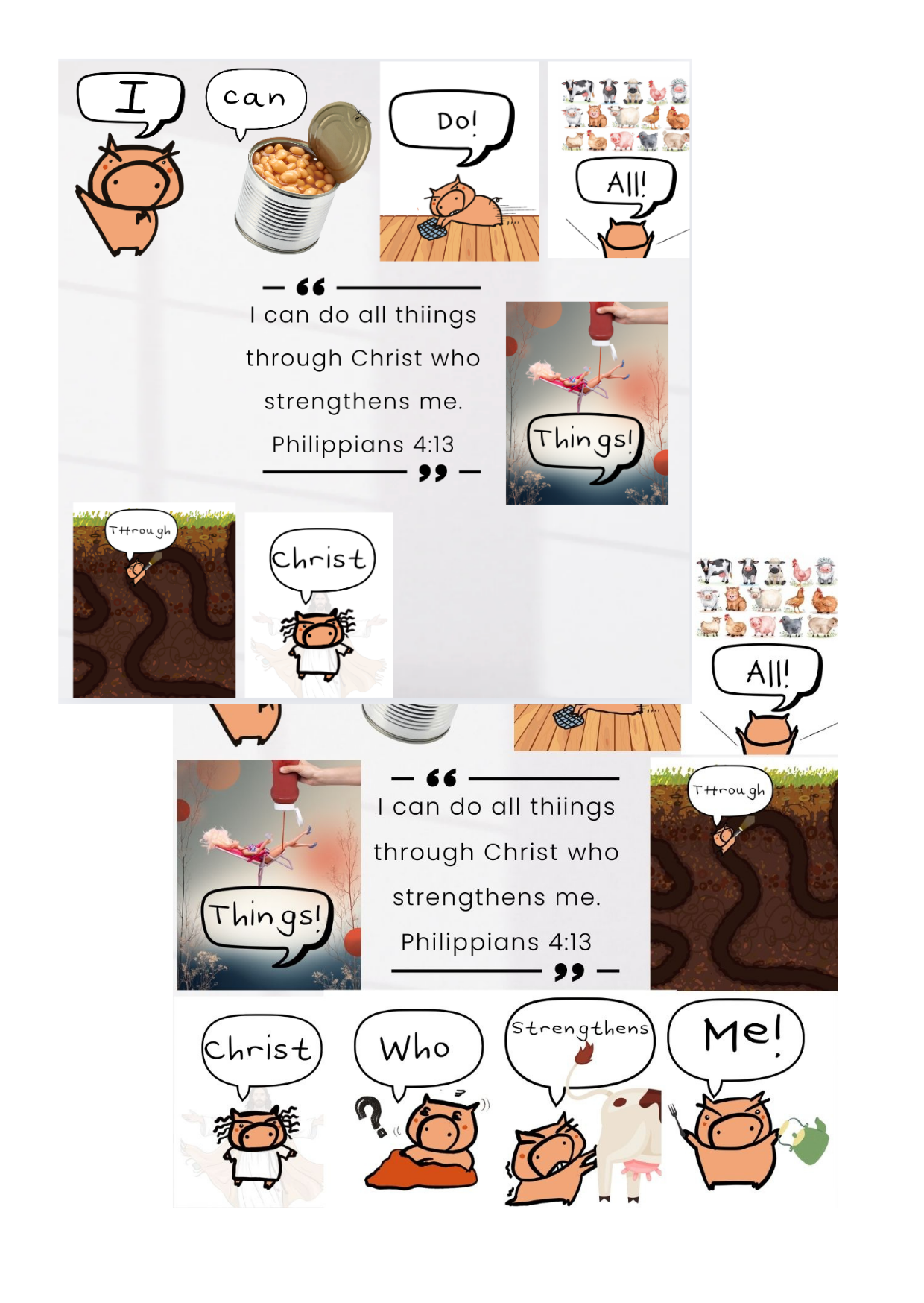
I spent quite sometime on this part as the canvas size is rather set. I would need to drag and adjust the pig to a good size so that it fits the surface.
Step 7: The Pig Finale
This is the final piece. I hope my pig in Christ completed the mission of making the word of God fun and memorable. May the Trotter Force be with you!


0 opmerkingen
Log in of doe gratis mee om te reageren