2D-microanimaties met After Effects
A course by MODIKCreatieve studio van motion design en art direction
A course by MODIK, Creatieve studio van motion design en art direction

Leer karakters te ontwerpen met Illustrator en Pkaraktersn animeer hun bewegingen
Pilar Guerrero and Jorge Tortosa, graphic designers and founders of the MODIK design studio, teach you how to make a 2D microanimation with After Effects. A microanimation is a very short piece that performs a specific action, which can be promoted in video or GIF format.
In this online course, Pilar and Jorge use a small traveling circus as an example to teach you the best tricks to illustrate and animate characters as diverse as the strongman, the tamer, the contortionist, and the tightrope walker.
Wat leer je tijdens deze online cursus?
26 lessen & 25 aanvullende bronnen
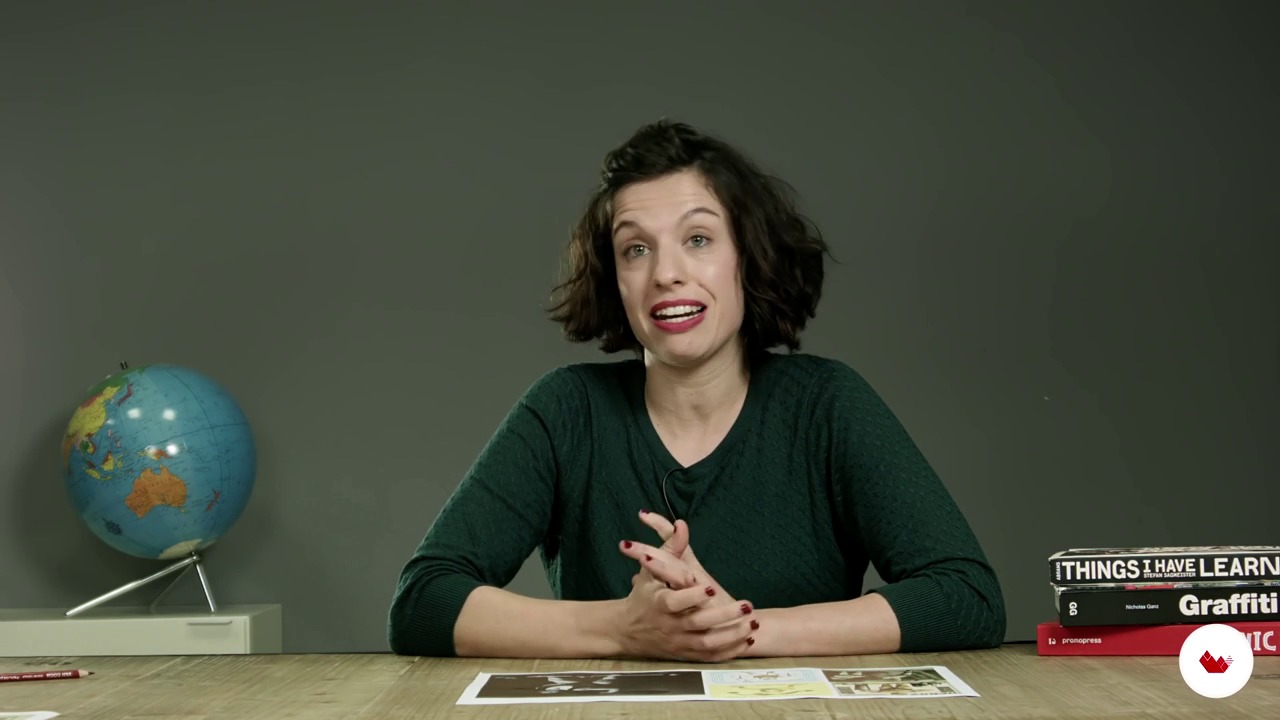
Visual context
6 minuten, 47 seconden
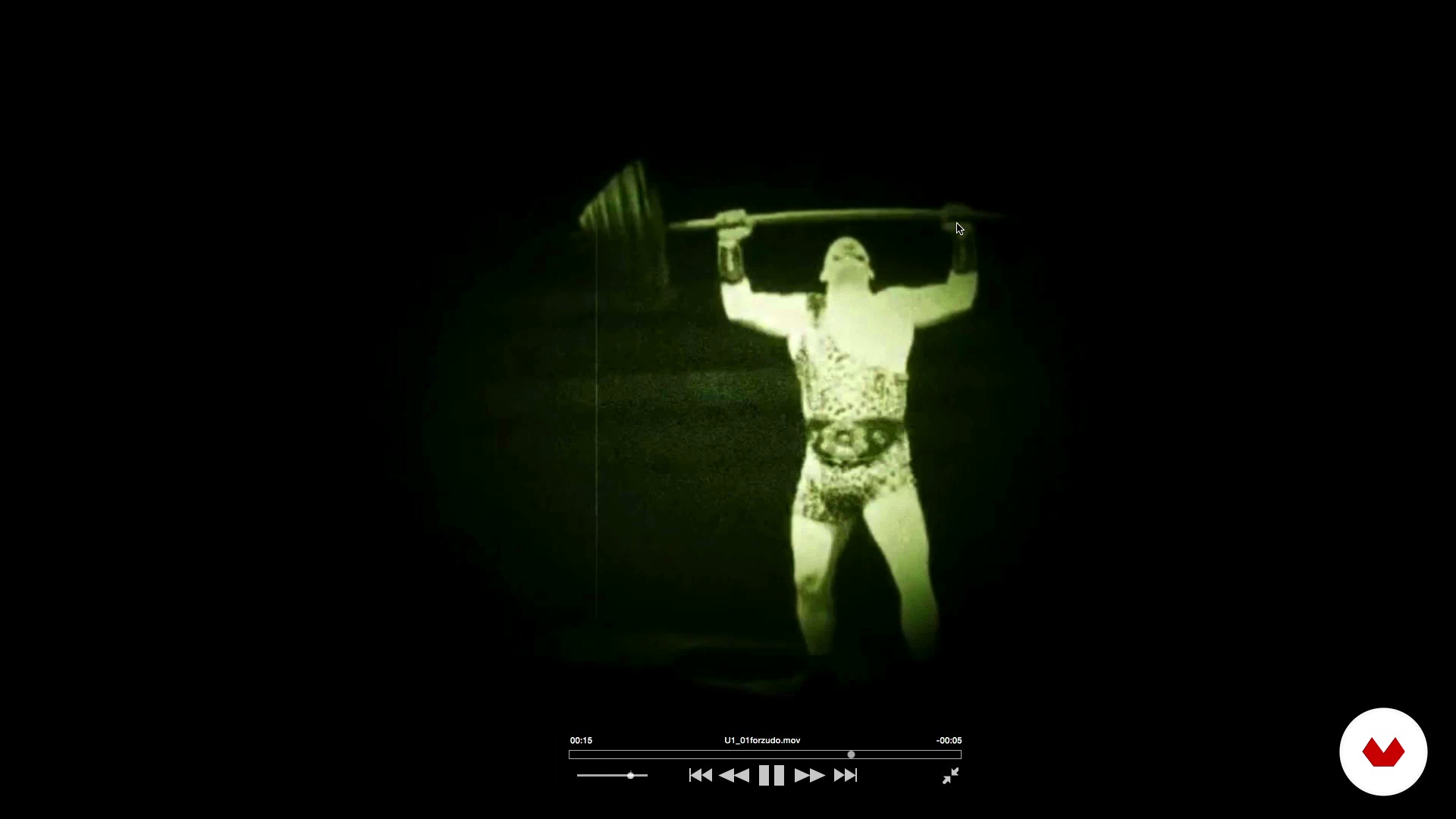
Study of the movement
4 minuten, 27 seconden
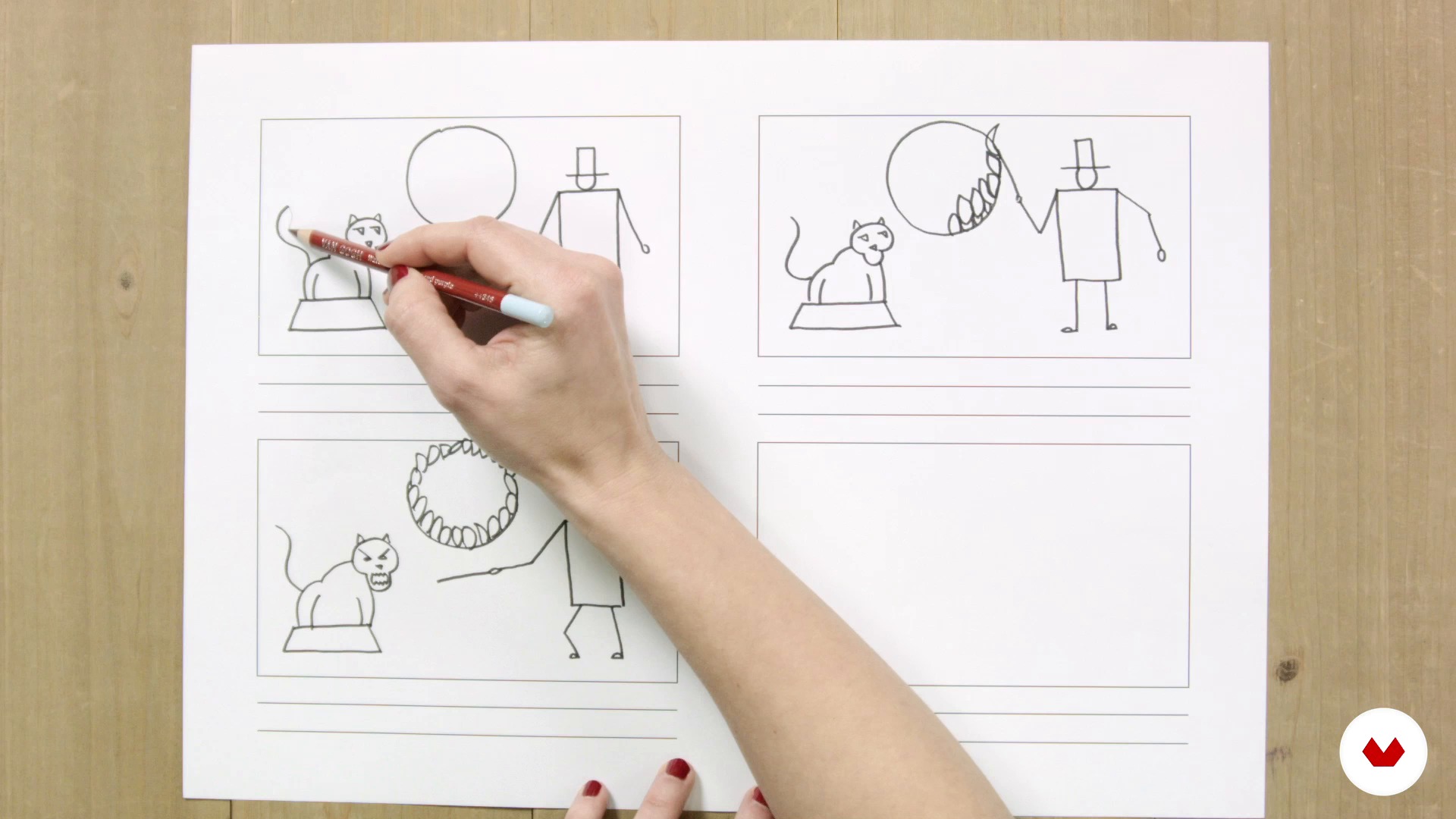
What is a storyboard and what will it serve us?
5 minuten, 31 seconden
Prepare your material to animate
10 minuten, 50 seconden
With all of you the great After Effects
17 minuten, 1 seconde
Basic principles for animating in After Effects
14 minuten, 13 seconden
Wat is inbegrepen in deze cursus?
Begin by learning about the work and references that have most influenced MODIK, particularly in the field of animation.
Next, get stuck right into creating the characters for the animation. To do this, search for images related to the circus world, as a temporary and aesthetic contextualization, and learn to make a micro-storyboard to capture the actions that each character performs.
Once the characteristic actions of each character have been defined (character, objects they use, movement study), prepare the material to animate and export to After Effects.
MODIK introduces you to the program and teaches you to import files, use the control panels, create compositions, the basics of animating, advanced techniques, and how to install free plug-ins to save time.
Then, compose the final scene in the form of a circus tent under which you place the microanimations of your characters. Using the camera and traveling mode, put together the final video and see how to export it in different formats.
To wrap up, MODIK tells you about professional platforms to promote your 2D microanimations and widen your reach.

Recommended software & tools for this course
What is this course's project?
Illustrate four circus characters with a personal style, choosing the actions they will carry out by animating them following your teachers' guidelines. As a final staging, place microanimations in a circus setting to showcase what the characters are capable of.
Projecten van studenten van de cursus


Who is this online course for?
Animators, designers, illustrators, and creatives in general who are not afraid to pick up a pencil, or any other tool, to illustrate characters and bring them to life using basic animation concepts in After Effects, to go from static to moving.
Those who feel dizzy when talking about animation are especially welcome, and are going to see how, with a few basic notions, very interesting things can be done that are applicable to an infinite number of projects.
Requirements and materials
Have basic knowledge of illustration and management of Illustrator or Photoshop. It is not necessary to know how to use After Effects because during the course its operation will be explained from scratch.
Regarding the materials, you will need a PC or Mac with Adobe Illustrator, Photoshop and After Effects, recommended in its CS6 versions or, much better, the CC. Basic knowledge of illustration and use of Illustrator or Photoshop is necessary to take this course. You don't need to know how to use After Effects because your teachers show you how to use it from scratch during the course. Regarding materials, you need a PC or Mac computer with the Adobe Illustrator, Photoshop, and After Effects programs, recommended in their CS6 versions or, preferably, CC.

Beoordelingen
- 1 jaar geleden
It's a little overwhelming. Doesn't make you feel inspired. Maybe it's because the project is too long and fast paced
- 2 jaar geleden
CURSO VELHO, ATRASADO, OBSOLETO, ULTRAPASSADO, O DUIK SÓ FUNCIONA ATE O CS6!!!! COM O RECURSO APRESENTADO NÃO É POSSÍVEL SEGUIR AS AULAS, O DUIK PROPOSTO NÃO EXISTE MAIS E O DUIK NOVO É TOTALMENTE DIFERENTE, SUA FUNÇÕES SÃO OUTRAS!!! E OLHA QUE ELES COLOCAM UM VÍDEO DO DUIK NOVO, MAS SIMPLESMENTE NÃO O SEGUEM NO CURSO E SE VC TENTAR USA LO NA LIÇÃO ELE NÃO FUNCIONA!!! NÃO COMPRE ESSE CURSO SE SEU AFTER FOR SUPERIOR AO CS6
- 2 jaar geleden
Muy buen curso
- 2 jaar geleden
Pésimo servicio al usuario. Nadie a cargo, un bot respondiendo escuetos mensajes sin solución. No recomiendo domestika, se encuentran cosas similares en youtube y si cobran. Además se están desactualizando y lo hacen ver como nuevo.
- 2 jaar geleden
me vale

verhalen vertellen die emoties en ideeën overbrengen. Zijn filosofie is om vanaf het eerste concept tot het uiteindelijke stuk met de klant samen te werken en projecten te realiseren die aansluiten bij het publiek.
Tot op heden hebben ze gewerkt met klanten zoals FAO van de Verenigde Naties, WWF, Unesco, de gemeenteraad van Madrid, Valenciaanse Gemeenschap, Carlos III Universiteit van Madrid, Alain Afflelou, Joyerías Suarez, Harper's Bazaar, National Golf Center, Viesgo, SASM Foundation, onder anderen.
Inhoud
- U1
Introduction
- Presentation
- Influences
- U2
Casting of characters
- Visual context
- Study of the movement
- What is a storyboard and what will it serve us?
- Prepare your material to animate
- U3
Encourage your characters
- With all of you the great After Effects
- Basic principles for animating in After Effects
- Advanced techniques to animate in After Effects
- How to install our allied plugins
- Duik plugin update
- The strongman I
- The Strong II
- The Strong III
- The tamer I
- The Tamer II
- The Tamer III
- The IV Tamer
- The Contortionist I
- The Contortionist II
- The equilibristist
- To the stage, how to export the animations
- U4
Final staging
- Compose the final scene
- Use of camera and export our final video
- Use of camera and export our final video II
- How and where to promote our 2D microanimations?
- EP
Eindproject
- 2D microanimations with After Effects
Wat kan je verwachten van een cursus van Domestika
Leer in je eigen tempo
Geniet van thuis leren, zonder lesroosters en in je eigen tempo. Jij beslist wanneer je verder gaat met het volgende onderdeel.
Leer met de beste professionals
Leer de meest bruikbare methoden en technieken van de beste professionals in de creatieve industrie.
Ontmoet deskundige docenten
Iedere docent brengt kennis met passie over, biedt duidelijke uitleg en een professioneel perspectief bij elke les.
Certificates
PLUSIf you're a Plus member, get a persoonlijk certificaat signed by your teacher for every course. Share it on your portfolio, social media, or wherever you like.
Zorg dat je op de voorste rij zit
Dankzij de hoge kwaliteit van de video's mis je geen enkel detail. Dankzij de onbeperkte toegang kun je de lessen zo vaak bekijken als nodig is om je vaardigheden te perfectioneren.
Deel kennis en ideeën
Stel vragen, krijg feedback en bied oplossingen aan. Deel je leerervaringen met andere studenten in de community die net als jij een passie hebben voor creativiteit.
Maak contact met een wereldwijde creatieve community
Deze community heeft miljoenen gebruikers van over de hele wereld, nieuwsgierig en enthousiast om hun creativiteit te verkennen en te uiten.
Geef cursussen op een professionele manier
Domestika selecteert zorgvuldig haar docenten en produceert iedere cursus in eigen huis om een uitstekende online leerervaring te garanderen.
Veelgestelde vragen
You will learn how to develop tech brands, design eye-catching packaging, create microanimations and animated infographics, and apply illustration and digital animation techniques in creative and professional projects.
Yes, the course is designed for those with prior graphic design knowledge who want to deepen their skills in branding, packaging, illustration, and digital animation.
You need basic graphic design skills and familiarity with programs like Illustrator, Photoshop, and After Effects, as well as access to a computer with these programs installed.
You’ll be able to create branding projects for startups, innovative packaging, microanimations, animated infographics, illustrated characters, and illustrated corporate manuals for real clients or your professional portfolio.
Yes, you’ll learn how to prepare illustrations, organize layers, import files, and animate characters using advanced techniques and expressions in After Effects.
The course guides you on combining illustration and photography in visual projects, applying art direction techniques and creative references to achieve original, professional results.
Yes, it teaches cyclical animation techniques, microanimations for characters, and creating animated GIFs perfect for promotion on digital platforms.