2D-animatie met Toon Boom Harmony
A course by Sunshine Animation StudioAnimators
A course by Sunshine Animation Studio, Animators

Ontwerp en animeer een traditionele animatie met behulp van digitale 2D-tools
In this online course, learn to use Toon Boom Harmony from scratch to make a 2D action scene alongside Iván Carmona and María Buitrago, the duo behind Sunshine Animation studio.
Toon Boom Harmony is one of the leading animation programs in the industry, used by professionals on major projects ranging from Disney movies to TV shows like The Simpsons. Iván and María teach you the fundamentals of this program to create your own traditional animations.
Wat leer je tijdens deze online cursus?
23 lessen & 13 aanvullende bronnen
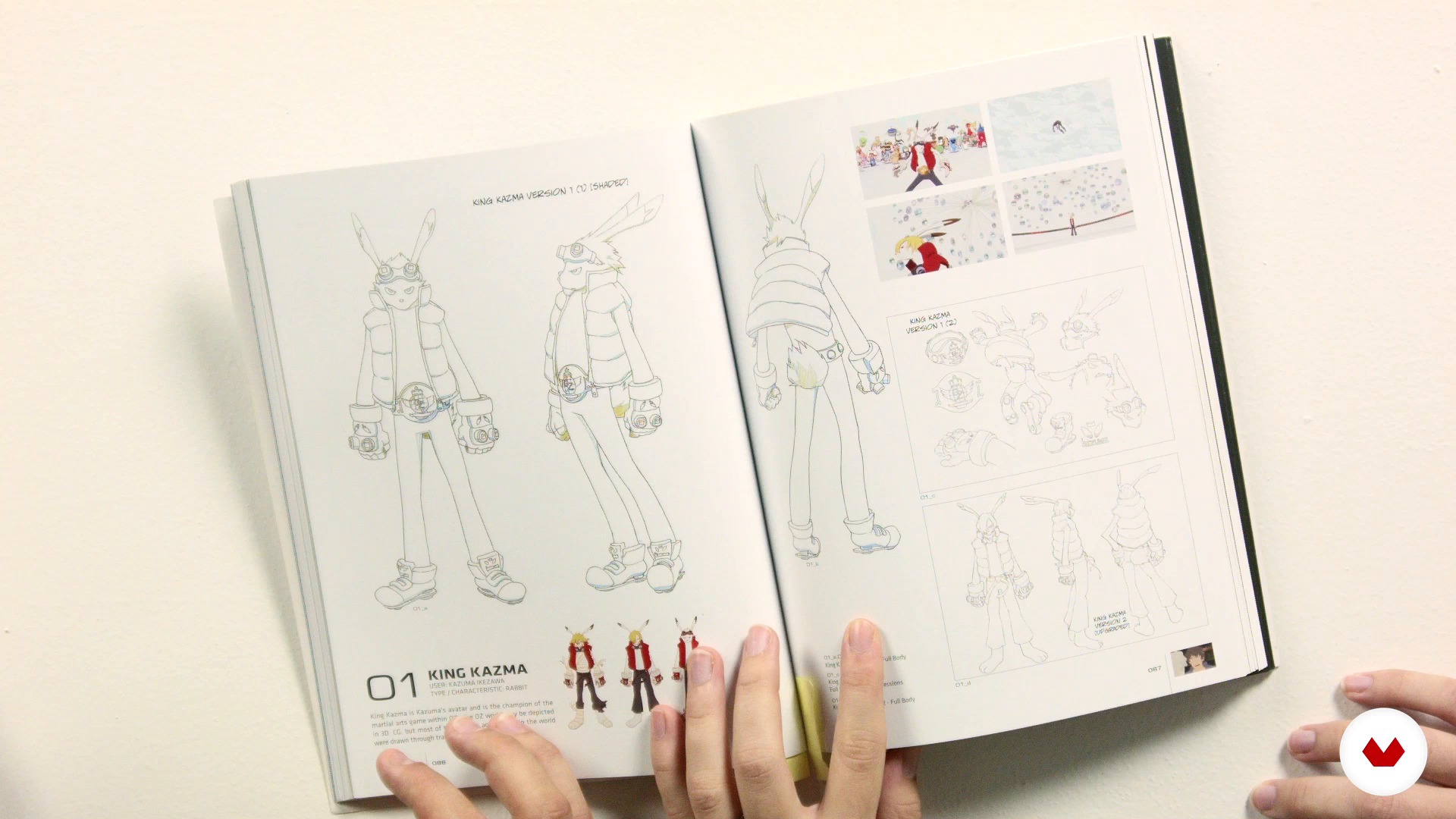
Have an idea
14 minuten, 28 seconden
Foundations of Toon Boom
13 minuten, 28 seconden
Design your character
20 minuten, 55 seconden
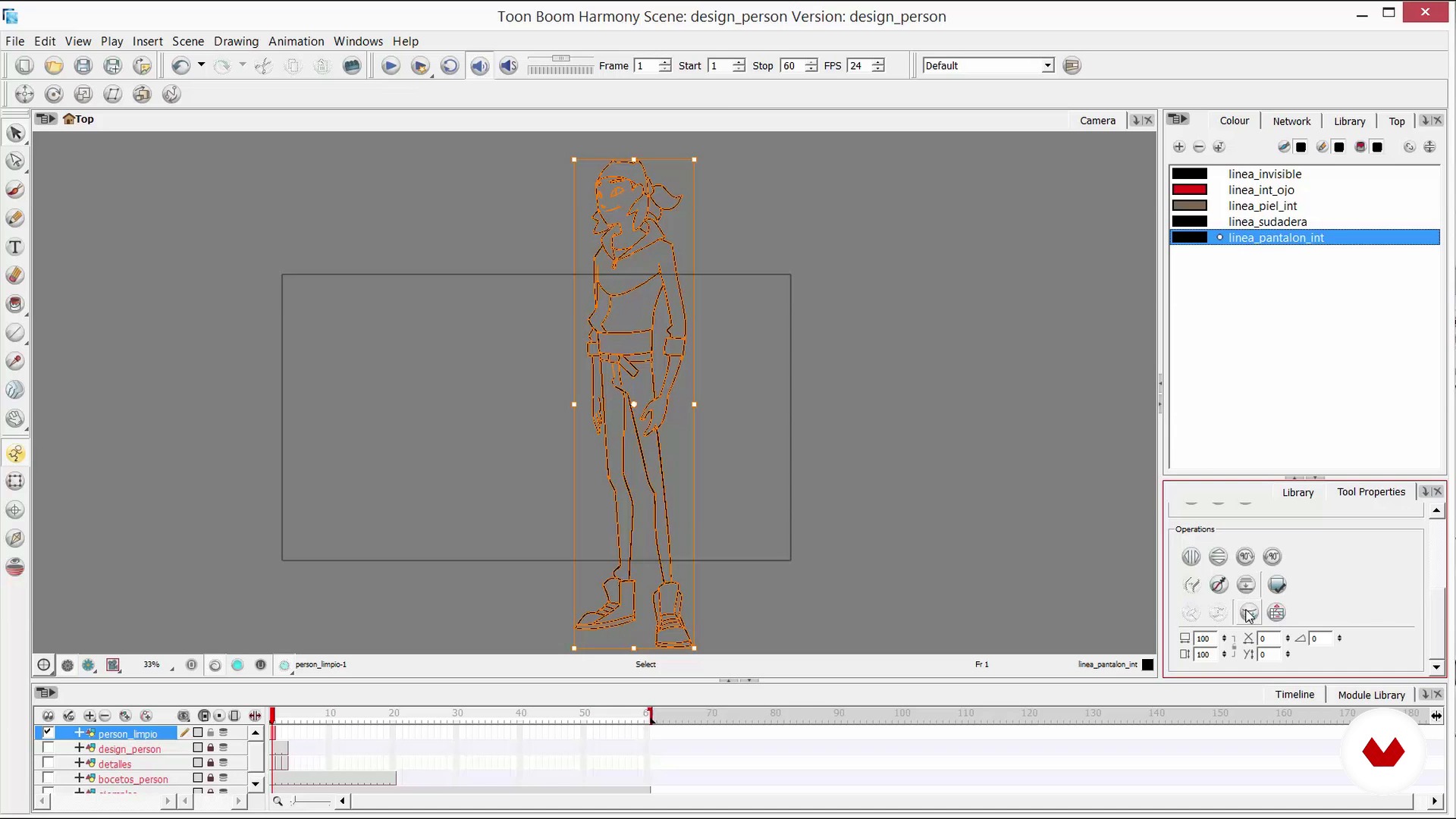
Design your character II
20 minuten, 53 seconden
Sketches
19 minuten, 7 seconden
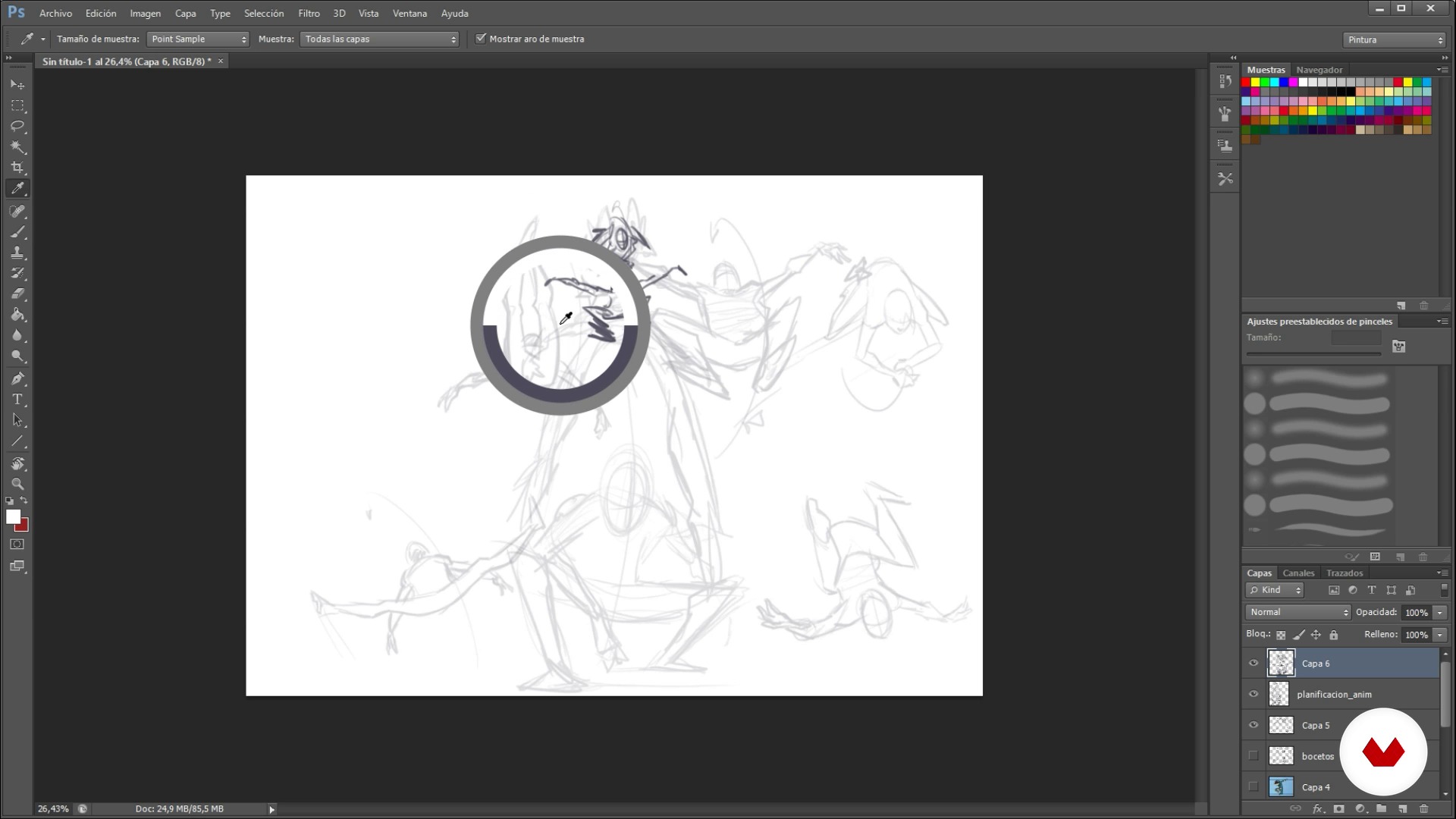
Sketches II
6 minuten, 23 seconden
Wat is inbegrepen in deze cursus?
Begin by getting to know Iván and María, their influences, and the work they do as Sunshine Animation studio.
Find an idea for your project and search for references to develop it before diving into the basics of Toon Boom and designing your character.
Create a rough draft of your sequence and polish it until you have a clean animation. Then add color and some finishing touches like shading and camera effects.
Once it's complete, learn how to export your animated action scene.

Recommended software & tools for this course
What is this course's project?
Create a short animated sequence using traditional frame-by-frame 2D animation techniques. Your teachers create a dynamic action sequence using Japanese animation as a reference.
Projecten van studenten van de cursus


Who is this online course for?
Designers, illustrators, art directors, animators, and creatives who want to delve into the world of 2D digital animation.
Requirements and materials
Basic notions of animation are required to take this course. Experience in simple character and background design are also recommended, although you can use pre-made ones if you prefer to focus solely on animation aspects.
In terms of materials, you need a computer, a Cintiq or Wacom tablet, Toon Boom Harmony (you can download a trial version from their website) and Photoshop to design your character and background. Your teachers use Toon Boom Harmony 10.

Beoordelingen
- 29 dagen geleden
Buen curso para familiarizarse con toon boom harmony y la animacion tradicional
- 6 maanden geleden
Estou gostando bastante do curso, tenho apenas uma observação a fazer. Eu senti um pouco de dificuldade em assistir as aulas no idioma original, pois o áudio aparenta estar um pouco baixo, mesmo com o volume do fome no máximo. Mas tirando isso, estou gostando muito do conteúdo do curso.
- 7 maanden geleden
Excelente curso, muy bueno
- 8 maanden geleden
Ótimo curso para aprender usar o Toon Boom Harmony!
- 8 maanden geleden
Muy lindo

Ik studeerde beeldende kunst en animatiefilm en richtte in 2013 samen met María Sunshine Animation op. Sindsdien werk ik als art director en animator aan reclameprojecten, animatieseries en videogames, en geef ik anima...
Inhoud
- U1
Prepared ...
- Presentation
- Influences
- U2
Ready ...
- Have an idea
- Foundations of Toon Boom
- Design your character
- Design your character II
- Sketches
- Sketches II
- Prepare what is necessary to carry it out
- U3
ALREADY!! To cheer up like badgers
- Animation in rough
- Animation in rough II
- Animation in rough III
- Second rough
- Camera
- Clean up
- Clean up II
- Clean up III
- Clean up IV
- Colour
- Color II
- U4
The last touches
- Shades
- Final camera
- To export
- EP
Eindproject
- 2D animation with Toon Boom Harmony
Wat kan je verwachten van een cursus van Domestika
Leer in je eigen tempo
Geniet van thuis leren, zonder lesroosters en in je eigen tempo. Jij beslist wanneer je verder gaat met het volgende onderdeel.
Leer met de beste professionals
Leer de meest bruikbare methoden en technieken van de beste professionals in de creatieve industrie.
Ontmoet deskundige docenten
Iedere docent brengt kennis met passie over, biedt duidelijke uitleg en een professioneel perspectief bij elke les.
Certificates
PLUSIf you're a Plus member, get a persoonlijk certificaat signed by your teacher for every course. Share it on your portfolio, social media, or wherever you like.
Zorg dat je op de voorste rij zit
Dankzij de hoge kwaliteit van de video's mis je geen enkel detail. Dankzij de onbeperkte toegang kun je de lessen zo vaak bekijken als nodig is om je vaardigheden te perfectioneren.
Deel kennis en ideeën
Stel vragen, krijg feedback en bied oplossingen aan. Deel je leerervaringen met andere studenten in de community die net als jij een passie hebben voor creativiteit.
Maak contact met een wereldwijde creatieve community
Deze community heeft miljoenen gebruikers van over de hele wereld, nieuwsgierig en enthousiast om hun creativiteit te verkennen en te uiten.
Geef cursussen op een professionele manier
Domestika selecteert zorgvuldig haar docenten en produceert iedere cursus in eigen huis om een uitstekende online leerervaring te garanderen.
Veelgestelde vragen
You’ll learn how to plan, design, and animate characters and scenes using Toon Boom—from the initial idea, visual references, and sketches to post-production, coloring, and professional export of your animations.
This is an intermediate-level course, recommended for those who already have basic knowledge of animation or digital illustration and want to deepen their professional skills with Toon Boom.
You’ll need basic animation or digital illustration skills, access to a computer with Toon Boom installed, and preferably a graphics tablet to get the most out of the hands-on exercises.
You should have Toon Boom Harmony installed on your PC or Mac, a graphics tablet is recommended, and an internet connection to download resources and support materials.
Yes, you’ll learn to design original characters, build their anatomy, apply color palettes, create backgrounds, and compose full scenes for animation.
The course teaches you how to find, analyze, and adapt visual references from anime, manga, and other sources, blending styles to create original and expressive characters and scenes.
Yes, it explores influences from Japanese animation and examples like Samurai Champloo to enrich visual storytelling and character and scene design.