
Ontwerp de poster voor een evenement, een film of een concert
In this course, illustrator, designer, and music poster designer Error! Design, teaches you to design a high-impact poster using the digital collage technique from old engraved illustrations. Discover the steps followed by Error! Design for a real commission—the commemorative tenth-anniversary poster of Love of Lesbian's first album launch.
Error! Design loves to make the visuals aspect of music shine too through his posters. That is why, in each of his works, he recreates scenes, actions, or something that gives life to the paper and transmits feeling.
Wat leer je tijdens deze online cursus?
16 lessen & 12 aanvullende bronnen
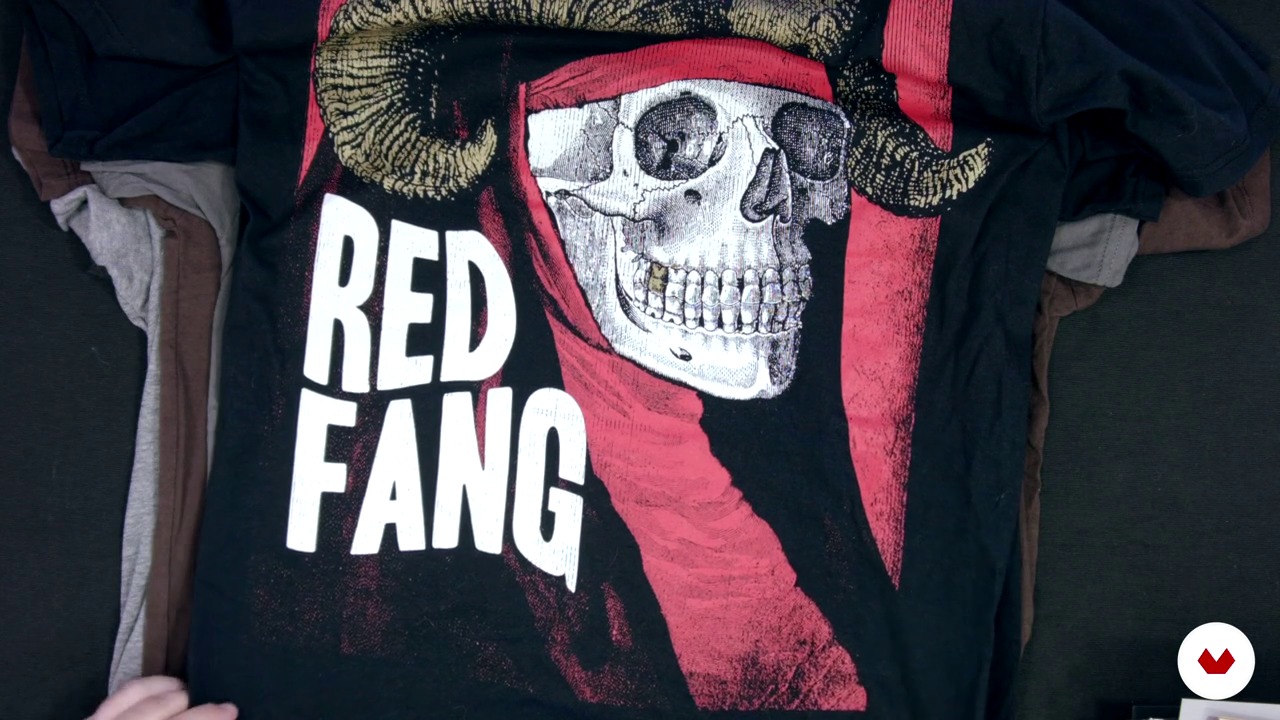
My jobs 2
19 minuten, 31 seconden
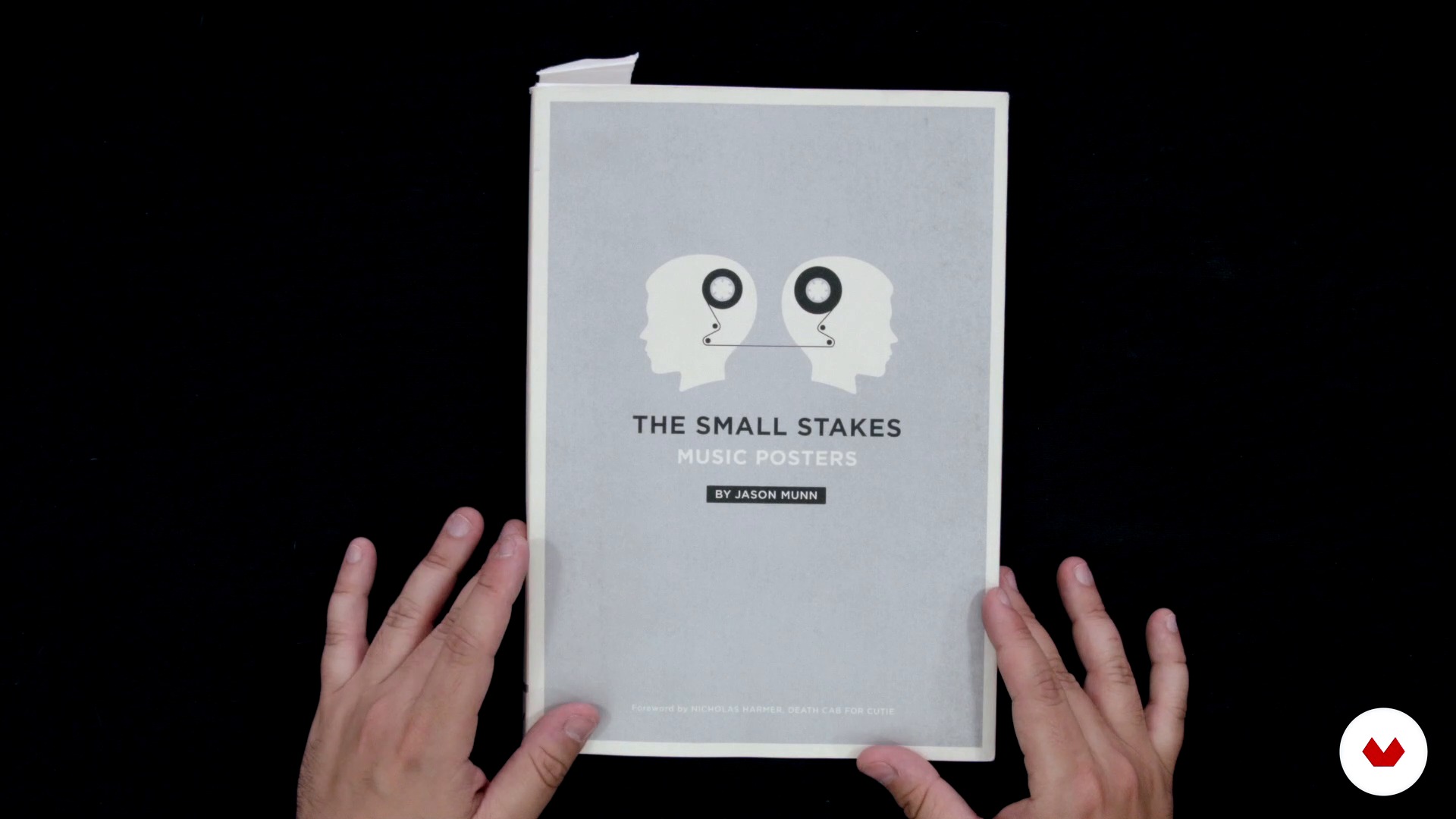
Influences
14 minuten, 18 seconden
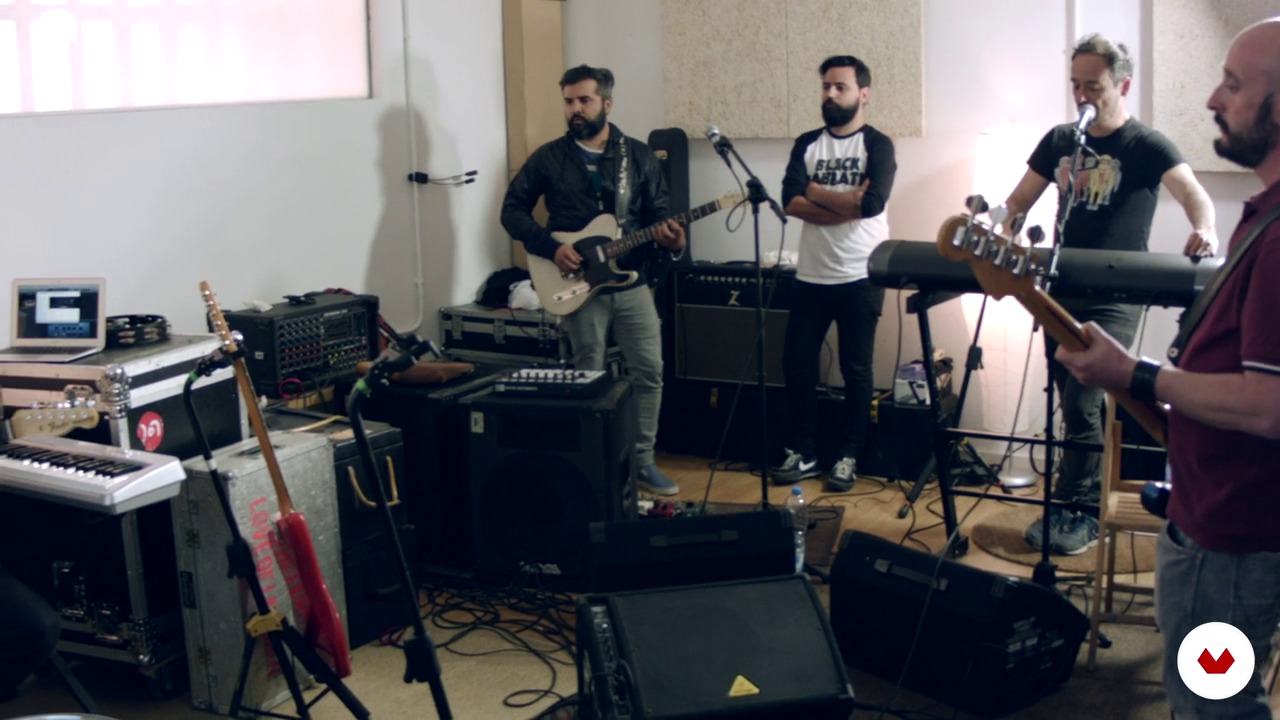
The order
3 minuten, 52 seconden
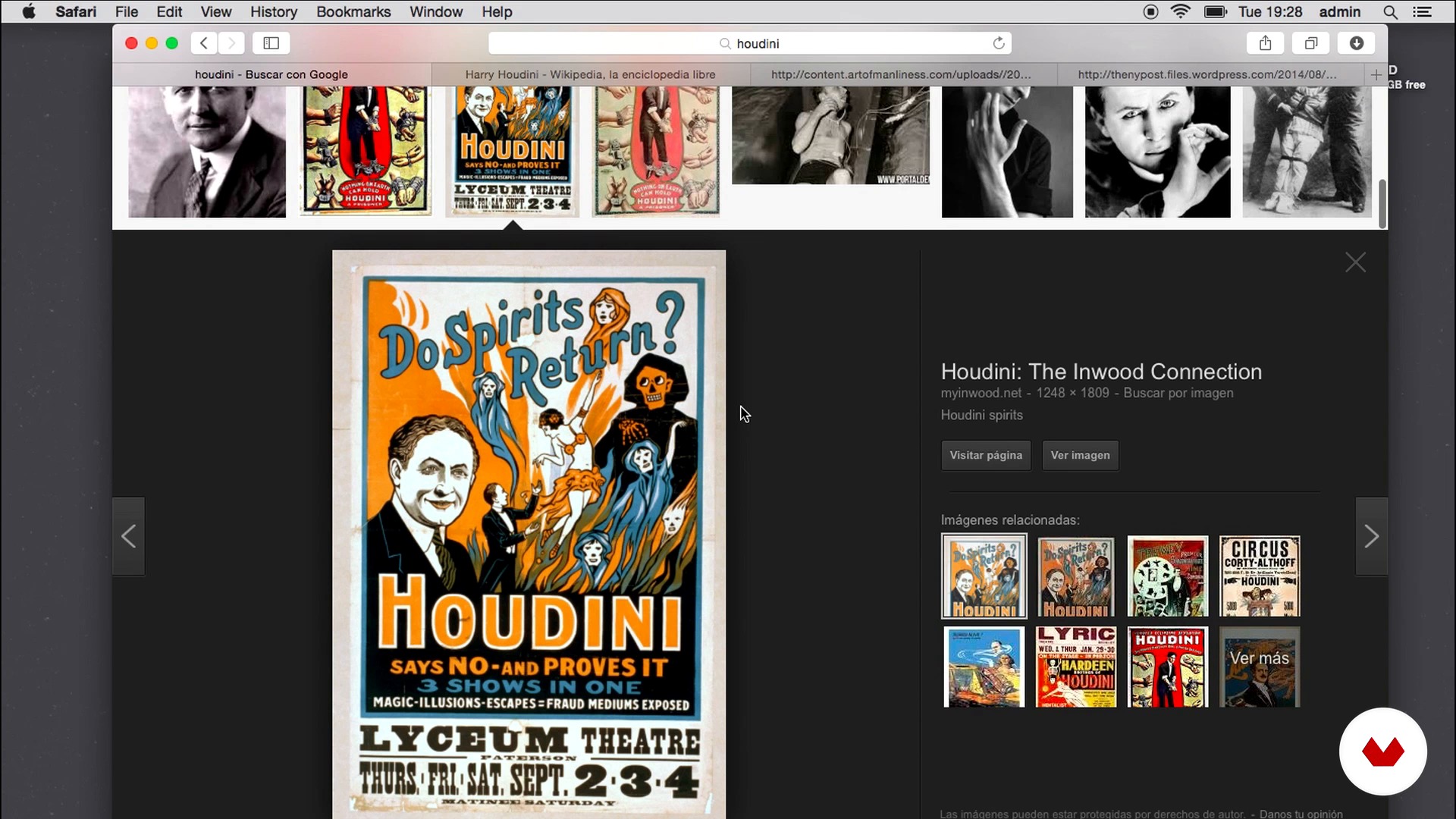
Concept documentation
5 minuten, 21 seconden
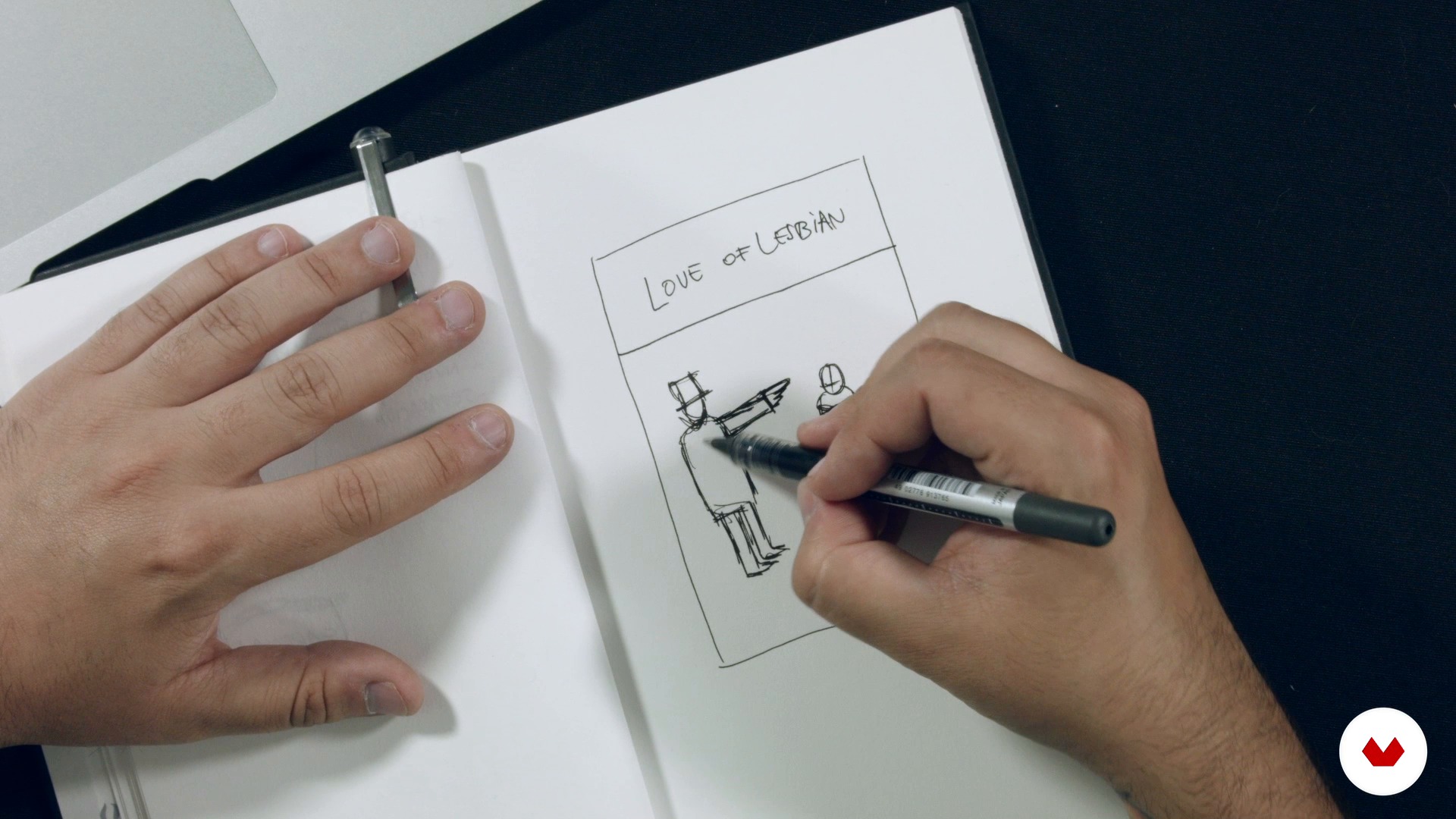
Concept and sketch
6 minuten, 27 seconden
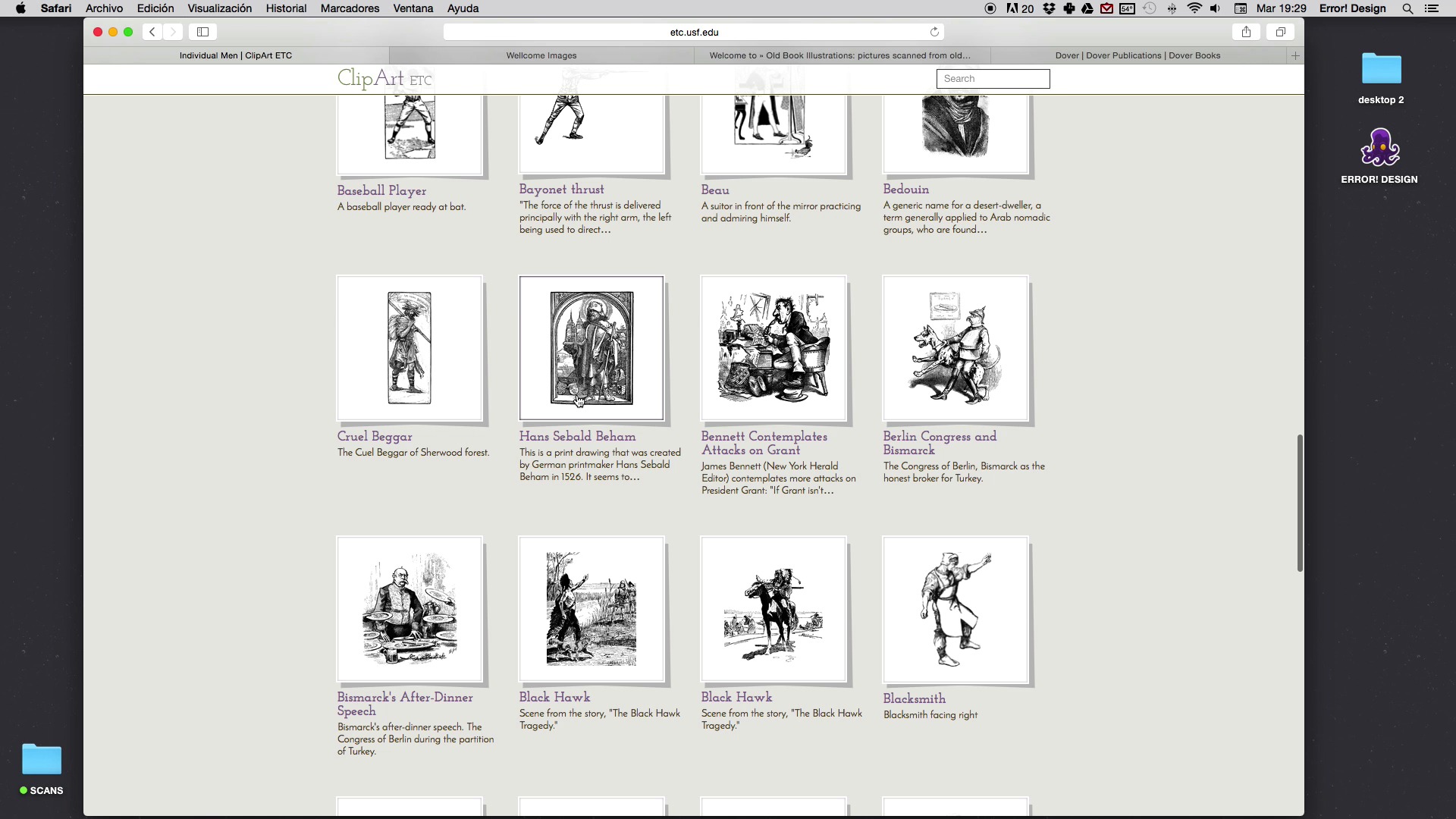
Search for material
9 minuten, 20 seconden
Wat is inbegrepen in deze cursus?
Begin by getting to know the work of Error! Design a little better, including his influences, references, and favorite authors.
Next, learn how to approach a commission, getting to know the client and their ideas, gathering documents to arrive at the creative concept for the poster, and doing the first sketches.
Then get to work on the "billboarding" phase. Start by searching for specific materials for your illustration and get to know all of Error! Design's tricks for achieving perfect compositions, texts, colors, and textures.
To bring the course to a close, prepare your project file for both screen printing and other printing methods.

Recommended software & tools for this course
What is this course's project?
Compose a poster for a fictitious event, movie, or concert, using the collage technique from old prints obtained online or in books to create the scene that will dote your poster with action.
Projecten van studenten van de cursus


Who is this online course for?
If you're one of those people who stands on the street staring at signs thinking that they should have a greater visual impact and less Comic Sans, then this is the course for you.
Requirements and materials
All you need is the desire and motivation to get creative. If you also love music and have a good grasp of Photoshop or Illustrator it would be a plus, but is by no means essential.
In terms of materials, you need a pencil for sketching, a notebook, a computer with an internet connection and either Photoshop or Illustrator installed. A scanner and printer would be useful but are optional.

Beoordelingen
- 11 maanden geleden
Nice one.
- 1 jaar geleden
muy buen curso
- 1 jaar geleden
Bastante útil para tener una idea general
- 1 jaar geleden
Es increible como siempre muestran los mejores trabajos pero para enseñar te hacen un trabajo muy simple, siempre lo mismo y en todos los cursos.
- 1 jaar geleden
Muito didático e talentoso, parabéns e obrigado, Professor Forné

Xavi Forné, een geniaal ontwerper, illustrator en muzikant, is de man achter de na...
Inhoud
- U1
Introduction
- Who I am
- My jobs 1
- My jobs 2
- Influences
- U2
Let's get to know the client and his ideas
- The order
- Concept documentation
- Concept and sketch
- U3
A cartelear!
- Search for material
- The composition (Part I)
- The composition (Part II)
- Text processing
- Color and texture
- U4
To print!
- Prepress (Part I)
- Prepress (Part II)
- Tips for screen printing
- Screen printing process
- EP
Eindproject
- Illustrated poster
Wat kan je verwachten van een cursus van Domestika
Leer in je eigen tempo
Geniet van thuis leren, zonder lesroosters en in je eigen tempo. Jij beslist wanneer je verder gaat met het volgende onderdeel.
Leer met de beste professionals
Leer de meest bruikbare methoden en technieken van de beste professionals in de creatieve industrie.
Ontmoet deskundige docenten
Iedere docent brengt kennis met passie over, biedt duidelijke uitleg en een professioneel perspectief bij elke les.
Certificates
PLUSIf you're a Plus member, get a persoonlijk certificaat signed by your teacher for every course. Share it on your portfolio, social media, or wherever you like.
Zorg dat je op de voorste rij zit
Dankzij de hoge kwaliteit van de video's mis je geen enkel detail. Dankzij de onbeperkte toegang kun je de lessen zo vaak bekijken als nodig is om je vaardigheden te perfectioneren.
Deel kennis en ideeën
Stel vragen, krijg feedback en bied oplossingen aan. Deel je leerervaringen met andere studenten in de community die net als jij een passie hebben voor creativiteit.
Maak contact met een wereldwijde creatieve community
Deze community heeft miljoenen gebruikers van over de hele wereld, nieuwsgierig en enthousiast om hun creativiteit te verkennen en te uiten.
Geef cursussen op een professionele manier
Domestika selecteert zorgvuldig haar docenten en produceert iedere cursus in eigen huis om een uitstekende online leerervaring te garanderen.
Veelgestelde vragen
You’ll learn how to create illustrated posters for concerts, album covers, and music merchandise, including sketching, composition, typography, color, texturing, and preparing files for screen printing.
This course is aimed at people with prior experience in graphic design or illustration, making it ideal for intermediate learners.
You’ll need Photoshop, Illustrator, a scanner, paper, sketching materials, and access to digital resources for textures and fonts.
Yes, you’ll learn how to organize layers, separate colors, assign Pantones, and prepare technical files ready for screen printing.
Yes, the course teaches how to create retro textures, age typography, and simulate vintage paper using both digital and manual tools.
Yes, you’ll learn how to select complementary colors, build custom palettes, and adjust color matching between digital and print.
Yes, the course prepares you to design album covers, flyers, merchandise, and promotional materials for bands and music events.