
Inleiding tot redactioneel ontwerp
A course by Pablo AbadGrafisch ontwerper en artistiek directeur
A course by Pablo Abad, Grafisch ontwerper en artistiek directeur

Maak van je passie een professioneel uitgegeven tijdschrift
Editorial design is probably the specialty with the most graphic-design content. Laying out and composing a publication forces you to pay attention to everything: photography, typography, color, rhythm. It is an exciting art full of complex concepts that Pablo Abad makes easy.
Surely you are a collector and you keep countless images, photos, and illustrations that you like on your computer or on your blog...influences, or strange things that only you understand. How would you like to use all of that to make a magazine like a professional? It is the perfect excuse to break into the publishing world and prepare your first project for your portfolio. With Pablo, learn how an editorial project is planned from beginning to the end, from the conceptualization to the final art.
Wat leer je tijdens deze online cursus?
21 lessen & 11 aanvullende bronnen
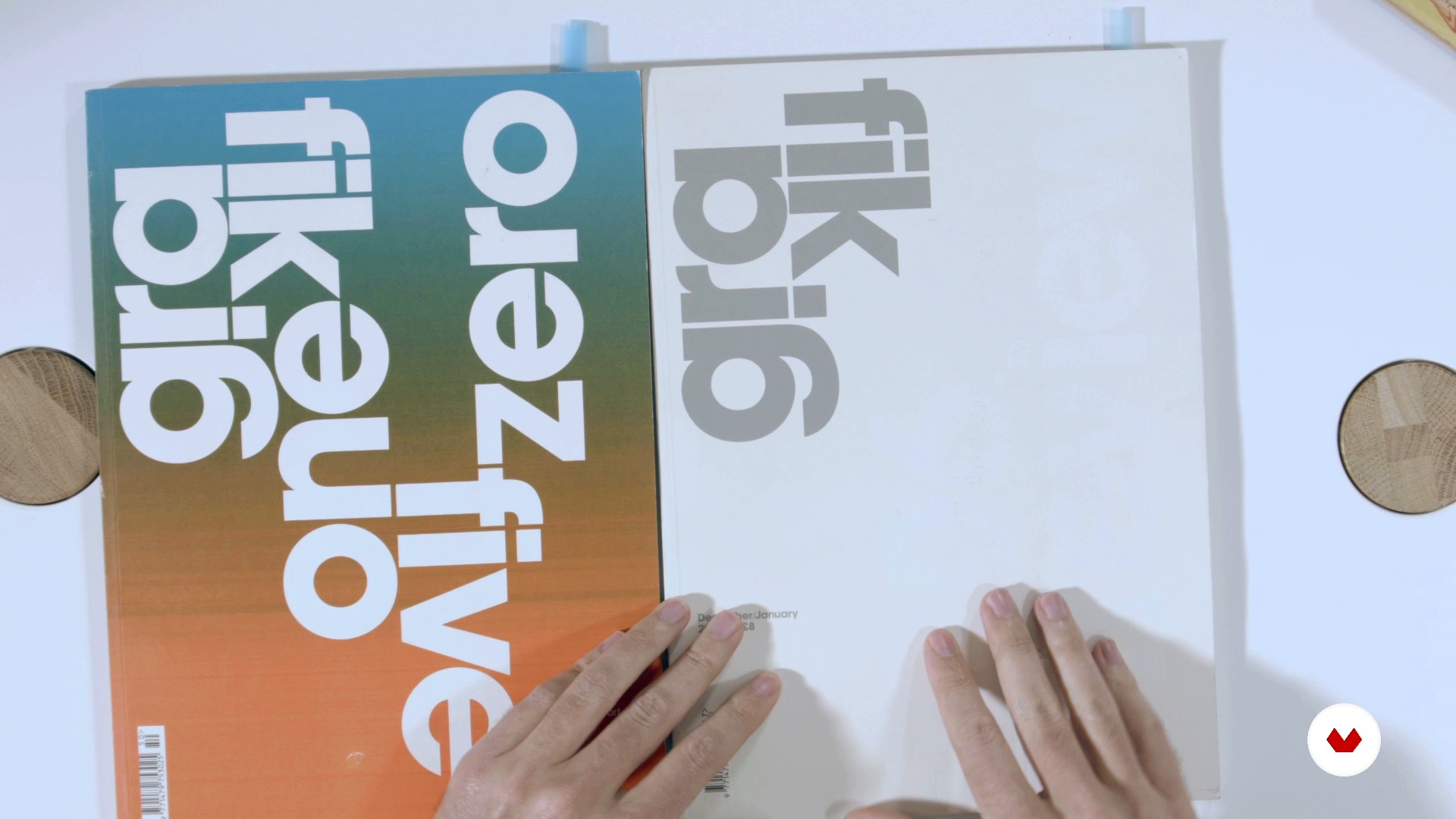
Influences I
16 minuten, 25 seconden
Influences II
19 minuten, 46 seconden
The publishing world
3 minuten, 13 seconden
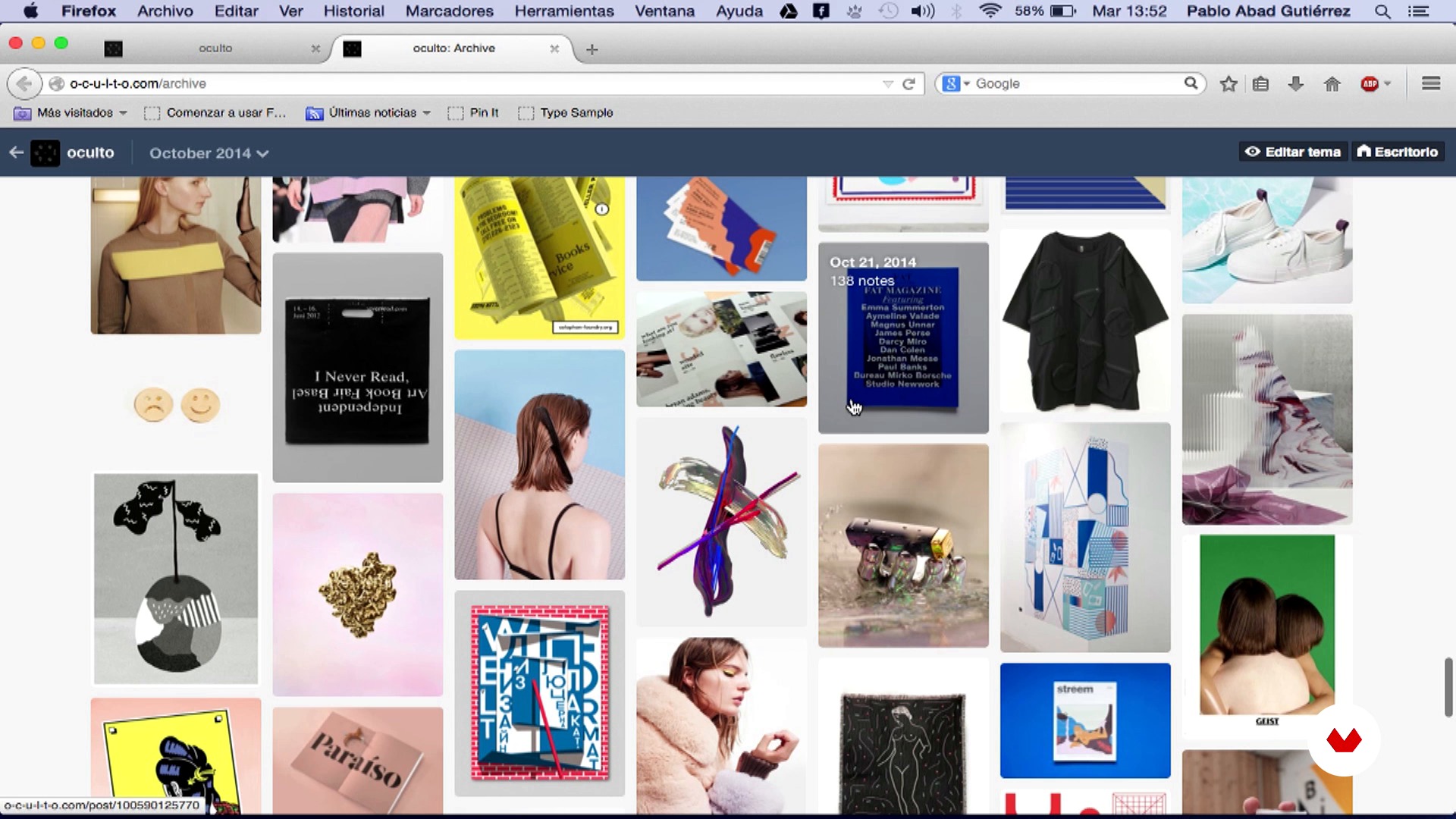
The choice of editorial project
5 minuten, 32 seconden
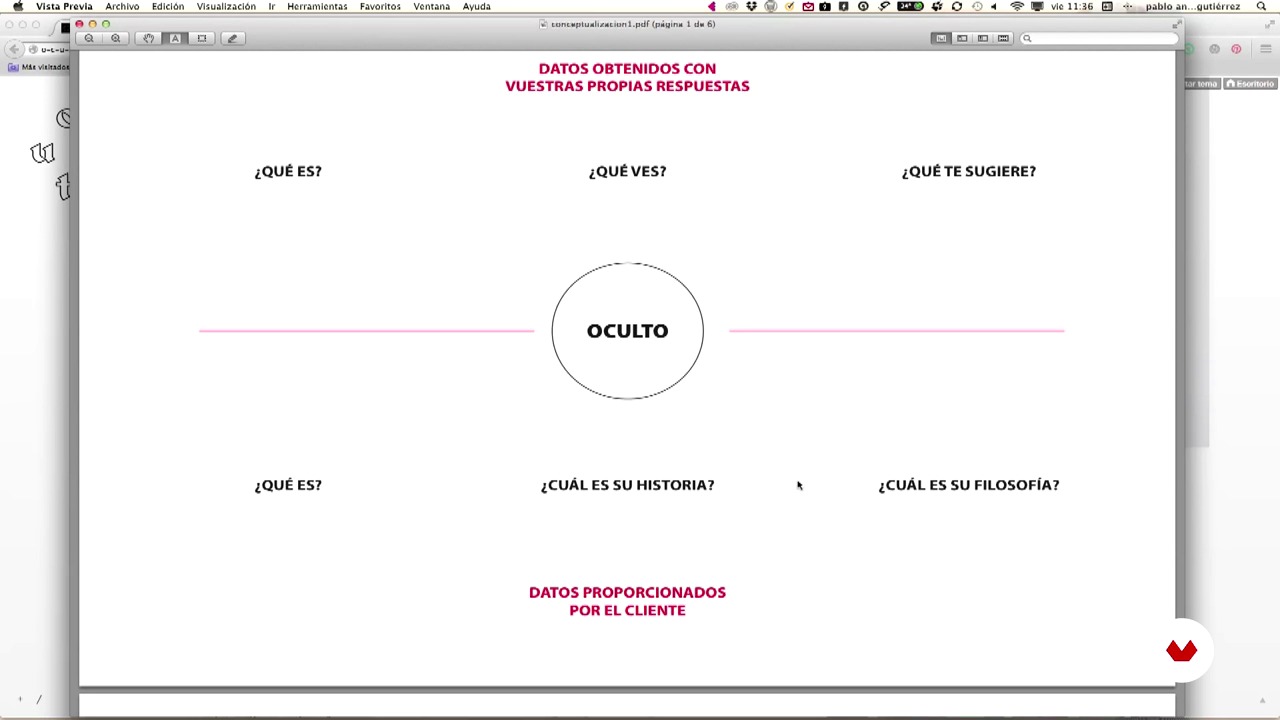
The conceptualization
7 minuten, 1 seconde
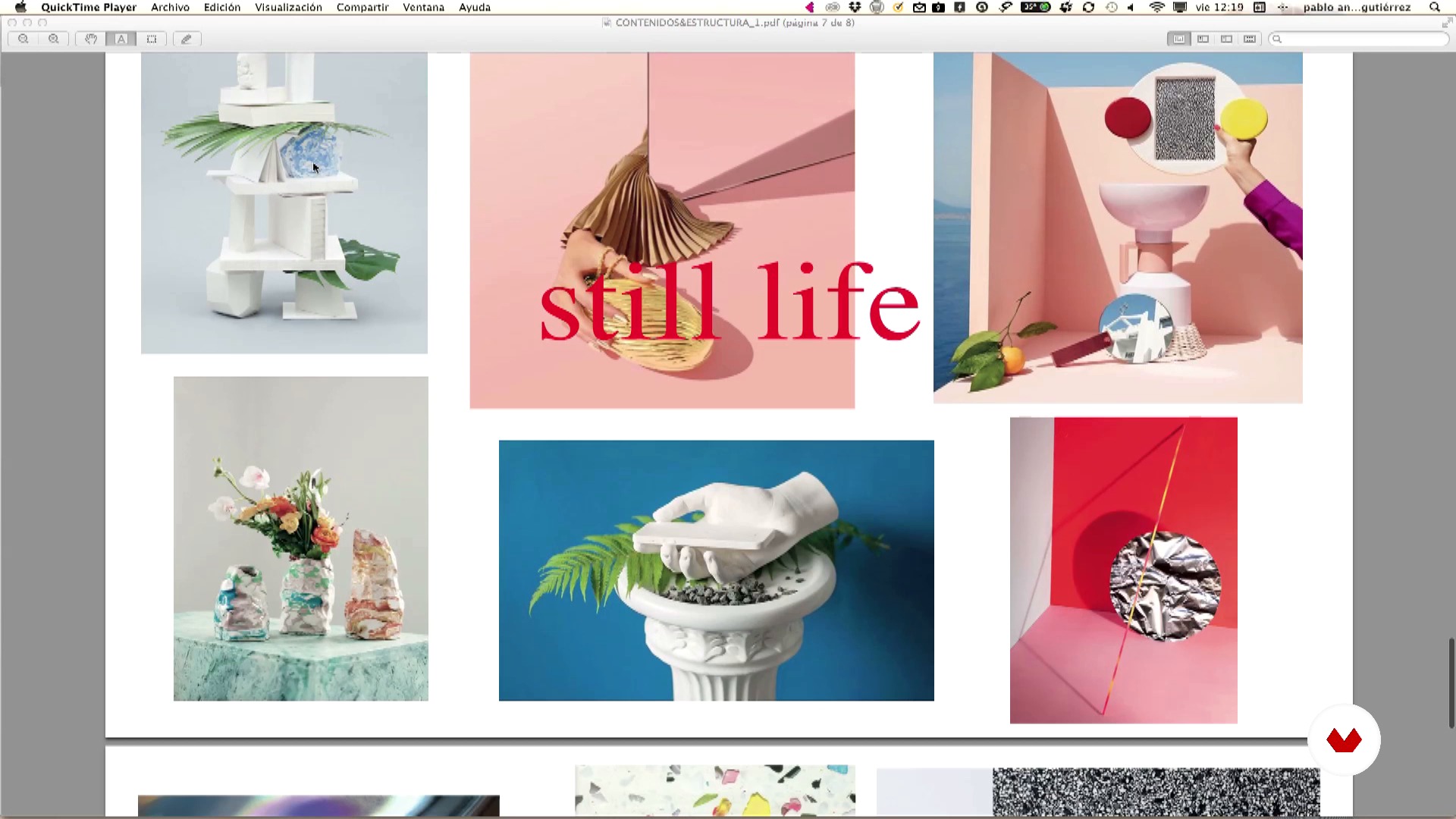
The contents and their structure
9 minuten, 5 seconden
Wat is inbegrepen in deze cursus?
To start, Pablo explains what his work consists of and takes you by the hand through the publishing world. He explains the different agents involved in the development of a magazine and the role of each one. He helps you to conceptualize the content of a magazine based on a real project: a personal blog, OCULTO, that you turn into a magazine.
To prepare the magazine, he tells you how to give structure to the contents. He explains how to work with a project plan and how the material is organized before thinking about the format. Once the format has been determined, learn how to choose a font based on the project. Don't know much about how to work with reticles? Don't worry, Pablo teaches you how to work with them in an easy and simple way. Understand the pros and cons of the different grid formats and decide on a template to work with.
Once the template has been chosen, all that remains is to do the design of both the interior pages and the cover. Learn how to review everything, make the necessary adjustments, and create the final art for your magazine.

Recommended software & tools for this course
What is this course's project?
Design a magazine based on various appealing images that you select. If you want to make a magazine with a certain theme, no problem—the process that Pablo Abad explains can help you to carry out any project.
Projecten van studenten van de cursus


Who is this online course for?
This course is aimed at anyone who is interested in and curious about breaking into the publishing world and learning first-hand how a magazine is designed and structured. If, on the other hand, you already have experience in the publishing world, with this course, learn about Pablo Abad's working method and all the tricks he uses to carry out his magnificent art direction.
Requirements and materials
There are very few requirements. You need basic notions of graphic design and you need to have basic knowledge of Adobe InDesign. If you don't know how to use it, don't worry—Pablo's explanations are enough to get you through. Basic knowledge of Photoshop and Illustrator is also a plus.
Beoordelingen
- 7 dagen geleden
It's a great course for beginners. Would love to see more Domestika courses from this instructor.
- 2 maanden geleden
Me gustó mucho que el profesor mostró variadas inspiraciones y el proceso de manera detallada. Sin duda, una buena instancia para aprender lo básico del Diseño Editorial.
- 8 maanden geleden
El curso esta bien para repasar temas básicos y asentar conocimientos de diseño editorial. El profesor habla de forma lenta y suave para poder comprender bien todo. El proyecto final es un modo más de comprender todos los bloques del curso y realizar un proyecto de superación personal. Lo recomendaría como curso de base para futuros diseñadores editoriales pero no para aquellos que ya tienen un nivel avanzado ya que las herramientas que utiliza son poco innovadoras.
- 1 jaar geleden
Recomendado el curso, es impresionante
- tasnimalmallahPLUS1 jaar geleden
Recomiendo el curso! lo explica de manera sencilla y dinámica lo que hace sencillo llevarlo a la práctica.

Inhoud
- U1
Foreword
- Presentation I
- Presentation II
- Influences I
- Influences II
- U2
Chapter I (The birth)
- The publishing world
- The choice of editorial project
- The conceptualization
- U3
Chapter II (The plan)
- The contents and their structure
- The planillo
- Sort all the material
- U4
Chapter III (The development)
- The format
- Typography I
- The type II
- Reticles and templates I
- The reticles and templates II
- The design of the interior pages I
- The design of the interior pages II
- The design of the cover
- U5
Chapter IV (The revision)
- Review of the entire project and readjustments
- The final art
- Present the project
- EP
Eindproject
- Introduction to Editorial Design
Wat kan je verwachten van een cursus van Domestika
Leer in je eigen tempo
Geniet van thuis leren, zonder lesroosters en in je eigen tempo. Jij beslist wanneer je verder gaat met het volgende onderdeel.
Leer met de beste professionals
Leer de meest bruikbare methoden en technieken van de beste professionals in de creatieve industrie.
Ontmoet deskundige docenten
Iedere docent brengt kennis met passie over, biedt duidelijke uitleg en een professioneel perspectief bij elke les.
Certificates
PLUSIf you're a Plus member, get a persoonlijk certificaat signed by your teacher for every course. Share it on your portfolio, social media, or wherever you like.
Zorg dat je op de voorste rij zit
Dankzij de hoge kwaliteit van de video's mis je geen enkel detail. Dankzij de onbeperkte toegang kun je de lessen zo vaak bekijken als nodig is om je vaardigheden te perfectioneren.
Deel kennis en ideeën
Stel vragen, krijg feedback en bied oplossingen aan. Deel je leerervaringen met andere studenten in de community die net als jij een passie hebben voor creativiteit.
Maak contact met een wereldwijde creatieve community
Deze community heeft miljoenen gebruikers van over de hele wereld, nieuwsgierig en enthousiast om hun creativiteit te verkennen en te uiten.
Geef cursussen op een professionele manier
Domestika selecteert zorgvuldig haar docenten en produceert iedere cursus in eigen huis om een uitstekende online leerervaring te garanderen.
Veelgestelde vragen
You’ll learn how to conceptualize, structure, and design editorial publications—from creating grids and layout sheets to choosing typography, organizing images, and delivering a polished final presentation using tools like InDesign and Illustrator.
This course is aimed at those with intermediate graphic or editorial design skills, familiar with tools like InDesign and Illustrator. You don’t need to be an expert, but basic design experience is recommended.
You’ll need access to Adobe InDesign and Illustrator to complete the practical exercises, plus a Pinterest account to organize visual references and moodboards.
An editorial grid is a framework of columns, margins, and guides that organizes visual and textual content in a publication, ensuring consistency and balance on every page.
The course teaches you how to select and pair fonts to create visual hierarchies, improve readability, and define the publication’s personality using InDesign’s features.
Yes, you’ll learn to create layout sheets both manually and digitally to plan magazine structures, assign colors, number pages, and export diagrams as PDFs.
Proper file and folder organization streamlines your workflow, enhances collaboration, and keeps all graphic and textual materials easily accessible and well organized.