
Digitale belettering met Illustrator en Photoshop
Een cursus van Daniel HosoyaUitgever ontwerper
Een cursus van Daniel Hosoya, Uitgever ontwerper

Leer composities te maken met een combinatie van verschillende letterstijlen
Daniel Hosoya - graphic designer specialized in the creation of digital letters - experimenting with typographies to create designs with strength and character, designing his own letterings. This is how his love for letters was born. More than ten years have passed since then and in this time he has collaborated with clients such as Ford, Modelo and Grupo Expansión.
In this course, Daniel will teach you different ways to create letters using digital tools.
Wat leer je tijdens deze online cursus?
20 lessen & 16 aanvullende bronnen
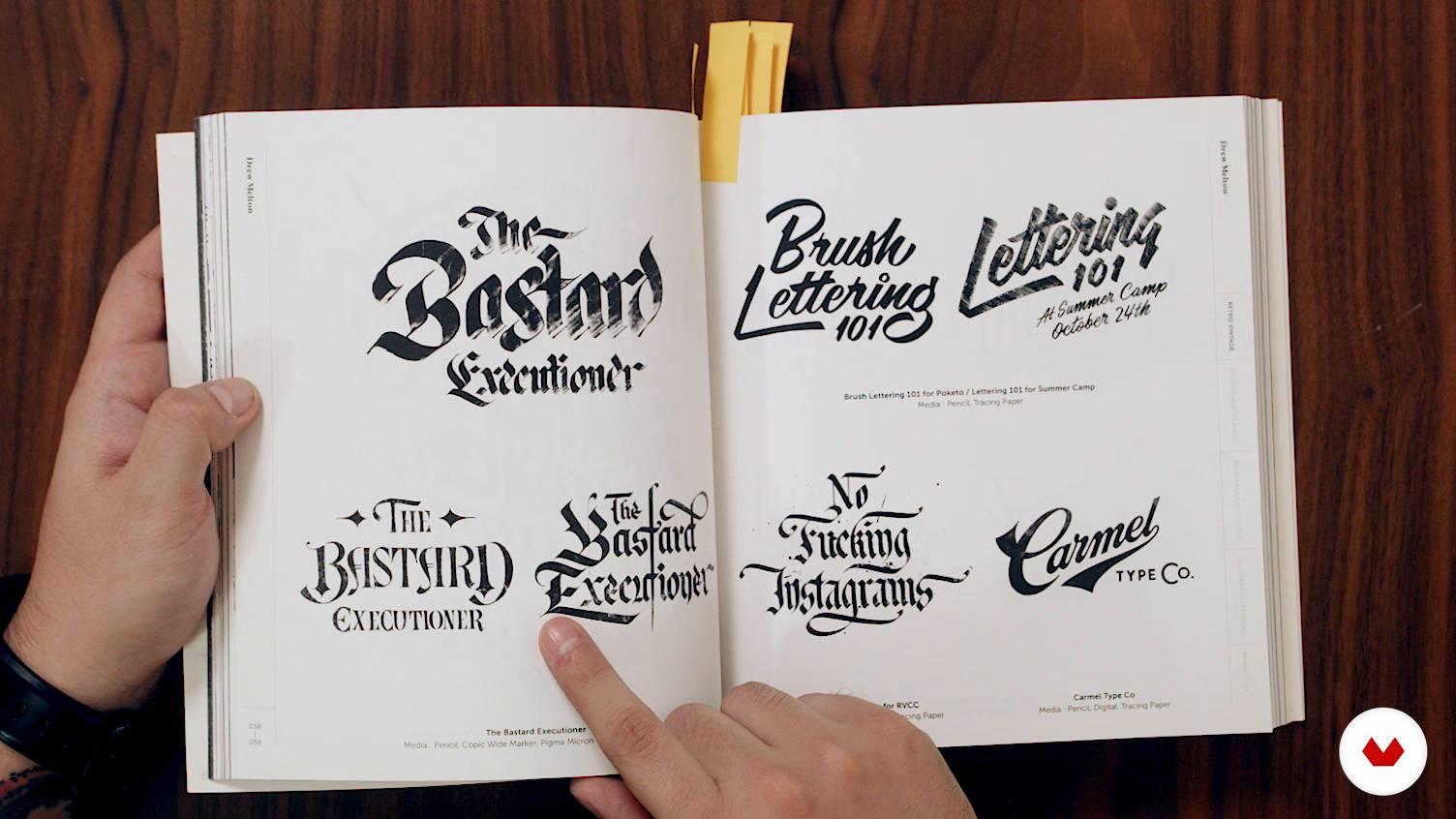
What is lettering?
8 minuten, 30 seconden
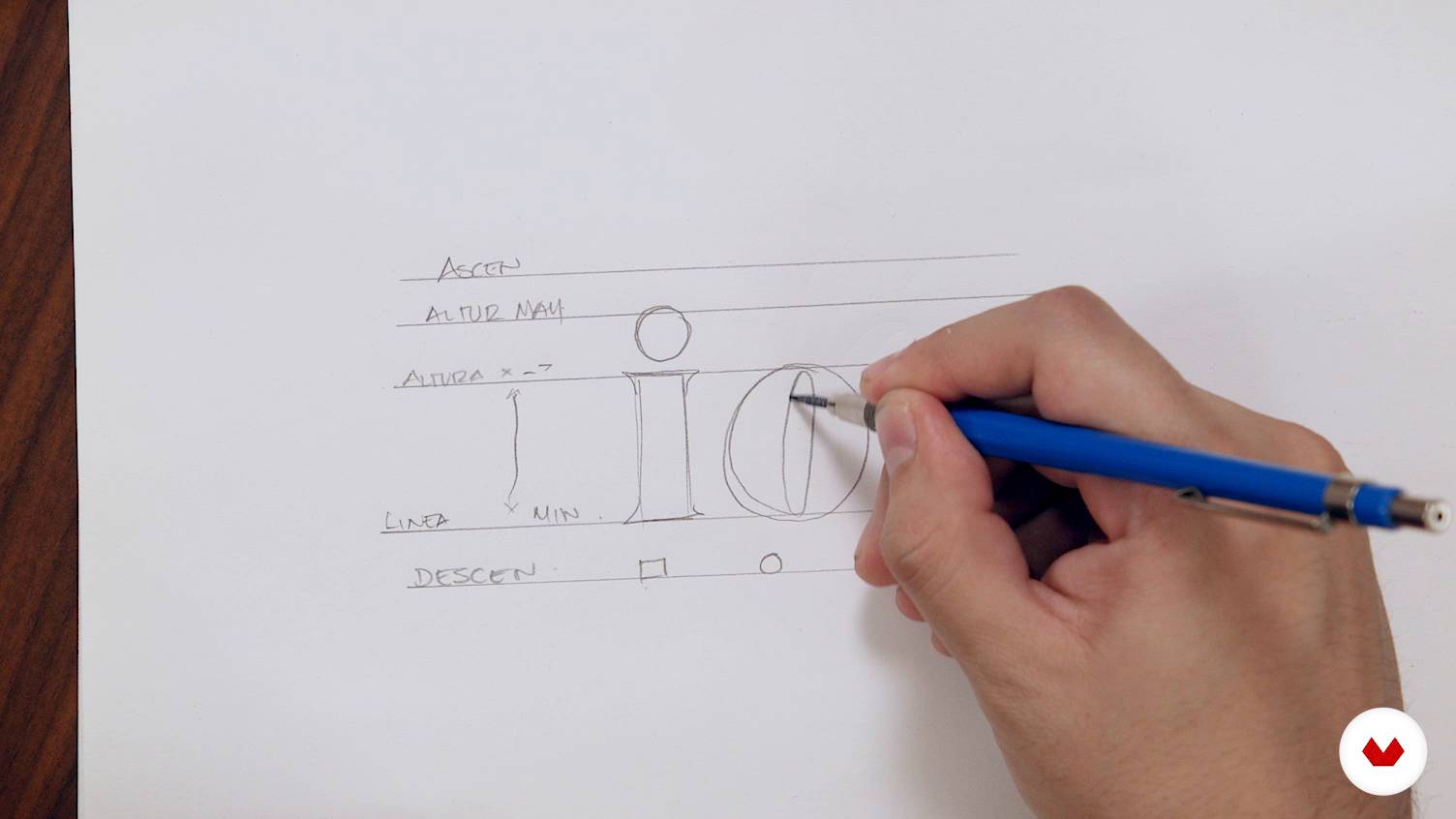
Basic concepts for drawing letters
4 minuten, 55 seconden
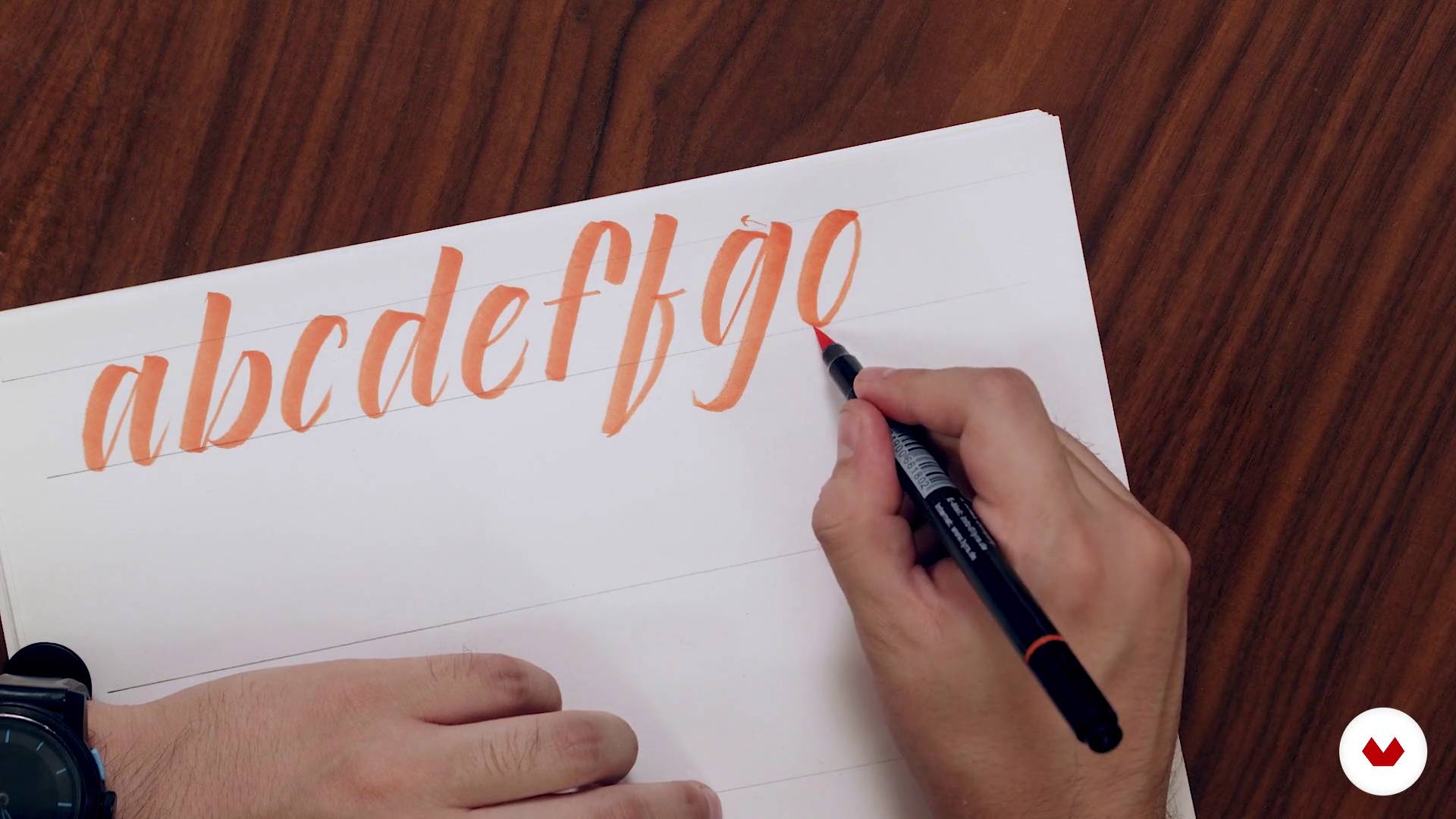
Expansion tools
20 minuten, 32 seconden
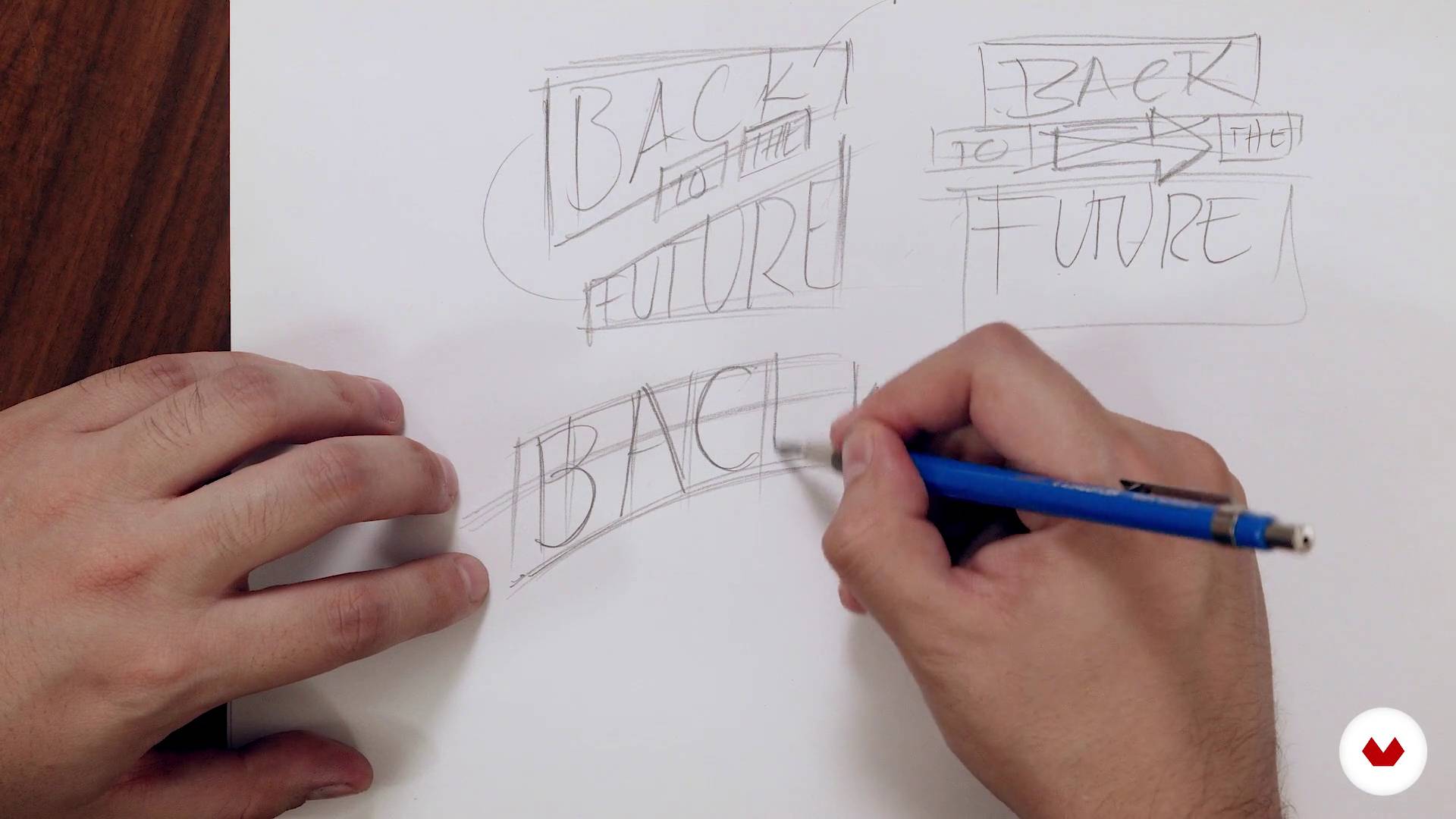
Principles of composition
7 minuten, 42 seconden
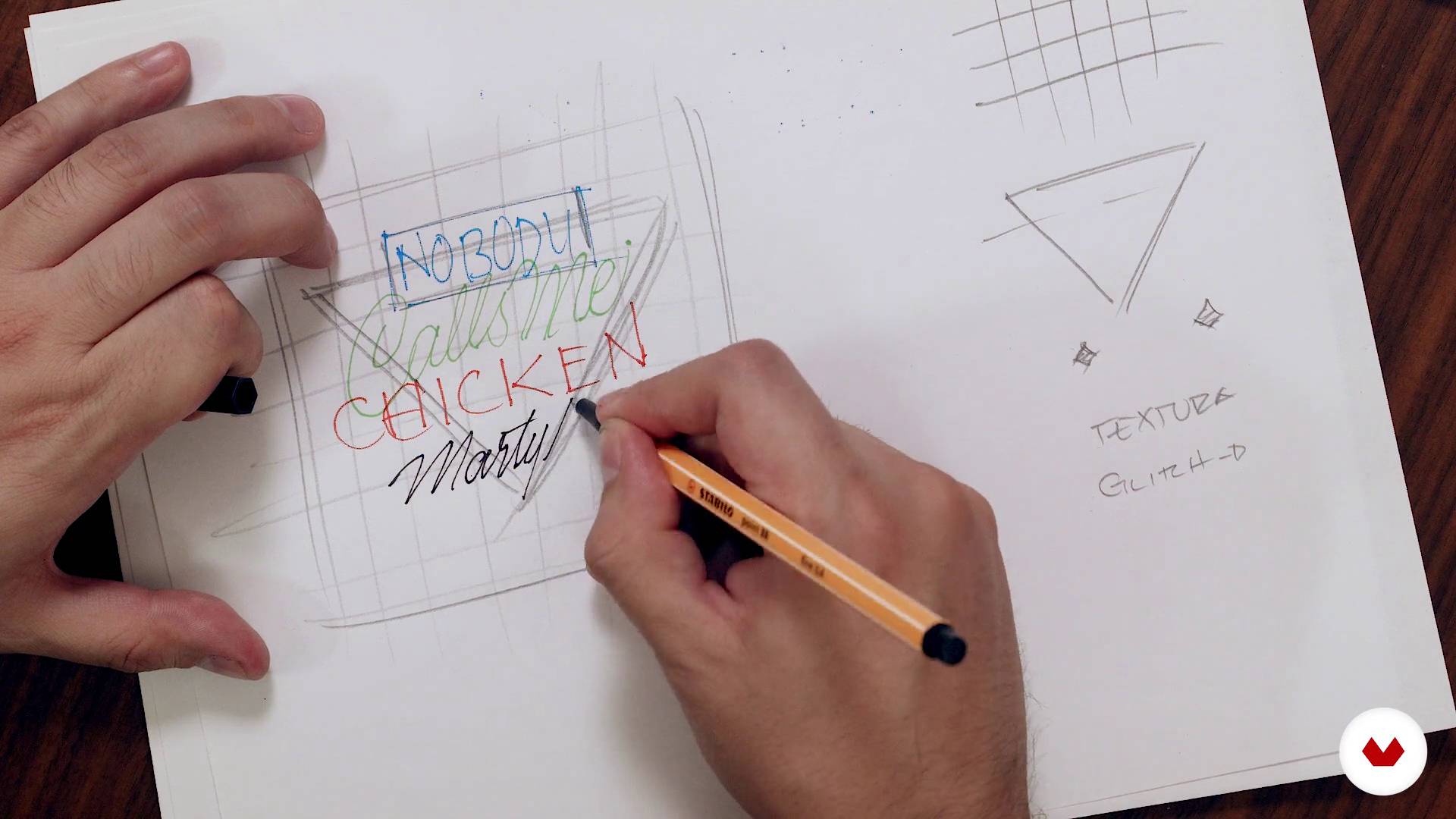
Let's do it
15 minuten, 55 seconden
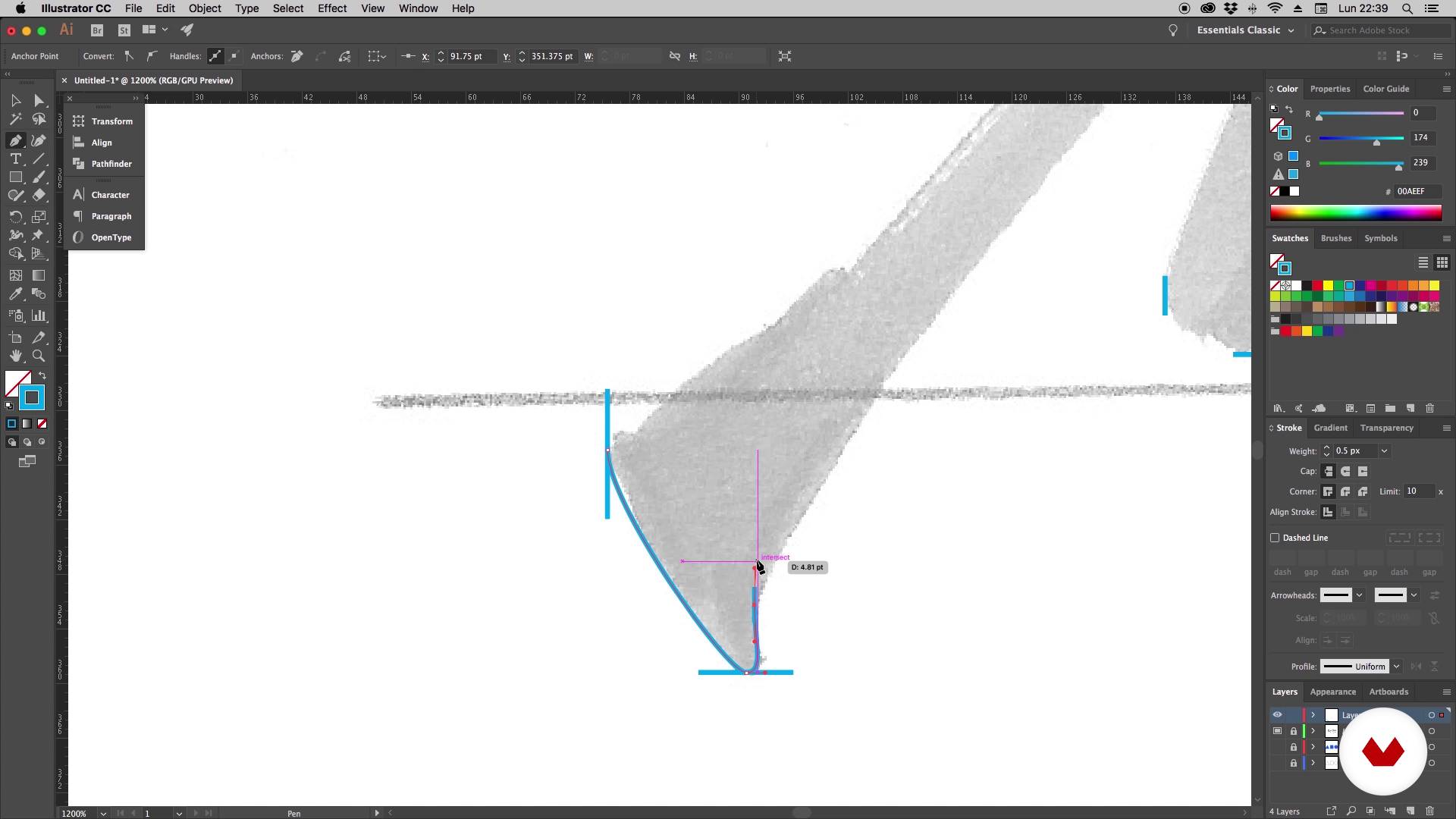
It's time to vectorize - Part 1
16 minuten, 55 seconden
Wat is inbegrepen in deze cursus?
You will begin knowing Daniel's work and his influences. In the first lessons he will explain what is lettering and its difference with other disciplines in which the lyrics are also protagonists: calligraphy and typography.
You will also learn fundamental concepts for drawing letters, such as height, modulation and optical adjustment. In addition, Daniel will show you how to draw hand lettering with brush pen and you will discover some very useful warm-up exercises for this type of technique.
Next, you will see principles of composition, essential to create a harmonic and readable layout. Once you have made your sketch, Daniel will explain how to vectorize the design in a practical and simple way.
You will learn to create different types of letters in a completely digital way, starting with a modular typeface based on geometric shapes. Afterwards, you will make a monoline design and you will see how to create your own brushes to be able to draw your letters directly in Illustrator.
Finally, you will combine all the styles in your composition and take your design to Photoshop to give it the final finishes. You will learn to create letters with neon and metallic effects, apply lights, textures and create a glitch effect.
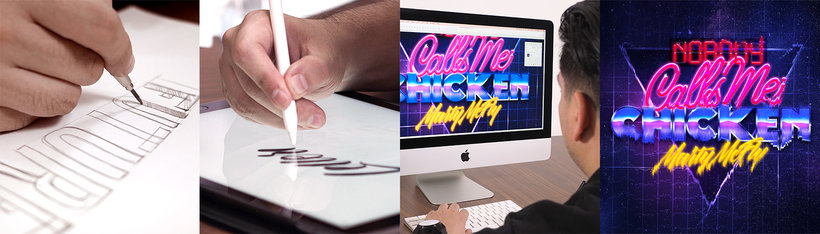
Aanbevolen software en tools voor deze cursus
Wat is het cursusproject?
You will design and develop a piece of lettering that you will apply in a poster.
Projecten van studenten van de cursus


Voor wie is deze online cursus bedoeld?
Designers, calligraphers, lyricists and anyone who loves letters who wants to carry out lettering projects in a completely digital way.
Vereisten en materialen
Basic knowledge of Illustrator and Photoshop is necessary. With respect to the materials, you will need pencils, markers, a computer and a digitizing tablet.

Beoordelingen
- 2 jaar geleden
Excelente la claridad con que explica el instructor la técnica y muy buen contenido del curso
- 3 jaar geleden
Un curs molt pràctic, clar i amè.
- 3 jaar geleden
Excelente curso, excelente profesor.
- lamardiazdPLUS3 jaar geleden
Esperaba que diera una mayor exploración en la creación de tipografías. El curso es bueno, con información completa para alguien principiante en lettering. Muchas herramientas en illustrator y photoshop, tips que igual se encuentran en otras plataformas y de forma gratuita.
- 3 jaar geleden
I like the course, I can learn from the basics.

Daarnaast heeft hij zelfstandig samengewerkt met merken als Absolut Vodka, Johnnie Walker, Grupo Expansión, Grupo Modelo of Palacio de Hierro, onder anderen.
Inhoud
- U1
Introduction
- Presentation
- Influences
- What is lettering?
- U2
Lettering
- Basic concepts for drawing letters
- Expansion tools
- Principles of composition
- Let's do it
- U3
Illustrator
- It's time to vectorize - Part 1
- It's time to vectorize - Part 2
- Drawing the letters - Part 1
- Drawing the letters - Part 2
- Monoline style
- Creation of brushes - Part 1
- Creation of brushes - Part 2
- Final design
- U4
Photoshop
- Creation of neon letters - Part 1
- Creation of neon letters - Part 2
- Creation of metallic letters
- Final finishes
- Digitization of the lettering (Bonus)
- EP
Eindproject
- Digital lettering with Illustrator and Photoshop
Wat kan je verwachten van een cursus van Domestika
Leer in je eigen tempo
Geniet van thuis leren, zonder lesroosters en in je eigen tempo. Jij beslist wanneer je verder gaat met het volgende onderdeel.
Leer met de beste professionals
Leer de meest bruikbare methoden en technieken van de beste professionals in de creatieve industrie.
Ontmoet deskundige docenten
Iedere docent brengt kennis met passie over, biedt duidelijke uitleg en een professioneel perspectief bij elke les.
Certificaten
PLUSAls Plus-lid krijg je voor elke cursus een persoonlijk certificaat, ondertekend door je docent. Deel het in je portfolio, op social media of waar je maar wilt.
Zorg dat je op de voorste rij zit
Dankzij de hoge kwaliteit van de video's mis je geen enkel detail. Dankzij de onbeperkte toegang kun je de lessen zo vaak bekijken als nodig is om je vaardigheden te perfectioneren.
Deel kennis en ideeën
Stel vragen, krijg feedback en bied oplossingen aan. Deel je leerervaringen met andere studenten in de community die net als jij een passie hebben voor creativiteit.
Maak contact met een wereldwijde creatieve community
Deze community heeft miljoenen gebruikers van over de hele wereld, nieuwsgierig en enthousiast om hun creativiteit te verkennen en te uiten.
Geef cursussen op een professionele manier
Domestika selecteert zorgvuldig haar docenten en produceert iedere cursus in eigen huis om een uitstekende online leerervaring te garanderen.
Veelgestelde vragen
Je leert letters en typografische composities ontwerpen met kalligrafie-, letteringtechnieken en digitale tools zoals Illustrator en Photoshop. Ook ga je aan de slag met kleurkeuze, speciale effecten en het maken van logo’s, posters en branding.
De cursus is gemiddeld niveau, ideaal als je al basiskennis hebt van grafisch ontwerp of handtekenen. Je hoeft geen expert te zijn, maar vertrouwd zijn met digitale tools is wel aanbevolen.
Je hebt een computer nodig met Illustrator en Photoshop, plus basismaterialen zoals papier, potloden en penselen voor handmatige oefeningen, en een tekentablet als je digitaal wilt oefenen.
Kalligrafie is de kunst van handschrift, lettering is het artistiek tekenen van letters en typografie is het ontwerpen en gebruiken van digitale letterfamilies om boodschappen over te brengen.
Na afloop kun je gepersonaliseerde letters ontwerpen, logo’s, posters en verpakkingen maken, geavanceerde digitale effecten toepassen en eigen alfabetten creëren, plus je typografische composities en creativiteit verbeteren.
Ja, de cursus behandelt technieken voor geavanceerde effecten zoals neon, metallic, glitch en texturen in letters met Photoshop en Illustrator.
Je leert kleurenpaletten kiezen en combineren op basis van het project, rekening houdend met leesbaarheid, stijl en context, voor zowel print als digitale media.