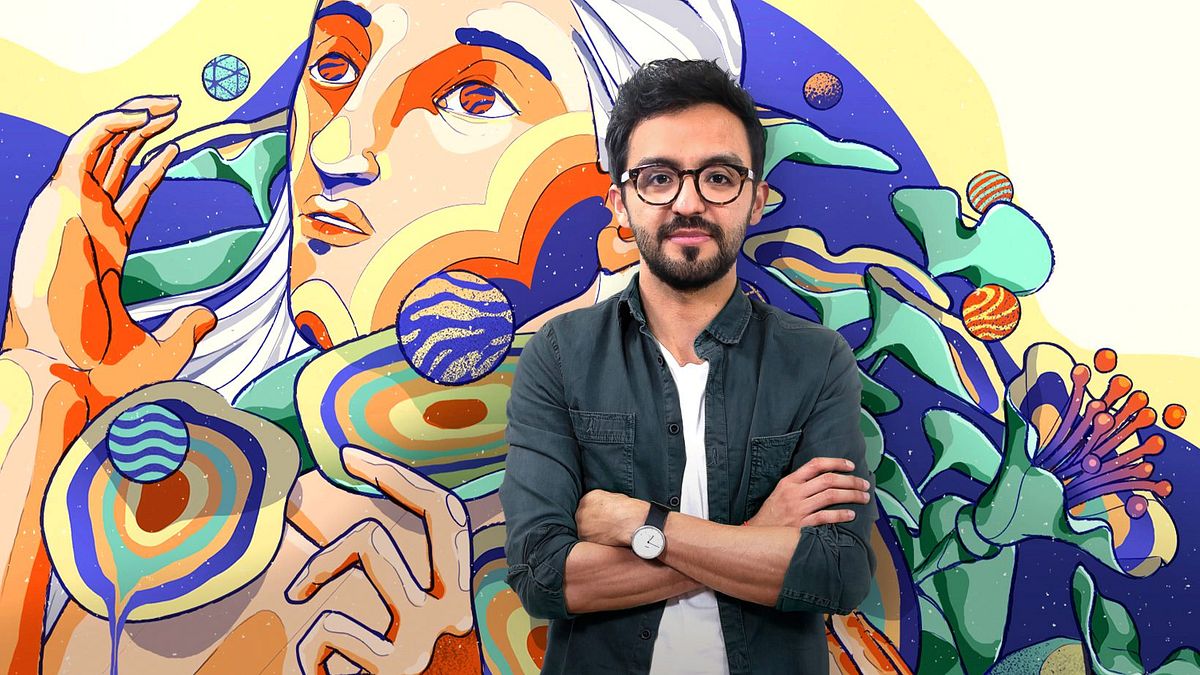
Digitale illustreren met Illustrator en Photoshop
Een cursus van Julian ArdilaIllustrator en ontwerper
Een cursus van Julian Ardila, Illustrator en ontwerper

Leer communiceren en creëer een grafische identiteit door middel van illustratie
Julián Ardila-Colombian designer and illustrator-currently has his own studio: Franca, with which he seeks to work with entrepreneurs and brands that aim to generate a positive impact, but his beginnings in design go back to advertising agencies, such as Leo Burnet and Sancho BBDO Colombia, time in which he had the opportunity to be part of the project "Empresarios de Andén", helping small merchants and street vendors, who did not have the resources to promote themselves, to have their own graphic image.
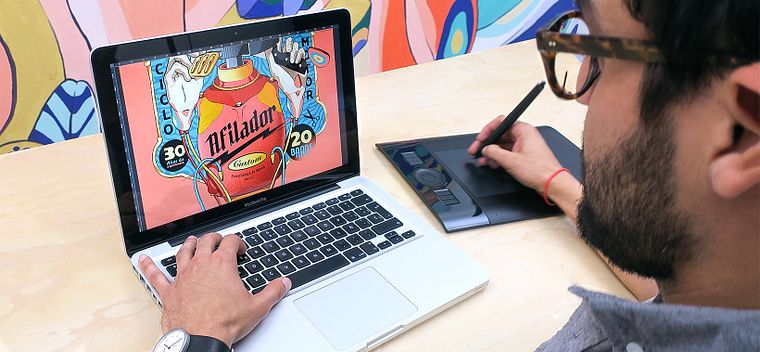
In this course, Julian will teach you how to make an illustrated poster using Illustrator and Photoshop, from the conception of the idea to the final art. In addition, it will teach you to convert that illustration into a simple animated gif so that the image gains even more strength.
Wat leer je tijdens deze online cursus?
19 lessen & 9 aanvullende bronnen
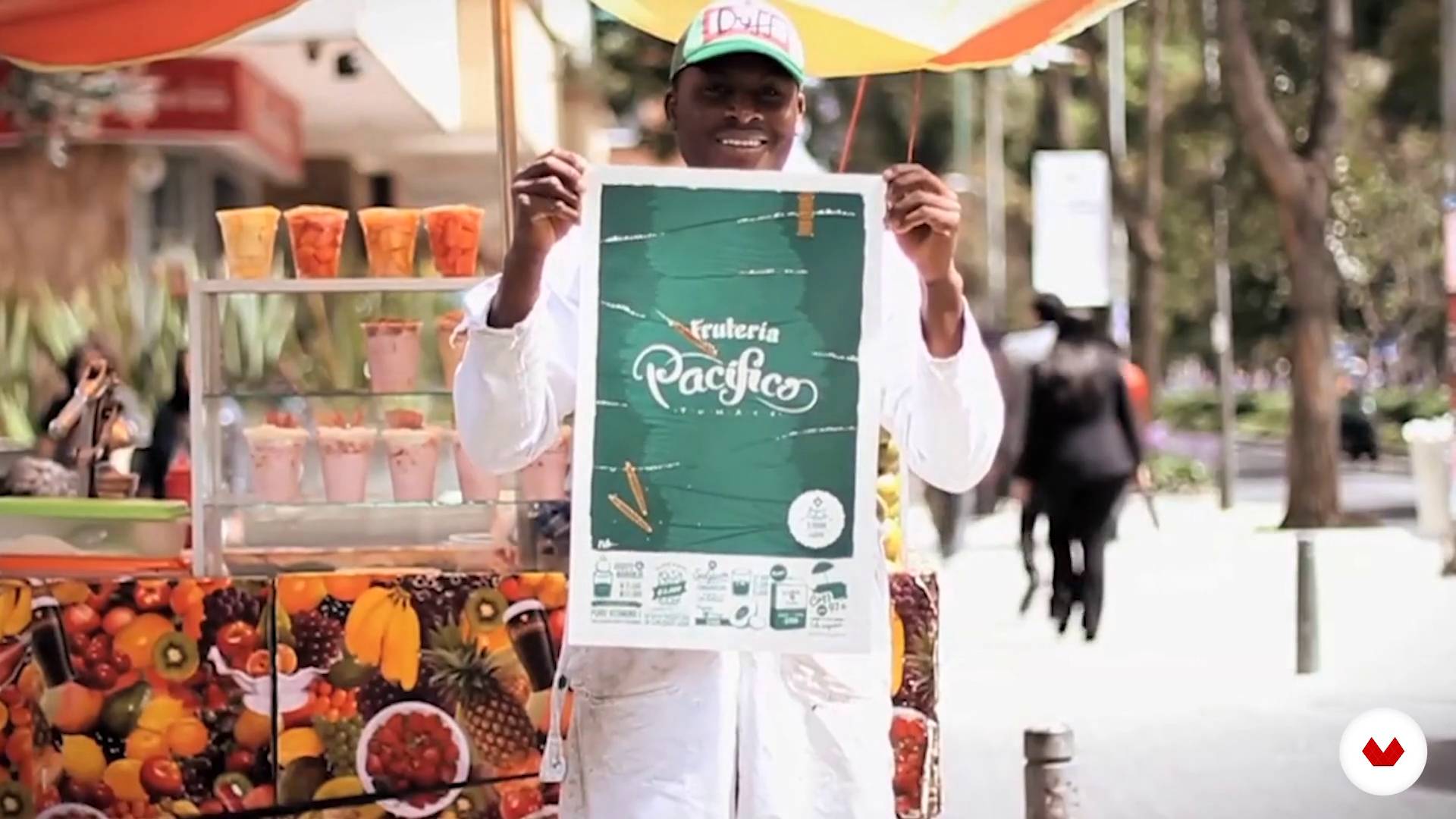
The idea
3 minuten, 32 seconden
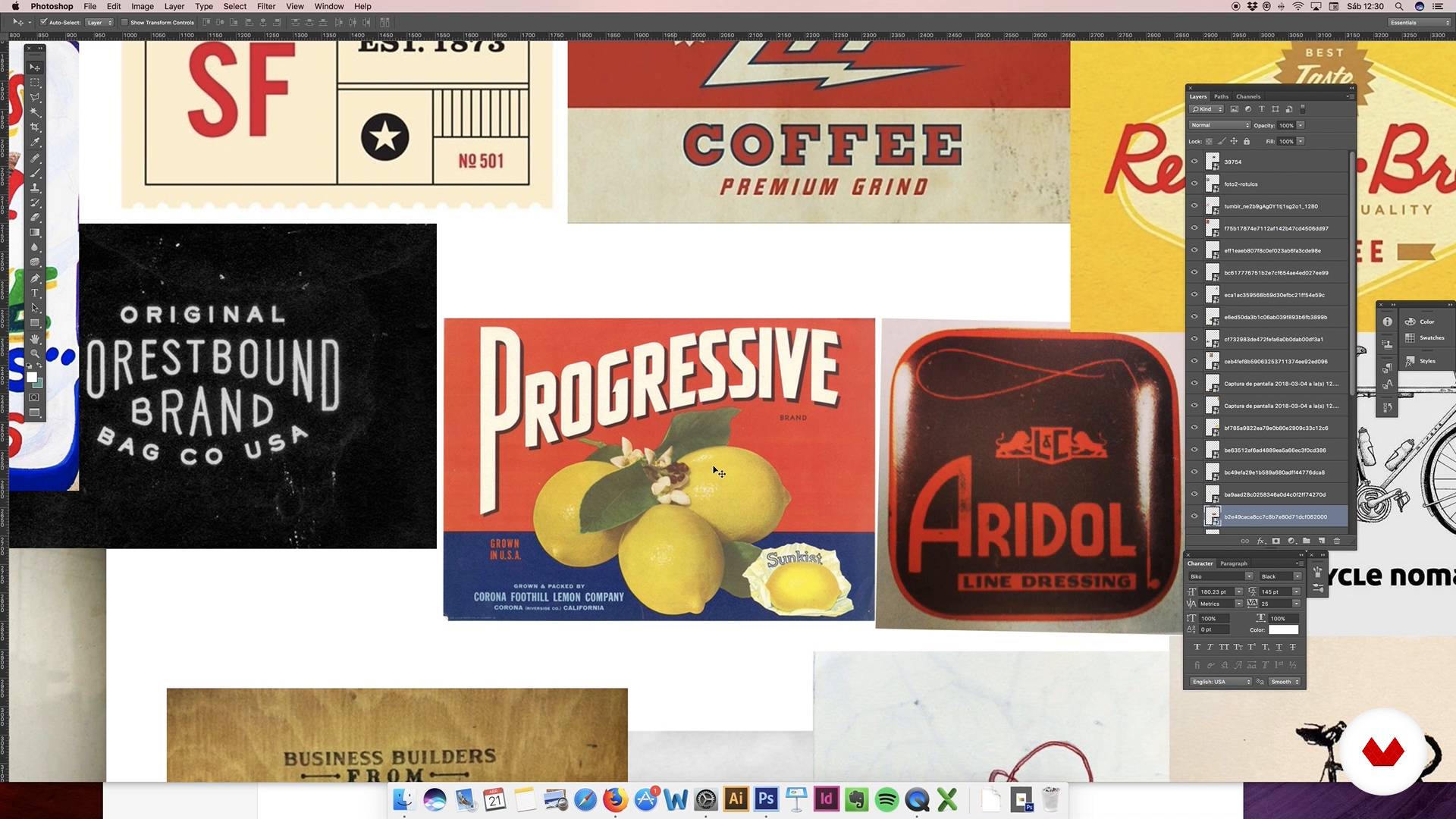
Conceptualization of the idea: moodboard
7 minuten, 57 seconden
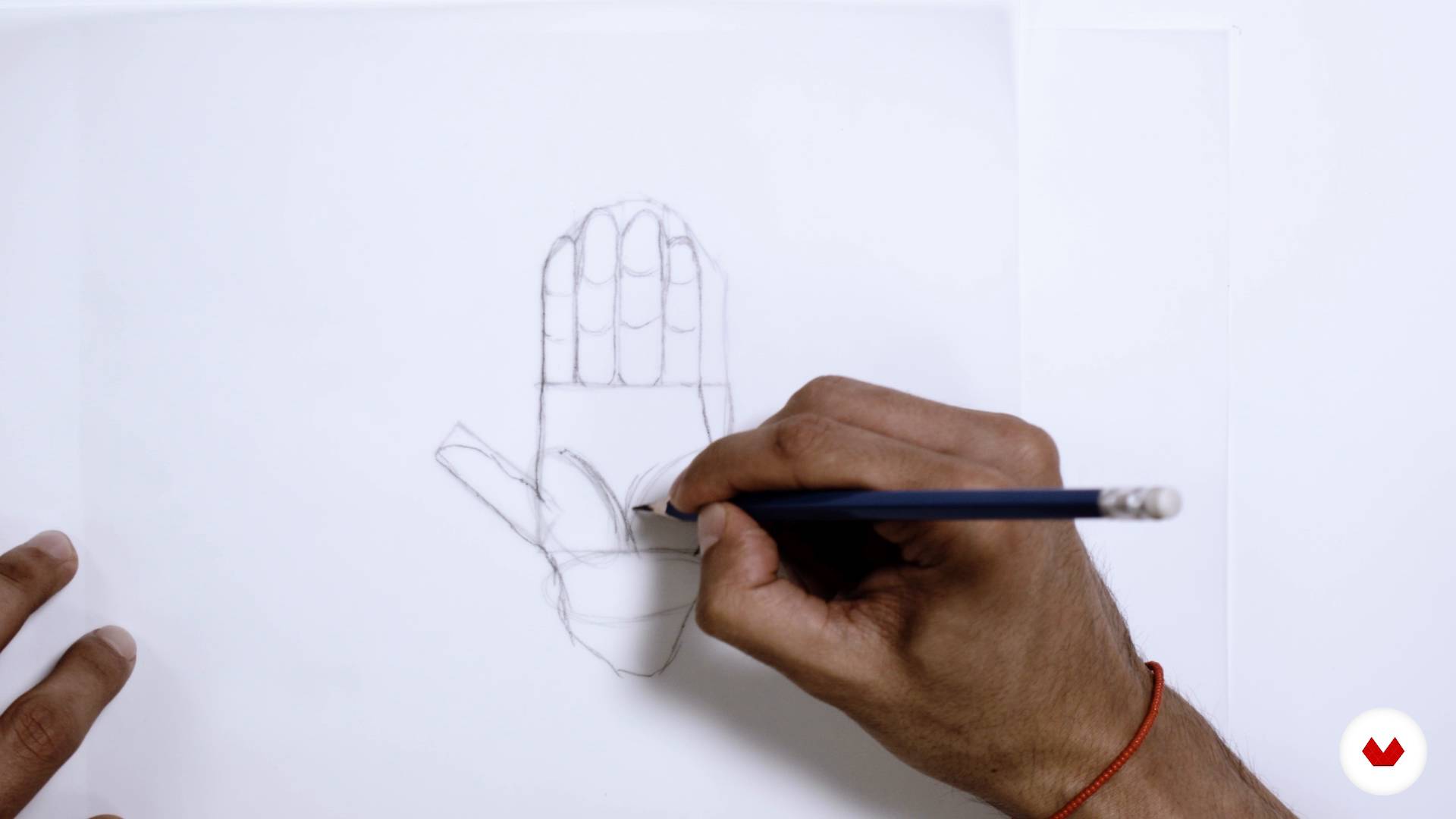
Sketch
8 minuten, 21 seconden
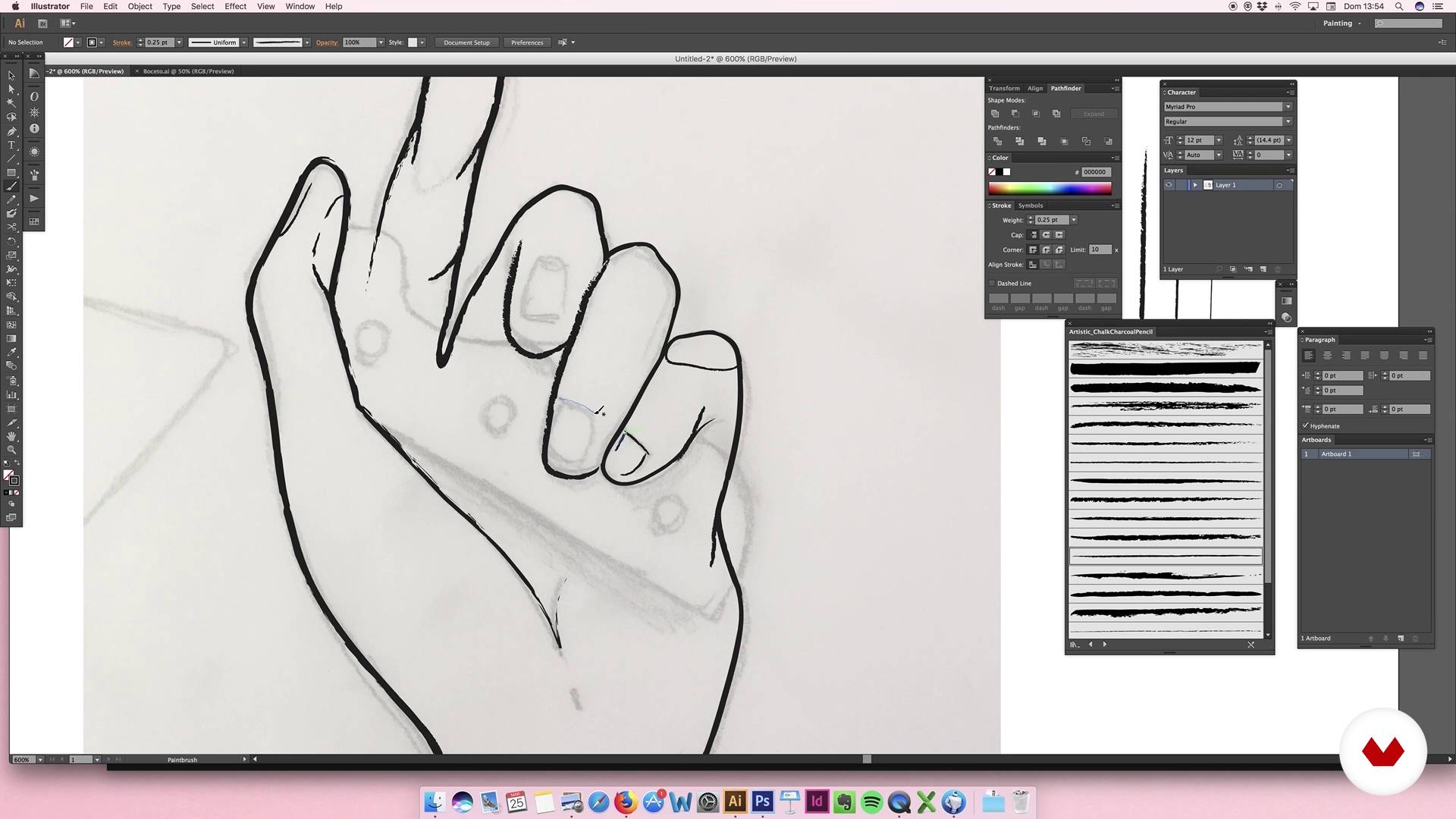
Digitization elements: hands
15 minuten, 41 seconden
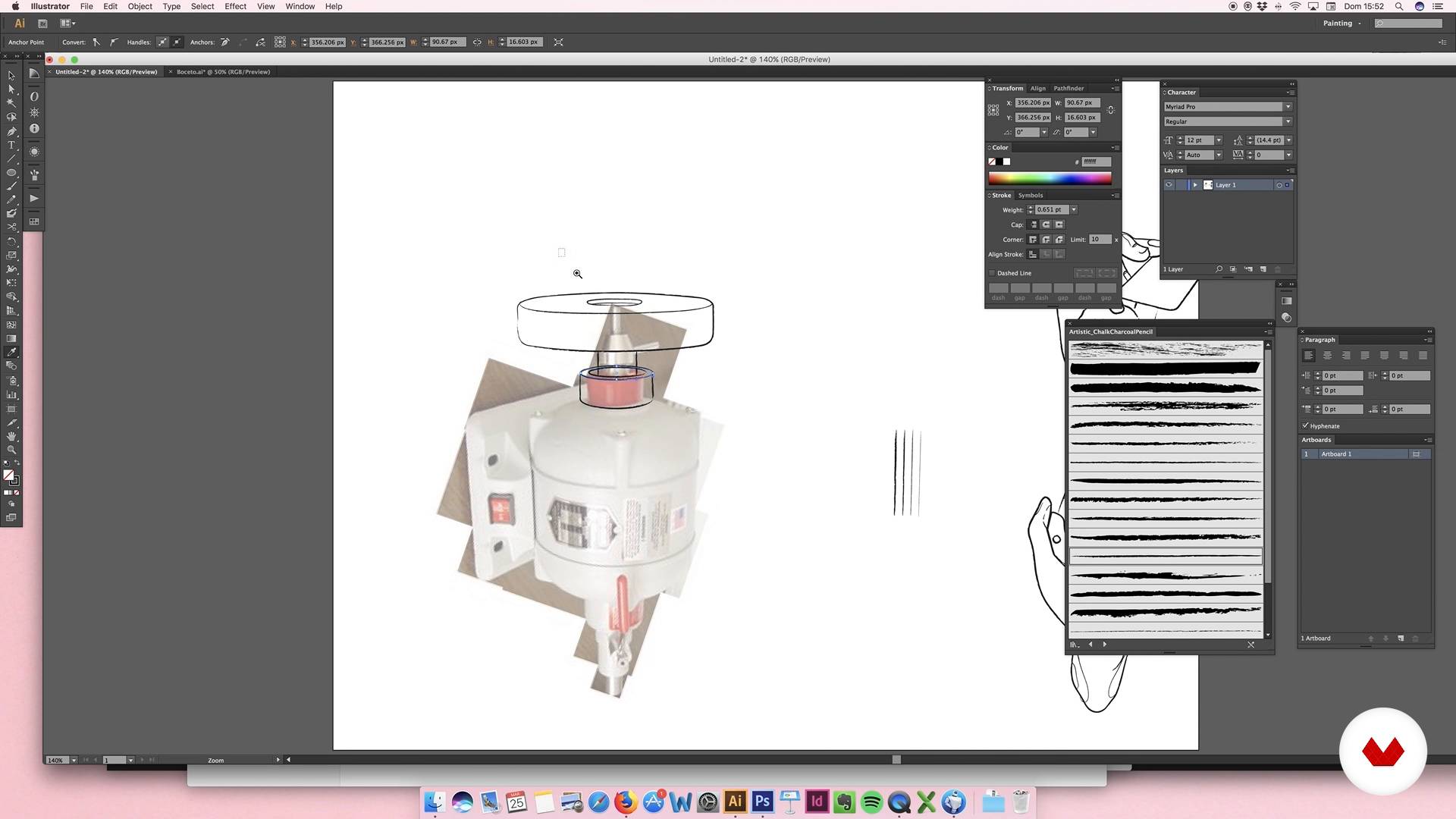
Digitization of elements: sharpener motor
13 minuten, 41 seconden
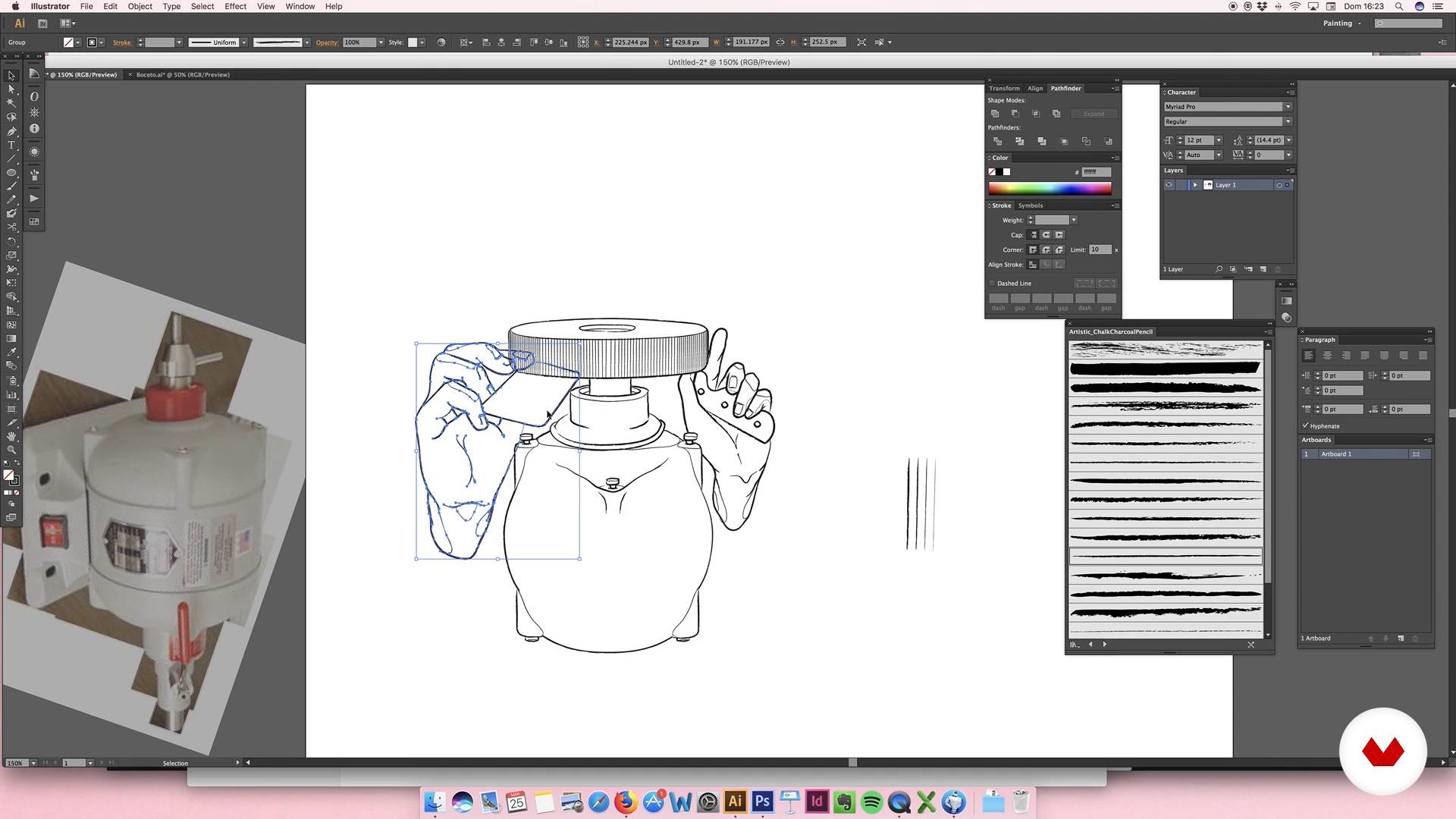
Digitization of elements: sharpener motor II
13 minuten, 43 seconden
Wat is inbegrepen in deze cursus?
You will begin by getting to know more about Julian's work, who will also tell you about the artists who inspire him most and his influences.
Then you will define the graphic style and the color palette that you will use in your illustration. You will make the first sketches, which will help you to establish the composition of the design.
Once you are satisfied with the result, you will digitize the sketch and work with it in Illustrator. You will also include a logo, you will select the typefaces and you will work all the elements so that the composition is harmonious and attractive.
Next you will apply color, textures and shadows, refining the last details of the poster.
To finish, Julián will teach you how to make a simple animation that will turn your poster into a gif.
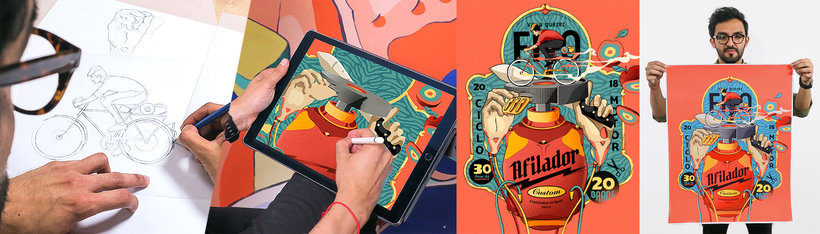
Aanbevolen software en tools voor deze cursus
Wat is het cursusproject?
You will make an illustrated poster that will serve as a graphic image for a business.
Projecten van studenten van de cursus


Voor wie is deze online cursus bedoeld?
Illustrators, designers and anyone who is looking for new ways to express their ideas and develop their creativity.
Vereisten en materialen
You must have basic knowledge of illustration and design, and know how to handle Illustrator and Photoshop.
Beoordelingen
- 1 maand geleden
So Grateful to join this course!!! Good tutorial basic and deep learning illustration with two application this Adobe Illustrator & Photoshop. We learn illustration for brand and create a simple animation frame per frame draw and we can make Simple Animation Illustration Art Poster Design. Thank you Sir Julian Ardila and everyone.
- 4 maanden geleden
Me parecio muy interesante, muy llamativo y educactivo, muchas gracias por compartirnos tu conocimiento
- 1 jaar geleden
Bon cours
- 2 jaar geleden
¡Un curso Maravilloso!! :)
- 2 jaar geleden
excelente curso

Inhoud
- U1
Introduction
- Presentation
- Influences
- U2
Conceptualization
- The idea
- Conceptualization of the idea: moodboard
- Sketch
- U3
Illustration
- Digitization elements: hands
- Digitization of elements: sharpener motor
- Digitization of elements: sharpener motor II
- U4
Logo, typography and consolidation
- Logo I
- Logo II
- Logo III
- Typographies
- Consolidation I
- Consolidation II
- U5
Last details
- Color I
- Color II
- Color III
- Color IV
- Extra details
- EP
Eindproject
- Digital illustration
Wat kan je verwachten van een cursus van Domestika
Leer in je eigen tempo
Geniet van thuis leren, zonder lesroosters en in je eigen tempo. Jij beslist wanneer je verder gaat met het volgende onderdeel.
Leer met de beste professionals
Leer de meest bruikbare methoden en technieken van de beste professionals in de creatieve industrie.
Ontmoet deskundige docenten
Iedere docent brengt kennis met passie over, biedt duidelijke uitleg en een professioneel perspectief bij elke les.
Certificaten
PLUSAls Plus-lid krijg je voor elke cursus een persoonlijk certificaat, ondertekend door je docent. Deel het in je portfolio, op social media of waar je maar wilt.
Zorg dat je op de voorste rij zit
Dankzij de hoge kwaliteit van de video's mis je geen enkel detail. Dankzij de onbeperkte toegang kun je de lessen zo vaak bekijken als nodig is om je vaardigheden te perfectioneren.
Deel kennis en ideeën
Stel vragen, krijg feedback en bied oplossingen aan. Deel je leerervaringen met andere studenten in de community die net als jij een passie hebben voor creativiteit.
Maak contact met een wereldwijde creatieve community
Deze community heeft miljoenen gebruikers van over de hele wereld, nieuwsgierig en enthousiast om hun creativiteit te verkennen en te uiten.
Geef cursussen op een professionele manier
Domestika selecteert zorgvuldig haar docenten en produceert iedere cursus in eigen huis om een uitstekende online leerervaring te garanderen.
Veelgestelde vragen
You’ll learn to create digital illustrations, develop graphic identities for businesses, apply vectorization techniques, choose color palettes, design logos, and compose visual pieces for commercial brands—from sketching to basic animation.
This is an intermediate-level course. It’s recommended that you have basic illustration skills and familiarity with programs like Illustrator and Photoshop to get the most out of it.
You’ll need a computer with Adobe Illustrator and Photoshop, an optional graphics tablet, and basic digital illustration knowledge to follow the practical exercises.
You’ll learn how to analyze needs, select visual references, build moodboards, and design custom logos and illustrations that strengthen the visual identity of emerging brands and informal businesses.
You’ll master sketch vectorization, use custom brushes, apply shadows and volume, integrate typography, compose with geometric shapes, and create basic animations in Photoshop.
The course covers everything from research, moodboard creation, sketching, color palette selection, digitization, to final composition and delivering pieces ready for web or print.
The main tools used are Adobe Illustrator and Photoshop for creating, vectorizing, editing, and animating digital illustrations and graphic pieces.