Professionele audiovisuele montage met Adobe Premiere Pro
Een cursus van Giacomo PrestinariMonteur
Een cursus van Giacomo Prestinari, Monteur

Leer verhalen vertellen met bewegend beeld
Giacomo Prestinari's work is all about telling stories. With moving images, he builds an audiovisual narrative thread in which monitoring time and rhythm is essential. He has worked as an advertising editor for brands such as Coca-Cola, Gucci, Volkswagen, Seat, Ikea, and El Corte Inglés.
In this online course, he teaches you the secrets to audiovisual editing and the fundamental questions you should ask yourself when putting together your videos. He explains the different criteria to follow when selecting shots within a scene, how the different types of shots work, and what tone and rhythm best suits your work, depending on its purpose.
Wat leer je tijdens deze online cursus?
21 lessen & 8 aanvullende bronnen
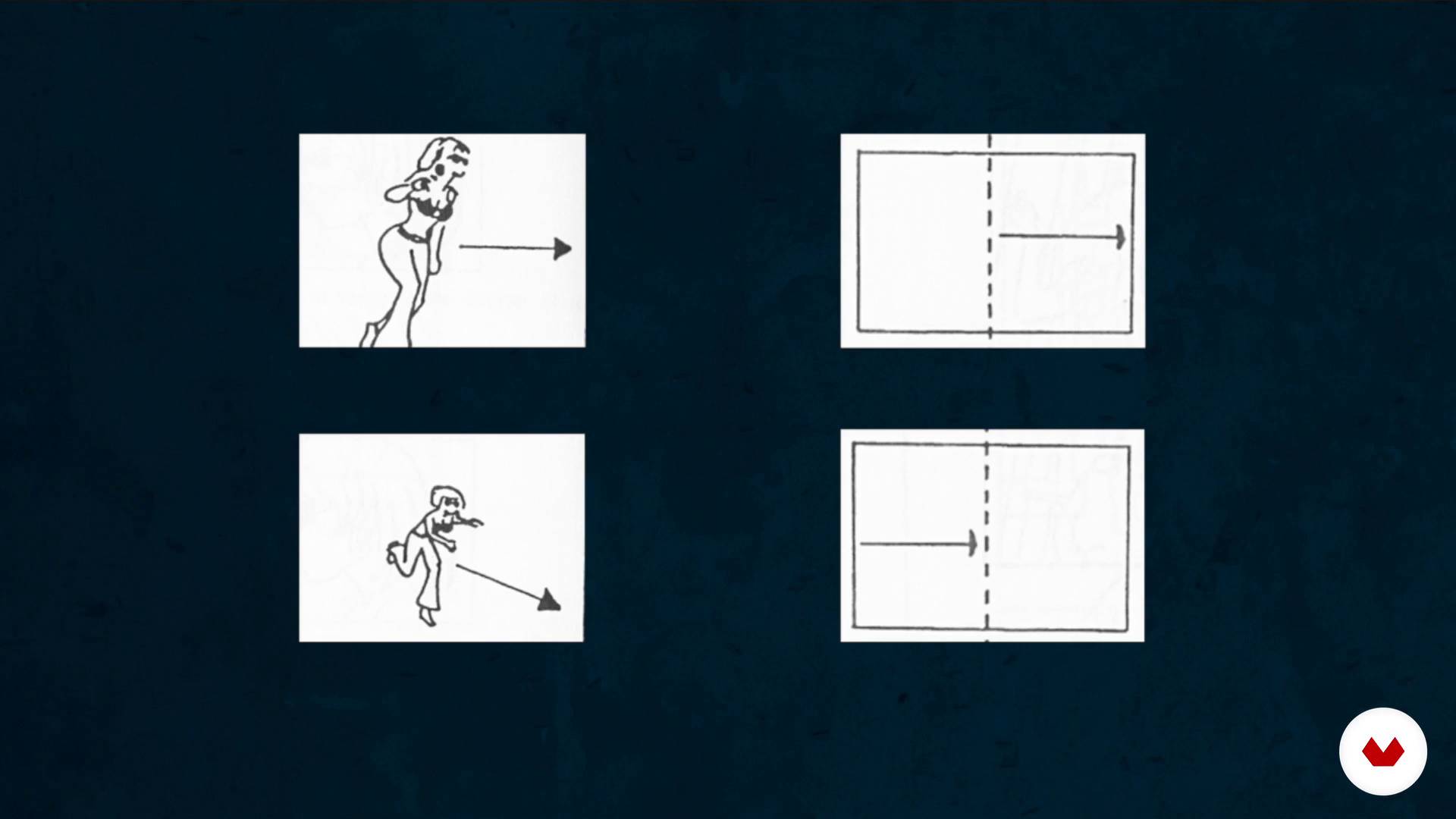
The invisible work: the assembly
11 minuten, 29 seconden

The 3 main types of assembly
10 minuten, 23 seconden
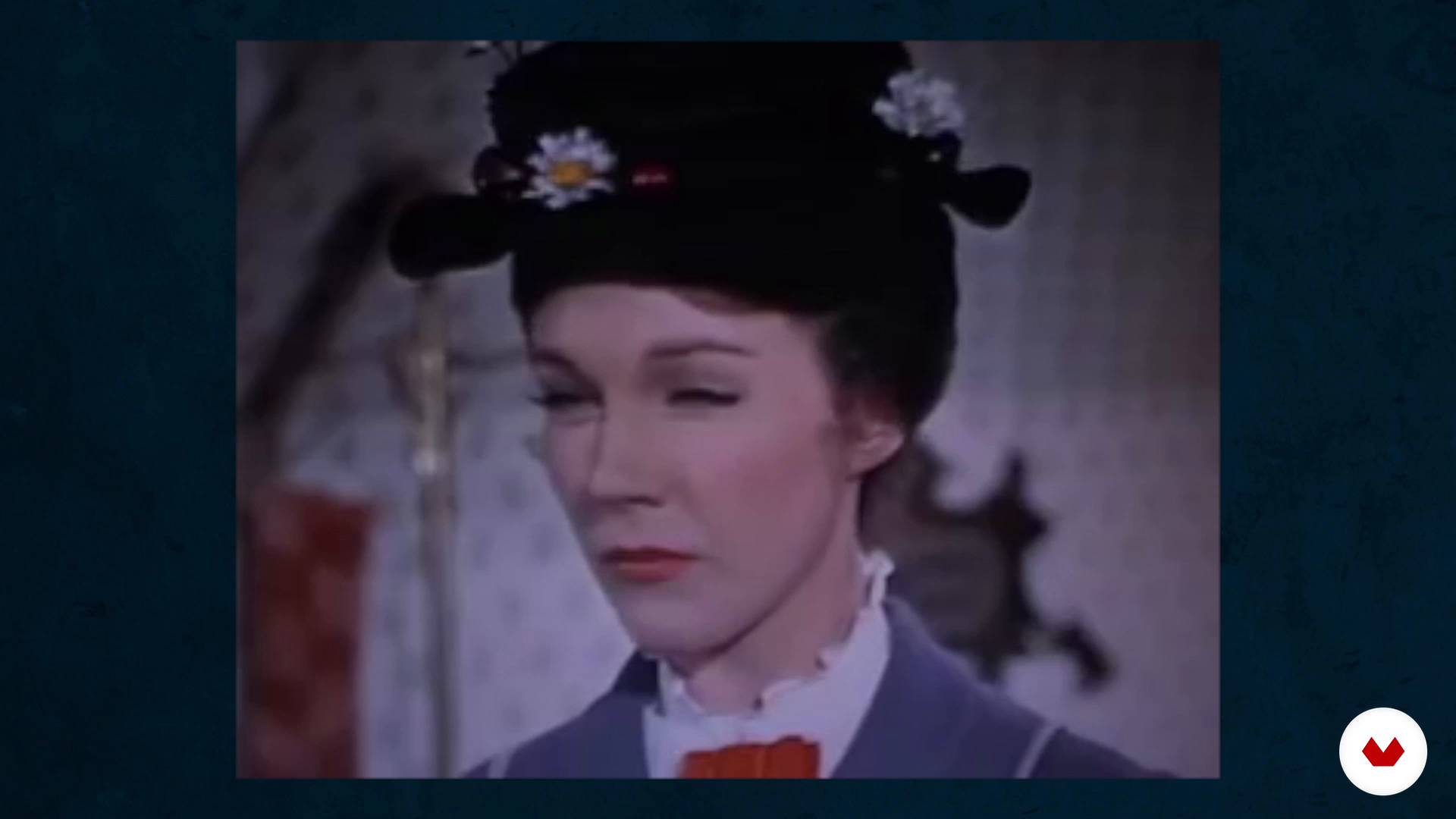
Assembly in the genres
11 minuten, 13 seconden
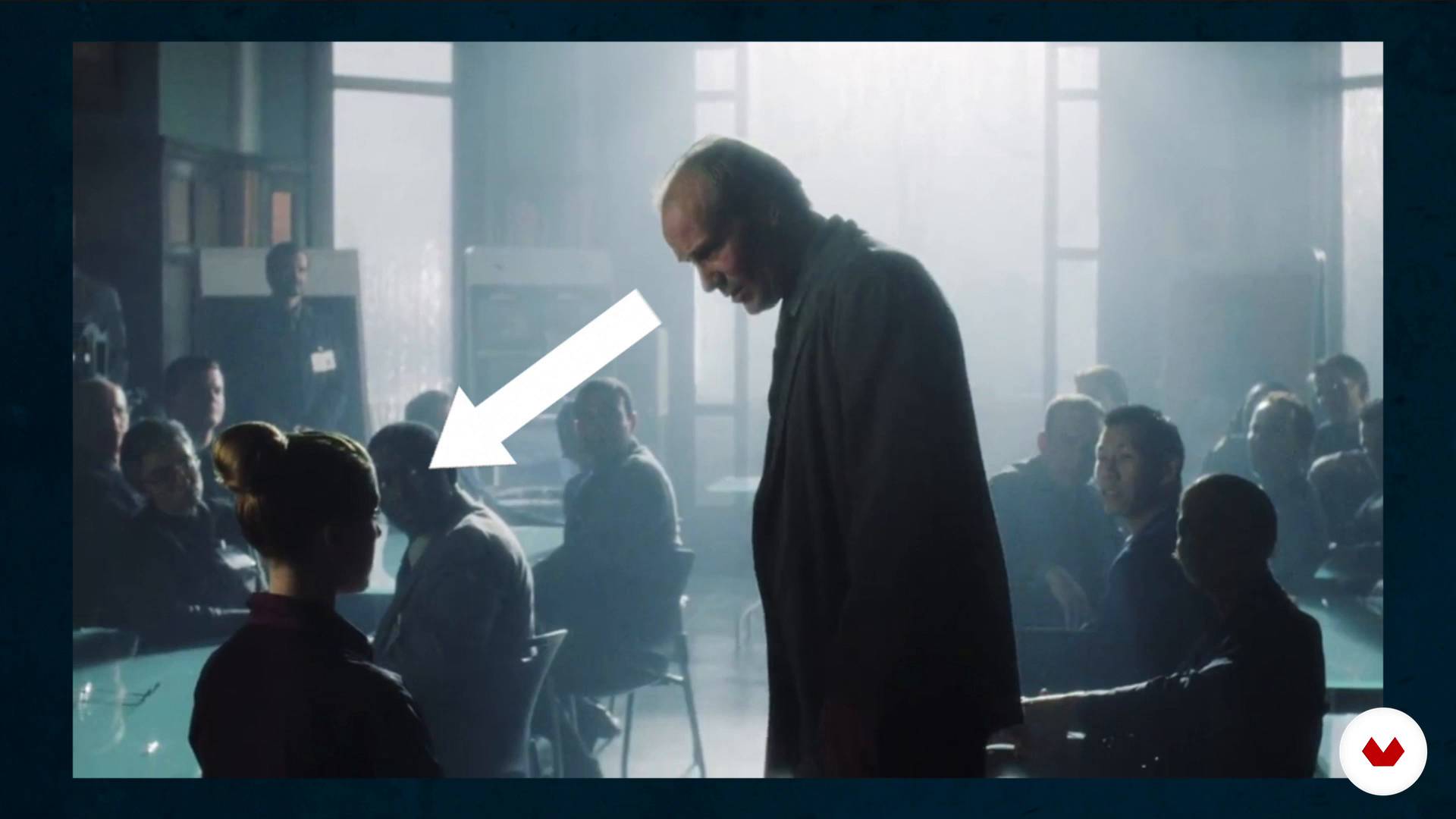
How to break the axis rule
8 minuten, 46 seconden
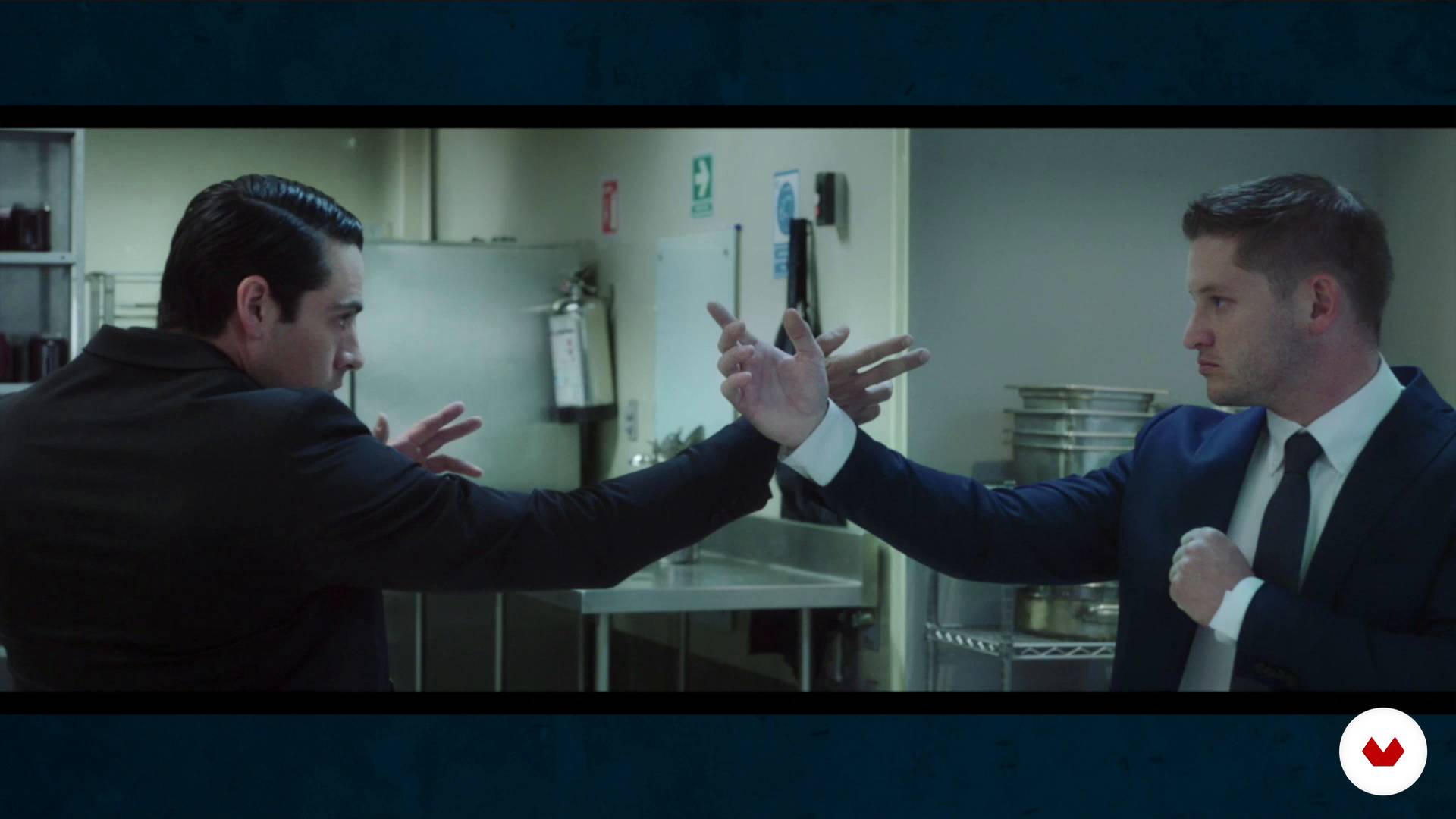
Less is more. We learn to eliminate planes and scenes
12 minuten, 22 seconden
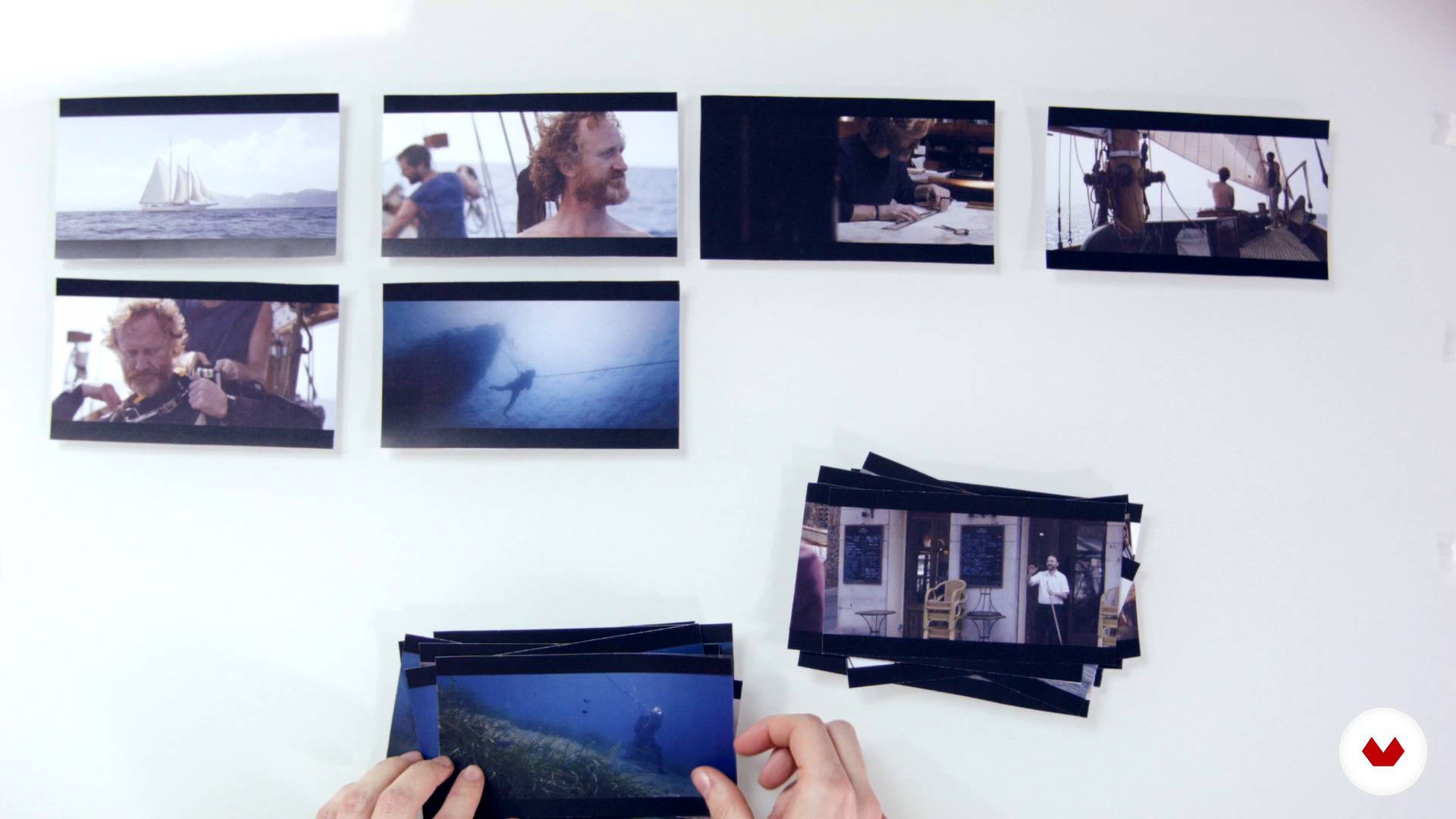
The structure of a story
9 minuten, 59 seconden
Wat is inbegrepen in deze cursus?
Start by getting to know what the work of an editor involves. Your teacher believes that it's work that, when done well, is invisible, and this is key to his creative process. Moving on, learn about the three main types of editing.
Experiment with "creative geography" and the Kuleshov Effect, before looking at how editing affects and changes the meaning of films and audiovisual pieces.
Giacomo explains the main editing rules as well as when it's advisable to skip them.
Learn that in audiovisual editing, as in other creative disciplines, the "less is more" maxim also applies. Next, see how the structure of a story is built.
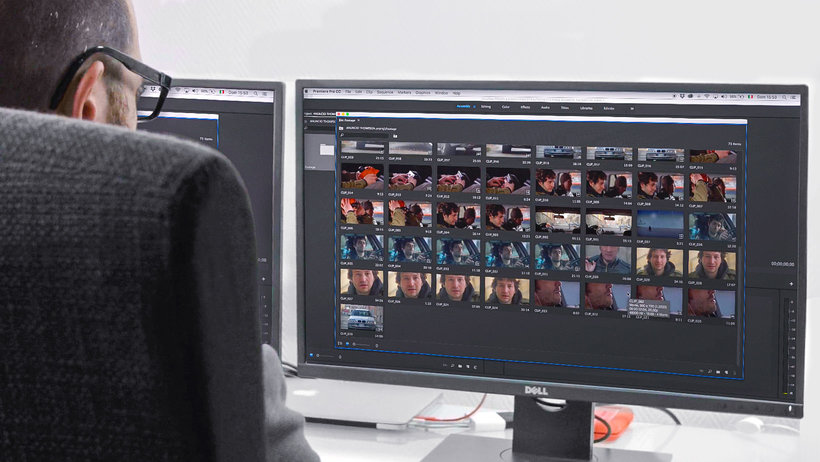
Now get down to work on your own ad with Adobe Premiere Pro, working on the timeline and learning how to create your selection. Your teacher gives you some tips to prepare your workspace and the necessary materials to carry out your audiovisual project.
Search for and select all the necessary resources for your audiovisual piece, then do a first edit and based on that, make all the necessary adjustments to get a flawless end result. Last but not least, learn how to export your video properly.
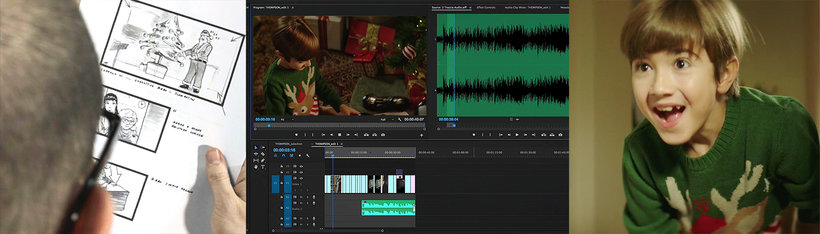
Aanbevolen software en tools voor deze cursus
Wat is het cursusproject?
Put together a video in Adobe Premiere Pro that tells an amazing story in a short amount of time.
Projecten van studenten van de cursus


Voor wie is deze online cursus bedoeld?
Directors, film and audiovisual content editors, and anyone related to the world of video who is looking to add more character and personality to their projects through professional audiovisual editing.
Vereisten en materialen
Knowledge of basic audiovisual principles is recommended: types of shots, camera movements, etc.
As for materials, you need a computer with Adobe Premiere Pro installed, a large screen to view the images, and good-quality speakers or headphones.

Beoordelingen
- juliomilano_2PLUS4 maanden geleden
Muy buen profesor , muy claro a la hora de explicar y muy completo el curso.
- 6 maanden geleden
ExCELENTE CONTENIDO AUDIO VISUAL, ME SORPRENDE LA FACILKIDAD CON LA QUE SE NARRAN NOTAS O INVENTOS NARRATIVOS A PARTIR DE ESCENAS 10 DE 10
- 7 maanden geleden
Explica teoría con ejemplos cinematográficos muy útiles para entender lo que va enseñando.
- 8 maanden geleden
No creí que 4 horas de 1 curso me dejaría tan impactado. Lo recomiendo al 100%
- 10 maanden geleden
Muy bueno y util. Lo recomiendo
Inhoud
- U1
Introduction
- Presentation
- Looking for inspiration
- U2
What is assembly
- The invisible work: the assembly
- The 3 main types of assembly
- The Kuleshov effect
- Assembly in the genres
- U3
Mounting techniques and tricks
- The types of planes and the axis
- How to break the axis rule
- Less is more. We learn to eliminate planes and scenes
- The structure of a story
- U4
Let's do it! We edit an ad
- The workspace
- Prepare the materials to assemble. The transcodec in DaVinci Resolve
- Creation of the project and organization of the material
- The selection and the timeline 1
- The selection and the timeline 2
- Search resources
- Structure: looking for the tone and rhythm of the movie 1
- Structure: looking for the tone and rhythm of the movie 2
- Changes 1
- Changes 2
- Export
- EP
Eindproject
- Professional audiovisual assembly with Adobe Premiere Pro
Wat kan je verwachten van een cursus van Domestika
Leer in je eigen tempo
Geniet van thuis leren, zonder lesroosters en in je eigen tempo. Jij beslist wanneer je verder gaat met het volgende onderdeel.
Leer met de beste professionals
Leer de meest bruikbare methoden en technieken van de beste professionals in de creatieve industrie.
Ontmoet deskundige docenten
Iedere docent brengt kennis met passie over, biedt duidelijke uitleg en een professioneel perspectief bij elke les.
Certificaten
PLUSAls Plus-lid krijg je voor elke cursus een persoonlijk certificaat, ondertekend door je docent. Deel het in je portfolio, op social media of waar je maar wilt.
Zorg dat je op de voorste rij zit
Dankzij de hoge kwaliteit van de video's mis je geen enkel detail. Dankzij de onbeperkte toegang kun je de lessen zo vaak bekijken als nodig is om je vaardigheden te perfectioneren.
Deel kennis en ideeën
Stel vragen, krijg feedback en bied oplossingen aan. Deel je leerervaringen met andere studenten in de community die net als jij een passie hebben voor creativiteit.
Maak contact met een wereldwijde creatieve community
Deze community heeft miljoenen gebruikers van over de hele wereld, nieuwsgierig en enthousiast om hun creativiteit te verkennen en te uiten.
Geef cursussen op een professionele manier
Domestika selecteert zorgvuldig haar docenten en produceert iedere cursus in eigen huis om een uitstekende online leerervaring te garanderen.
Veelgestelde vragen
Audiovisuele montage betekent het selecteren, ordenen en samenvoegen van beeld en geluid om een duidelijke en boeiende verhaallijn te maken. In reclame helpt het om verhalen kort samen te vatten en de kijker emotioneel te raken binnen enkele seconden.
Je hoeft geen professionele ervaring te hebben, maar basiskennis van computers en bestandsbeheer is wel handig. De cursus is gemiddeld van niveau en ideaal voor wie al eenvoudige video's heeft gemonteerd.
De cursus richt zich op Adobe Premiere Pro, maar gebruikt ook DaVinci Resolve voor transcodering en andere tools voor het beheren van audiovisuele en geluidsbestanden.
Je leert narratieve structuren analyseren en toepassen, de belangrijkste montagestijlen herkennen (analytisch, parallel, elliptisch) en begrijpen hoe ze het tempo, de spanning en de helderheid van een reclameverhaal beïnvloeden.
De cursus leert technieken zoals de asregel, actiemontage en ruimtelijke verhouding om visuele continuïteit te waarborgen en fouten te voorkomen die de kijker kunnen verwarren.
Het Kuleshov-effect is een techniek waarbij het naast elkaar plaatsen van shots nieuwe betekenissen en emoties creëert. Je leert dit toe te passen om je verhaal te verrijken en specifieke gevoelens over te brengen in je video's.
Ja, je doet praktische oefeningen waarbij je reclames monteert, shots kiest, tijd samenvat en montagetrucs toepast om effectieve korte verhalen te maken.