
Illustratietechnieken in pixel art
Een cursus van Galamot ShakuIllustrator / Game-ontwikkelaar
Een cursus van Galamot Shaku, Illustrator / Game-ontwikkelaar

Maak een pixel art-portret met Photoshop van een eerdere foto of tekening
Adrián de la Garza (better known as Galamot Shaku)—illustrator, pixel artist, and video-game developer—teaches you everything you need to know about pixel art, a digital art form where images are edited at the pixel level.
In this course, Galamot goes over the different illustration techniques that exist in this discipline, from the theoretical base and technical foundations to applications in different formats and supports.
Wat leer je tijdens deze online cursus?
12 lessen & 12 aanvullende bronnen
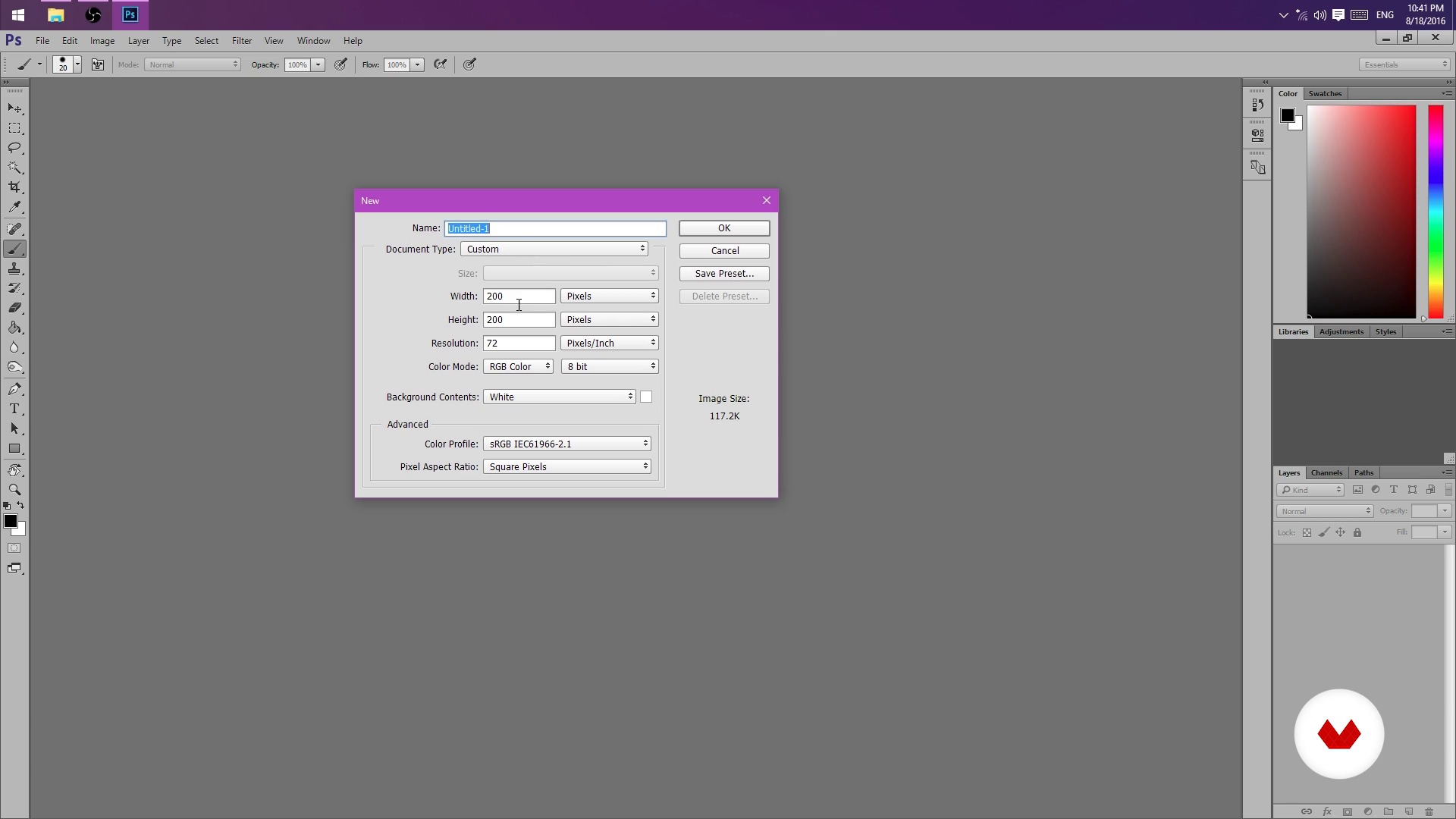
But I could do it in Paint! (And you can actually)
8 minuten, 16 seconden
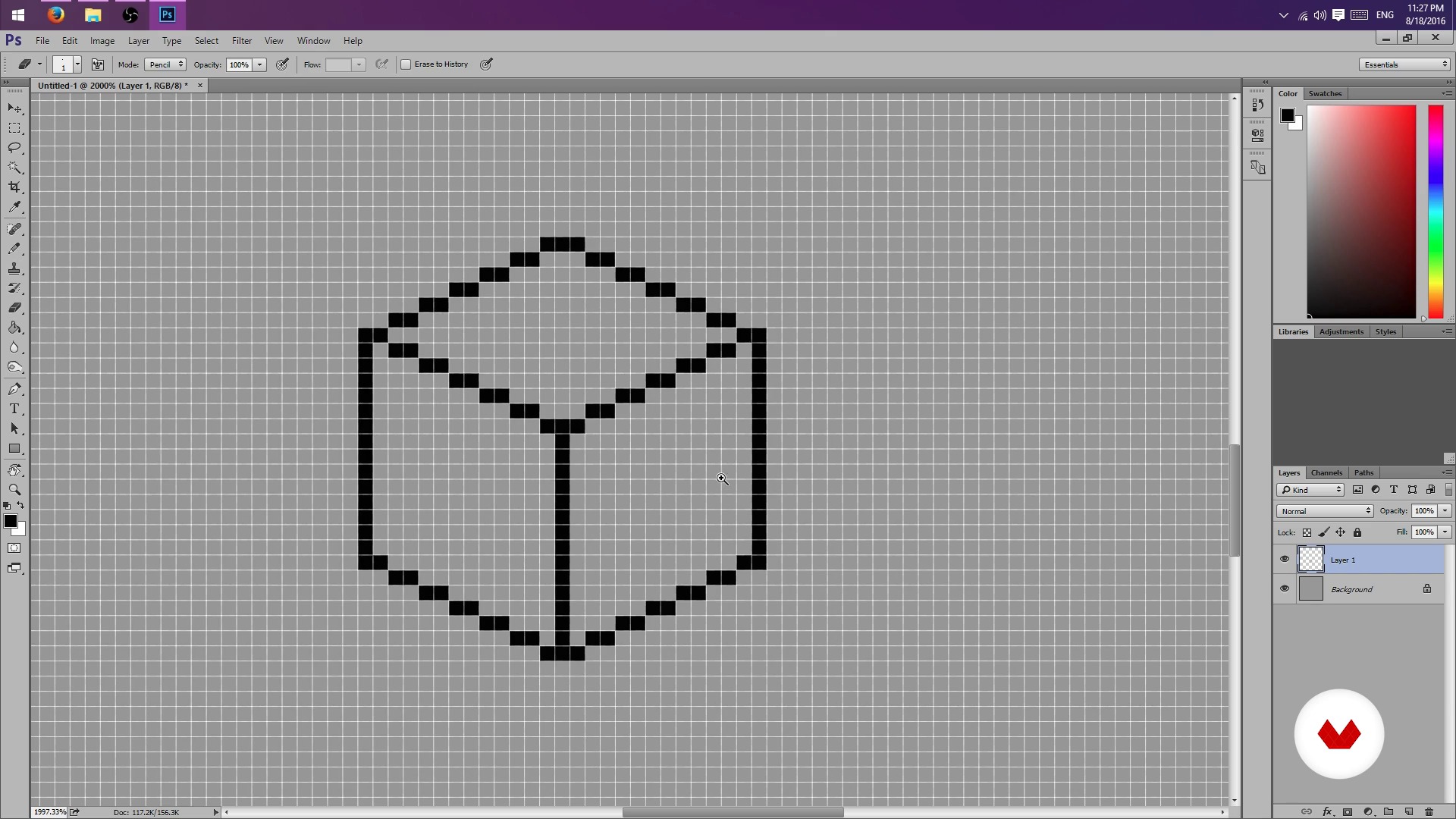
Pencil, rubber and lots of patience - Part I
8 minuten, 56 seconden
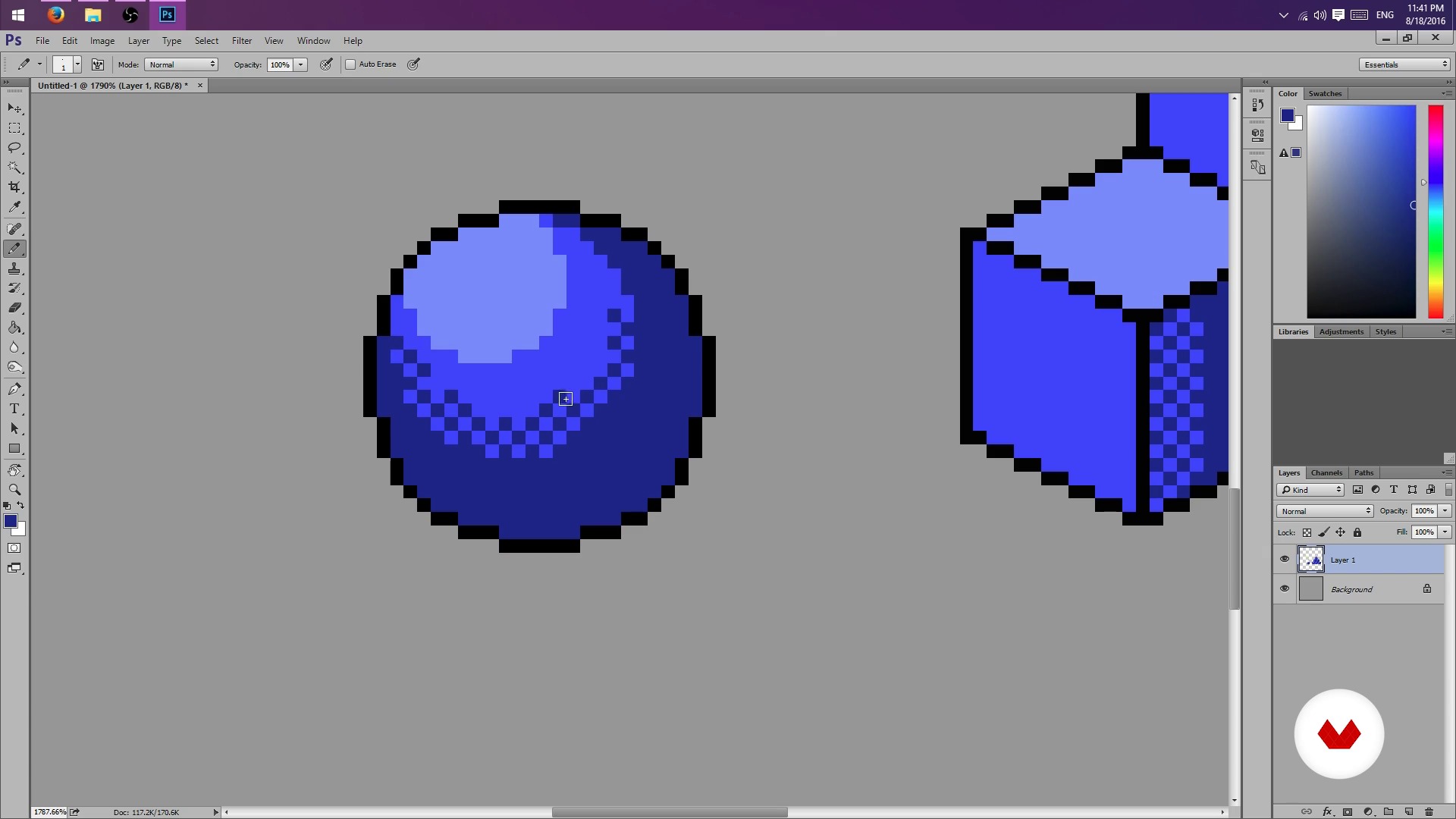
Pencil, rubber and lots of patience - Part II
8 minuten, 50 seconden
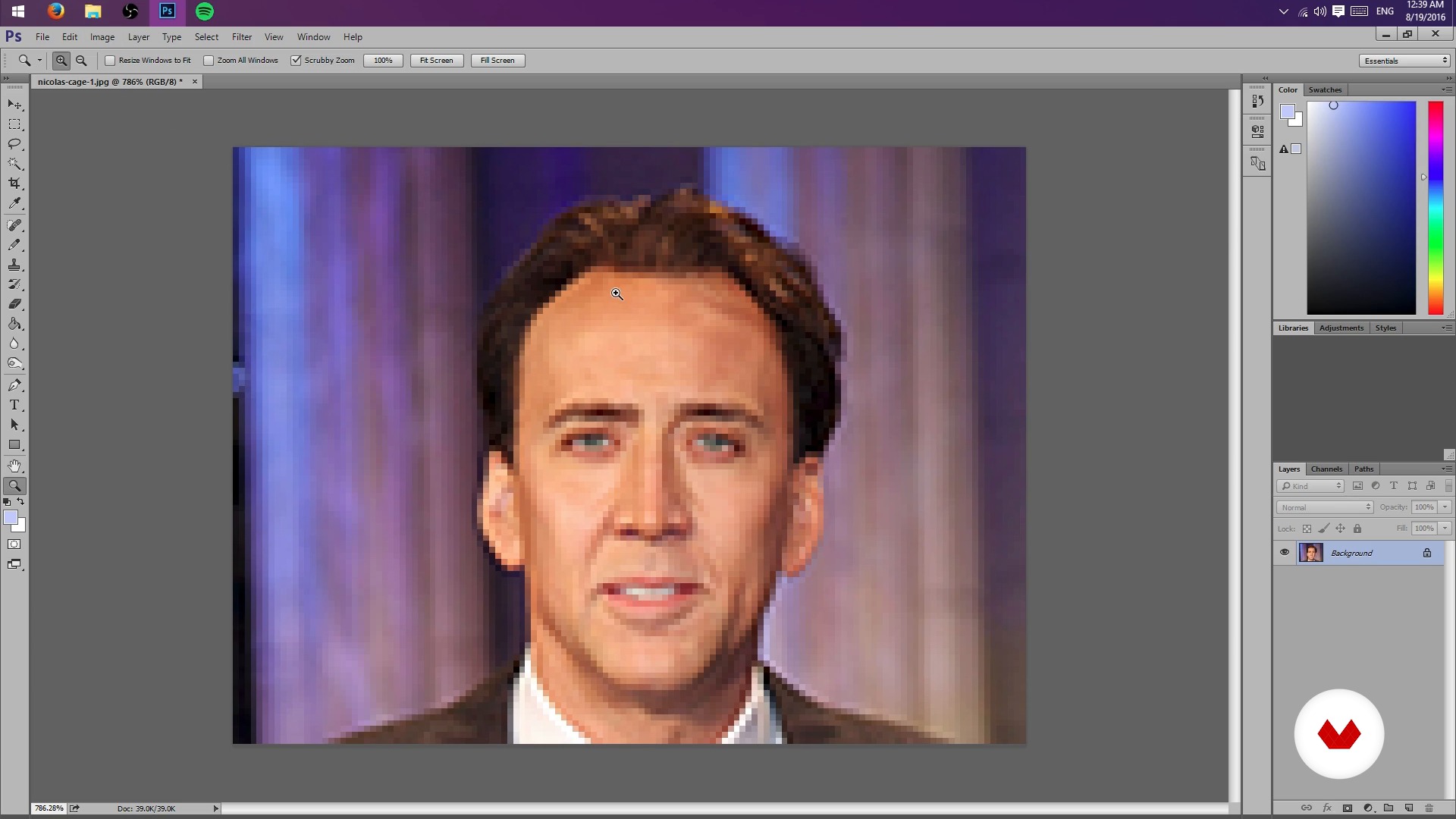
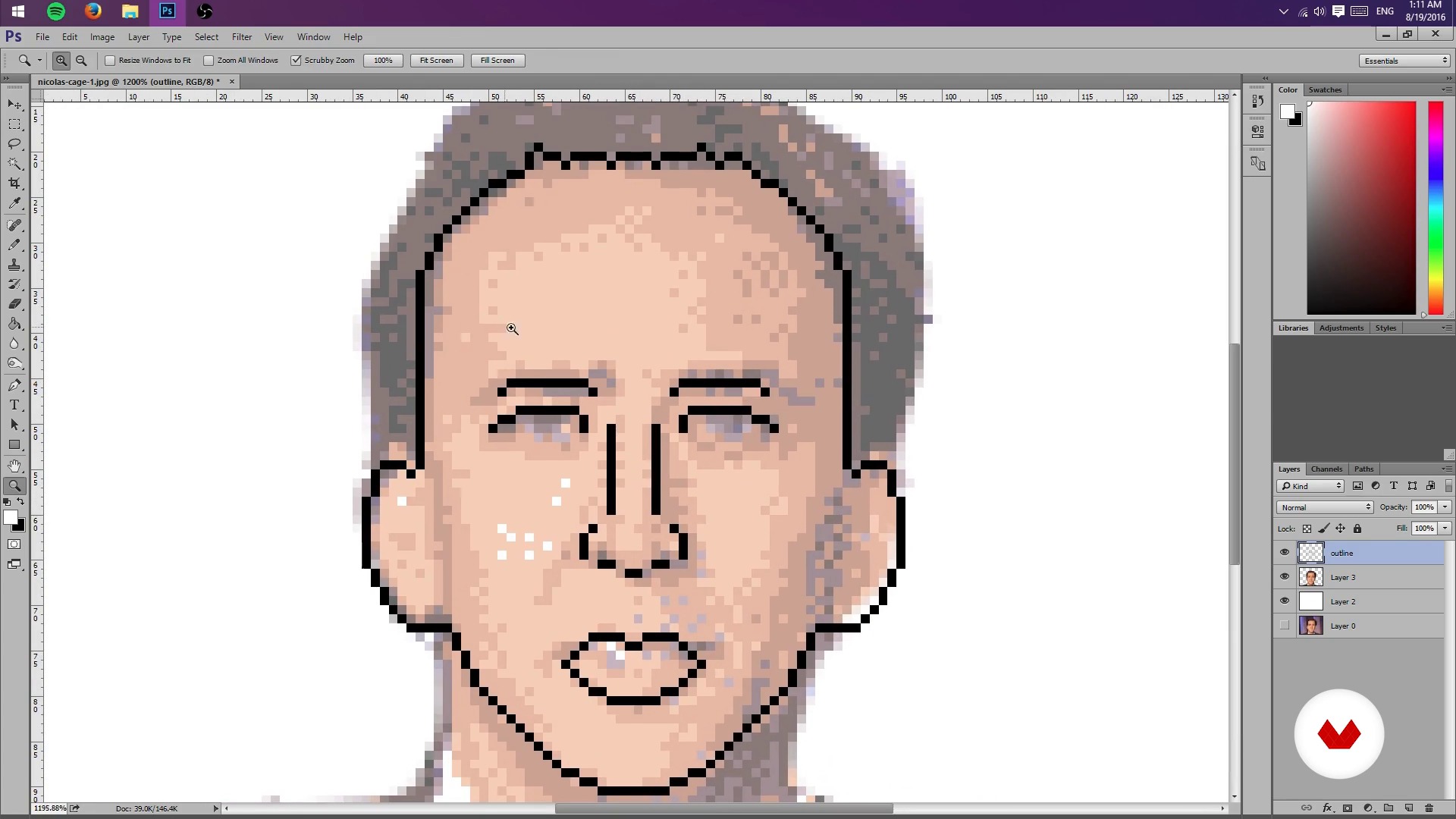
Creation of sketch from a photograph
4 minuten, 23 seconden
Test Your Might
8 minuten, 28 seconden
Colors, lights and shadows - Part I
8 minuten, 21 seconden
Wat is inbegrepen in deze cursus?
Start by learning about Galamot's work and influences, from console graphics to more traditional illustrations.
Next, learn how to set up a file in Photoshop and the tools needed to work easily with pixels.
Learn how to conceptualize objects in 2D space and practice different shading techniques.
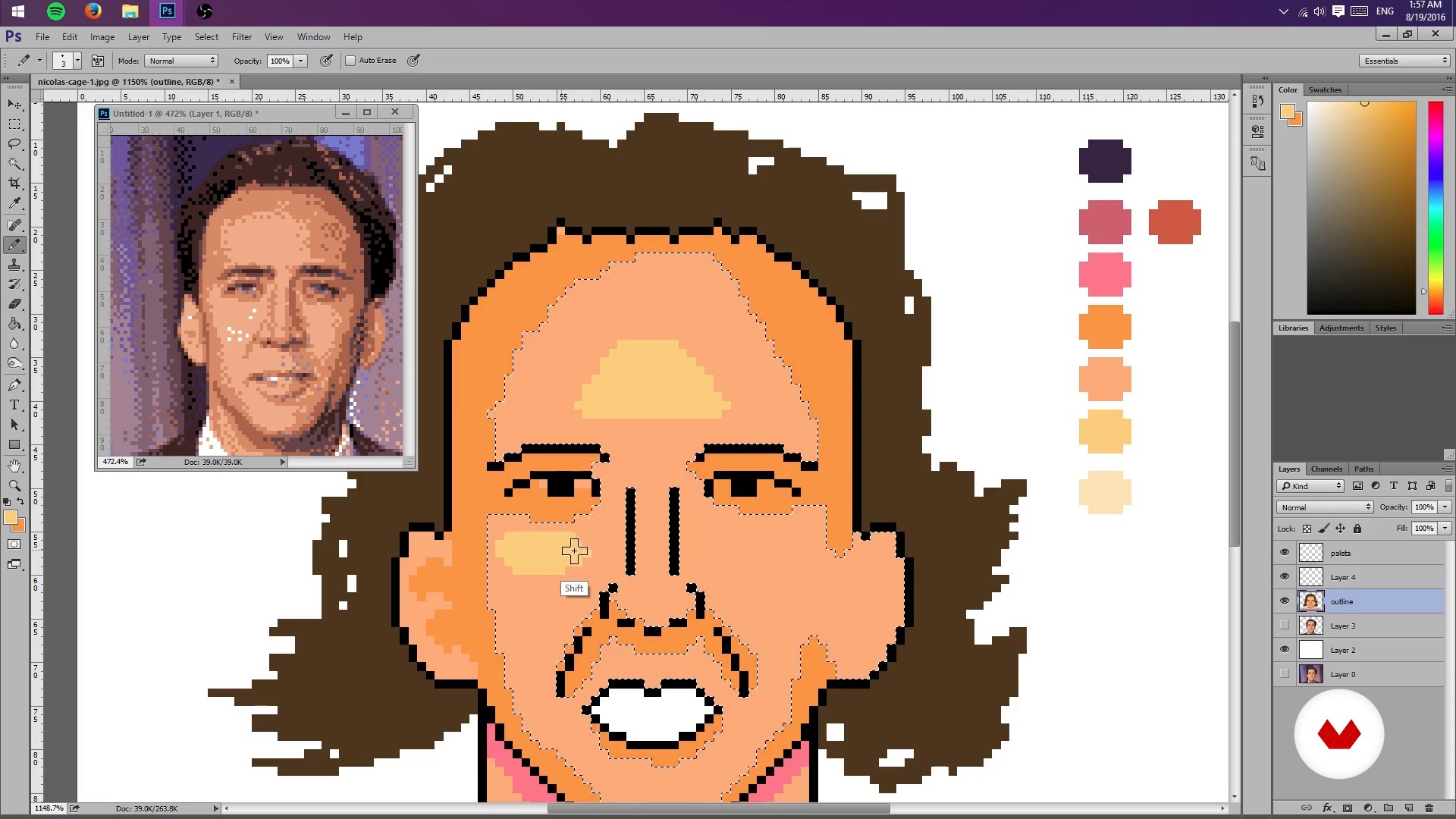
Once you understand the basics of pixel art, learn how to create a sketch of a portrait from a photograph by scaling the composition and limiting the color palette to limit lights and shadows. Then, create a general lighting map of the image.
Once you have the base of your pixel-art portrait, learn how to add details such as highlights and textures, try different color palettes, and, finally, export the final project.
As an extra, Galamot goes over some useful formats to share a pixel-art creation in print media, GIFs, video games, and animation.
Aanbevolen software en tools voor deze cursus
Wat is het cursusproject?
Make a pixel-art portrait from a photograph or your own drawing by applying the lessons learned during the course.
Projecten van studenten van de cursus


Voor wie is deze online cursus bedoeld?
This course is for illustrators interested in learning a new technique, video-game developers, animators, and anyone who wants to delve into the world of pixels.
Vereisten en materialen
Basic knowledge of Photoshop and a graphics tablet are recommended, but not required.

Beoordelingen
- 4 maanden geleden
muy bien curso, aprendí bastante.
- 11 maanden geleden
Me esta gustando.
- 2 jaar geleden
Excelente curso, me sirvió muchísimo para iniciar mis proyectos.
- 2 jaar geleden
i love that
- 2 jaar geleden
Good course. I'm happy to have taken it, especially because it goes through the process using Photoshop, which I wasn't used to for making Pixel Art. I recommend the course also because the processes are explained well step by step in a good way!

Hij was altijd al dol op videogames. Zoals hij uitlegt : "Net als veel kinderen ...
Inhoud
- U1
Hello World
- Presentation
- Influences
- U2
Photoshop settings
- But I could do it in Paint! (And you can actually)
- Pencil, rubber and lots of patience - Part I
- Pencil, rubber and lots of patience - Part II
- U3
Sketch and layout
- Creation of sketch from a photograph
- Test Your Might
- Colors, lights and shadows - Part I
- Colors, lights and shadows - Part II
- U4
Colors, lights and flavors
- More Color - Part I
- More Color - Part II
- Bonus Stage
- EP
Eindproject
- Illustration Techniques in Pixel Art
Wat kan je verwachten van een cursus van Domestika
Leer in je eigen tempo
Geniet van thuis leren, zonder lesroosters en in je eigen tempo. Jij beslist wanneer je verder gaat met het volgende onderdeel.
Leer met de beste professionals
Leer de meest bruikbare methoden en technieken van de beste professionals in de creatieve industrie.
Ontmoet deskundige docenten
Iedere docent brengt kennis met passie over, biedt duidelijke uitleg en een professioneel perspectief bij elke les.
Certificaten
PLUSAls Plus-lid krijg je voor elke cursus een persoonlijk certificaat, ondertekend door je docent. Deel het in je portfolio, op social media of waar je maar wilt.
Zorg dat je op de voorste rij zit
Dankzij de hoge kwaliteit van de video's mis je geen enkel detail. Dankzij de onbeperkte toegang kun je de lessen zo vaak bekijken als nodig is om je vaardigheden te perfectioneren.
Deel kennis en ideeën
Stel vragen, krijg feedback en bied oplossingen aan. Deel je leerervaringen met andere studenten in de community die net als jij een passie hebben voor creativiteit.
Maak contact met een wereldwijde creatieve community
Deze community heeft miljoenen gebruikers van over de hele wereld, nieuwsgierig en enthousiast om hun creativiteit te verkennen en te uiten.
Geef cursussen op een professionele manier
Domestika selecteert zorgvuldig haar docenten en produceert iedere cursus in eigen huis om een uitstekende online leerervaring te garanderen.
Veelgestelde vragen
Pixel art is a digital illustration technique that uses visible pixels to create stylized images. In Photoshop, specific tools like the pencil and palette management are used to design pixelated characters, backgrounds, and scenes.
The course is intermediate level, so it’s recommended to have basic digital editing skills and some experience with Photoshop before starting.
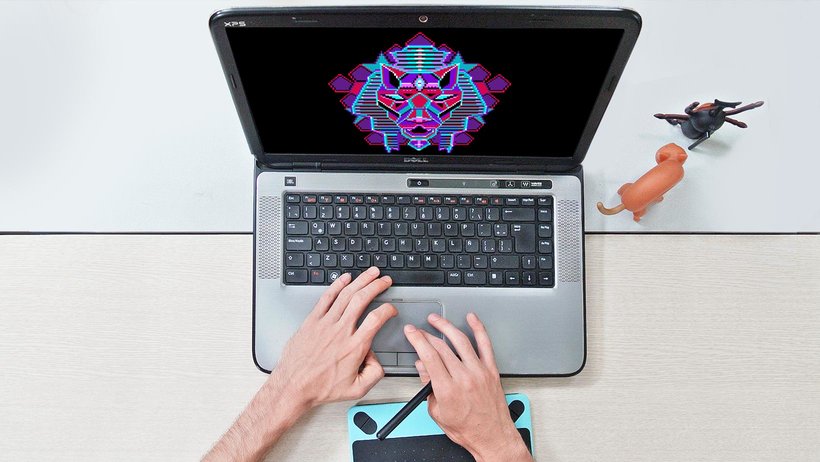
You just need a computer with Adobe Photoshop installed and preferably a graphics tablet, though you can work with a mouse. No physical materials are required.
You’ll learn how to scale images, reduce color counts, adjust palettes, and use layers and opacity to turn photos into pixelated sketches ready for illustration.
The course teaches how to limit the color palette using Photoshop’s settings and modes, making it easier to create visually simple images with a retro or minimalist style.
By the end, you’ll be able to create portraits, characters, isometric illustrations, video game covers, and pixel art GIF animations, exporting your work in various digital formats.
Yes, the course covers creating simple GIF-style animations using Photoshop and optimizing color palettes for smooth, retro effects.