Geanimeerde belettering
A course by MEMOMA EstudioStudie gespecialiseerd in ontwerp, illustratie en animatie
A course by MEMOMA Estudio, Studie gespecialiseerd in ontwerp, illustratie en animatie

Leer je eigen letters ontwerpen en animeren
MEMOMA, a specialized study in digital animation, will teach you three different processes to design and animate your own lettering creations, achieving that through the concept and the technique the message to be communicated is reinforced.
Wat leer je tijdens deze online cursus?
34 lessen & 20 aanvullende bronnen
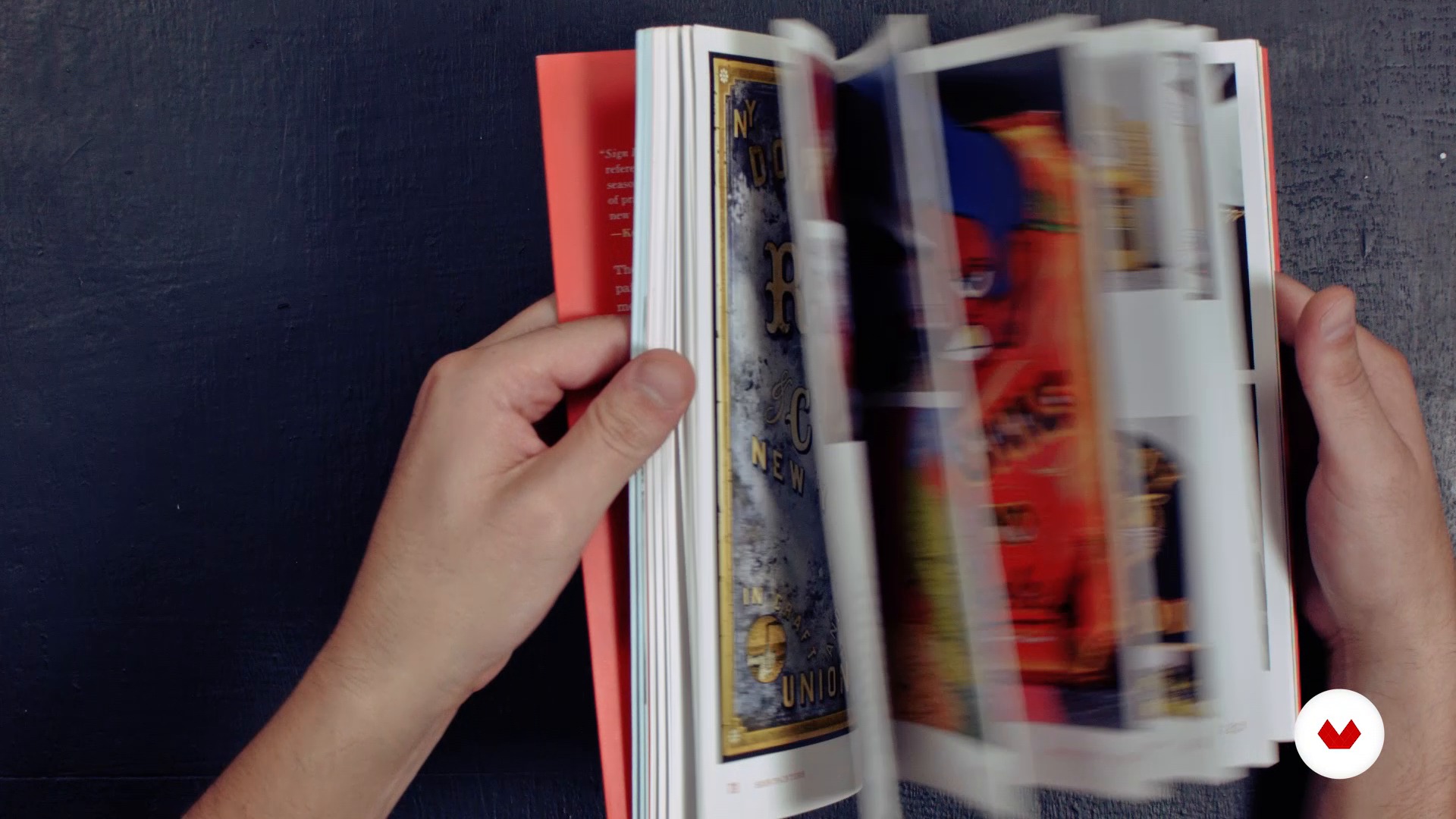
Definition of Lettering. Differences between typography and calligraphy
6 minuten, 33 seconden
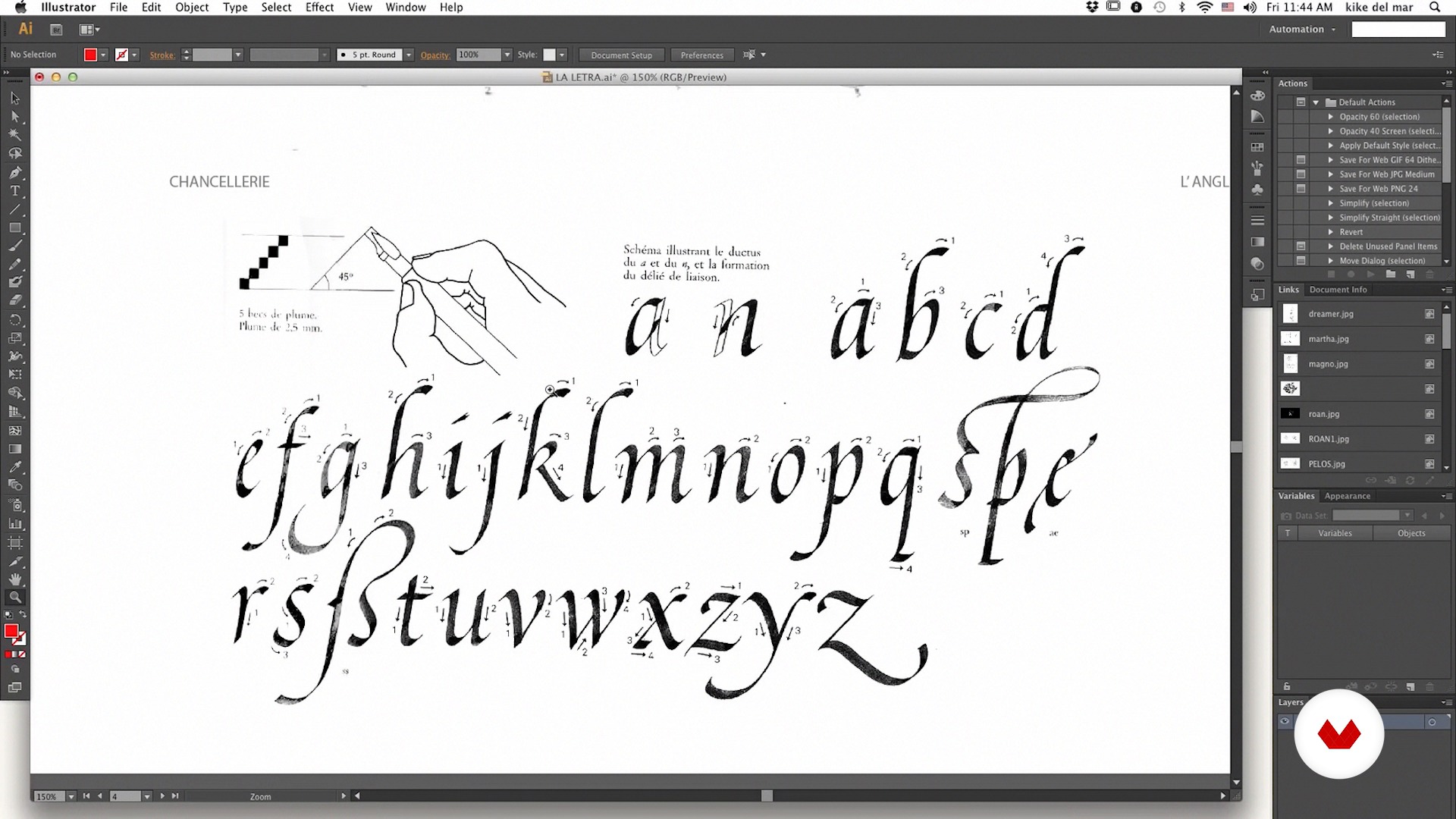
Basic structure of the letter: tricks to perform a good lettering
17 minuten, 59 seconden
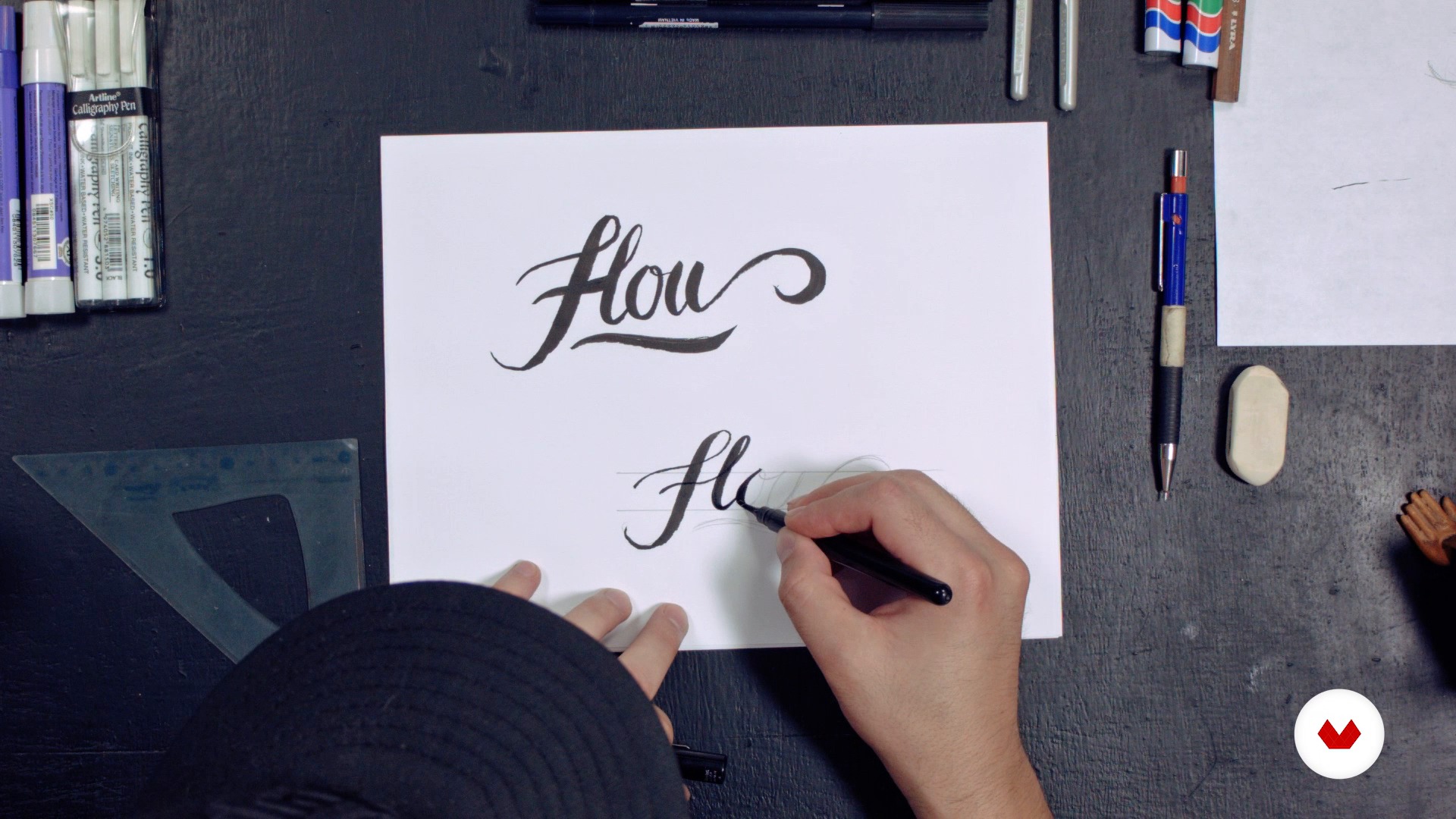
Development Lettering 1 Part 1
13 minuten, 22 seconden
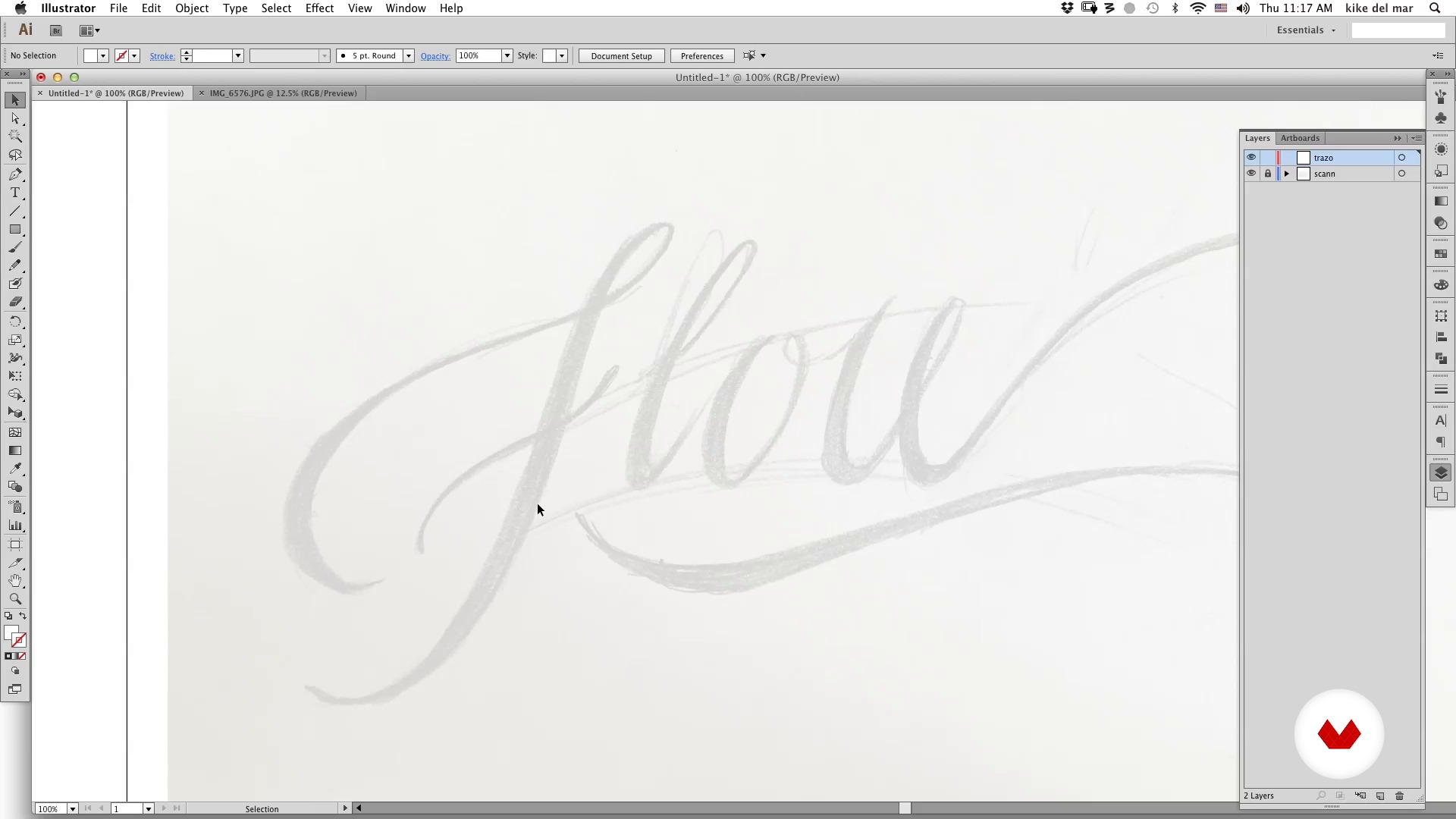
Development of Lettering 1 Part 2
19 minuten, 52 seconden
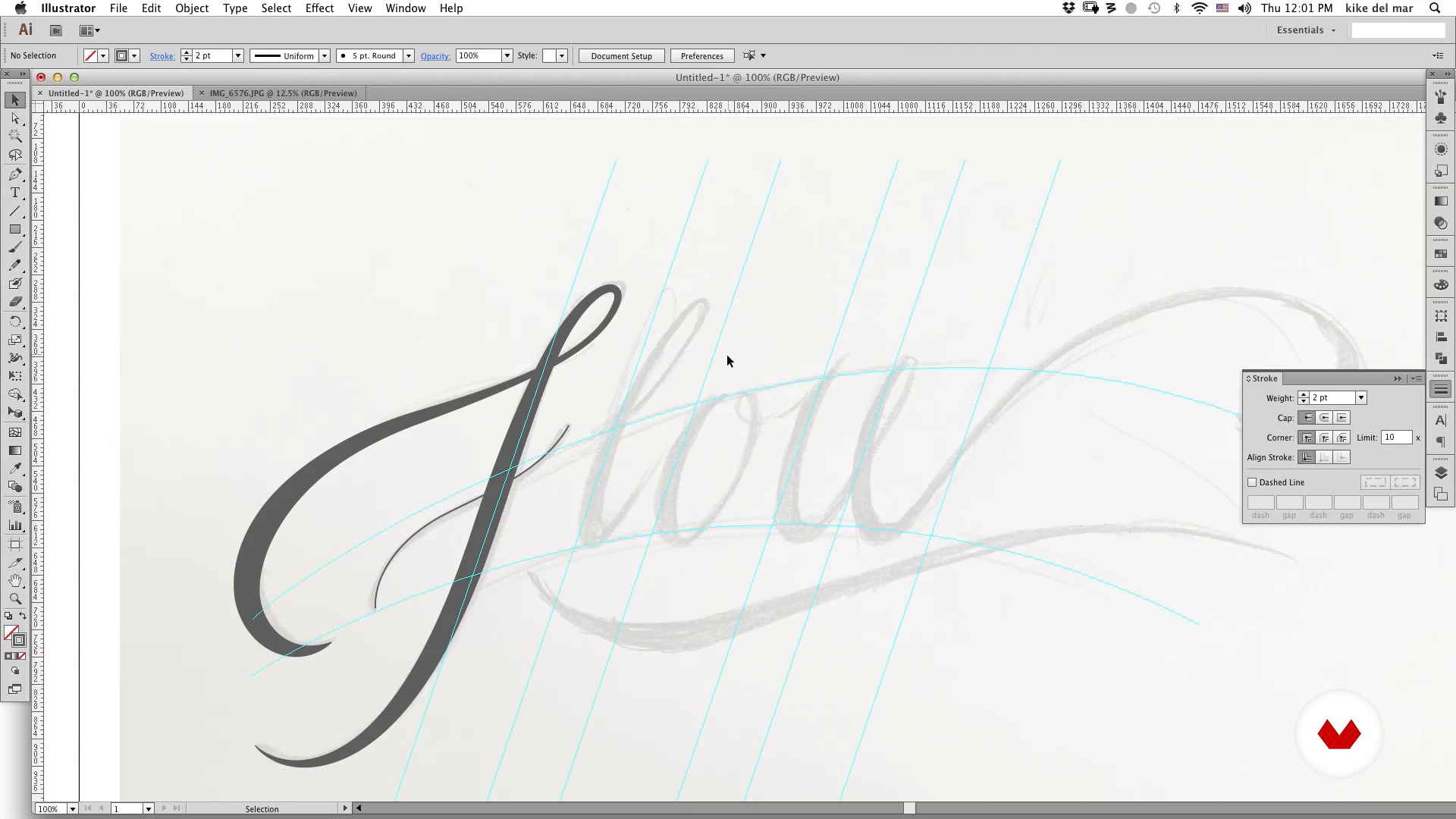
Development of Lettering 1 Part 3
19 minuten, 25 seconden
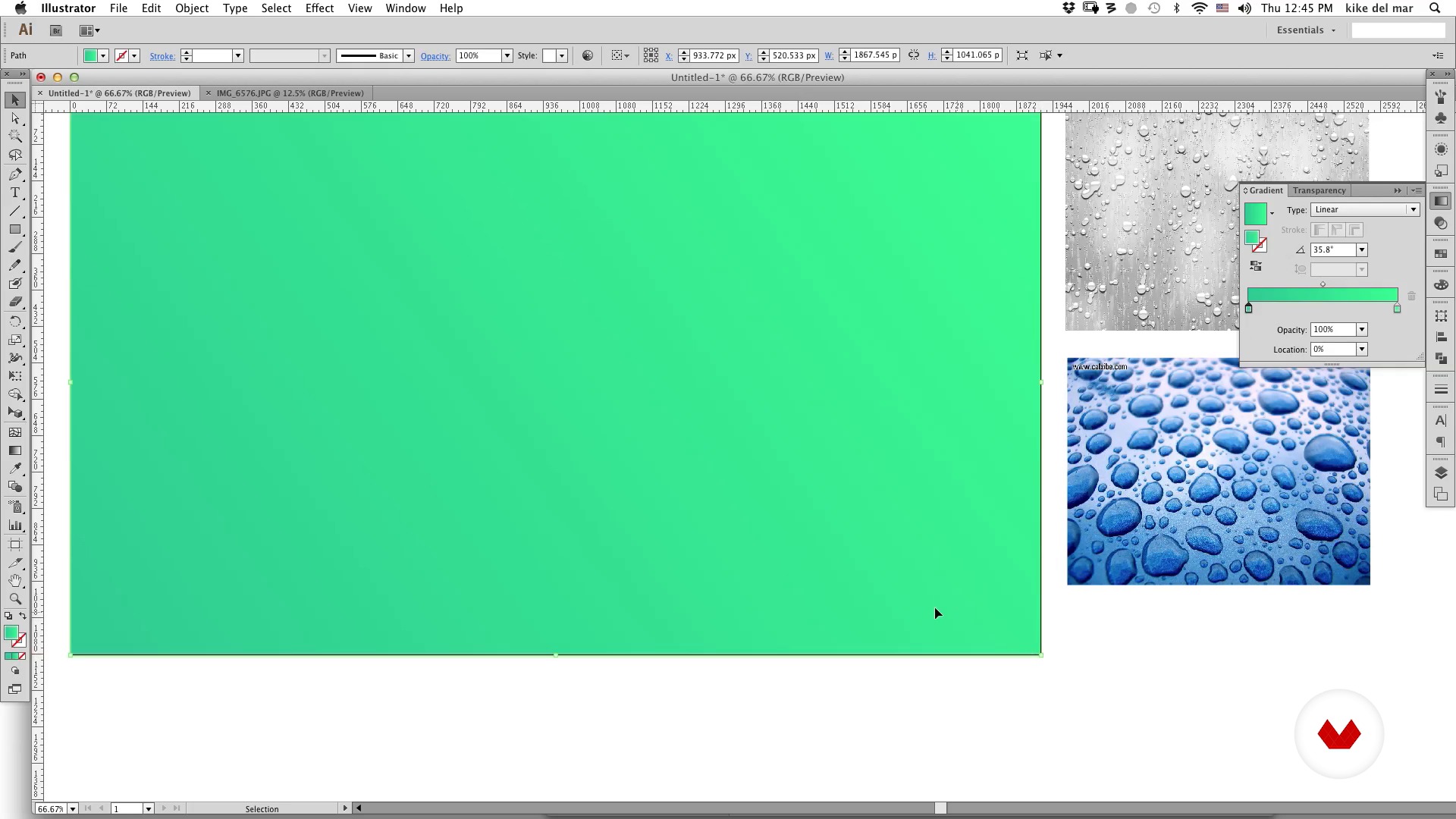
Development of Lettering 1 Part 4
5 minuten, 55 seconden
Wat is inbegrepen in deze cursus?
You will begin to learn more about the work and influences of MEMOMA Estudio.
Then you will know the differences and similarities between lettering, calligraphy and typography as well as some tricks to do a good job of lettering.
Then, MEMOMA will show you how to make the first sketches using three different processes. In the first one, you will learn to apply some basic concepts such as the basic structure of letters, composition, intention or graphic style. In the second, you will delve into the use of geometric shapes, modules and color, while the third will be focused on creating a lettering based on different typographical sources.
Finally you will discover three ways to animate a step-by-step lettering: cel animation or traditional animation frame by frame, with After Effects and in 3D with the help of Cinema 4D.

Recommended software & tools for this course
What is this course's project?
You will animate a slogan and / or a personal phrase to include it in your Demo Reel or portfolio.
Projecten van studenten van de cursus


Who is this online course for?
To designers, illustrators, typographers, calligraphers and animators who want to expand their experience in the world of animated lettering and learn about the creative process of MEMOMA Estudio.
Requirements and materials
To complete this course, you will need to have very basic knowledge of Photoshop, Illustrator, After Effects and Cinema 4D.
Regarding the materials, you will need pencil and paper, a camera or scanner and a computer with the installed programs.

Beoordelingen
- 4 maanden geleden
Exelente
- 11 maanden geleden
recién comienzo pero estoy tomando tips muy valiosos.
- 2 jaar geleden
Excelente curso me ayudó mucho a mis habilidades de composición tipográfica.
- 2 jaar geleden
This course is really interesting and I do think that it qualifies as an "intermediate course". Even though I do not use Cinema 4D, there is a lot of great info to be taken from the After Effects and Frame-by-Frame sections. Really good stuff! However, the English translation subtitles could really be improved — that would be great. There are also some downloadable linked files missing for the Unit 4 AE file. Those issues aside, the info contained in the course is still worth a recommendation.
- 3 jaar geleden
The course was fantastic. I gained valuable knowledge by creating designs on paper and then animating them traditionally with software like Photoshop/Toon Boom Harmony. Additionally, I learned how to animate them using After Effects.

Inhoud
- U1
Introduction
- We
- Influences
- U2
Lettering
- Definition of Lettering. Differences between typography and calligraphy
- Basic structure of the letter: tricks to perform a good lettering
- Development Lettering 1 Part 1
- Development of Lettering 1 Part 2
- Development of Lettering 1 Part 3
- Development of Lettering 1 Part 4
- Development of Lettering 2 Part 1
- Development of Lettering 2 Part 2
- Development of Lettering 2 Part 3
- Development of Lettering 3 part 1
- Development of Lettering 3 Part 2
- U3
Lettering Animated frame by frame
- Introduction
- Photoshop for animation
- Plan the animation 1
- Plan animation 2
- To give atoms
- Details in Photoshop
- U4
Animated Lettering in After Effects
- Display the animation
- Preparation of files
- Import AE
- Animate Lettering Part 1
- Animate Lettering Part 2
- Animate Lettering Part 3
- U5
Animating in 3D in Cinema 4D
- Plan scene (storyboard)
- Introduction to C4D
- Generate model Part 1
- Generate model Part 2
- Animate Lettering Part 1
- Animate Lettering Part 2
- Animate Lettering Part 3
- Assign materials and render Part 1
- Assign materials and render Part 2
- EP
Eindproject
- Animated Lettering
Wat kan je verwachten van een cursus van Domestika
Leer in je eigen tempo
Geniet van thuis leren, zonder lesroosters en in je eigen tempo. Jij beslist wanneer je verder gaat met het volgende onderdeel.
Leer met de beste professionals
Leer de meest bruikbare methoden en technieken van de beste professionals in de creatieve industrie.
Ontmoet deskundige docenten
Iedere docent brengt kennis met passie over, biedt duidelijke uitleg en een professioneel perspectief bij elke les.
Certificates
PLUSIf you're a Plus member, get a persoonlijk certificaat signed by your teacher for every course. Share it on your portfolio, social media, or wherever you like.
Zorg dat je op de voorste rij zit
Dankzij de hoge kwaliteit van de video's mis je geen enkel detail. Dankzij de onbeperkte toegang kun je de lessen zo vaak bekijken als nodig is om je vaardigheden te perfectioneren.
Deel kennis en ideeën
Stel vragen, krijg feedback en bied oplossingen aan. Deel je leerervaringen met andere studenten in de community die net als jij een passie hebben voor creativiteit.
Maak contact met een wereldwijde creatieve community
Deze community heeft miljoenen gebruikers van over de hele wereld, nieuwsgierig en enthousiast om hun creativiteit te verkennen en te uiten.
Geef cursussen op een professionele manier
Domestika selecteert zorgvuldig haar docenten en produceert iedere cursus in eigen huis om een uitstekende online leerervaring te garanderen.
Veelgestelde vragen
You’ll learn how to create typographic animations by blending calligraphy, lettering, and graphic design techniques, using tools like Illustrator, Photoshop, and After Effects to develop both personal and commercial projects with unique styles.
This course is designed for people with basic design and typography knowledge, perfect for intermediate learners looking to refine their digital animation and lettering skills.
You should have a basic understanding of graphic design, digital tools, and typography. It’s recommended to know the essentials of Illustrator and Photoshop.
You’ll need access to Adobe Illustrator, Photoshop, and After Effects, plus a graphics tablet or mouse and paper for sketching. Having digital fonts and brushes for advanced practice is also recommended.
Yes, the course is geared toward helping you create professional visual proposals for commercial projects, TV, or brand identities by combining animation and lettering.
You’ll learn frame-by-frame animation, basic 3D animation, After Effects techniques for lettering, color composition, keyframe management, masks, shadow and gradient effects, and stroke animation.
Yes, you’ll do exercises in hand calligraphy, letter sketching, creating guides, digitizing, and vectorizing sketches to perfect your strokes and typographic structure.