
Design a poster for an event, movie, or concert
In this course, illustrator, designer, and music poster designer Error! Design, teaches you to design a high-impact poster using the digital collage technique from old engraved illustrations. Discover the steps followed by Error! Design for a real commission—the commemorative tenth-anniversary poster of Love of Lesbian's first album launch.
Error! Design loves to make the visuals aspect of music shine too through his posters. That is why, in each of his works, he recreates scenes, actions, or something that gives life to the paper and transmits feeling.
Apa yang akan Anda pelajari dalam kursus daring ini?
1 pelajaran & 1 unduhan
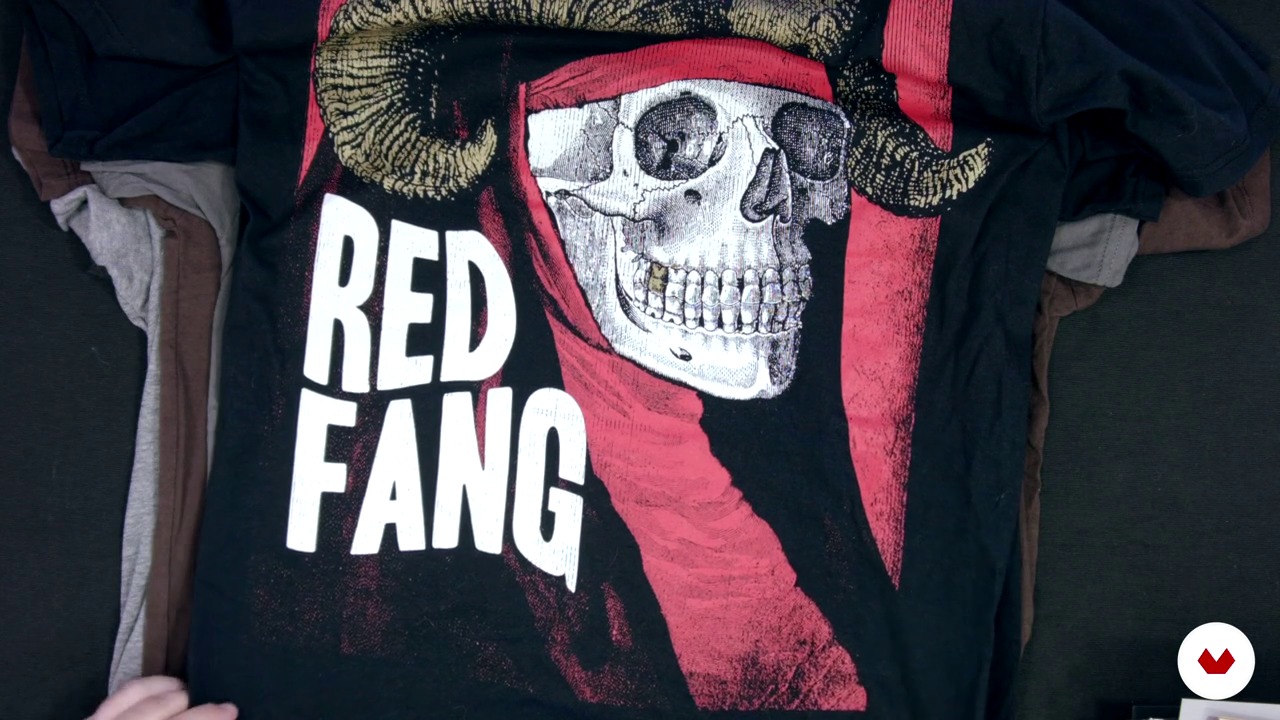
My jobs 2
1 menit, 1 detik
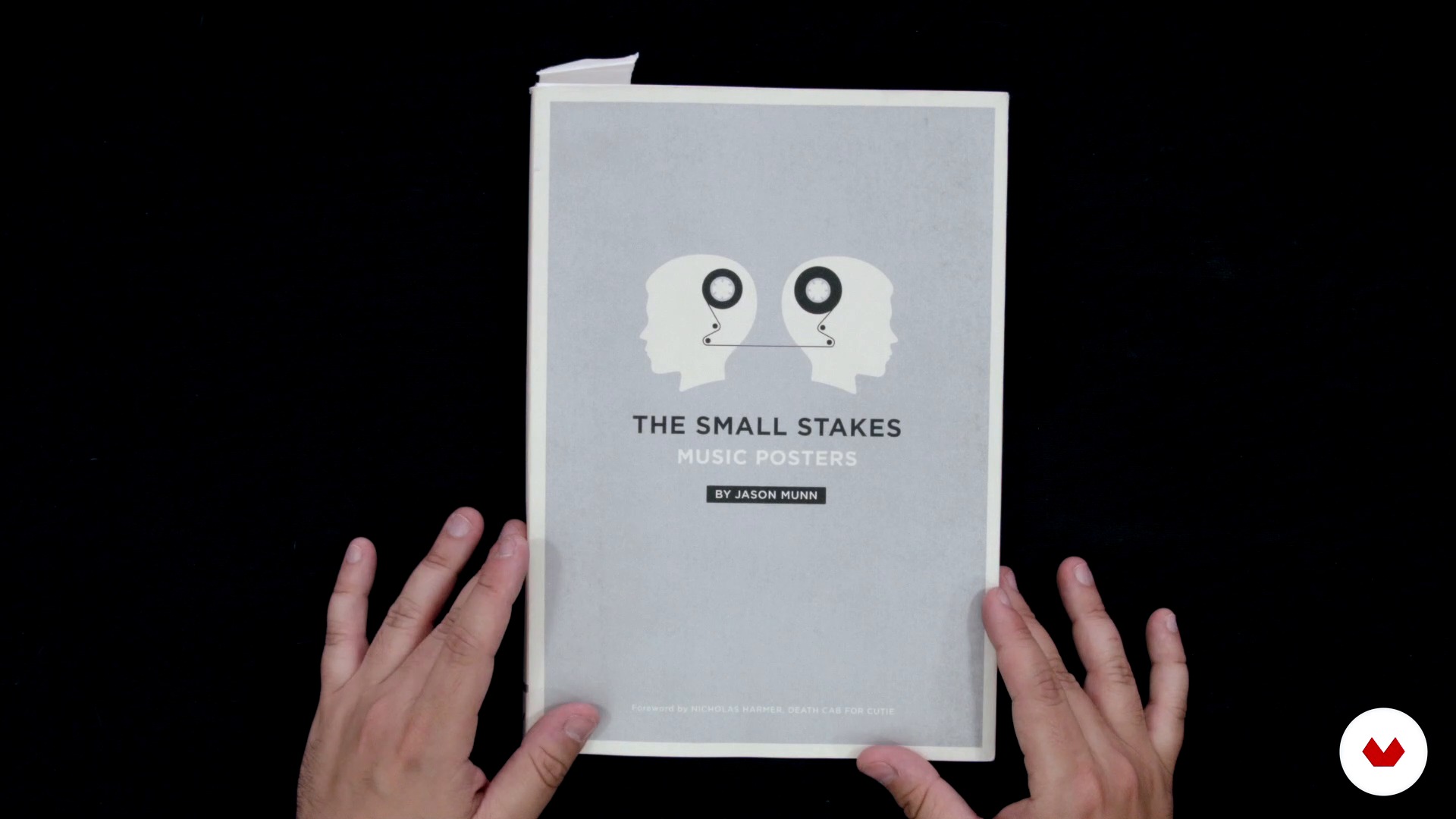
Influences
1 menit, 1 detik
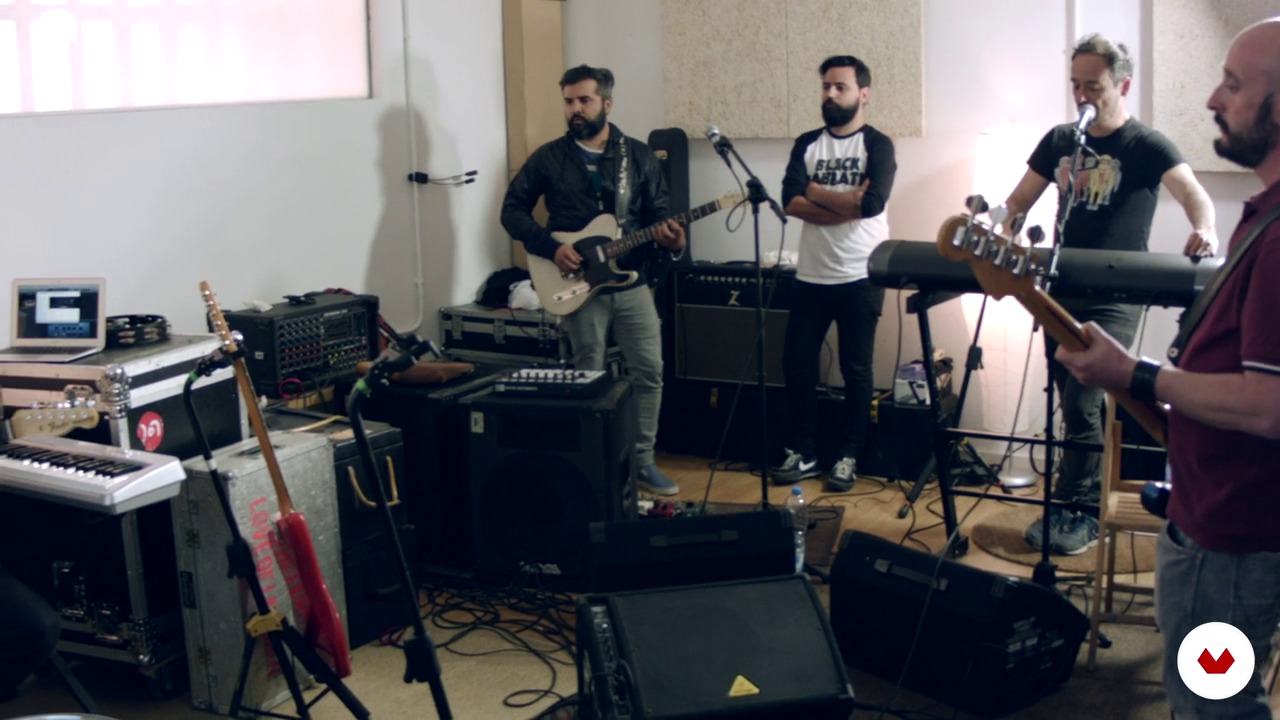
The order
1 menit, 1 detik
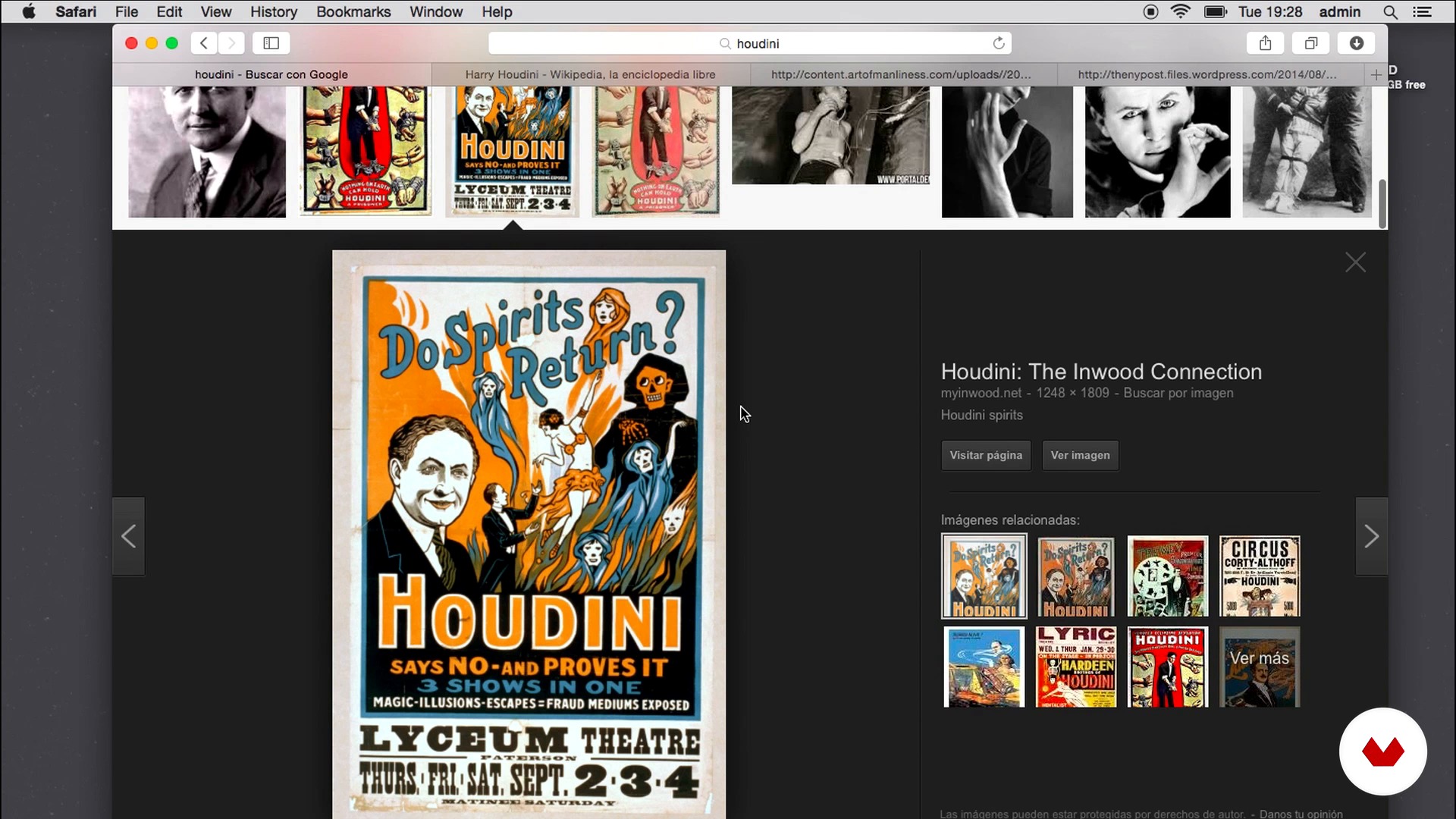
Concept documentation
1 menit, 1 detik
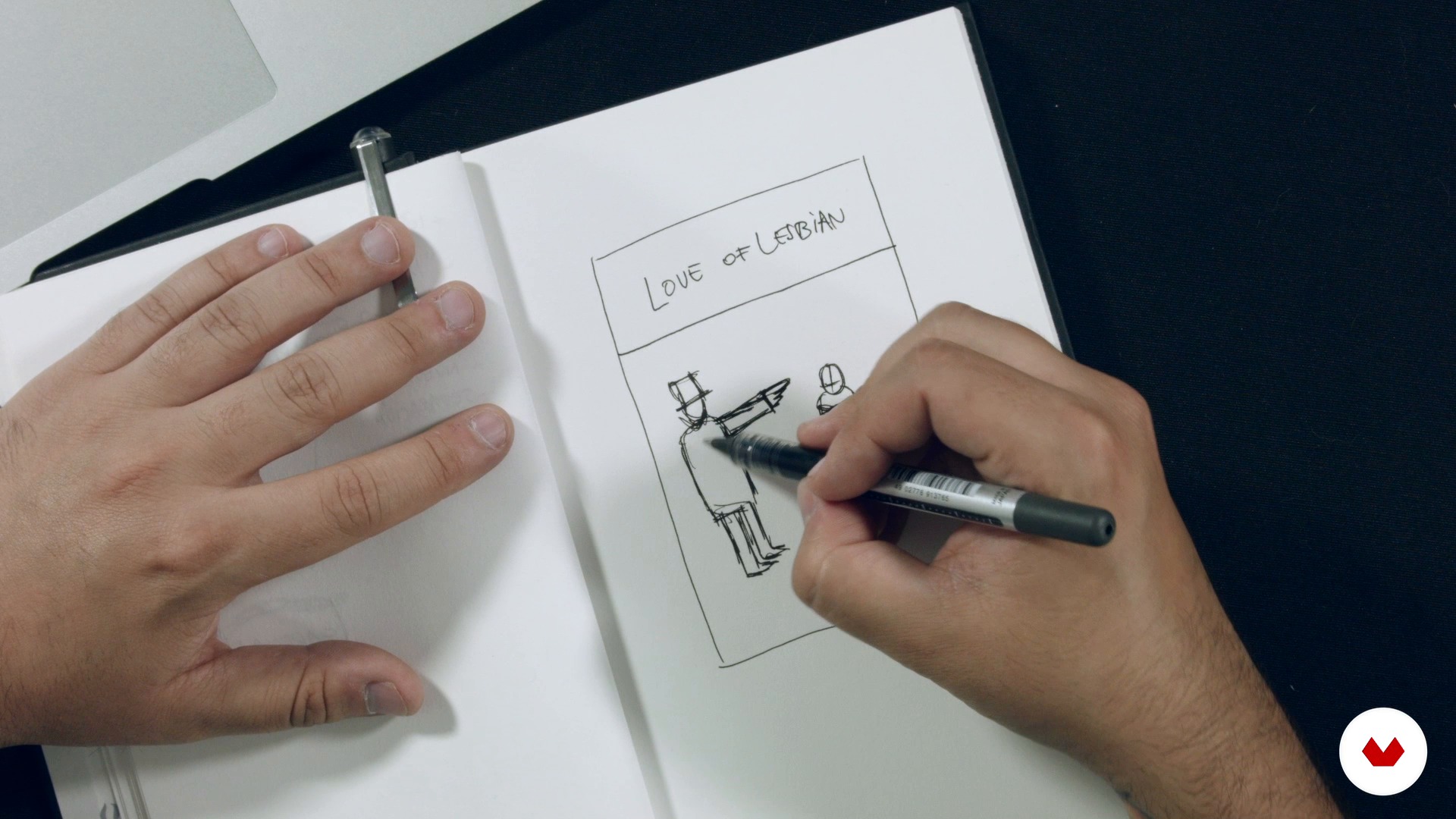
Concept and sketch
1 menit, 1 detik
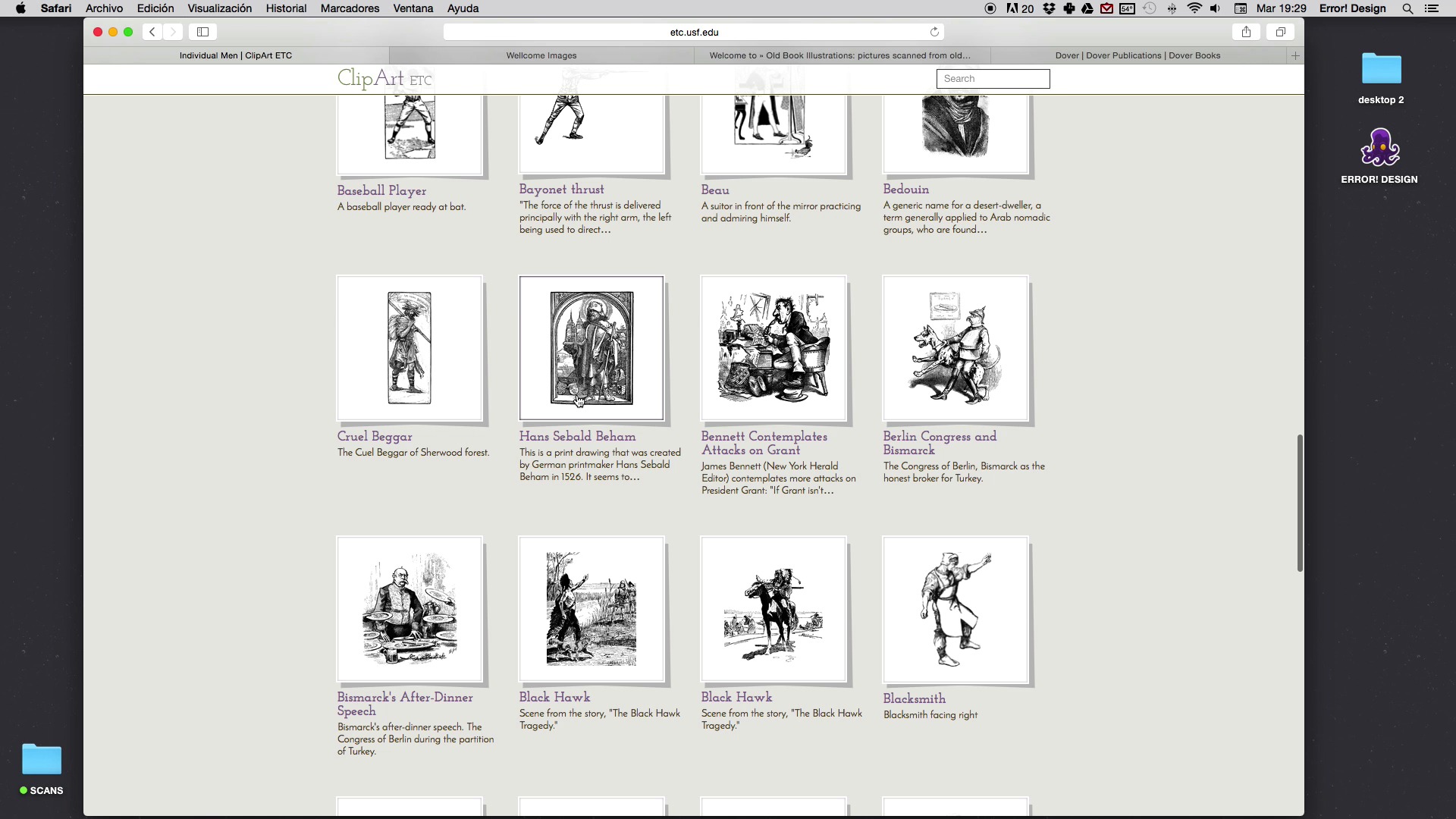
Search for material
1 menit, 1 detik
Apa yang termasuk dalam kursus ini?
Begin by getting to know the work of Error! Design a little better, including his influences, references, and favorite authors.
Next, learn how to approach a commission, getting to know the client and their ideas, gathering documents to arrive at the creative concept for the poster, and doing the first sketches.
Then get to work on the "billboarding" phase. Start by searching for specific materials for your illustration and get to know all of Error! Design's tricks for achieving perfect compositions, texts, colors, and textures.
To bring the course to a close, prepare your project file for both screen printing and other printing methods.

Recommended software & tools for this course
What is this course's project?
Compose a poster for a fictitious event, movie, or concert, using the collage technique from old prints obtained online or in books to create the scene that will dote your poster with action.
Proyek oleh mahasiswa kursus


Who is this online course for?
If you're one of those people who stands on the street staring at signs thinking that they should have a greater visual impact and less Comic Sans, then this is the course for you.
Requirements and materials
All you need is the desire and motivation to get creative. If you also love music and have a good grasp of Photoshop or Illustrator it would be a plus, but is by no means essential.
In terms of materials, you need a pencil for sketching, a notebook, a computer with an internet connection and either Photoshop or Illustrator installed. A scanner and printer would be useful but are optional.

Ulasan
- 11 bulan yang lalu
Nice one.
- 1 tahun yang lalu
muy buen curso
- 1 tahun yang lalu
Bastante útil para tener una idea general
- 1 tahun yang lalu
Es increible como siempre muestran los mejores trabajos pero para enseñar te hacen un trabajo muy simple, siempre lo mismo y en todos los cursos.
- 1 tahun yang lalu
Muito didático e talentoso, parabéns e obrigado, Professor Forné

Xavi Forné, seorang desainer, ilustrator, dan musisi jenius, adalah sosok di balik na...
Isi
- U 1
Introduction
- Who I am
- My jobs 1
- My jobs 2
- Influences
- U 2
Let's get to know the client and his ideas
- The order
- Concept documentation
- Concept and sketch
- U 3
A cartelear!
- Search for material
- The composition (Part I)
- The composition (Part II)
- Text processing
- Color and texture
- U 4
To print!
- Prepress (Part I)
- Prepress (Part II)
- Tips for screen printing
- Screen printing process
- FP
Proyek akhir
- Illustrated poster
Apa yang diharapkan dari kursus Domestika
Belajar dengan kecepatan Anda sendiri
Nikmati belajar dari rumah tanpa jadwal tetap dan dengan metode yang mudah diikuti. Anda bisa mengatur kecepatan belajar Anda sendiri.
Belajar dari para profesional terbaik
Pelajari metode dan teknik berharga yang dijelaskan oleh para ahli terkemuka di sektor kreatif.
Bertemu dengan guru ahli
Setiap pakar mengajarkan apa yang paling mereka kuasai, dengan pedoman yang jelas, semangat yang membara, dan wawasan profesional dalam setiap pelajaran.
Certificates
PLUSIf you're a Plus member, get a sertifikat khusus signed by your teacher for every course. Share it on your portfolio, social media, or wherever you like.
Dapatkan kursi baris depan
Video berkualitas tinggi, jadi Anda tidak akan melewatkan satu detail pun. Dengan akses tak terbatas, Anda dapat menontonnya sesering yang Anda butuhkan untuk menyempurnakan teknik Anda.
Berbagi pengetahuan dan ide
Ajukan pertanyaan, minta masukan, atau tawarkan solusi. Bagikan pengalaman belajar Anda dengan siswa lain di komunitas yang sama bersemangatnya dengan Anda dalam hal kreativitas.
Terhubung dengan komunitas kreatif global
Komunitas ini merupakan rumah bagi jutaan orang dari seluruh dunia yang ingin tahu dan bersemangat untuk mengeksplorasi dan mengekspresikan kreativitas mereka.
Tonton kursus yang diproduksi secara profesional
Domestika menyusun daftar guru dan memproduksi setiap kursus secara internal untuk memastikan pengalaman belajar daring berkualitas tinggi.
Tanya Jawab Umum
You’ll learn how to create illustrated posters for concerts, album covers, and music merchandise, including sketching, composition, typography, color, texturing, and preparing files for screen printing.
This course is aimed at people with prior experience in graphic design or illustration, making it ideal for intermediate learners.
You’ll need Photoshop, Illustrator, a scanner, paper, sketching materials, and access to digital resources for textures and fonts.
Yes, you’ll learn how to organize layers, separate colors, assign Pantones, and prepare technical files ready for screen printing.
Yes, the course teaches how to create retro textures, age typography, and simulate vintage paper using both digital and manual tools.
Yes, you’ll learn how to select complementary colors, build custom palettes, and adjust color matching between digital and print.
Yes, the course prepares you to design album covers, flyers, merchandise, and promotional materials for bands and music events.