
Digital illustration with coloured pencils
A course by Mercedes deBellardIlustrator
A course by Mercedes deBellard, Ilustrator

Learn to draw digitally with a traditional finish
The illustrations of Mercedes deBellard became viral thanks to platforms such as Pinterest or Tumblr, nowadays her style is easily recognizable and many customers want to collaborate with her.
In this introductory course in digital drawing, you will learn to imitate the traditional technique of illustration with colored pencils using the computer to make your illustrations of animal themes, obtaining a warm style and full of nuances, like the one Mercedes uses in her work.
Apa yang akan Anda pelajari dalam kursus daring ini?
1 pelajaran & 1 unduhan
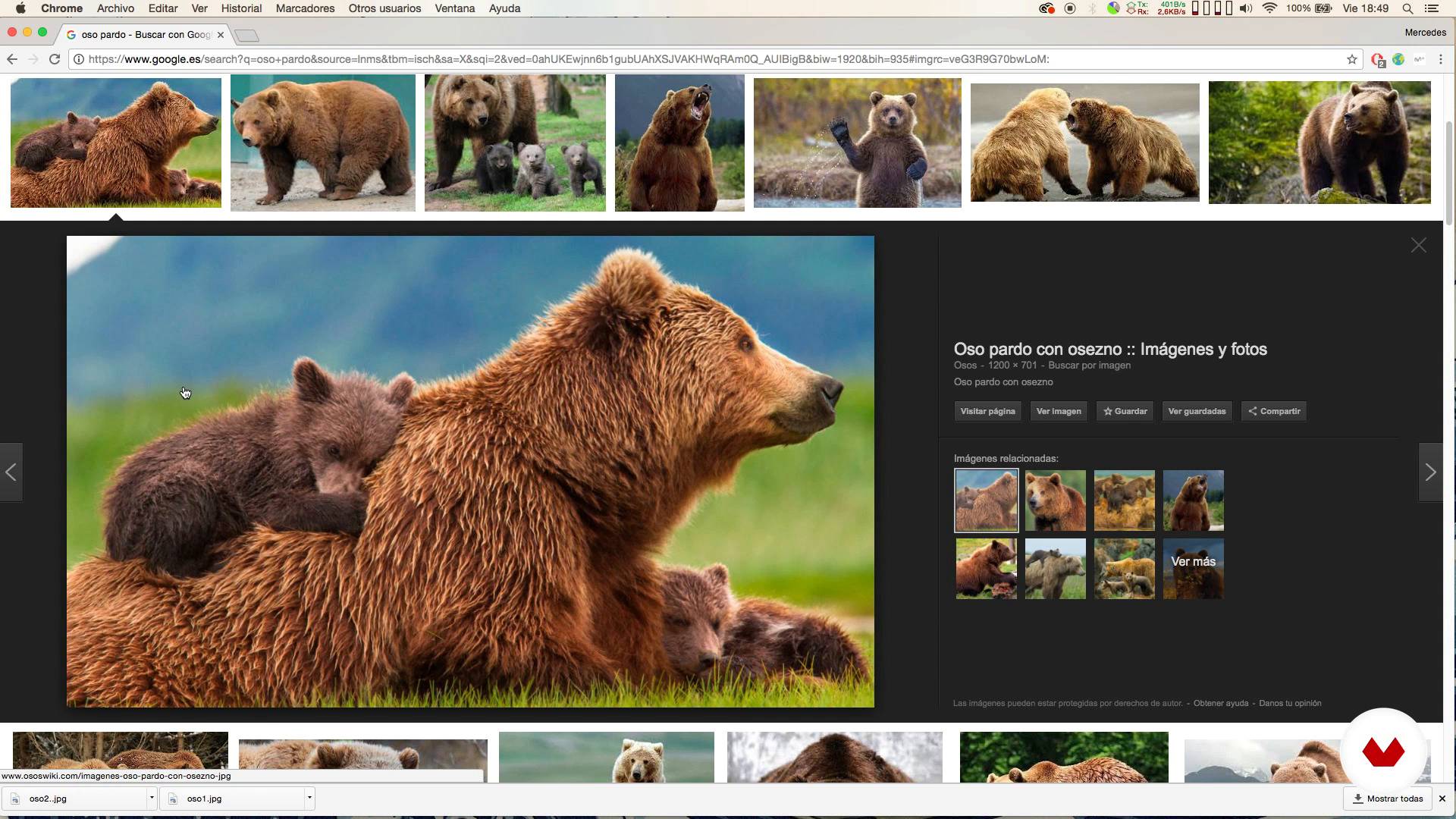
Looking for references
1 menit, 1 detik
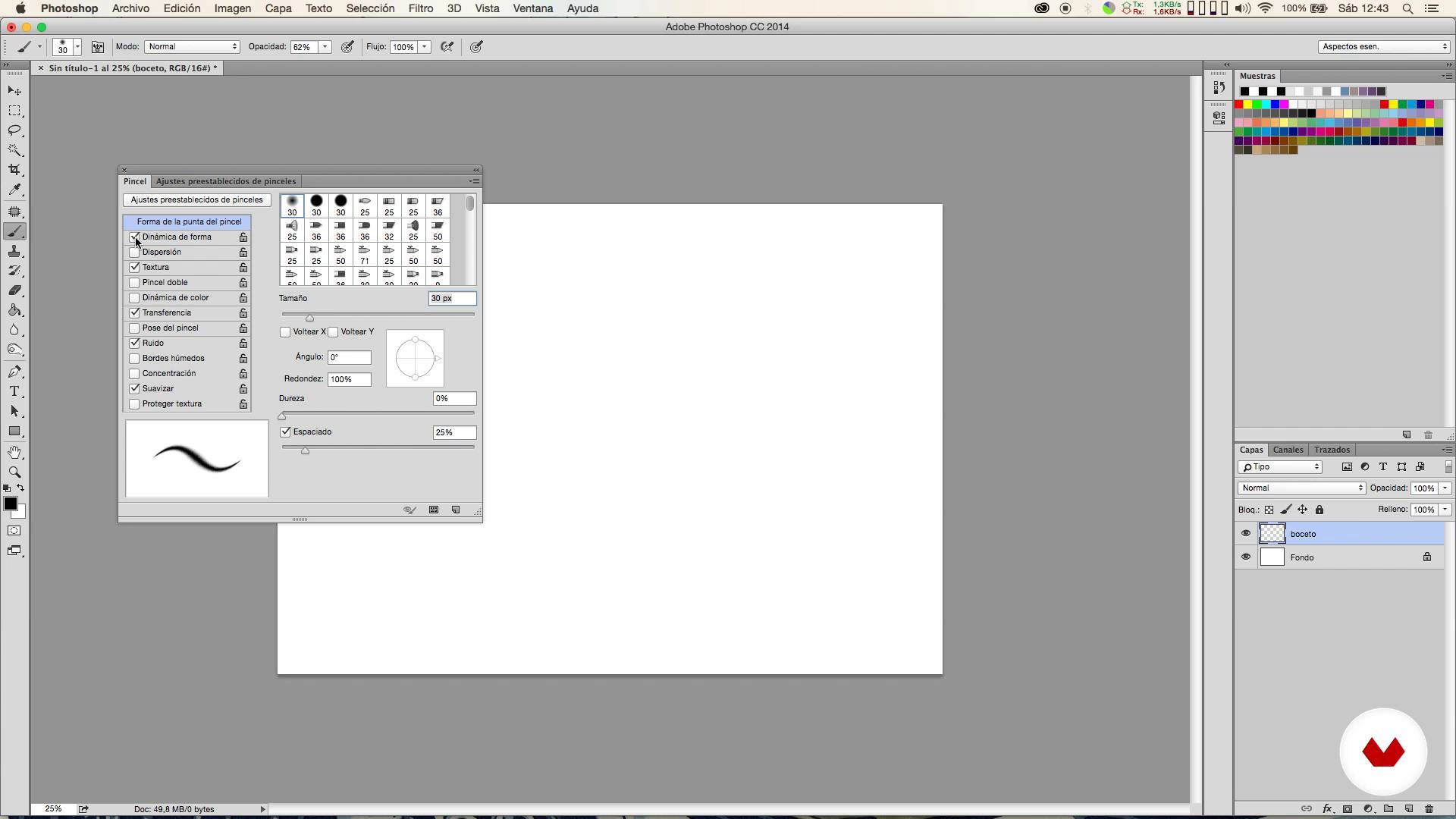
Brushes
1 menit, 1 detik
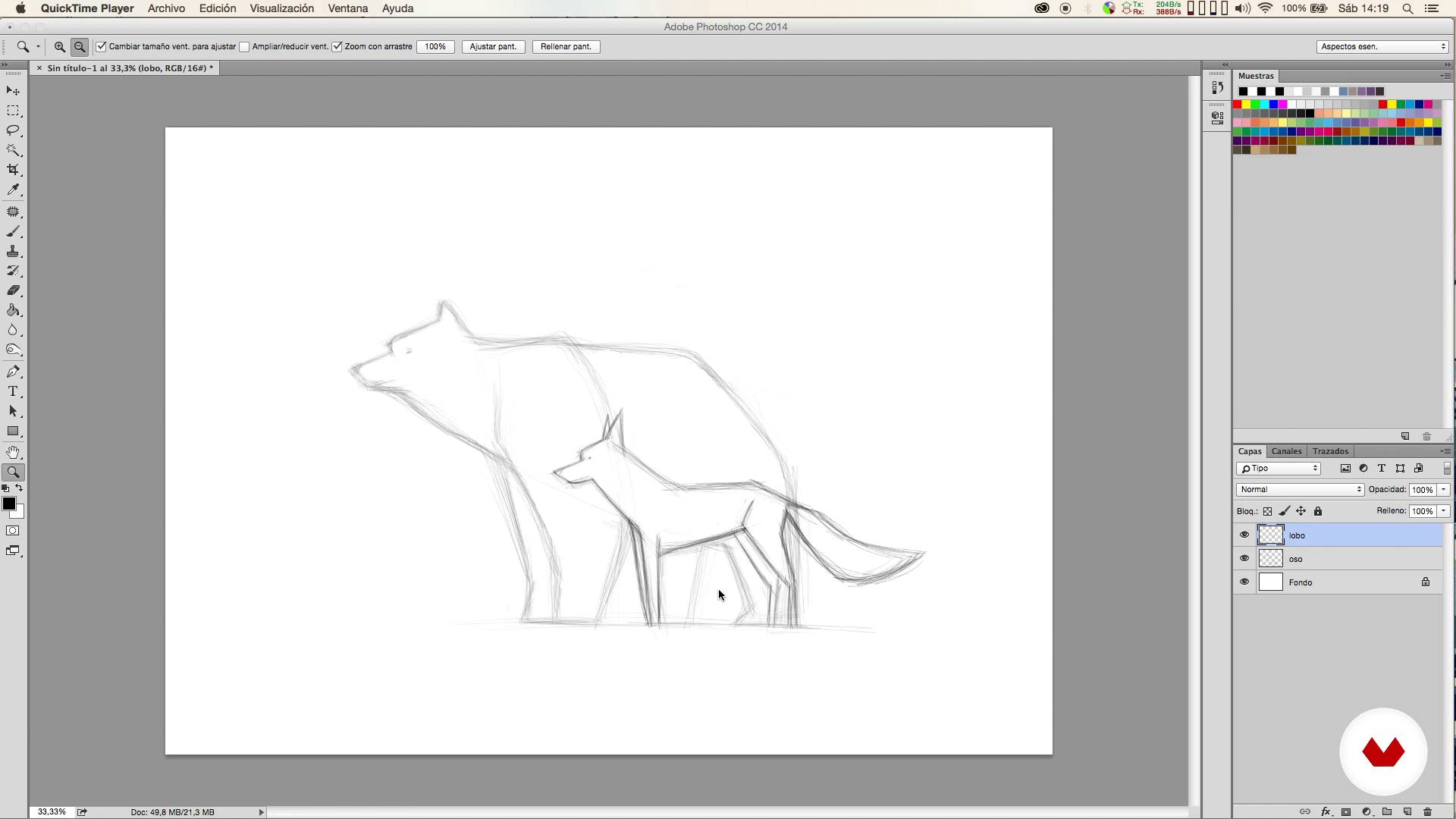
Sketch
1 menit, 1 detik
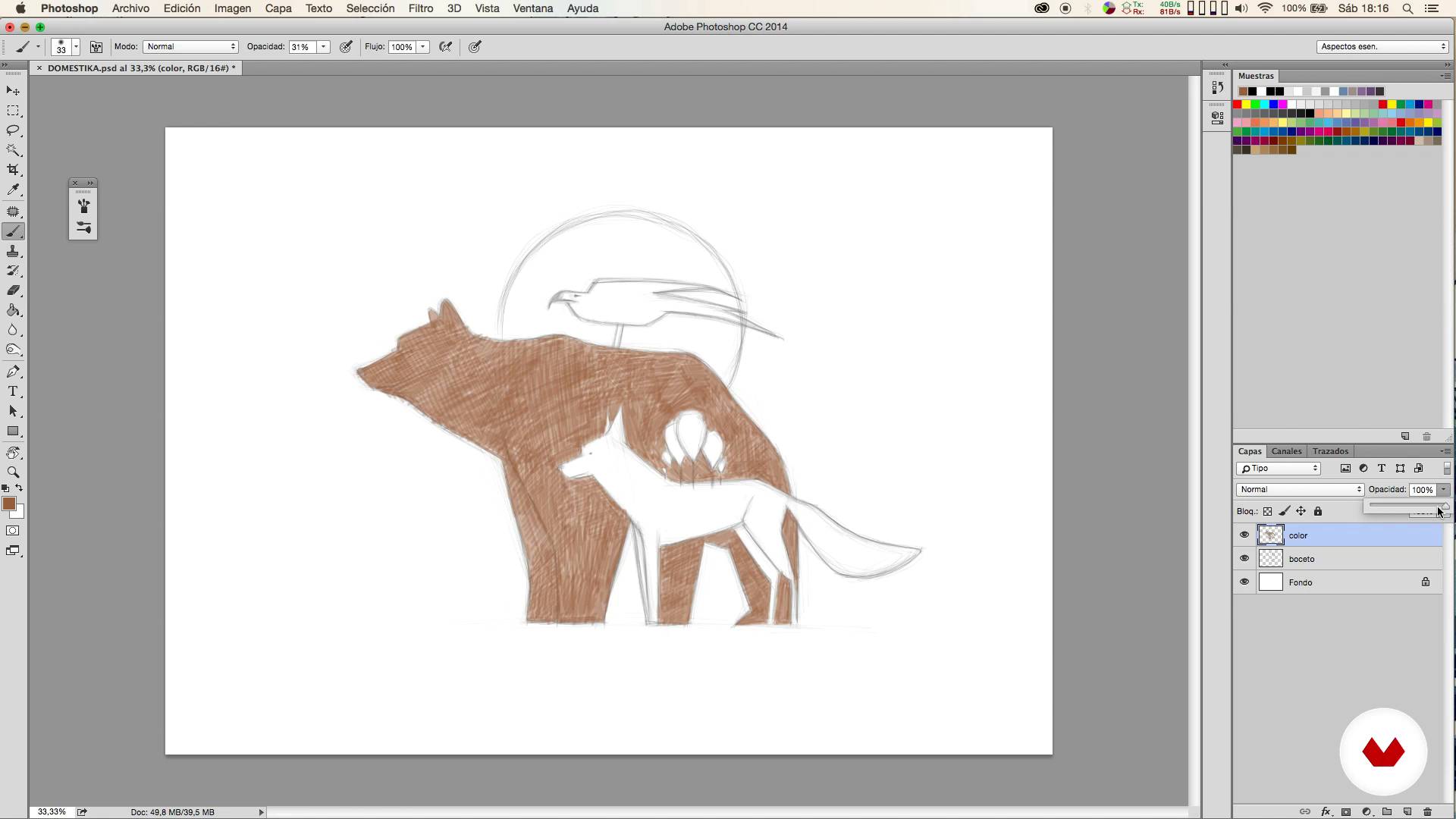
Colored I
1 menit, 1 detik
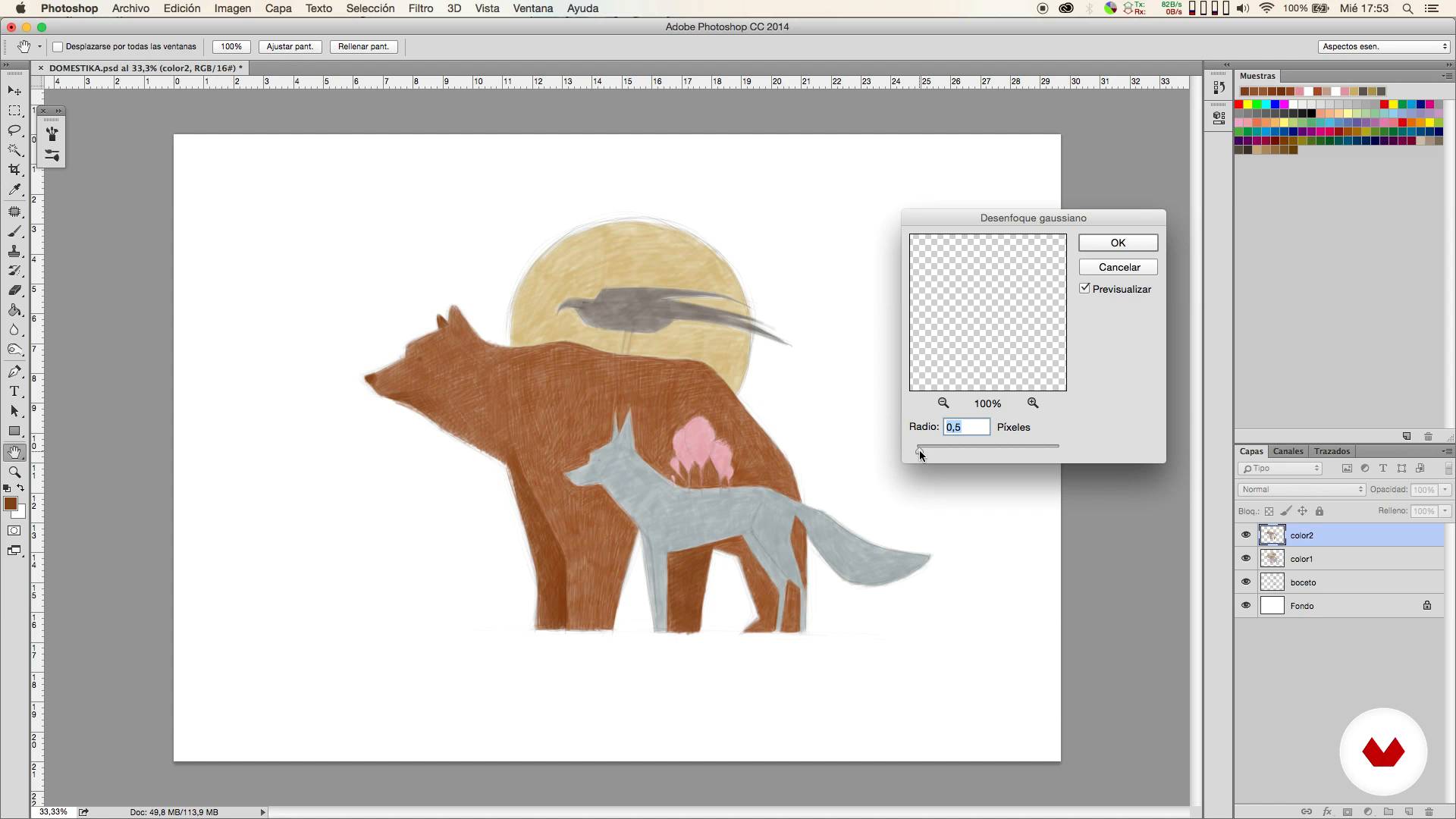
Colored II
1 menit, 1 detik
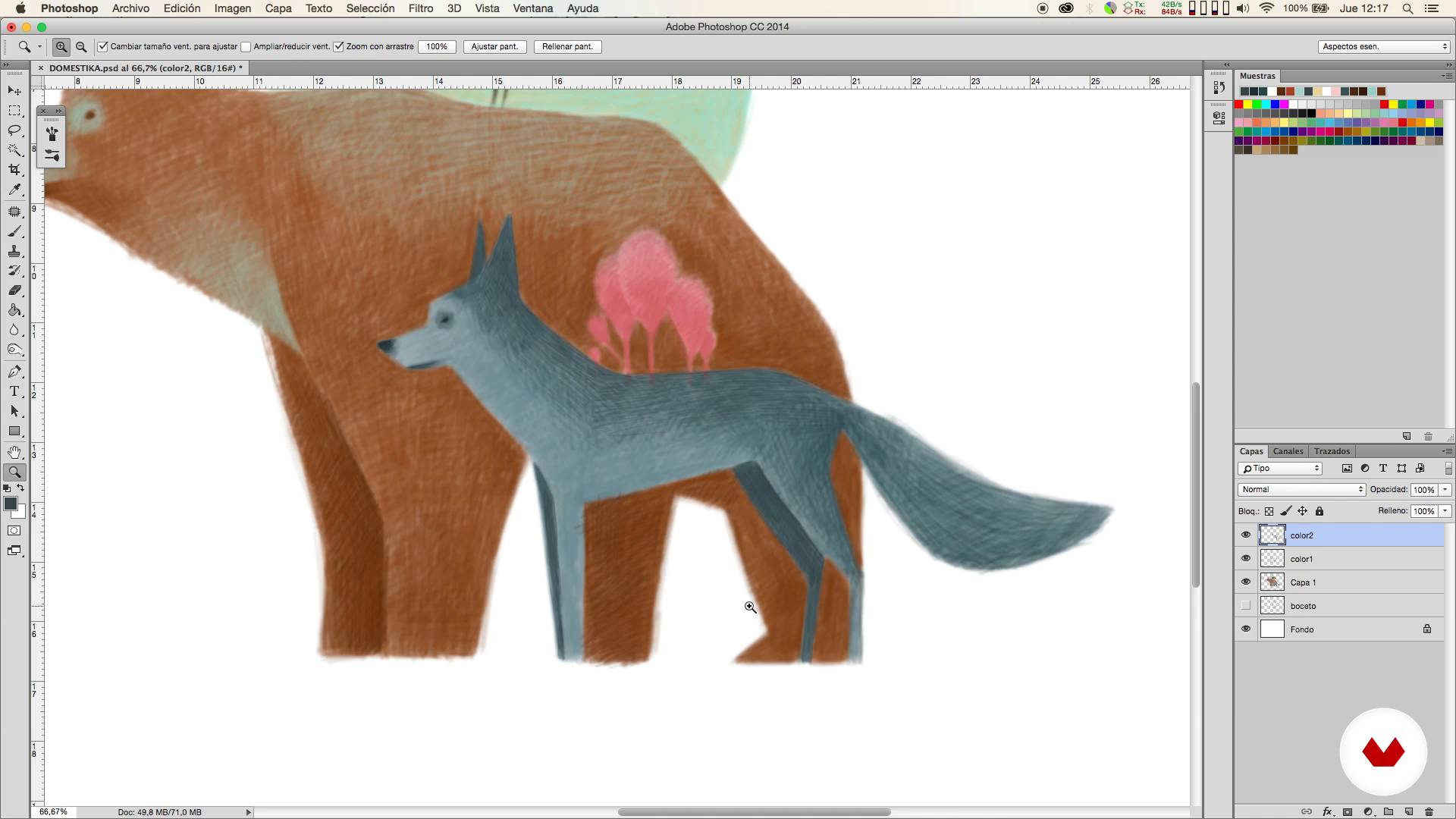
Colored III
1 menit, 1 detik
Apa yang termasuk dalam kursus ini?
You will start looking for ideas and references that will help you define the type of illustration you want to create.
Then you will prepare the adjustments of the Photoshop brushes and the most suitable format for the work you want to carry out.
It will be then when the sketching phase begins. From here you will carry out your illustration in different stages.
Once the illustration is finished, you will learn how to make corrections in a simple way and Mercedes will teach you how to tint the color to obtain a traditional looking result.
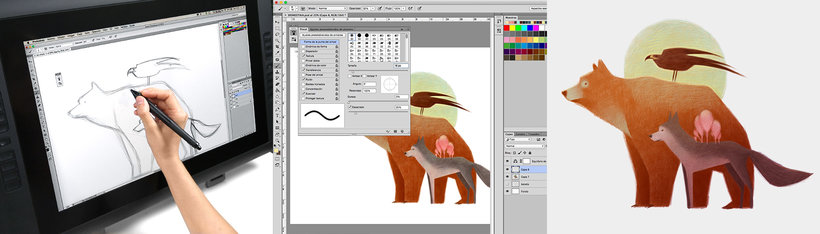
Recommended software & tools for this course
What is this course's project?
You will draw an illustration of three animals using the digital technique of painting with colored pencils, from the sketch to the final touches.
Proyek oleh mahasiswa kursus


Who is this online course for?
To anyone interested in getting started in the digital illustration that wants to obtain very natural results using a very simple technique, simulating the traditional colored pencils.
Requirements and materials
Only basic knowledge of Photoshop is necessary, since the technique that Mercedes will explain to you is very simple.
With respect to the materials, you will need a computer with Photoshop and it is also advisable to use a graphic tablet.

Ulasan
- julius_aragornPLUS2 bulan yang lalu
Me parece un curso muy intuitivo y sencillo, pero genial para aprender a manejar algunas técnicas básicas de la ilustración, además del manejo de ciertos pinceles y técnicas de color muy interesantes.
- 2 bulan yang lalu
BUENO
- 5 bulan yang lalu
disfrute mucho el curso, la forma de explicar fue muy clara y concreta.
- 7 bulan yang lalu
Muy buen curso, ya que a diferencia de los demás que realicé se centra en una ilustración sencilla, y aborda muchos recursos valiosos a la hora de efectuar el dibujo, es encantador. Es para empezar, brinda conocimientos simples pero importantes!
- 8 bulan yang lalu
Fantastico!

Isi
- U 1
Introduction
- Presentation
- Influences
- U 2
First steps
- Looking for references
- Brushes
- Sketch
- U 3
Coloring!
- Colored I
- Colored II
- Colored III
- U 4
Final retouching
- Corrections
- Matize the color
- FP
Proyek akhir
- Digital illustration with colored pencils
Apa yang diharapkan dari kursus Domestika
Belajar dengan kecepatan Anda sendiri
Nikmati belajar dari rumah tanpa jadwal tetap dan dengan metode yang mudah diikuti. Anda bisa mengatur kecepatan belajar Anda sendiri.
Belajar dari para profesional terbaik
Pelajari metode dan teknik berharga yang dijelaskan oleh para ahli terkemuka di sektor kreatif.
Bertemu dengan guru ahli
Setiap pakar mengajarkan apa yang paling mereka kuasai, dengan pedoman yang jelas, semangat yang membara, dan wawasan profesional dalam setiap pelajaran.
Certificates
PLUSIf you're a Plus member, get a sertifikat khusus signed by your teacher for every course. Share it on your portfolio, social media, or wherever you like.
Dapatkan kursi baris depan
Video berkualitas tinggi, jadi Anda tidak akan melewatkan satu detail pun. Dengan akses tak terbatas, Anda dapat menontonnya sesering yang Anda butuhkan untuk menyempurnakan teknik Anda.
Berbagi pengetahuan dan ide
Ajukan pertanyaan, minta masukan, atau tawarkan solusi. Bagikan pengalaman belajar Anda dengan siswa lain di komunitas yang sama bersemangatnya dengan Anda dalam hal kreativitas.
Terhubung dengan komunitas kreatif global
Komunitas ini merupakan rumah bagi jutaan orang dari seluruh dunia yang ingin tahu dan bersemangat untuk mengeksplorasi dan mengekspresikan kreativitas mereka.
Tonton kursus yang diproduksi secara profesional
Domestika menyusun daftar guru dan memproduksi setiap kursus secara internal untuk memastikan pengalaman belajar daring berkualitas tinggi.
Tanya Jawab Umum
No, this course is designed for people with intermediate digital illustration skills and basic Photoshop knowledge who want to improve their techniques and workflows for animal art.
You’ll need a computer with Adobe Photoshop installed, a graphics tablet recommended for better precision, and internet access to look up visual references.
You’ll learn how to find and organize references, set up pencil-like brushes, manage layers, create digital sketches, color in stages, correct mistakes, and refine illustrations for professional results.
The course teaches how to sketch animals in Photoshop using layers, custom brushes, visual references, balanced composition, and proportion correction with digital tools.
You’ll be shown how to search for silhouette and pose images, combine photos and illustrations, and build an efficient reference board to boost accuracy and creativity.
Layers, color management, lighting, shadows, Gaussian blur, and brushes with varying opacity are used to create volume and visual depth in your composition.
You’ll learn to tweak brush edges, opacity, shape dynamics, and texture in Photoshop to achieve a stroke that feels like traditional colored pencil.