
Design of Calligraphy Logos
Kursus oleh JoluvianDesainer grafis, kaligrafer, tipografer, dan ilustrator
Kursus oleh Joluvian, Desainer grafis, kaligrafer, tipografer, dan ilustrator

Print a personal feature in your designs
Joluvian -designer and illustrator- is very good at making logos generated from handwritten texts. Play and experiment with calligraphy to generate a very expressive communication, create fonts that you can then apply to graphic projects (posters, t-shirts, logos ...)
In this course, Joluvian will teach you how to make a logo or lettering for multiple uses. As if it were a gastronomic recipe, it will show you the different ingredients and elaborations that make up an exquisite graphic piece.
Apa yang akan Anda pelajari dalam kursus daring ini?
1 pelajaran & 1 unduhan
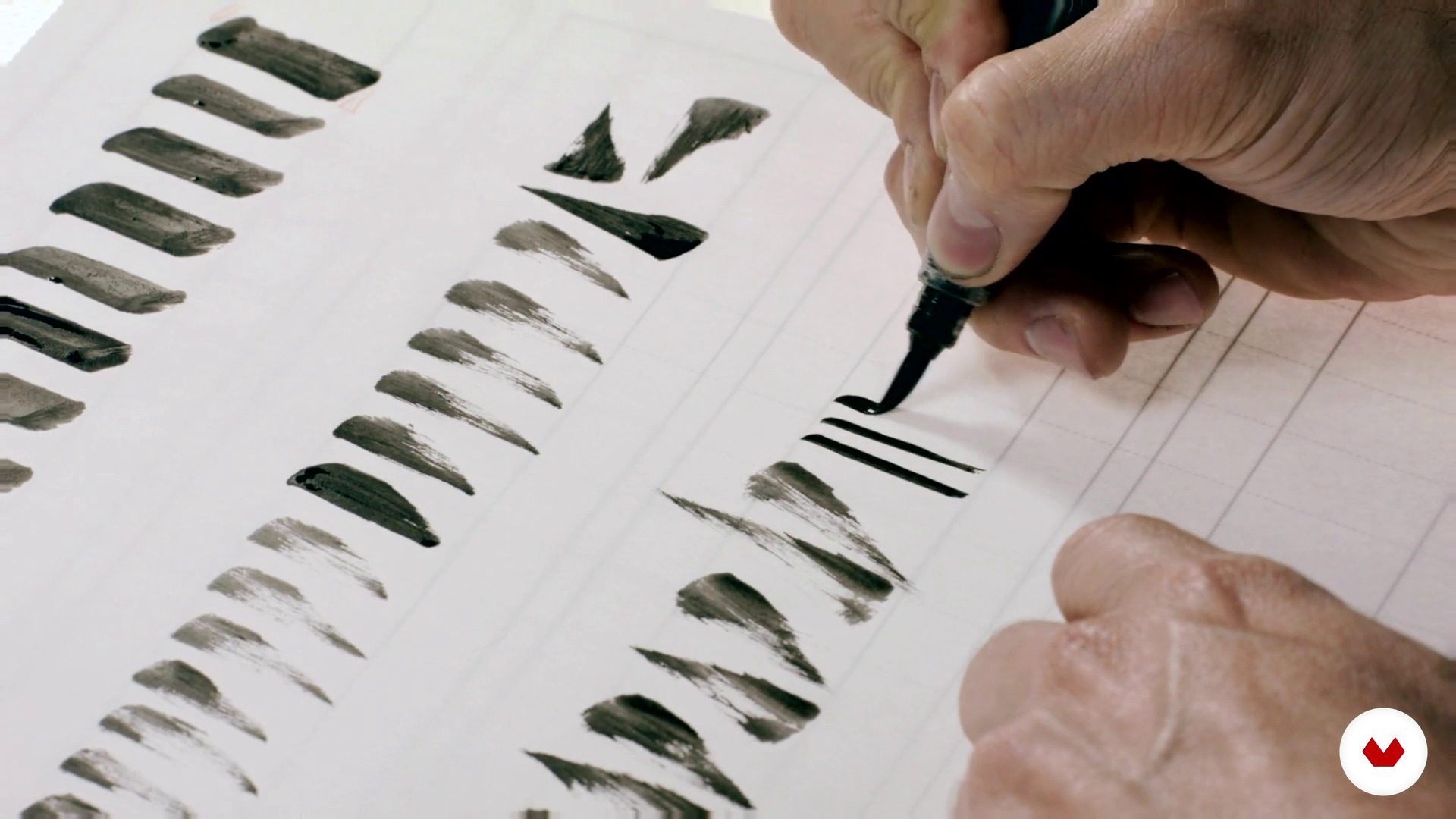
Bases for a good construction of the alphabet 1
1 menit, 1 detik
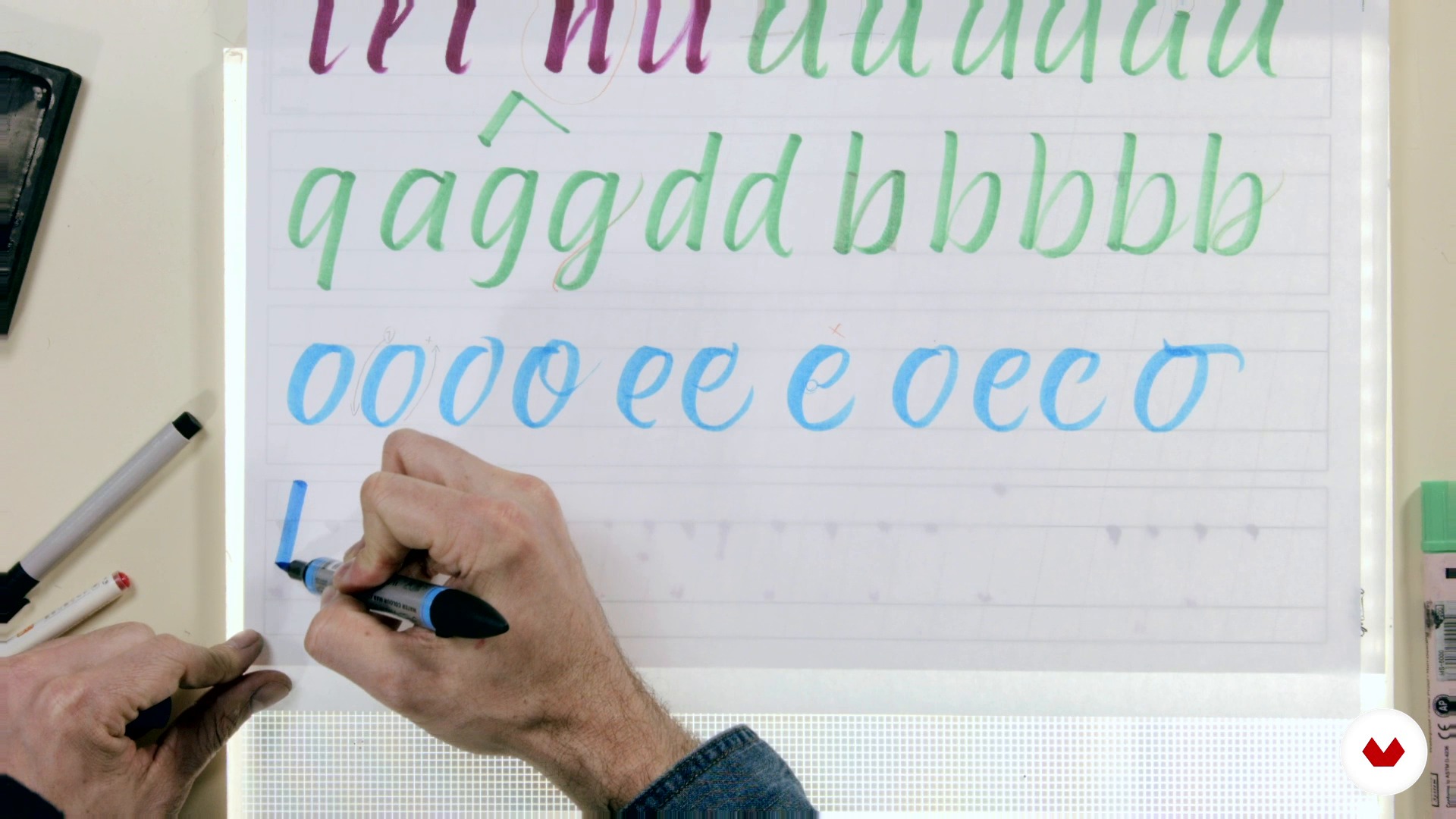
Bases for a good construction of the alphabet 2
1 menit, 1 detik
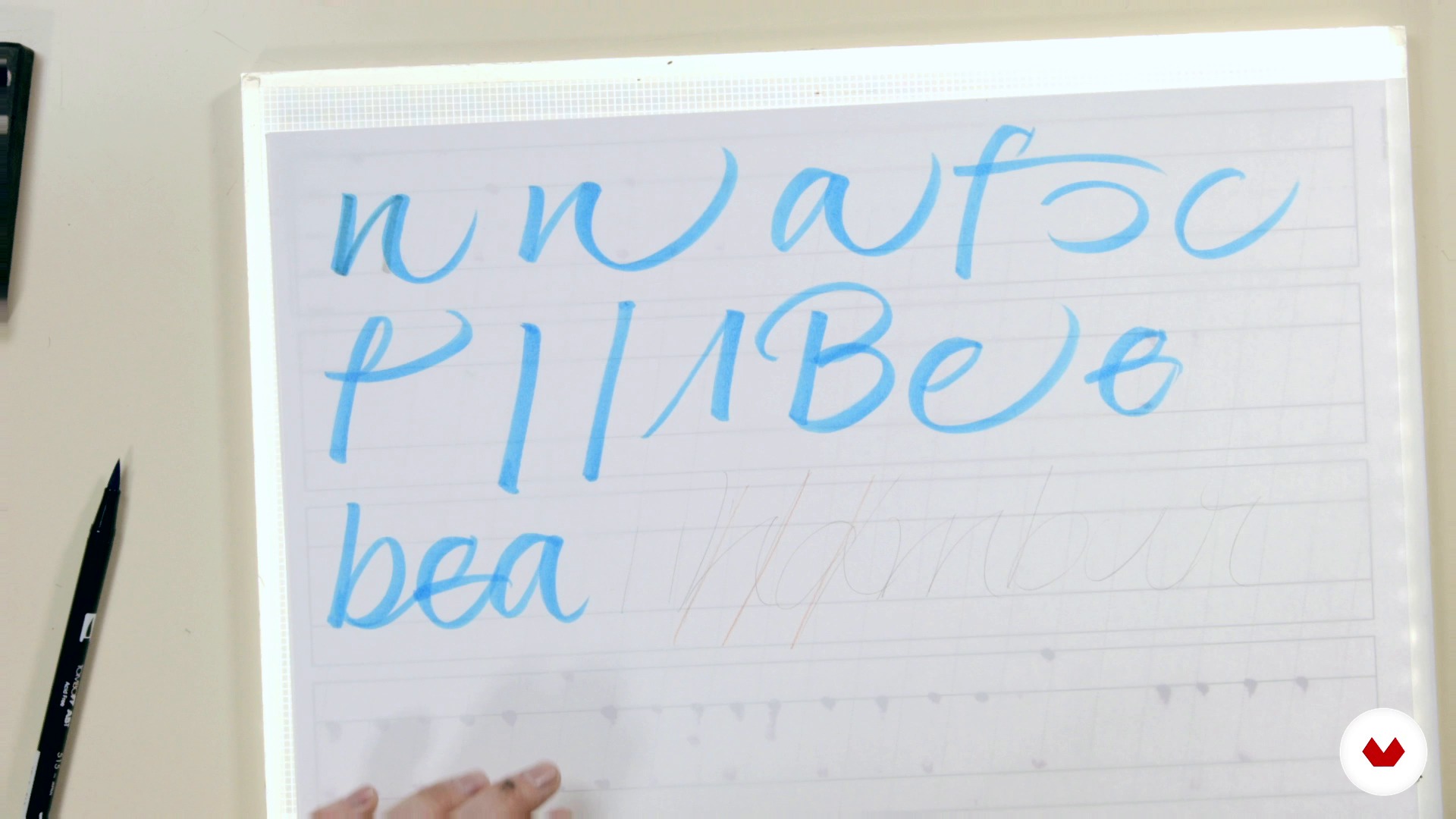
From the script to the expressive script
1 menit, 1 detik
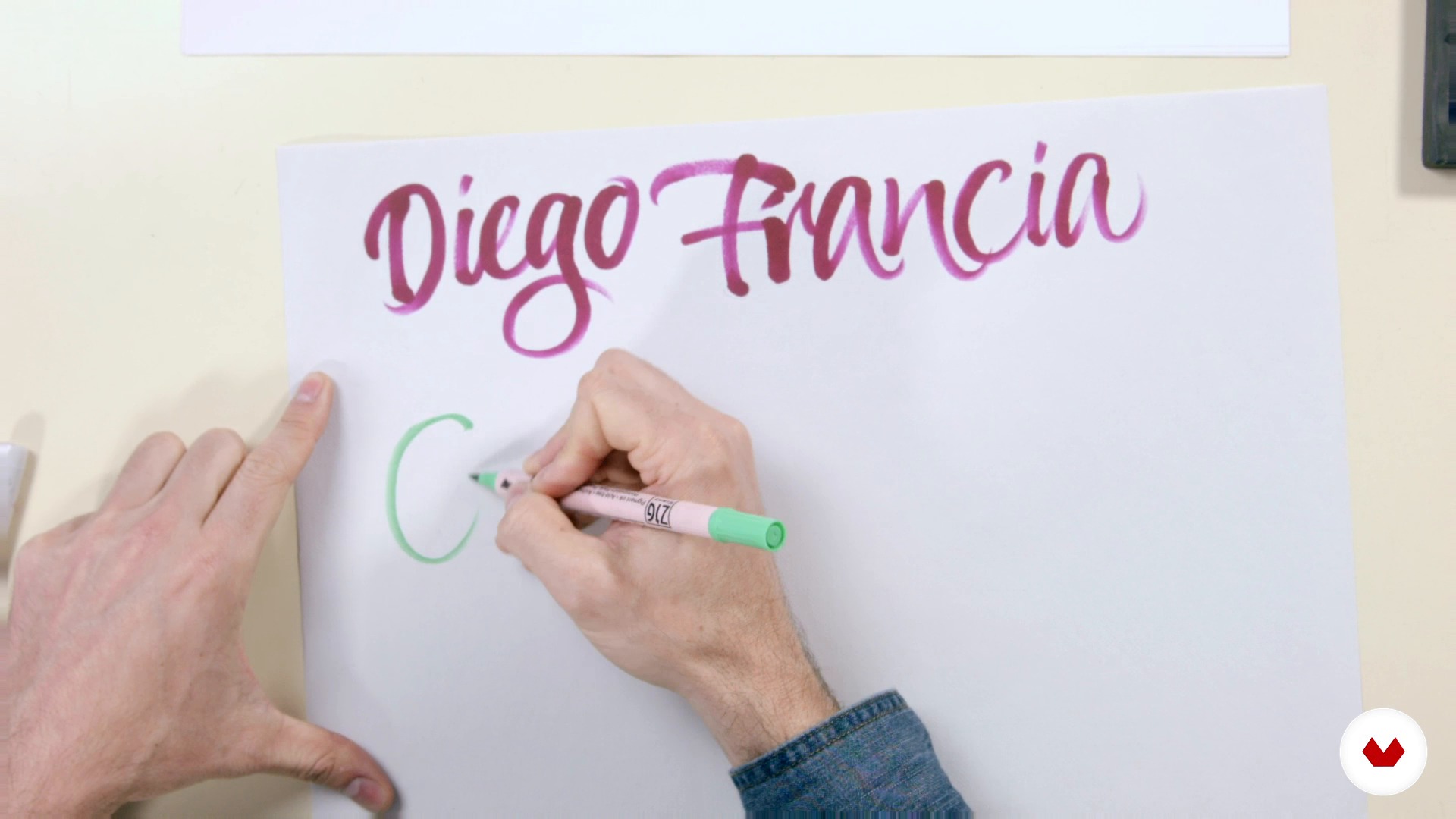
Cooking the expressive script 1
1 menit, 1 detik
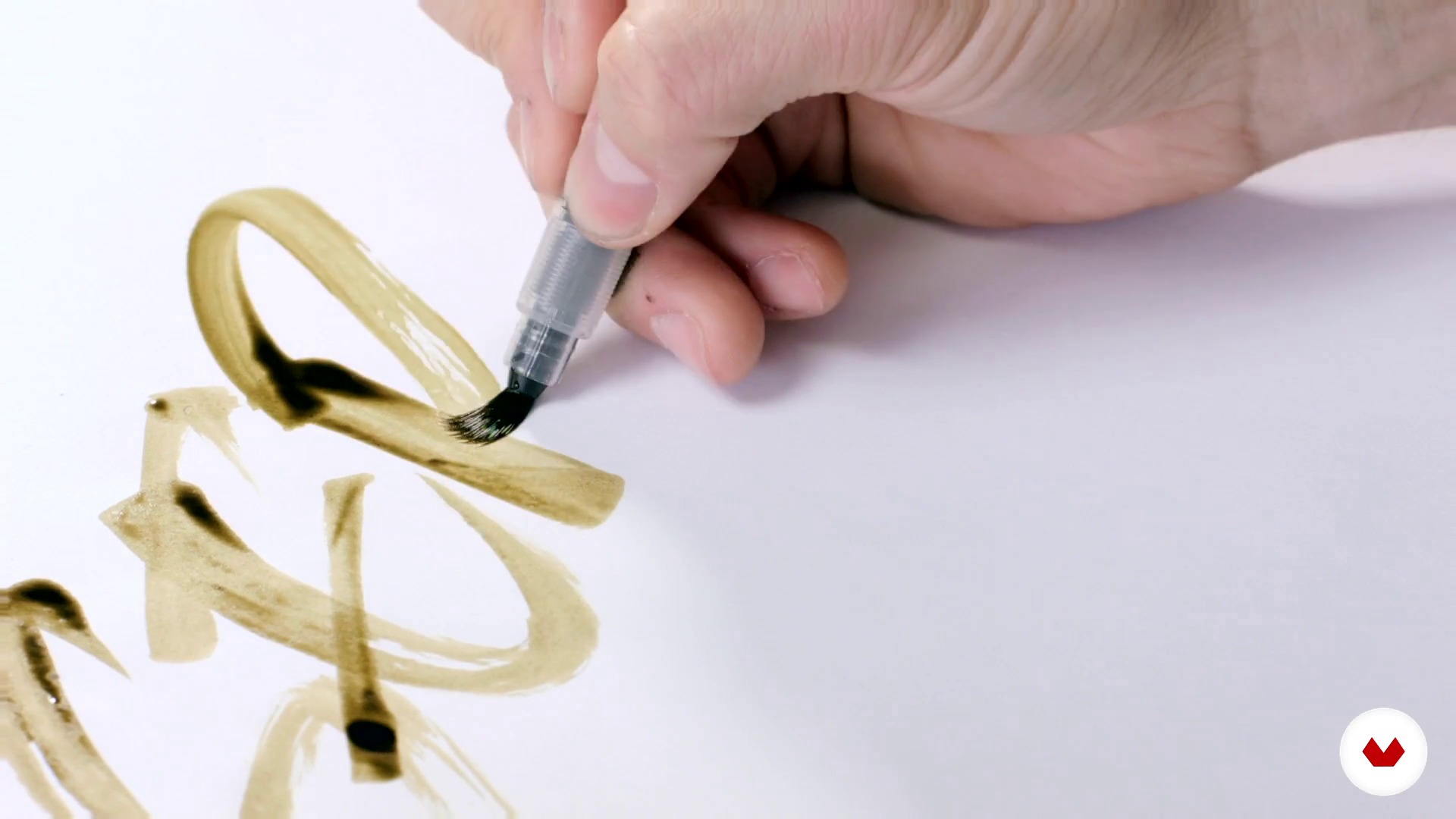
Cooking the expressive script 2
1 menit, 1 detik
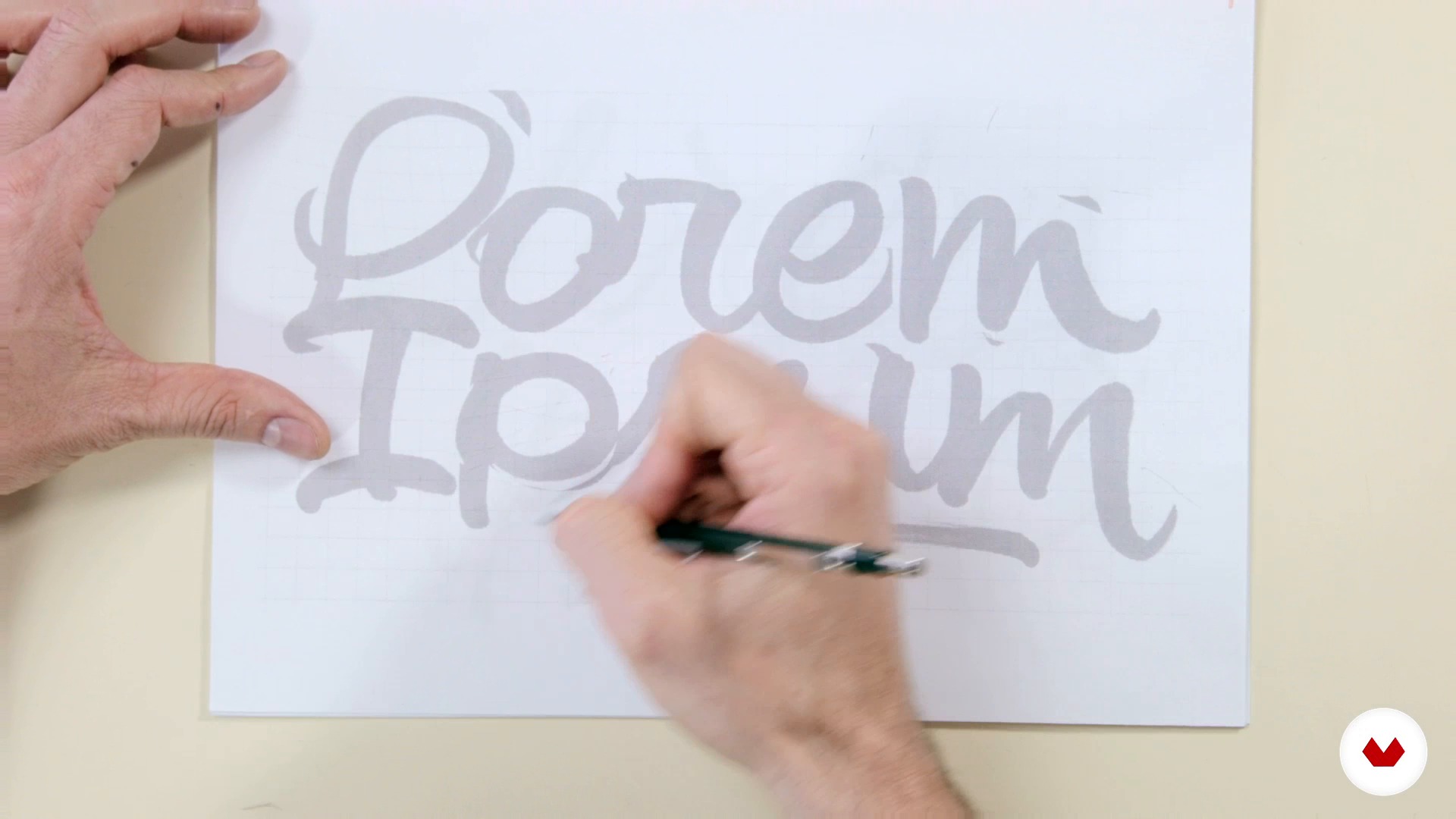
Preselection
1 menit, 1 detik
Apa yang termasuk dalam kursus ini?
You will begin to learn more about Joluvian's career and work as a publicist, designer and illustrator.
Then, in the phase called "mise en place", you will discover the tools, basic concepts and cooking of a good logo expressive to taste.
Then, once you have the sketches of your calligraphic logo, you will discover the techniques of tracing with burned pencil and inking.
You will learn to make optical adjustments to your letters and to vectorize your project with Photoshop and Illustrator.
Finally, you will make the latest adjustments, size tests, negative and positive versions of your logo and apply your lettering project to other media such as t-shirts, album or magazine covers and posters.

Perangkat lunak & alat yang direkomendasikan untuk kursus ini
Apa proyek kursus ini?
You will make your own calligraphic logo putting into practice the various techniques learned throughout the course.
Proyek oleh mahasiswa kursus


Untuk siapa kursus daring ini?
To graphic designers, calligraphers, lyricists, typographers, painters, illustrators or art lovers who want to develop their skills and know the creative process of Joluvian.
Persyaratan dan bahan
Some basic knowledge of calligraphy, basic tools (pencils, pens) and familiarity with the use of some Illustrator or similar type vector program are required.
Regarding the materials, we will need a brush, ink, pencil, eraser, paper and tracing paper, boli pilot G1 and computer.

Ulasan
- ilinaPLUS11 bulan yang lalu
I enjoyed this course very mush. Informative and fun to work.
- 1 tahun yang lalu
Great course for anyone who wants to learn the basics of lettering! It covers many aspects, from materials to different techniques, refining and vectorizing, and even some useful tips.
- 2 tahun yang lalu
Muito bom
- javosanvalPLUS2 tahun yang lalu
10 de 10.!!!
- 2 tahun yang lalu
Excelente. Muy ameno y sencillo para explicar. Y de mucho nivel.

Isi
- U 1
Introduction
- Welcome everyone
- Books and help images
- U 2
Mise en place
- Tasting the tools 1
- Tasting the tools 2
- Bases for a good construction of the alphabet 1
- Bases for a good construction of the alphabet 2
- From the script to the expressive script
- Cooking the expressive script 1
- Cooking the expressive script 2
- Preparing a logo to taste 1
- Preparing a logo to taste 2
- U 3
Baked
- Preselection
- Tracing and burned pencil
- Inking
- Selection and optical adjustment
- Scan, photoshop and presentation to client
- Vectorization 1
- Vectorization 2
- U 4
Install
- Optical adjustments, size, negative and positive tests
- Other format of the lettering (t-shirts, covers, poster)
- FP
Proyek akhir
- Design of calligraphic logos
Apa yang diharapkan dari kursus Domestika
Belajar dengan kecepatan Anda sendiri
Nikmati belajar dari rumah tanpa jadwal tetap dan dengan metode yang mudah diikuti. Anda bisa mengatur kecepatan belajar Anda sendiri.
Belajar dari para profesional terbaik
Pelajari metode dan teknik berharga yang dijelaskan oleh para ahli terkemuka di sektor kreatif.
Bertemu dengan guru ahli
Setiap pakar mengajarkan apa yang paling mereka kuasai, dengan pedoman yang jelas, semangat yang membara, dan wawasan profesional dalam setiap pelajaran.
Sertifikat
PLUSJika Anda anggota Plus, dapatkan sertifikat khusus yang ditandatangani oleh pengajar Anda untuk setiap kursus. Bagikan di portofolio, media sosial, atau di mana pun Anda suka.
Dapatkan kursi baris depan
Video berkualitas tinggi, jadi Anda tidak akan melewatkan satu detail pun. Dengan akses tak terbatas, Anda dapat menontonnya sesering yang Anda butuhkan untuk menyempurnakan teknik Anda.
Berbagi pengetahuan dan ide
Ajukan pertanyaan, minta masukan, atau tawarkan solusi. Bagikan pengalaman belajar Anda dengan siswa lain di komunitas yang sama bersemangatnya dengan Anda dalam hal kreativitas.
Terhubung dengan komunitas kreatif global
Komunitas ini merupakan rumah bagi jutaan orang dari seluruh dunia yang ingin tahu dan bersemangat untuk mengeksplorasi dan mengekspresikan kreativitas mereka.
Tonton kursus yang diproduksi secara profesional
Domestika menyusun daftar guru dan memproduksi setiap kursus secara internal untuk memastikan pengalaman belajar daring berkualitas tinggi.
Tanya Jawab Umum
You’ll learn intermediate calligraphy techniques, custom logo creation, sketching, digitizing, vectorizing in Illustrator, and applying textures in Photoshop—blending traditional and digital tools to help you develop your own unique style.
Yes, the course is designed for those who already have a basic calligraphy foundation and want to deepen their skills with both manual and digital creative techniques and tools.
You’ll need sketch paper, pencils, markers, technical pens, brushes, nibs, India ink or watercolor, a scanner or camera, and a computer with Adobe Illustrator and Photoshop installed.
Yes, the course includes hands-on lessons on scanning, digitizing, and vectorizing letters and logos using Adobe Illustrator.
Yes, you’ll learn how to conceptualize, sketch, ink, and digitize original calligraphy logos, adapting them to various formats and client needs.
The course explains the difference between calligraphy—focused on artistic handwriting—and lettering, which is about drawing custom letters, covering both techniques.
Yes, you’ll learn how to apply realistic textures and visual effects to your illustrations and typographic compositions using Photoshop.