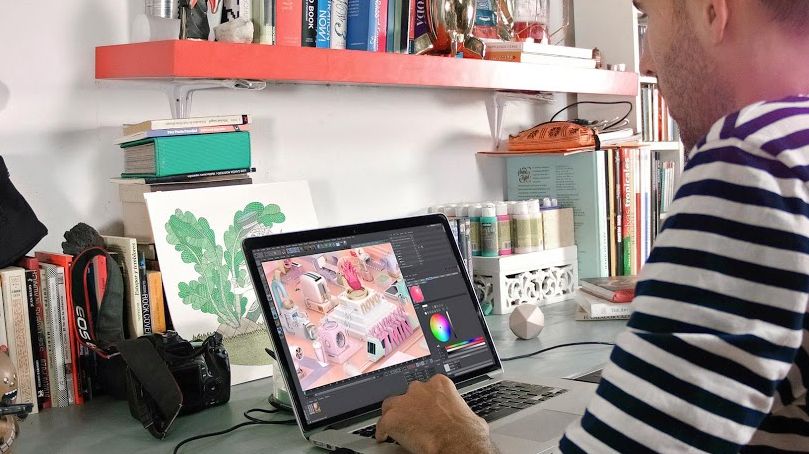
Animation of TV Bumpers with Motion Graphics
A course by Fabio MedranoDirektur Motion Graphics
A course by Fabio Medrano, Direktur Motion Graphics

Animate broadcasting pieces with Cinema 4D, After Effects, Arnold Render, and Photoshop
Fabio Medrano, animation and motion graphics specialist, teaches you to create a corporate bumper or television ID with Cinema 4D, Arnold Render, and Photoshop.
Learn the principles of animation, as well as audiovisual production tricks, shot-by-shot composition, lighting, and post-production, to improve your pieces exponentially.
Apa yang akan Anda pelajari dalam kursus daring ini?
1 pelajaran & 1 unduhan
Timing, Spacing and types of curves
1 menit, 1 detik
Deforming the mass
1 menit, 1 detik
Anticipation, action and reaction
1 menit, 1 detik
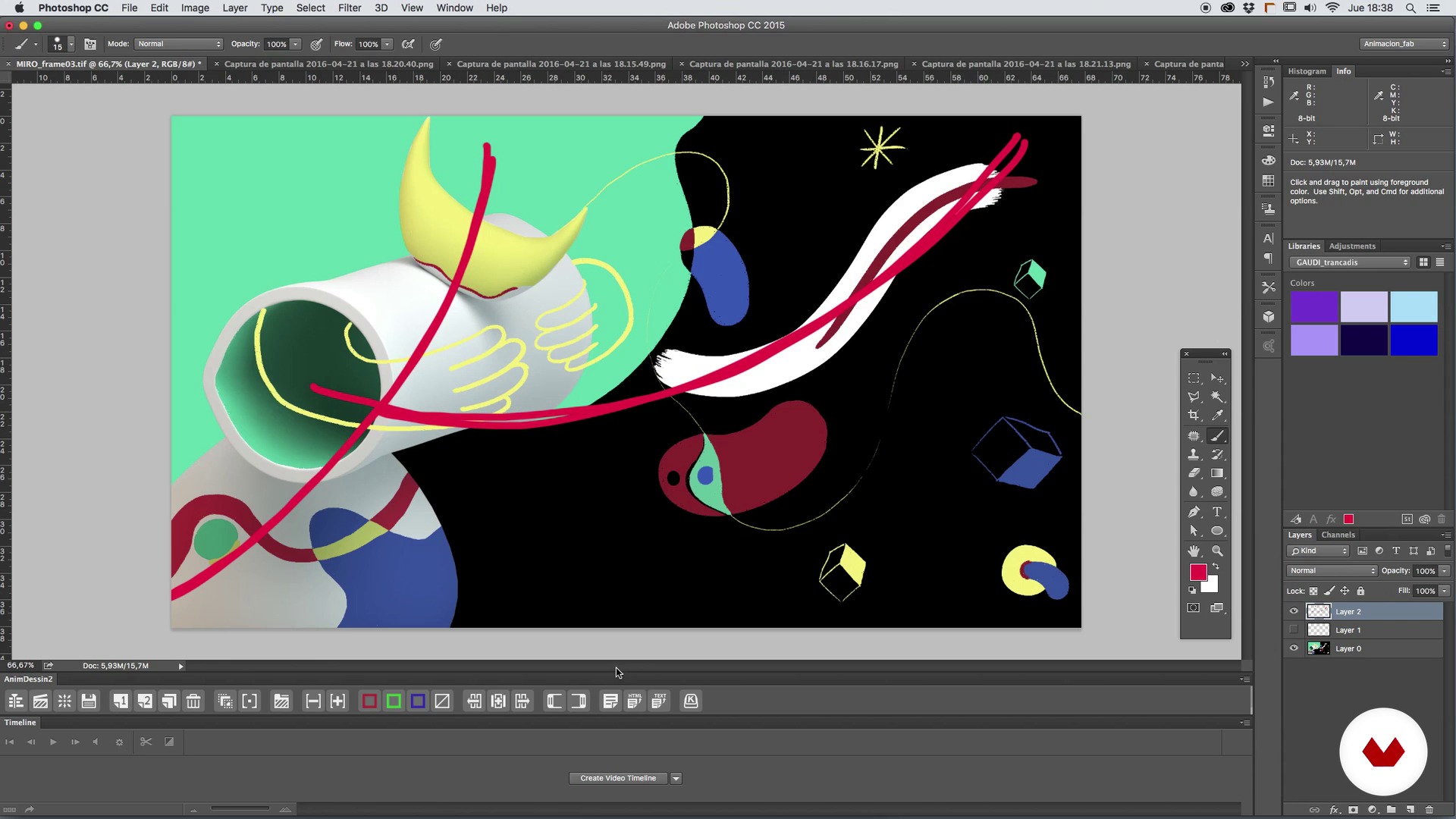
The plane composition
1 menit, 1 detik
Camera, angle and optics
1 menit, 1 detik
Search for references
1 menit, 1 detik
Apa yang termasuk dalam kursus ini?
Start by familiarizing yourself with Fabio Medrano's work and influences.
Next, review basic animation concepts like timing and spacing, types of curves, basic deformations, anticipation, action, and reaction, among other things. Fabio also tells you about the secrets of composing shots, framing, optics, and camera angles.
Once you've established the foundations, it's time to look for references for your animation project and the creation of a mood board to serve as a base concept. From here, create the sketch, the storyboard, the first animatic, and polish it shot by shot, before learning to texturize with the Arnold Render and make the last composition adjustments with After Effects.
To round out the course, correct the color and light levels, learn professional post-production tricks to improve the final piece, and see the most optimal codecs and formats to upload your animation to different platforms.

Recommended software & tools for this course
What is this course's project?
Create your own TV bumper with motion graphics.
Proyek oleh mahasiswa kursus


Who is this online course for?
Animators, designers, illustrators with a base in 3D, and anyone who wants to immerse themself in the world of motion design and discover animation, lighting, and rendering techniques with Cinema 4D and Arnold Render.
Requirements and materials
To take this course, you need a working knowledge of both Cinema 4D and Photoshop.
Regarding materials, you need a computer installed with Cinema 4D, Arnold Render, Photoshop and After Effects, with a mouse or graphics tablet, paper, and a pencil.

Ulasan
- 9 bulan yang lalu
100% recomendable
- 1 tahun yang lalu
buen curso básico pero se centra mucho en cinema 4d esperaba mas de after pero para iniciar en 4d es muy bueno
- 2 tahun yang lalu
(y)
- 3 tahun yang lalu
I wish there was more on the modelling of the scene. Otherwise ok with the motion graphics part.
- 3 tahun yang lalu
I liked it so much

Isi
- U 1
Introduction
- Presentation
- Influences
- U 2
Basic concepts of animation
- Timing, Spacing and types of curves
- Deforming the mass
- Anticipation, action and reaction
- U 3
Composition of the plane, framing and optics
- The plane composition
- Camera, angle and optics
- U 4
Setting the foundations of our piece
- Search for references
- Creation of a Mood Board and base concept
- U 5
The time to create
- The sketch and the storyboard
- The first animatic
- We begin to polish plane to plane I
- We begin to polish plane to plane II
- We begin to polish plane to plane III
- Time to light I
- Time to light II
- Materials and textures I
- Materials and textures II
- Render and pass settings for the compo in After Effects
- U 6
Giving the last touch
- We adjust color and light levels
- Post production tricks
- Final details of the final design
- Codecs and formats
- FP
Proyek akhir
- Animation of television widgets with Motion Graphics
Apa yang diharapkan dari kursus Domestika
Belajar dengan kecepatan Anda sendiri
Nikmati belajar dari rumah tanpa jadwal tetap dan dengan metode yang mudah diikuti. Anda bisa mengatur kecepatan belajar Anda sendiri.
Belajar dari para profesional terbaik
Pelajari metode dan teknik berharga yang dijelaskan oleh para ahli terkemuka di sektor kreatif.
Bertemu dengan guru ahli
Setiap pakar mengajarkan apa yang paling mereka kuasai, dengan pedoman yang jelas, semangat yang membara, dan wawasan profesional dalam setiap pelajaran.
Certificates
PLUSIf you're a Plus member, get a sertifikat khusus signed by your teacher for every course. Share it on your portfolio, social media, or wherever you like.
Dapatkan kursi baris depan
Video berkualitas tinggi, jadi Anda tidak akan melewatkan satu detail pun. Dengan akses tak terbatas, Anda dapat menontonnya sesering yang Anda butuhkan untuk menyempurnakan teknik Anda.
Berbagi pengetahuan dan ide
Ajukan pertanyaan, minta masukan, atau tawarkan solusi. Bagikan pengalaman belajar Anda dengan siswa lain di komunitas yang sama bersemangatnya dengan Anda dalam hal kreativitas.
Terhubung dengan komunitas kreatif global
Komunitas ini merupakan rumah bagi jutaan orang dari seluruh dunia yang ingin tahu dan bersemangat untuk mengeksplorasi dan mengekspresikan kreativitas mereka.
Tonton kursus yang diproduksi secara profesional
Domestika menyusun daftar guru dan memproduksi setiap kursus secara internal untuk memastikan pengalaman belajar daring berkualitas tinggi.
Tanya Jawab Umum
You’ll learn to create 3D animations, Motion Graphics compositions, set and character design, keyframe management, lighting techniques, rendering, and post-production using programs like Cinema 4D, Maya, and After Effects.
This is an intermediate-level course, recommended for those with basic knowledge of animation, graphic design, or software like After Effects or Cinema 4D.
It’s best to have a basic understanding of After Effects and some 3D software like Cinema 4D or Maya to get the most out of this course.
You’ll need a computer capable of running 3D animation software (Cinema 4D, Maya), After Effects, and Photoshop, plus internet access to download materials and references.
You’ll be able to create 3D animations, TV intros, Motion Graphics compositions, animated characters, Disney-style backgrounds, and scenes with cartoon or vintage effects, using professional techniques.
Yes, the course dives deep into animation principles like timing, spacing, squash and stretch, anticipation, and action-reaction to create expressive, dynamic movement.
Yes, you’ll learn how to blend 3D animation with traditional techniques and Stop Motion to enrich your visuals and explore hybrid styles.