Stop Motion Animation with Modelling Clay
A course by Becho y MAB _ Can Can ClubSutradara animasi
A course by Becho y MAB _ Can Can Club, Sutradara animasi

Learn and perfect your claymation techniques with Dragonframe
Stop-motion animation is an intricate art form that requires planning, patience, and tons of creativity. No one knows this better than Mab and Becho, two Argentinian directors and animators who bring all kinds of productions to fruition alongside a skilled creative team under the name Can Can Club. Specializing in stop-motion animation, they've crafted a distinctive style that has opened up a world of opportunities for them in the field of advertising and multimedia content production.
In this course, join them to learn the basic principles of clay animation, whether you're just getting started with Dragonframe or want to perfect your claymation techniques.
Apa yang akan Anda pelajari dalam kursus daring ini?
1 pelajaran & 1 unduhan
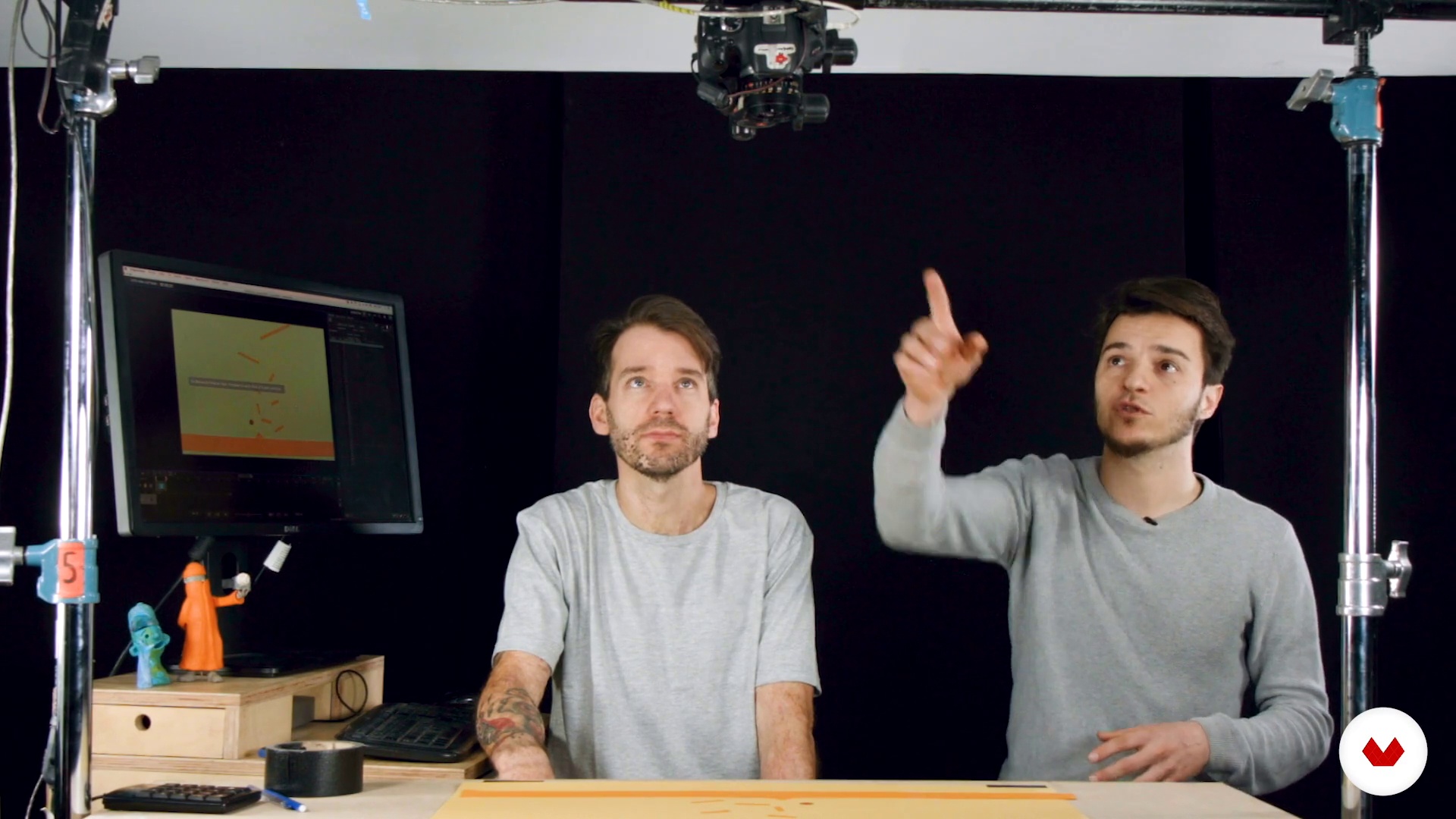
Basic installation
1 menit, 1 detik
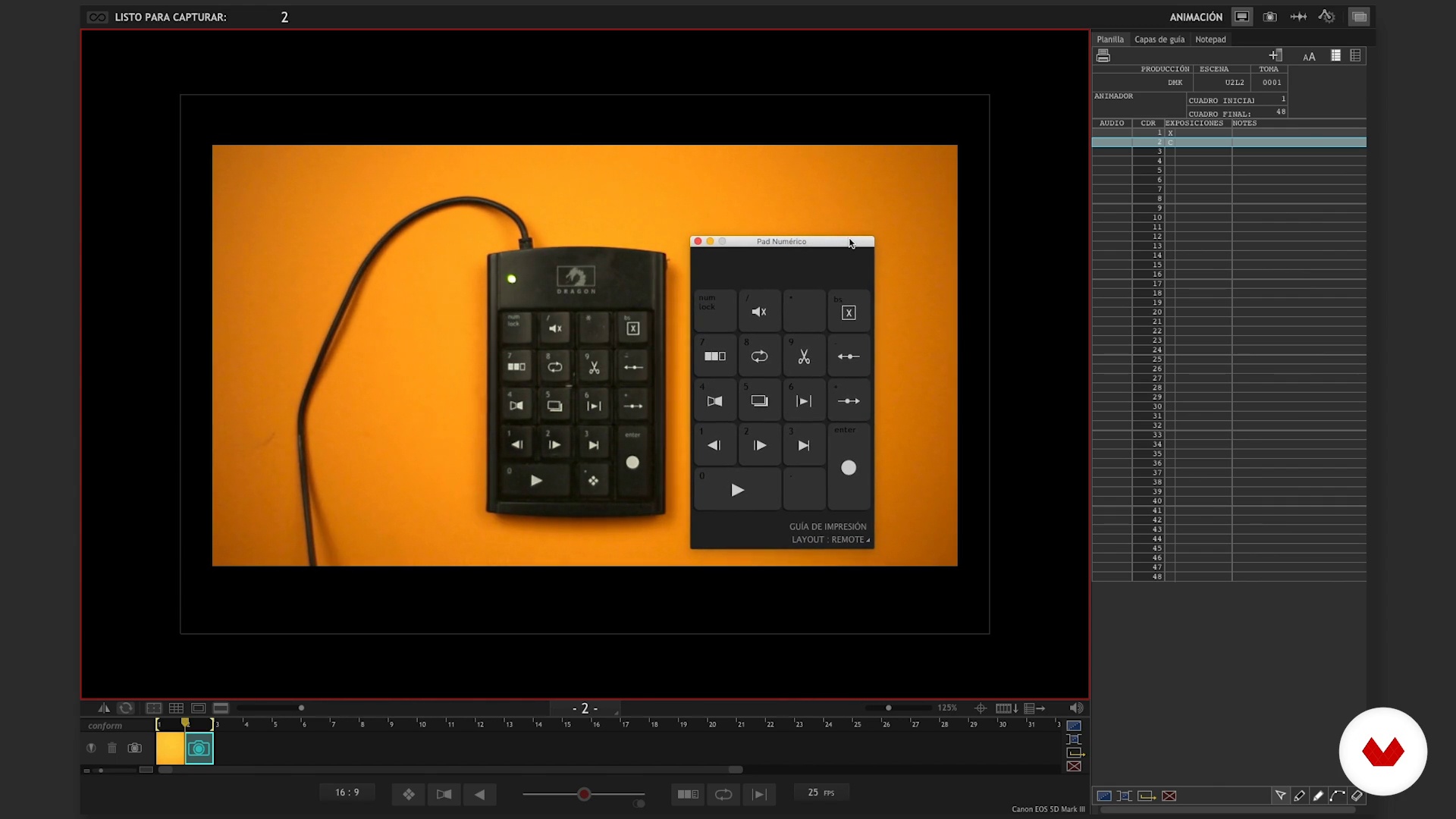
Software operation I
1 menit, 1 detik
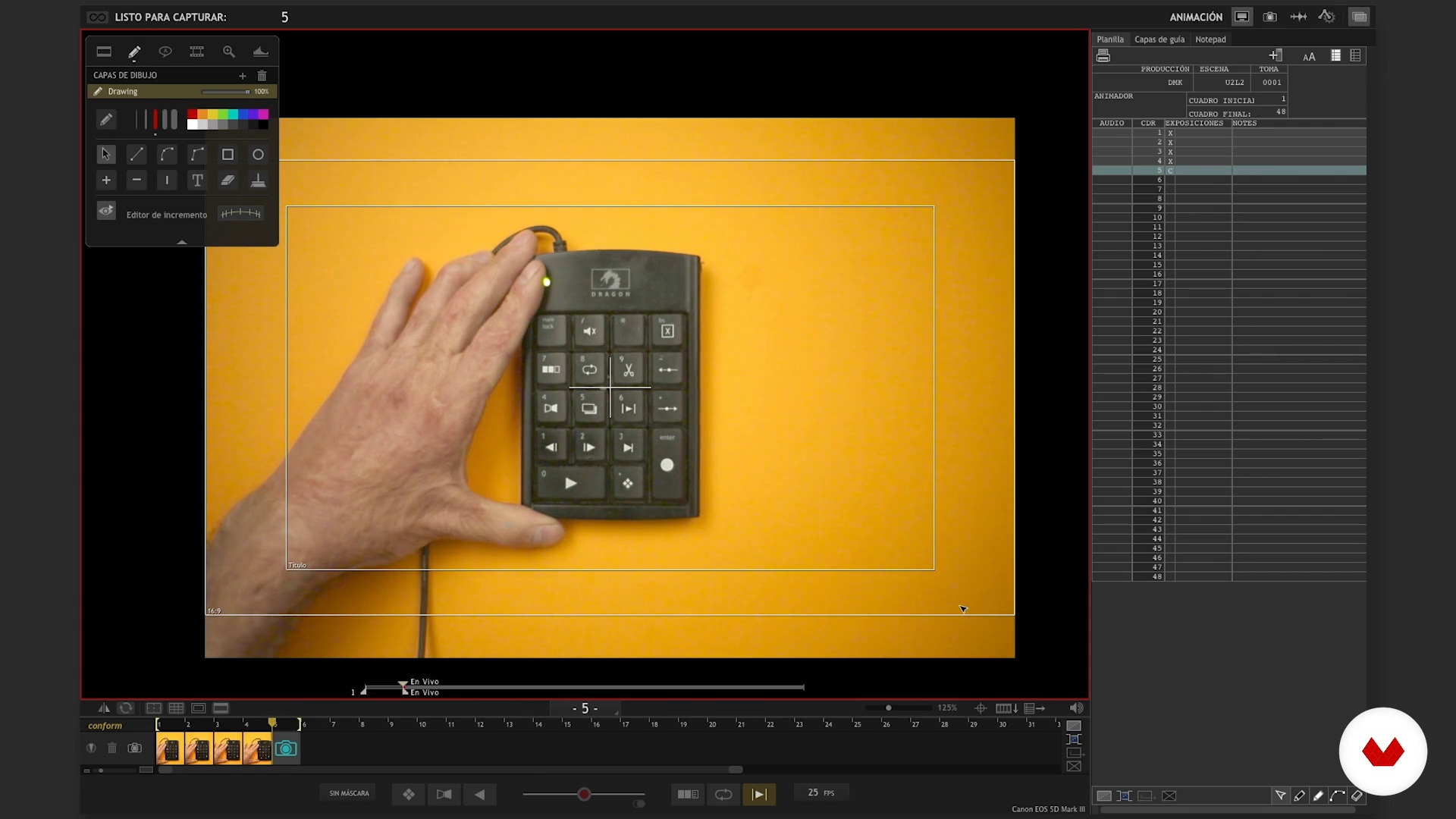
Operation of software II
1 menit, 1 detik
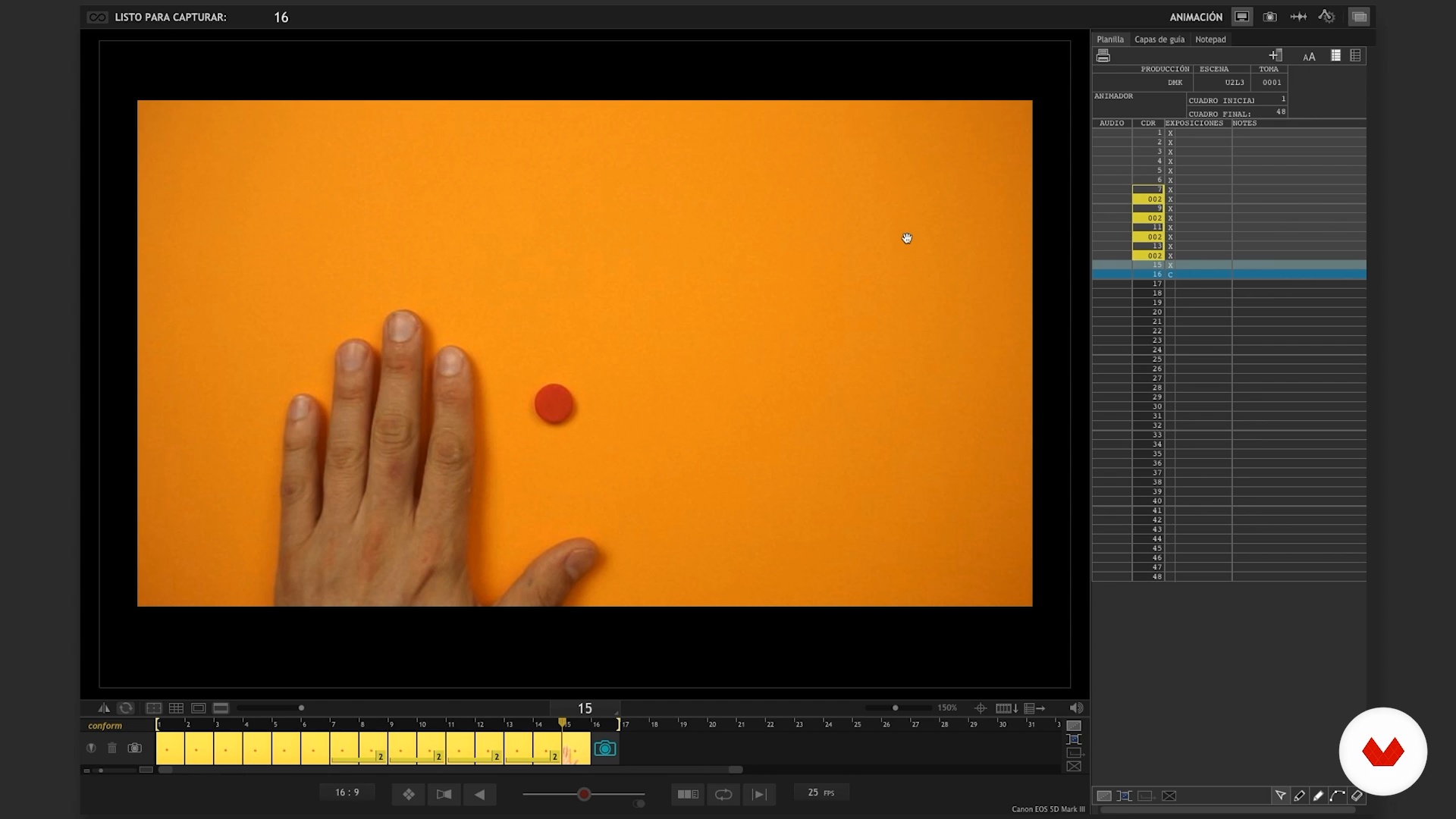
Software Tips I
1 menit, 1 detik
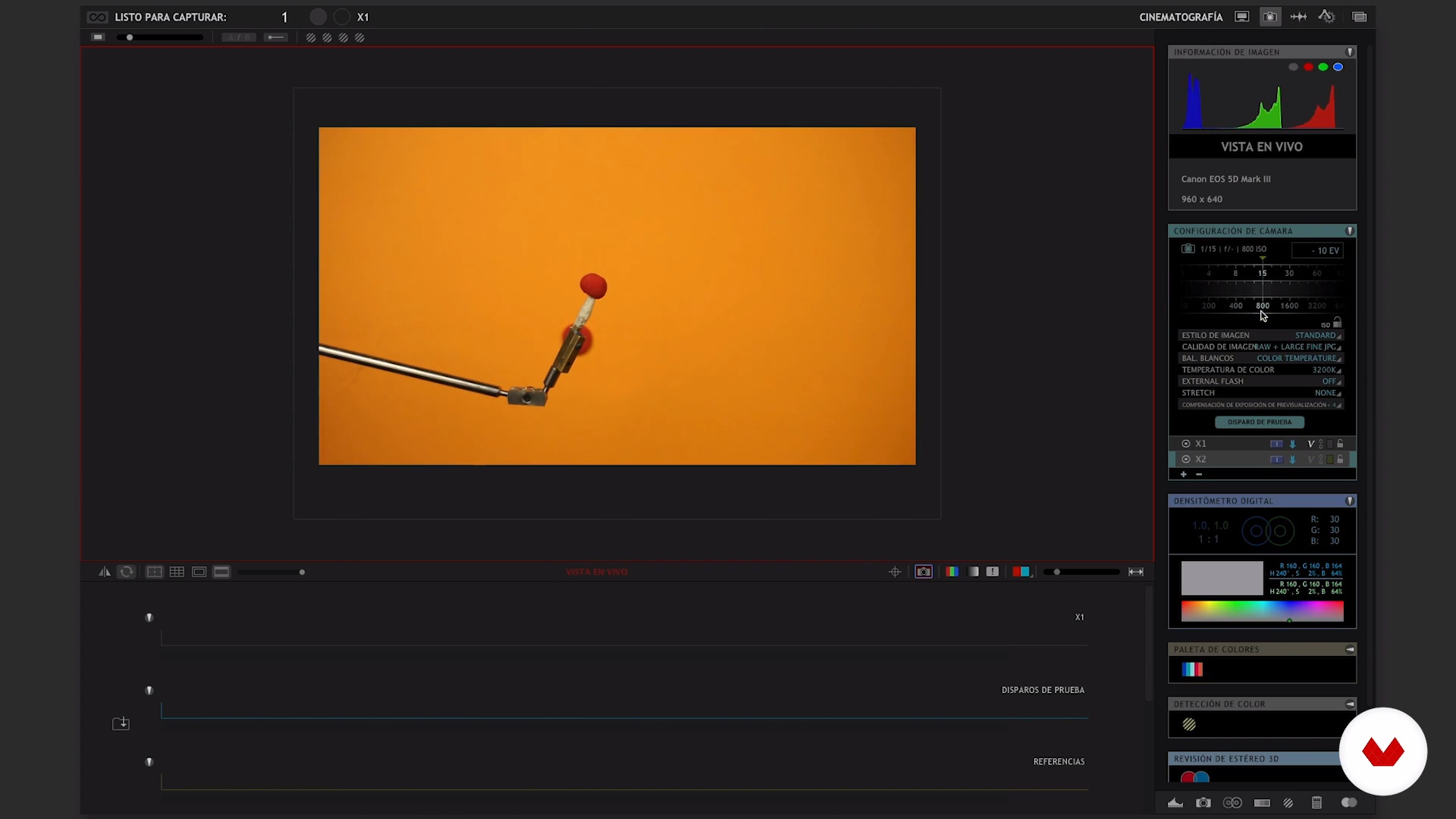
Software Tips II
1 menit, 1 detik
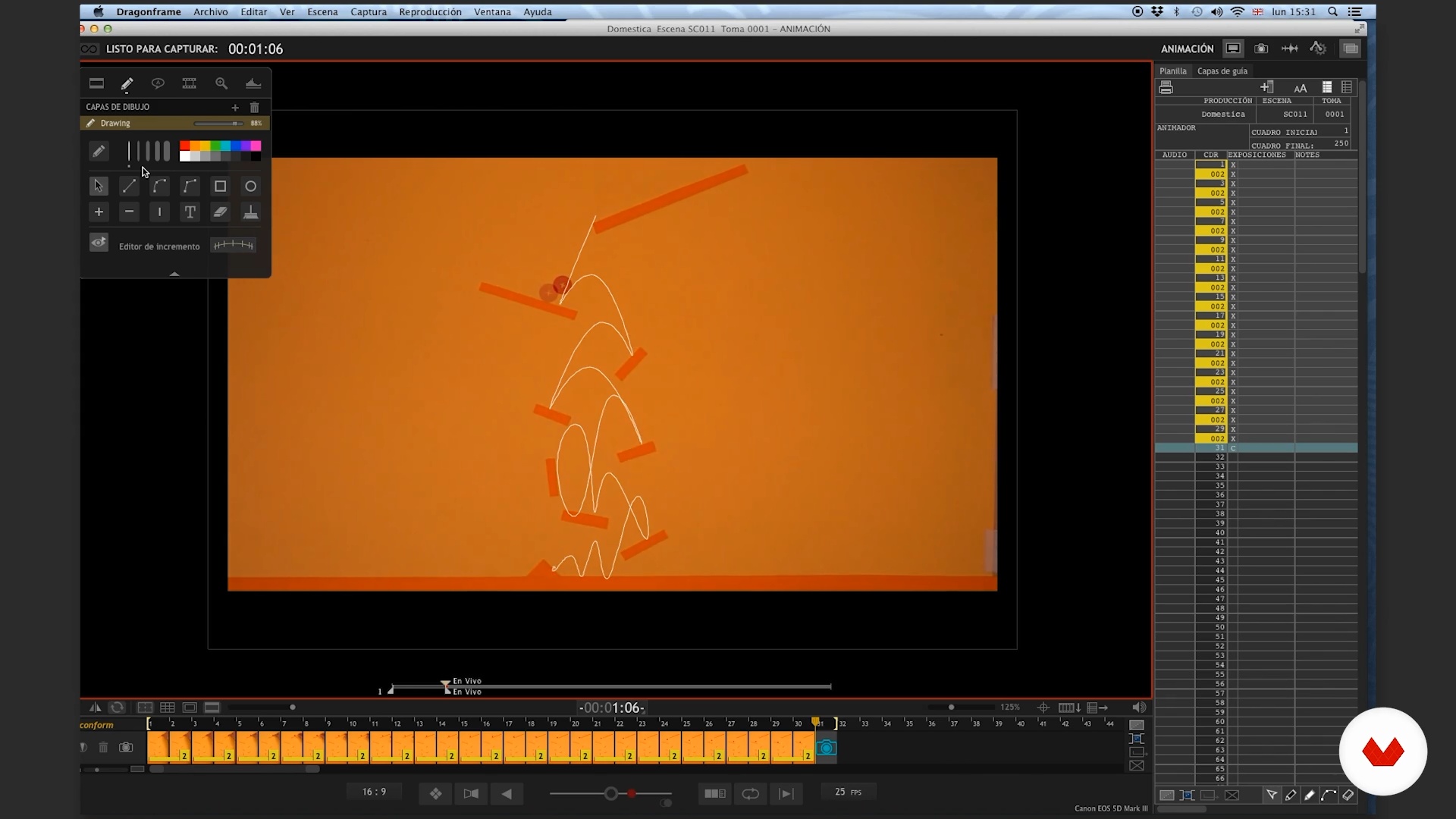
Rebounds I
1 menit, 1 detik
Apa yang termasuk dalam kursus ini?
Start by getting to know Becho and Mab as they give you a tour of their influences and some of their personal projects, from their earliest endeavors to their most recent ones, like Can Can Club.
Build a solid foundation before you start animating by creating a functional workspace, both analog and digital. Mab and Becho guide you as you put together your set and install the software you need to bring your animations to life, revealing their top tips to help you make the most of these resources.
Then, it's time for action. Tackle some hands-on animation exercises to learn to add a sense of weight to your objects, making them bounce, morph, and move with a life of their own. Begin by working in a 2D environment first, and then dive deep into 3D animation to take your skills to the next level.
Sit back and watch what you've created from scratch—a dynamic animation brimming with life and movement.

Recommended software & tools for this course
What is this course's project?
Create a short, animated video with claymation techniques, combining the flexibility of clay with the power of stop-motion.
Proyek oleh mahasiswa kursus


Who is this online course for?
Animators, designers, character creators, and anyone interested in exploring the world of clay animation.
Requirements and materials
Basic knowledge and prior experience with animation is recommended but not essential.
To create your animations, you need clay, a computer with Dragonframe, and a camera that is compatible with the software.

Ulasan
- 5 bulan yang lalu
Excelente curso para elaborar proyectos en plastelina.
- 7 bulan yang lalu
Congratulations!... Excellent analysis of the animation process!
- 9 bulan yang lalu
Muy buen curso, queria saber si se puede usar otro programa, soy de Argentina y me estoy capacitando para implementar en escuelas, gracias
- 11 bulan yang lalu
Exelente los maestros del dragon frame, muy bien explicado
- 1 tahun yang lalu
tengo 11 años y a mi me gusto. ya quiero empezar a hacer animaciones stop motion

Isi
- U 1
Introduction
- Presentation
- Influences
- U 2
Introduction to the Dragonframe
- Basic installation
- Software operation I
- Operation of software II
- Software Tips I
- Software Tips II
- U 3
Wax and polish. Learn to handle the weight in animation.
- Rebounds I
- Rebound II
- Analysis
- Will
- Analysis
- Transformation
- Analysis
- U 4
Our curtain
- Plan the animation
- The time of the final judgment I
- The hour of final judgment II
- The hour of final judgment III
- The hour of final judgment IV
- The judgment hour V
- The time of final judgment VI
- Another chance
- FP
Proyek akhir
- x 3D and Animation (Advanced Stop Motion)
Apa yang diharapkan dari kursus Domestika
Belajar dengan kecepatan Anda sendiri
Nikmati belajar dari rumah tanpa jadwal tetap dan dengan metode yang mudah diikuti. Anda bisa mengatur kecepatan belajar Anda sendiri.
Belajar dari para profesional terbaik
Pelajari metode dan teknik berharga yang dijelaskan oleh para ahli terkemuka di sektor kreatif.
Bertemu dengan guru ahli
Setiap pakar mengajarkan apa yang paling mereka kuasai, dengan pedoman yang jelas, semangat yang membara, dan wawasan profesional dalam setiap pelajaran.
Certificates
PLUSIf you're a Plus member, get a sertifikat khusus signed by your teacher for every course. Share it on your portfolio, social media, or wherever you like.
Dapatkan kursi baris depan
Video berkualitas tinggi, jadi Anda tidak akan melewatkan satu detail pun. Dengan akses tak terbatas, Anda dapat menontonnya sesering yang Anda butuhkan untuk menyempurnakan teknik Anda.
Berbagi pengetahuan dan ide
Ajukan pertanyaan, minta masukan, atau tawarkan solusi. Bagikan pengalaman belajar Anda dengan siswa lain di komunitas yang sama bersemangatnya dengan Anda dalam hal kreativitas.
Terhubung dengan komunitas kreatif global
Komunitas ini merupakan rumah bagi jutaan orang dari seluruh dunia yang ingin tahu dan bersemangat untuk mengeksplorasi dan mengekspresikan kreativitas mereka.
Tonton kursus yang diproduksi secara profesional
Domestika menyusun daftar guru dan memproduksi setiap kursus secara internal untuk memastikan pengalaman belajar daring berkualitas tinggi.
Tanya Jawab Umum
Dragonframe is a professional stop motion animation software that lets you capture, edit, and optimize frames, control cameras, and manage animated sequences with precision—perfect for frame-by-frame animation projects.
Yes, the course is designed for people with basic animation knowledge who want to dive deeper into advanced Dragonframe and stop motion animation techniques and tools.
You’ll need a computer with Dragonframe installed, a compatible camera, a keypad or numeric keyboard, animation materials like clay, and space to set up your animation stage.
You’ll learn how to adjust settings like aperture, ISO, shutter speed, and white balance, plus how to use the densitometer and histogram to fine-tune exposure and image quality in your animations.
The keypad lets you control key actions like capturing frames, navigating between images, deleting frames, and toggling views, making your stop motion workflow smoother.
Onion Skin and visual guides help you line up images with the previous frame, improve continuity, and plan precise movements—boosting the flow and consistency of your animation.
You can use features like cutting, deleting, and hiding frames right in the software, allowing you to clean up and perfect your animation sequence without disrupting your project’s flow.