- 4,896% recenzii pozitive(202)
- 4.527 studenți
- 1 lecție ( 3 h 11 min )
- 1 resursă suplimentară (1 fișier)
- Online și în ritmul tău propriu
- Disponibil în aplicație
- Audio: Spaniolă, Turcă, Portugheză, Engleză, Franceză, Italiană
- Spaniolă · Engleză · Portugheză · Franceză · Italiană · Turcă
Nivel:
Începător- Acces nelimitat pentru totdeauna

Learn to replicate the lighting, textures, and colors of the real world in 3D scenes
Producer and VFX artist Ro Bot has worked in advertising and more recently for productions such as The Walking Dead, Club de Cuervos and Heroes Reborn. He has always used light as a volumetric element that brings realism to his 3D scenes.
In this online course, he teaches you how to work with photorealism from a less technical and more functional approach, generating credible images from CGI renders that allow you to imitate reality, transforming it at will.
This course is complementary to VFX Techniques for ArchViz Projects, where Ro Bot teaches you how to elevate your architectural visualization projects by integrating CGI and video.
Ce vei învăța în acest curs online?
1 lecție & 1 descărcare
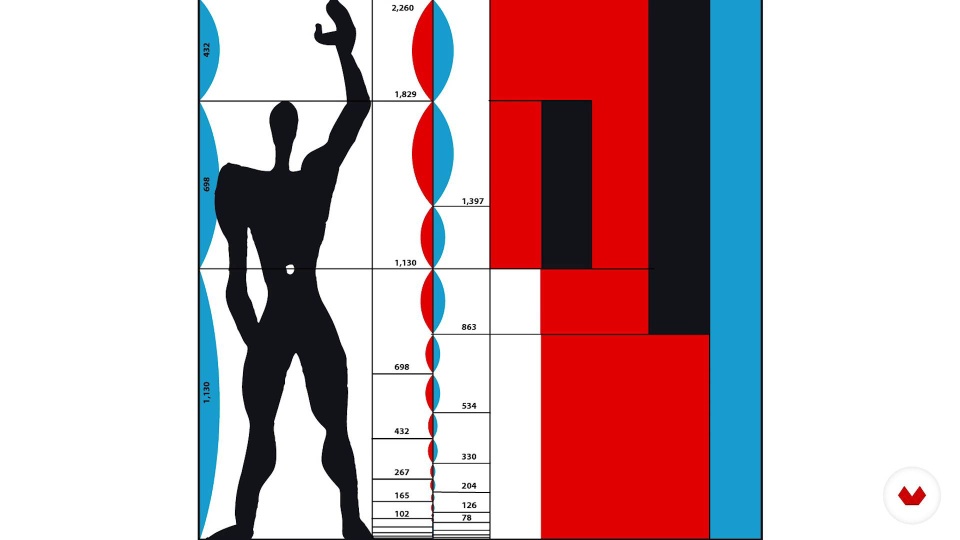
Perception, psychology and storytelling
1 minut, 1 secundă
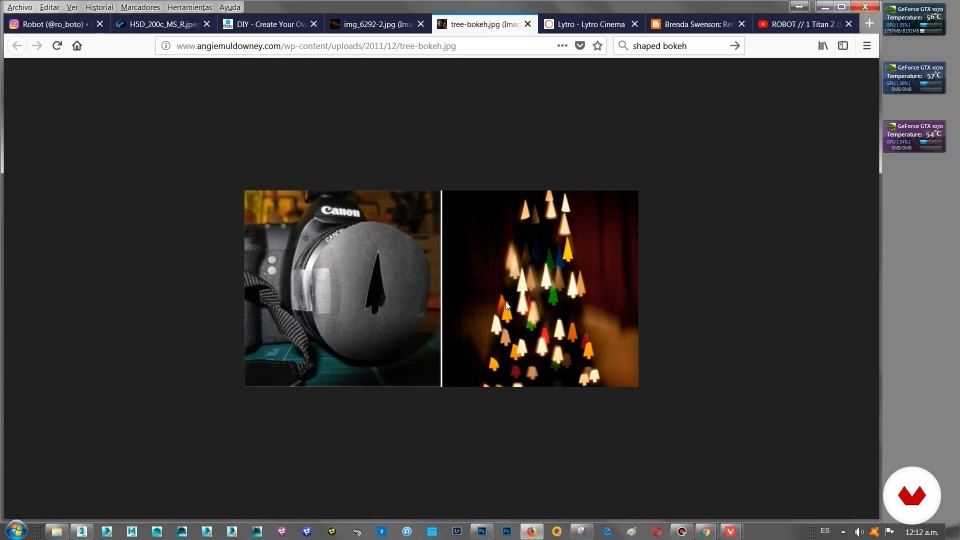
Photography and technology
1 minut, 1 secundă
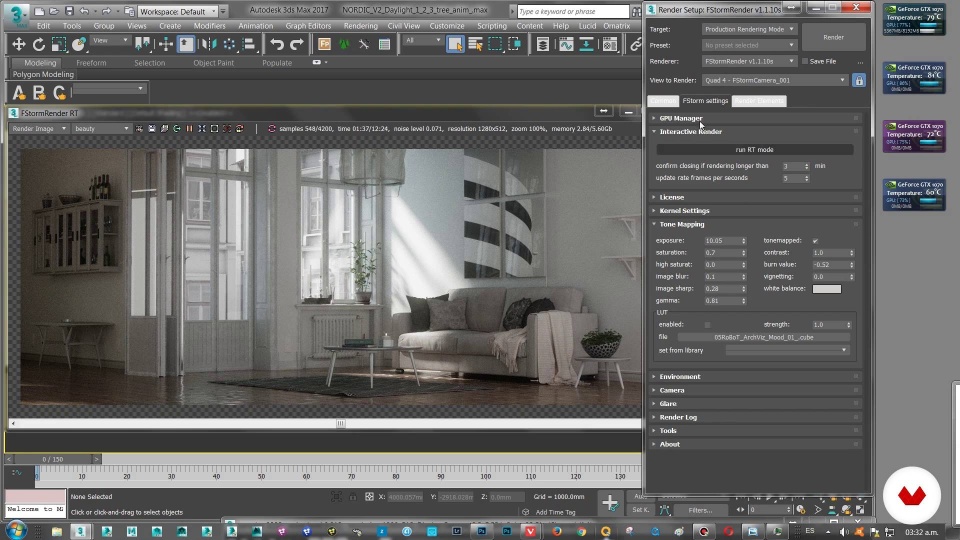
Rendering engines I: the engine and the workstation
1 minut, 1 secundă
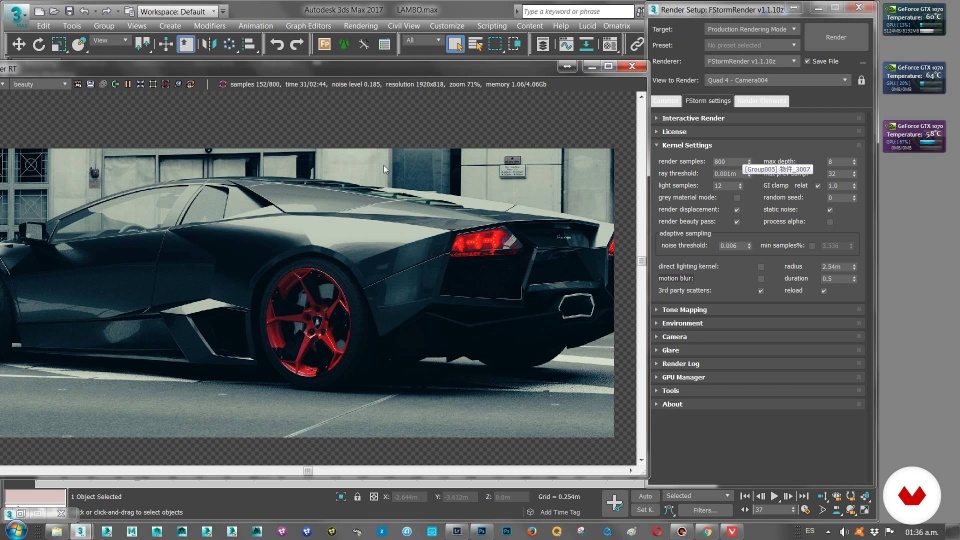
Rendering engines II: familiarize yourself with your engine
1 minut, 1 secundă
illumination
1 minut, 1 secundă
Shaders
1 minut, 1 secundă
Ce include acest curs?
Begin by learning the fundamental concepts to help you create incredible photorealistic images, as well as explore the relationship between rendering and photography.
Discover two different rendering engines. Ro Bot explains the similarities and differences between their interfaces and everything you can do with each one, so you can choose the ideal one for each project.
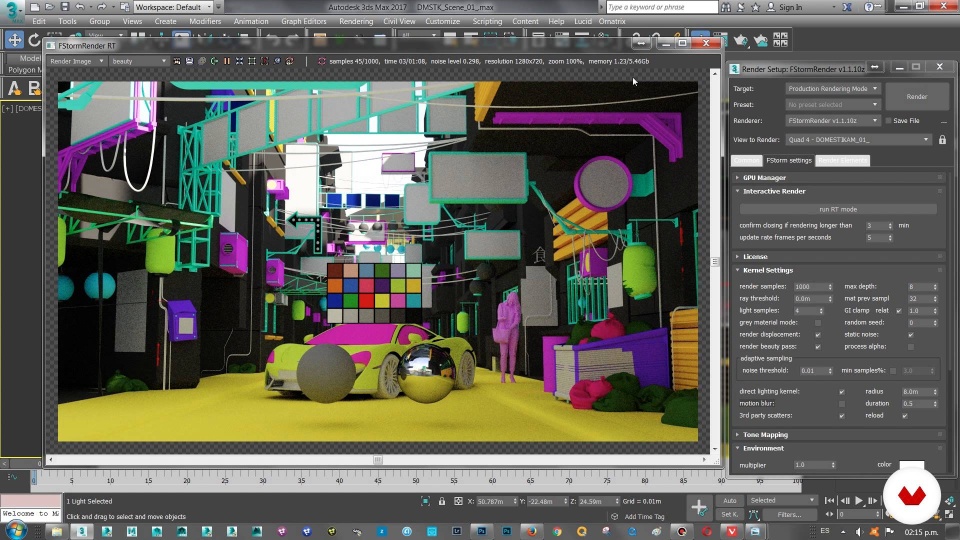
Next, jump right into your project and see the workflow Ro Bot typically uses to create a base lighting scheme, both indoors and outdoors.
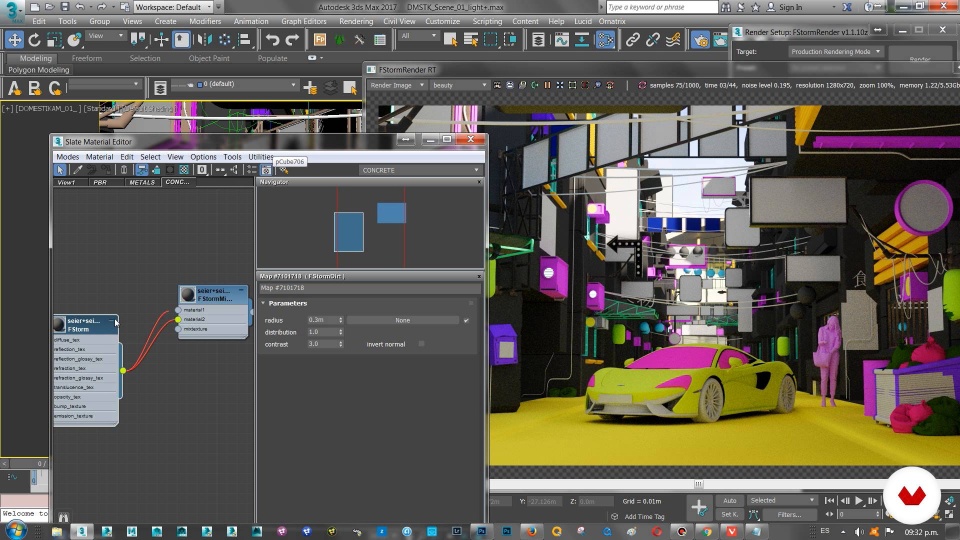
Now create shaders, develop materials and textures, and pay special attention to areas that, despite being especially complicated, make all the difference to the final image.
Once your image is almost finished, move on to the color grading process to help give your render a more realistic look.

Software și instrumente recomandate pentru acest curs
Care este proiectul acestui curs?
Develop a lighting scheme, textures, and color to apply to a scene full of nuances, with the aim of imitating reality.
Pentru cine este acest curs online?
Designers, CGI artists, VFX, and anyone interested in looking for a realistic effect in their renders.
Cerințe și materiale
Previous knowledge of 3D design and rendering engines is recommended for this course.
You also need a computer with a 3D design program installed. Ro Bot uses 3DMax, Corona, and FStorm as render engines, but you can use whatever you feel most comfortable with.
Recenzii
- 3 ani în urmă
Mas que un curso es una muestra de cómo trabaja. Muy bueno todo el contenido pero es mas para admirar que para utilizarlo como base para hacer proyectos propios, ya que el ritmo es muy rápido y no explica de donde salen los detalles técnicos.
- 3 ani în urmă
Muy recomendado!
- 3 ani în urmă
Muito bom Curso. Recomendo!
- 4 ani în urmă
Excelente!
- 4 ani în urmă
Buen curso, es un excelente complemento para vfx

Odată cu crearea WhiteRabbi...
Conţinut
- U 1
Introduction
- Presentation
- Influences
- U 2
General concepts
- Perception, psychology and storytelling
- Photography and technology
- U 3
Render
- Rendering engines I: the engine and the workstation
- Rendering engines II: familiarize yourself with your engine
- illumination
- Shaders
- Shaders II
- Fine detail
- Fine detail II
- U 4
Refinement and color
- Lightroom vs. color correctors
- Mood
- U 5
Bonus
- Extra scene I
- Extra scene II
- FP
Proiect final
- Creation of photorealistic 3D images
La ce să te aștepți de la un curs Domestika
Învață în ritmul tău propriu
Bucură-te de învățarea de acasă, fără un program fix și cu o metodă ușor de urmat. Tu îți stabilești propriul ritm.
Învață de la cei mai buni profesioniști
Învață metode și tehnici valoroase explicate de experți de top din sectorul creativ.
Întâlnește profesori experți
Fiecare expert predă ceea ce face cel mai bine, cu îndrumări clare, pasiune adevărată și perspicacitate profesională în fiecare lecție.
Certificate
PLUSDacă ești membru Plus, primești un certificat personalizat semnat de profesorul tău pentru fiecare curs. Distribuie-l în portofoliul tău, pe rețelele sociale sau oriunde dorești.
Obțineți locuri în primul rând
Videoclipuri de cea mai înaltă calitate, pentru a nu rata niciun detaliu. Cu acces nelimitat, le poți viziona de câte ori este nevoie pentru a-ți perfecționa tehnica.
Împărtășește cunoștințe și idei
Pune întrebări, solicită feedback sau oferă soluții. Împărtășește-ți experiența de învățare cu alți studenți din comunitate care sunt la fel de pasionați de creativitate ca și tine.
Conectează-te cu o comunitate creativă globală
Comunitatea găzduiește milioane de oameni din întreaga lume, curioși și pasionați de explorarea și exprimarea creativității lor.
Urmărește cursuri produse profesional
Domestika își gestionează lista de profesori și produce fiecare curs intern pentru a asigura o experiență de învățare online de înaltă calitate.
Întrebări frecvente
Photorealism in rendering means creating digital images that look almost indistinguishable from real photos. It’s achieved by combining accurate lighting, PBR materials, and advanced rendering techniques using engines like FStorm, along with post-production tools to seamlessly blend virtual and real elements.
Yes, this course is designed for students at an intermediate level in rendering and 3D modeling who already have basic knowledge and want to refine advanced techniques and workflows in VFX integration and photorealism.
You should have basic experience in 3D modeling, familiarity with software like 3ds Max and Photoshop, and elementary knowledge of materials and lighting in digital environments.
You’ll learn how to integrate digital and real elements, create PBR materials, fine-tune advanced lighting, simulate optical effects, use engines like FStorm, apply post-production techniques, and manage complex scenes to produce photorealistic images for architecture and commercial projects.
You’ll need 3ds Max, FStorm Render, Photoshop, and optionally Fusion or Lightroom for post-production and color grading. Having a dedicated GPU is recommended to boost rendering performance.
They’re integrated using compositing techniques, color adjustments, hybrid lighting, and blending organic and mechanical elements to create visual harmony between 3D objects and real or photographed environments.
FStorm stands out for its user-friendliness, natural lighting quality, efficient handling of PBR materials, and fast GPU rendering—perfect for achieving realistic images in architecture and VFX.


