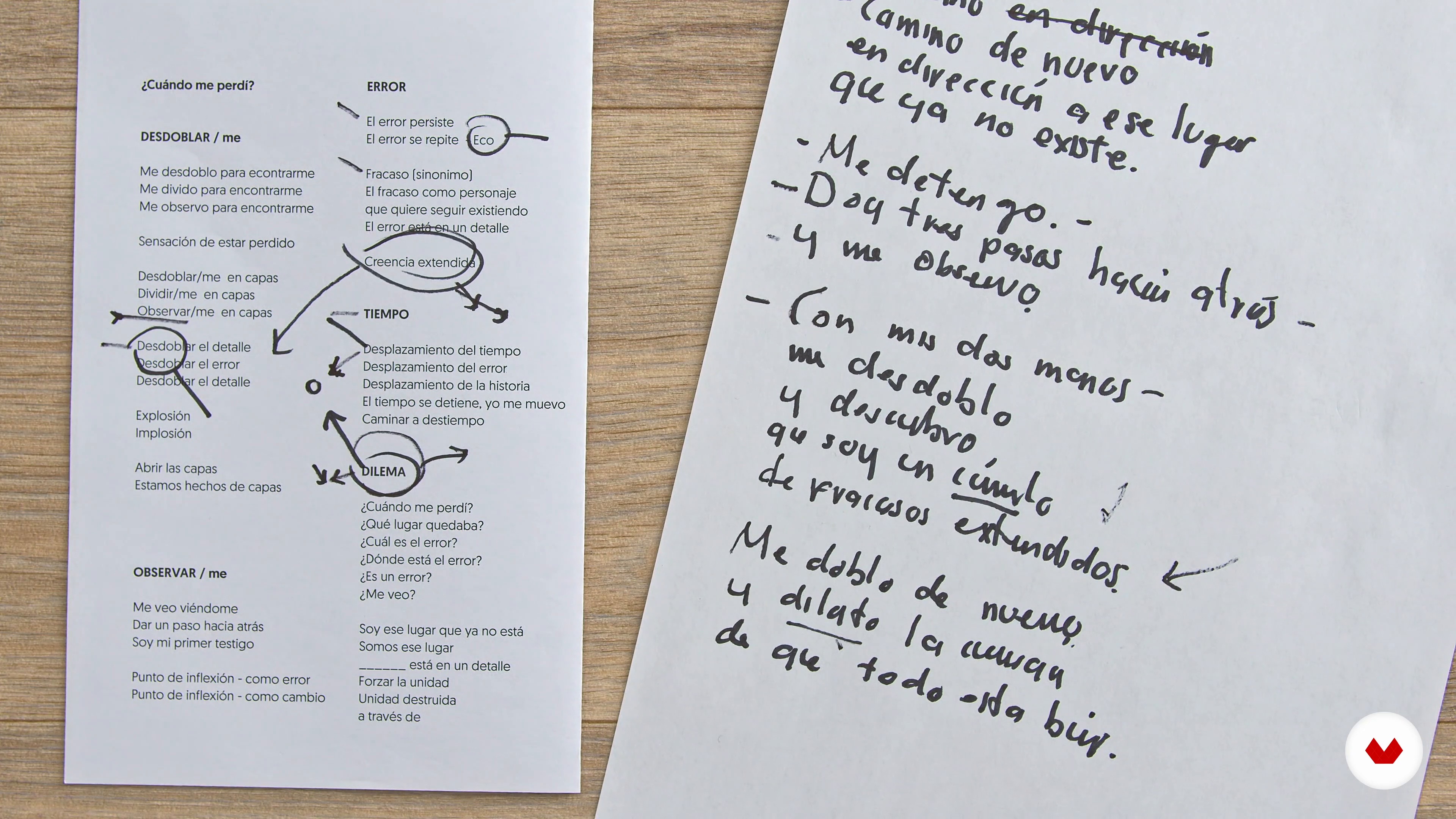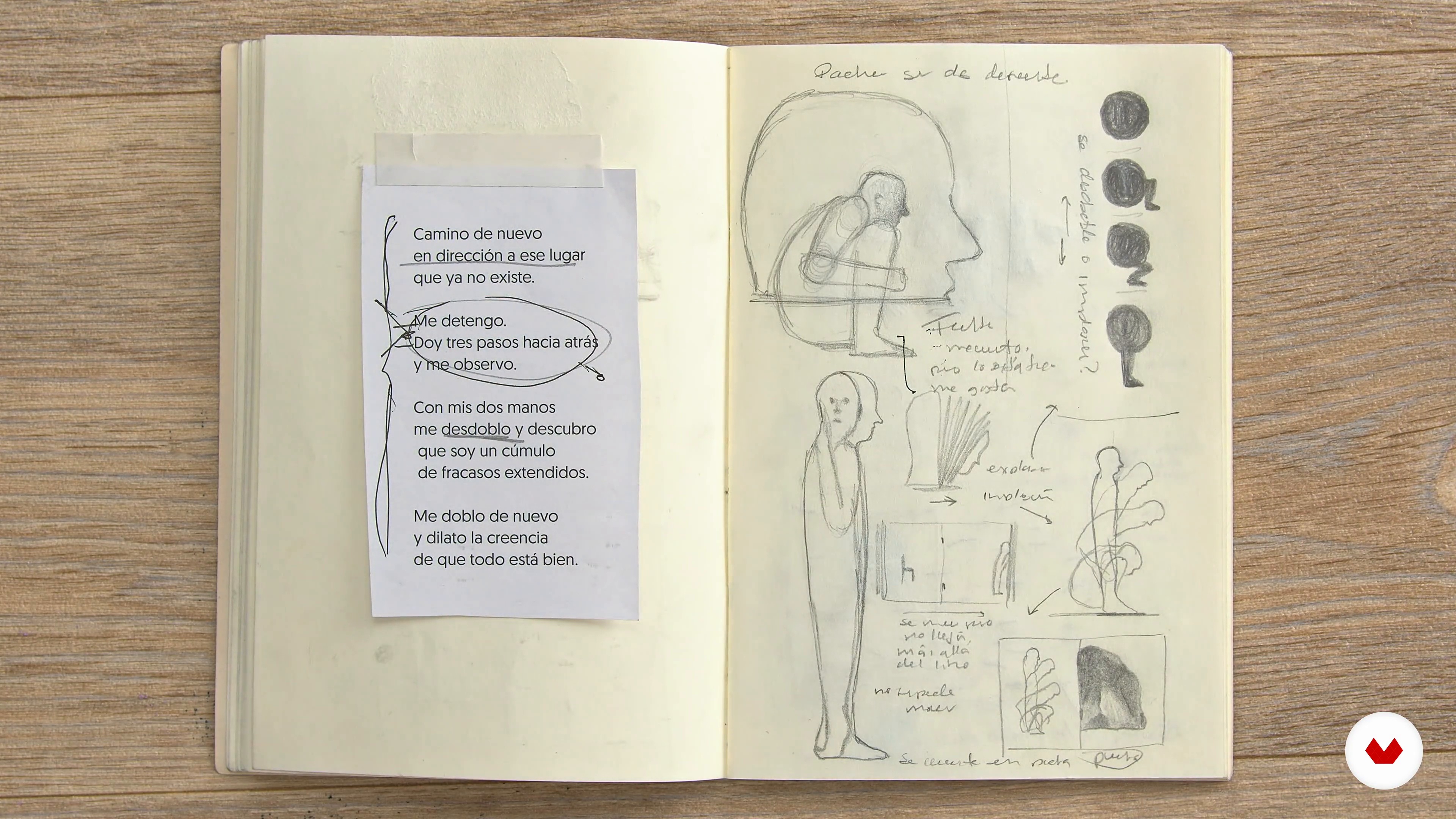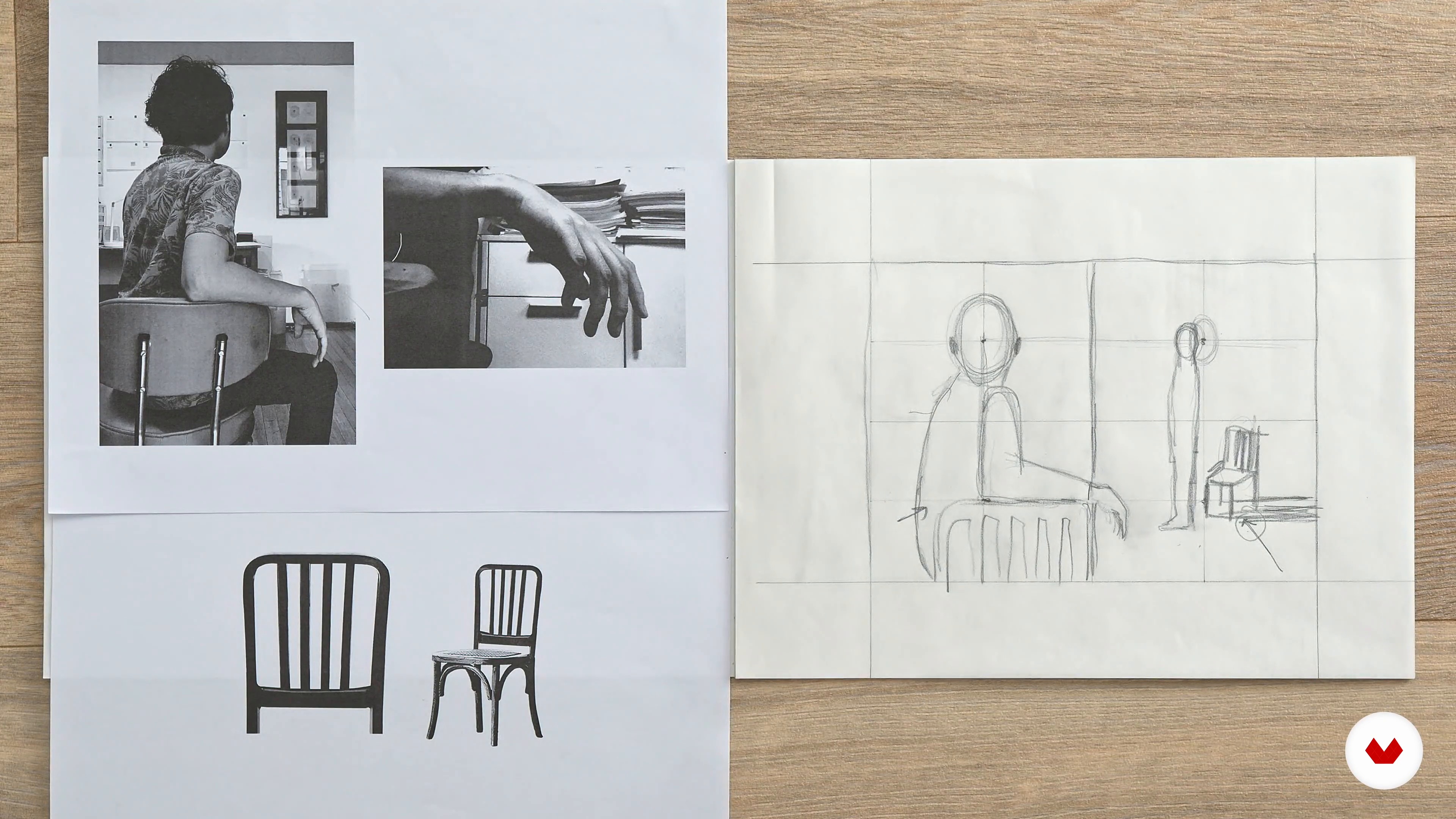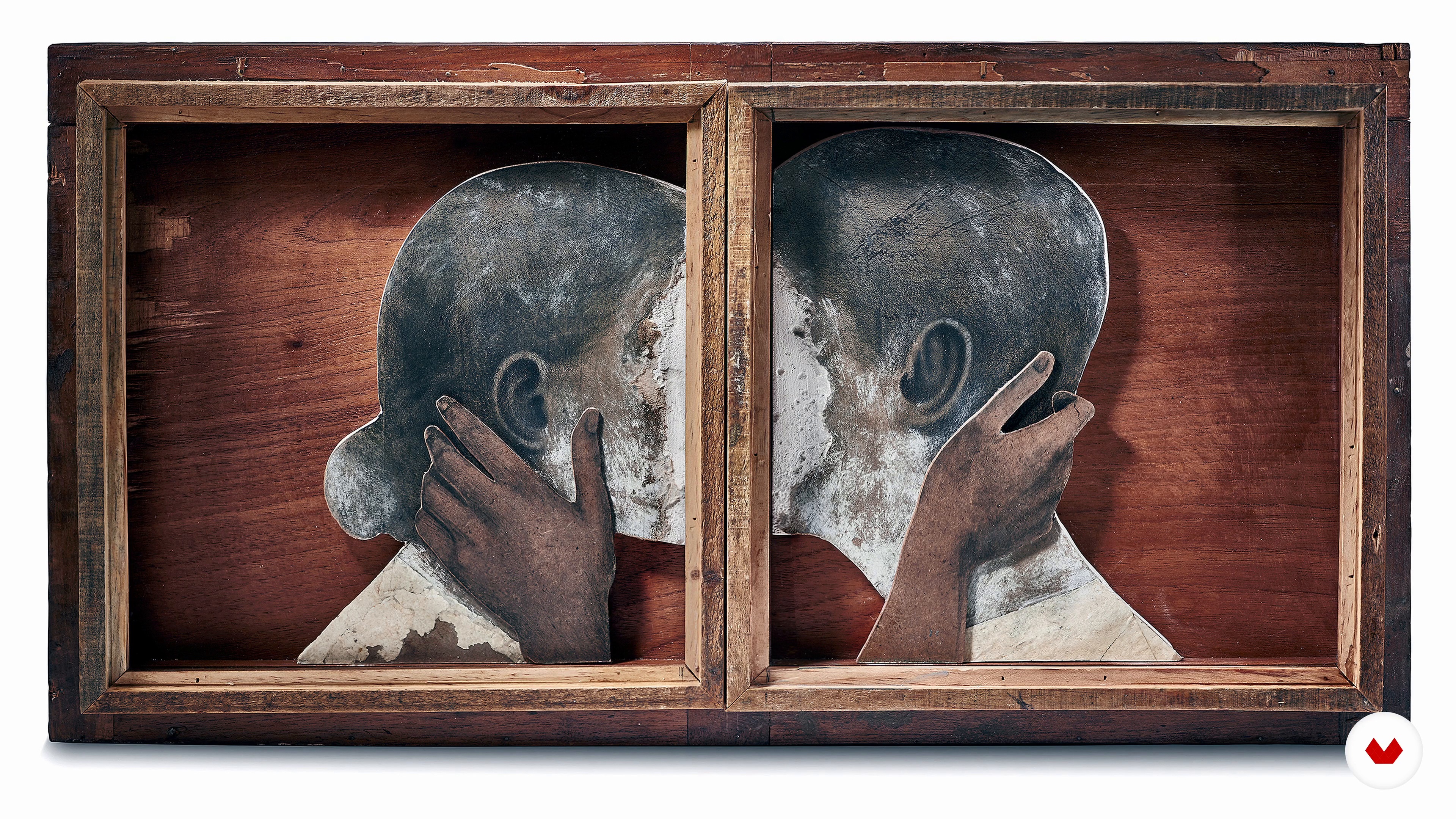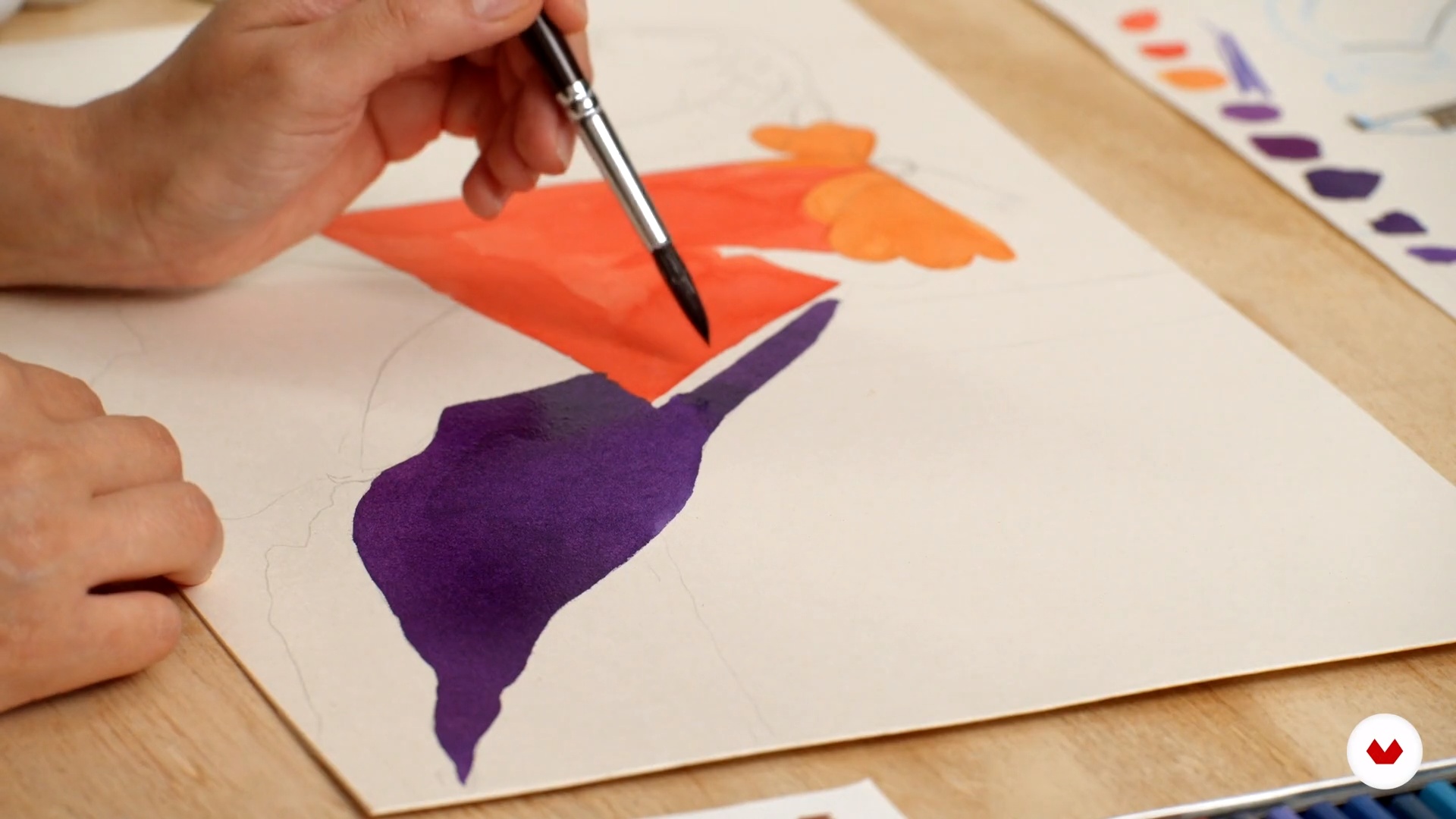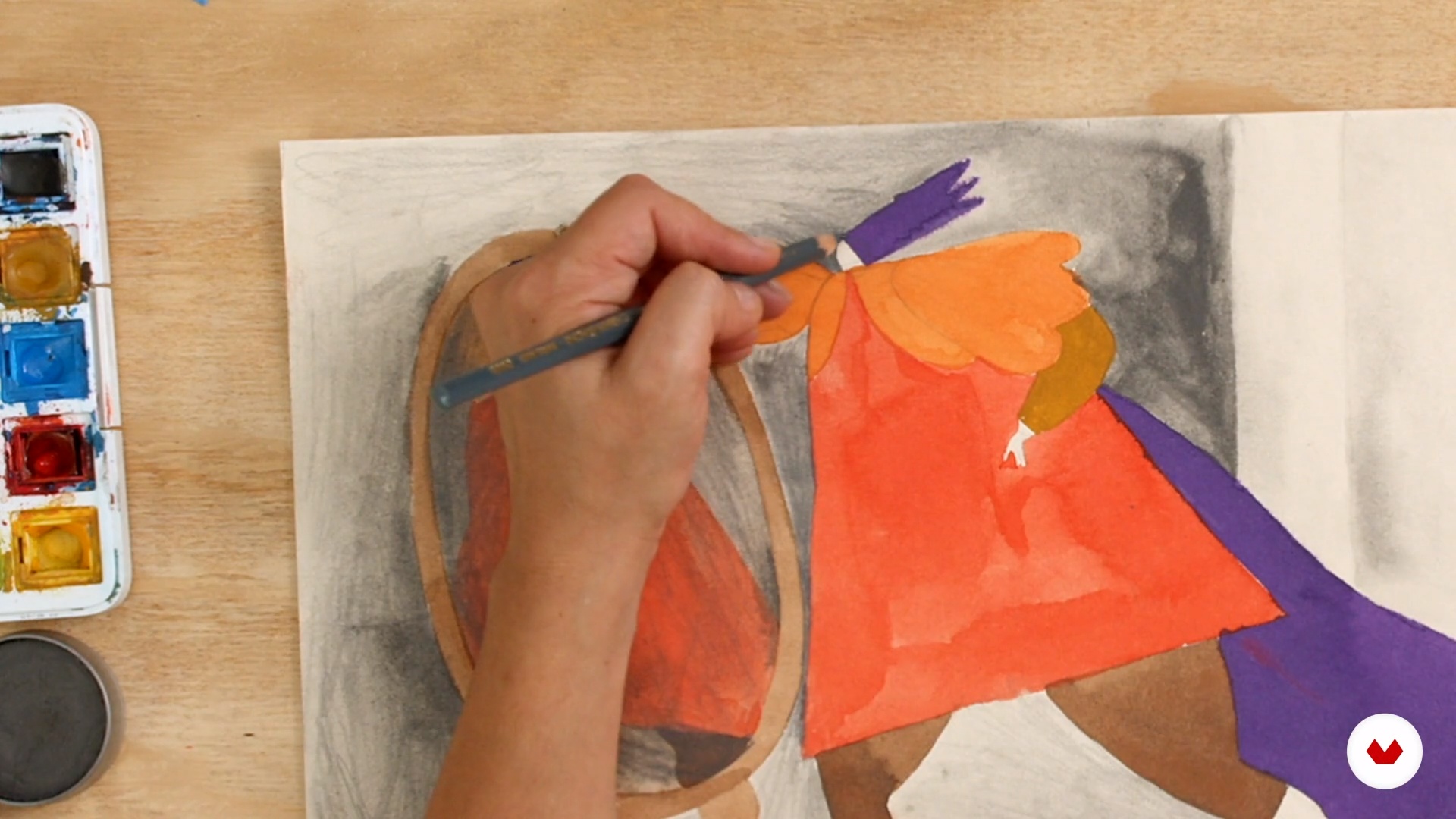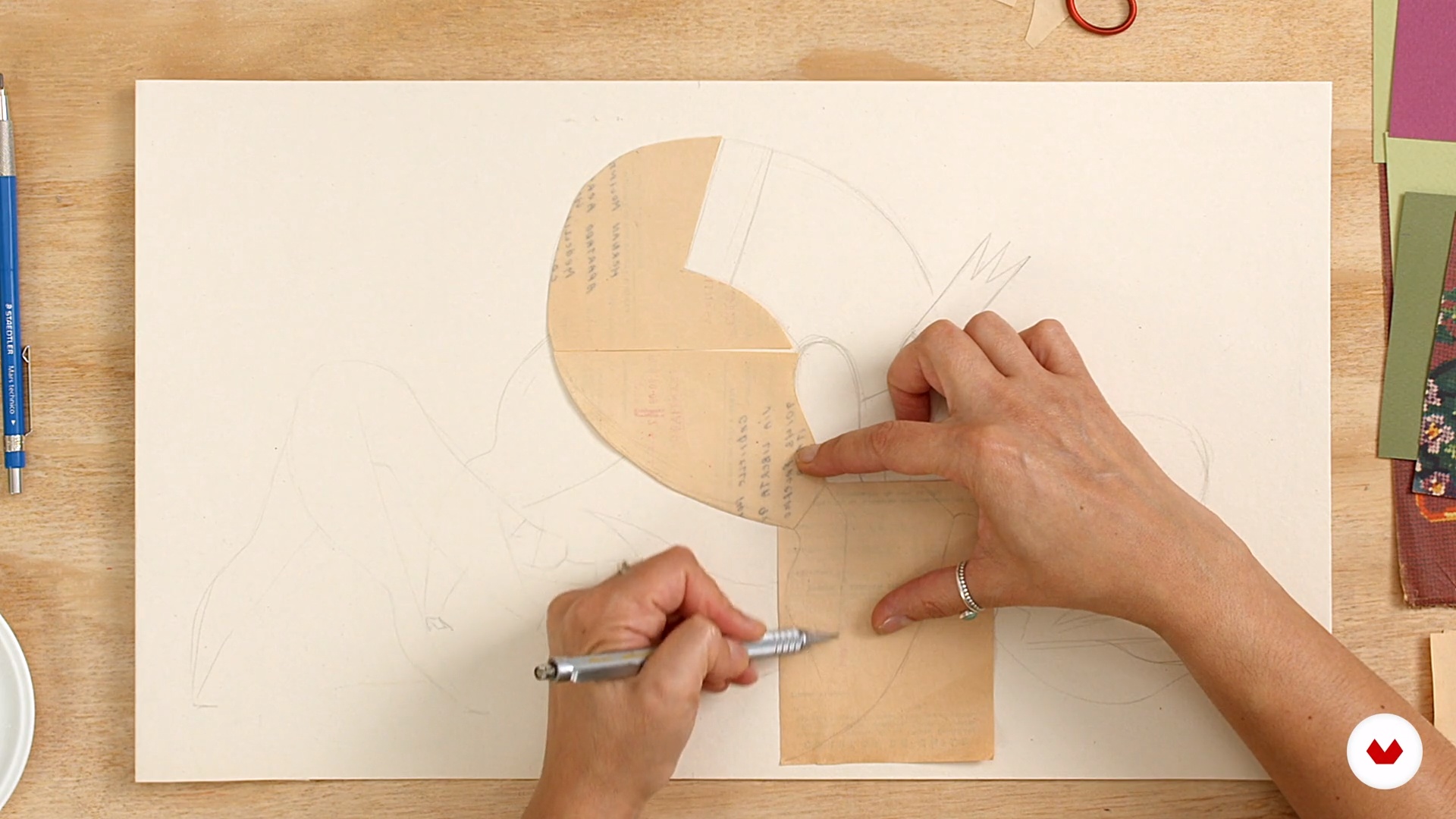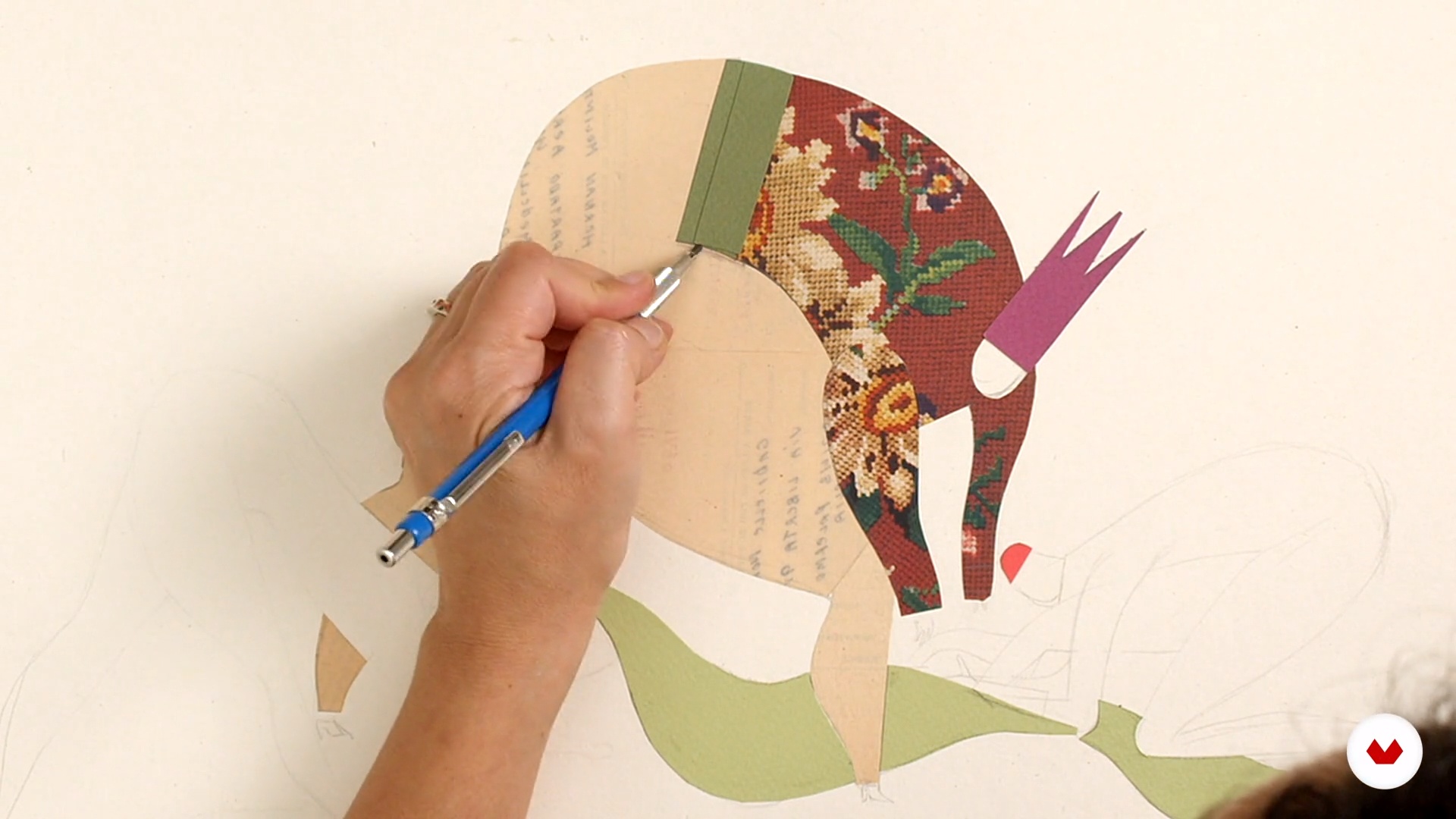
Specialization

Specialization in Mixed Media Illustration Techniques

Explore mixed media techniques to unleash your creativity and discover new expressive possibilities in artistic illustration

Specialization · 6 modules

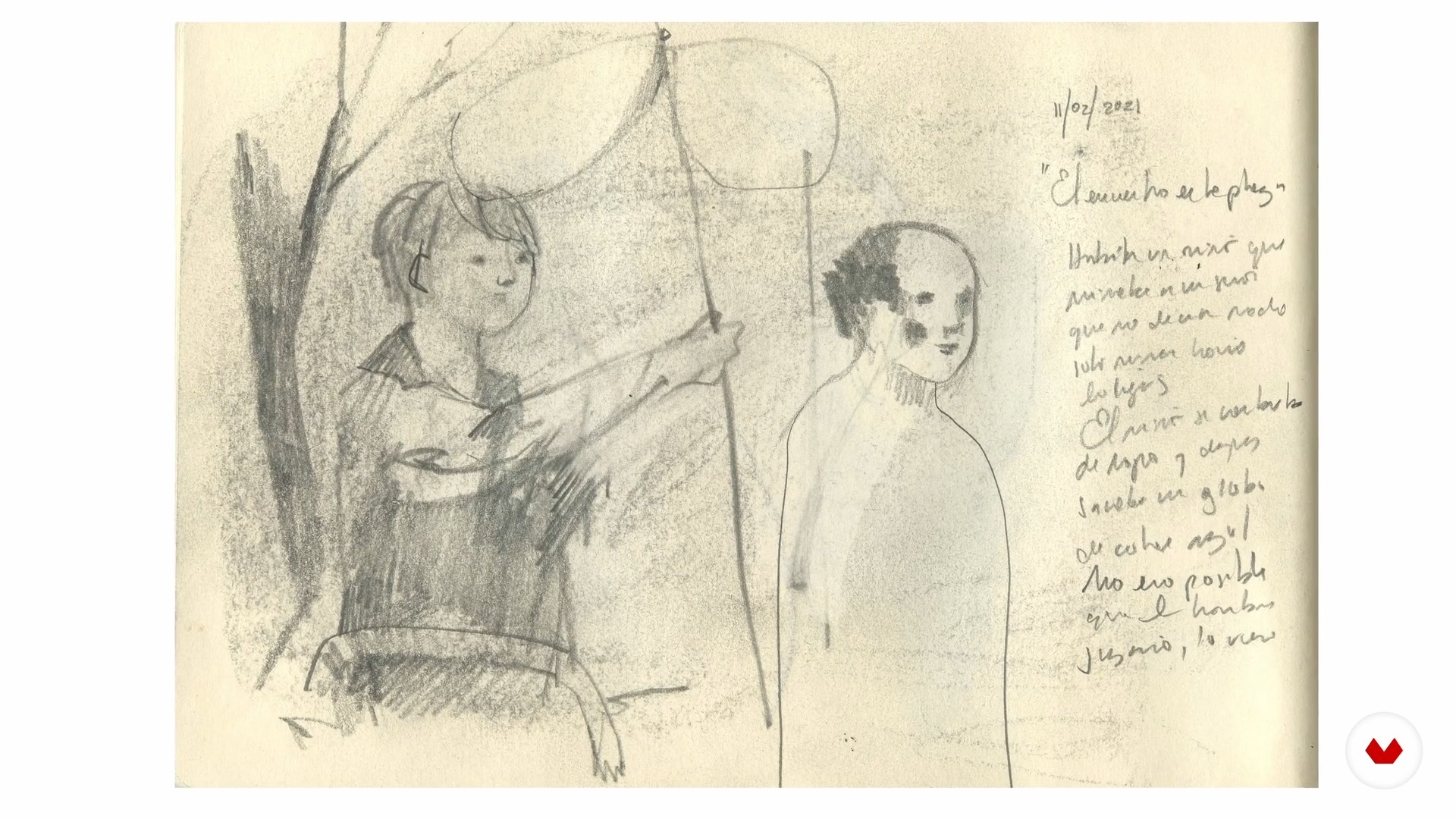
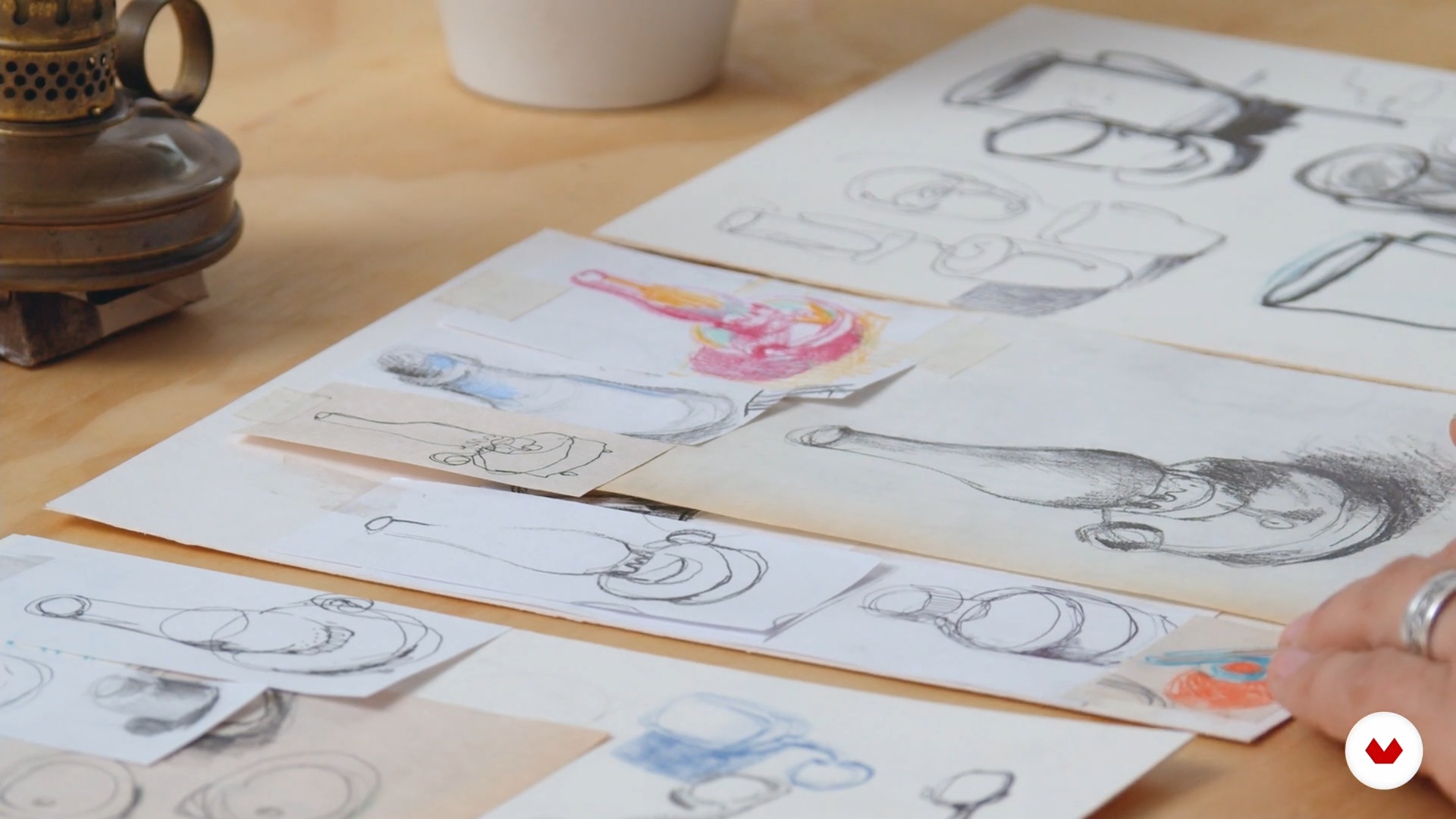
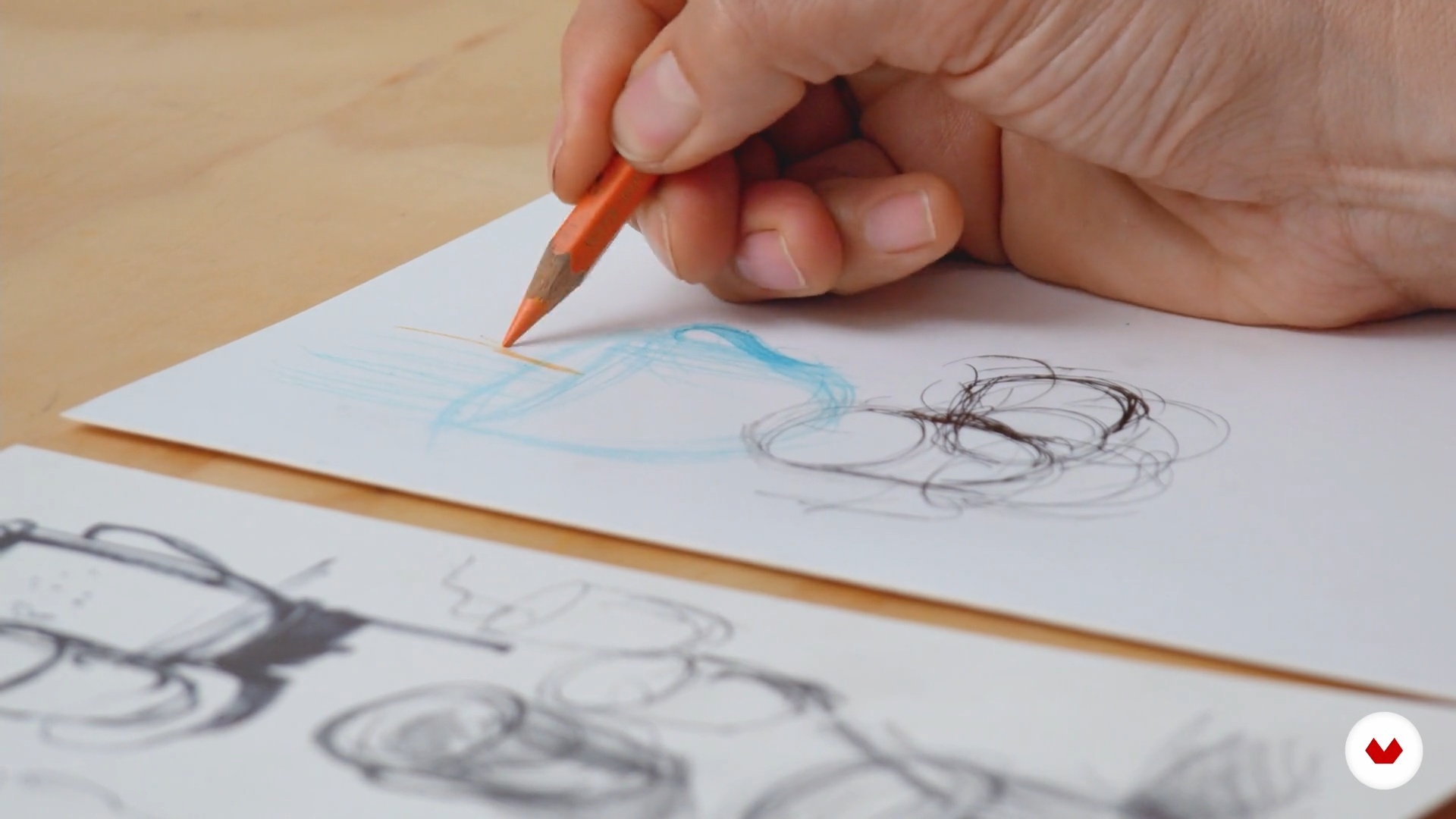
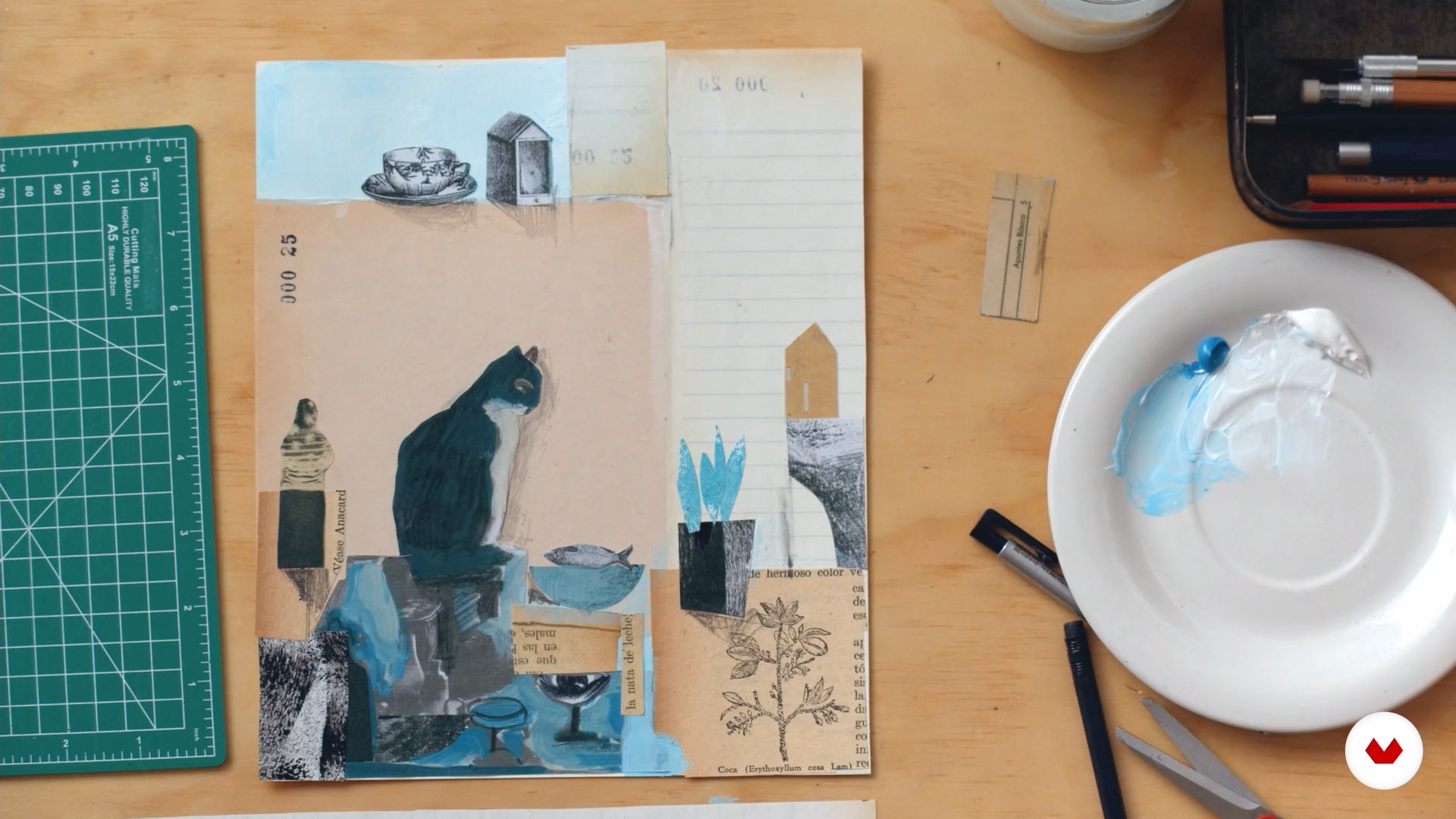
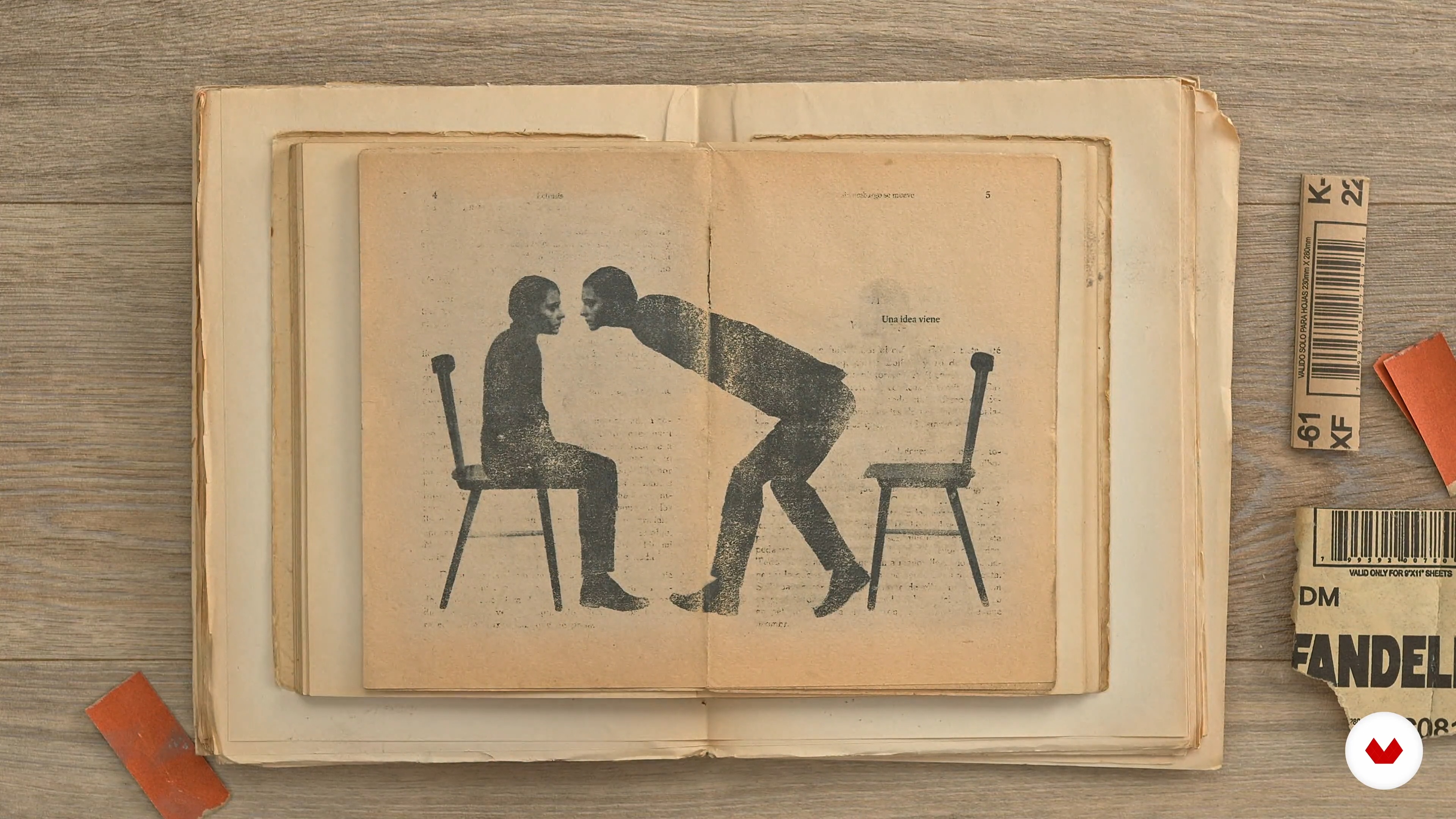
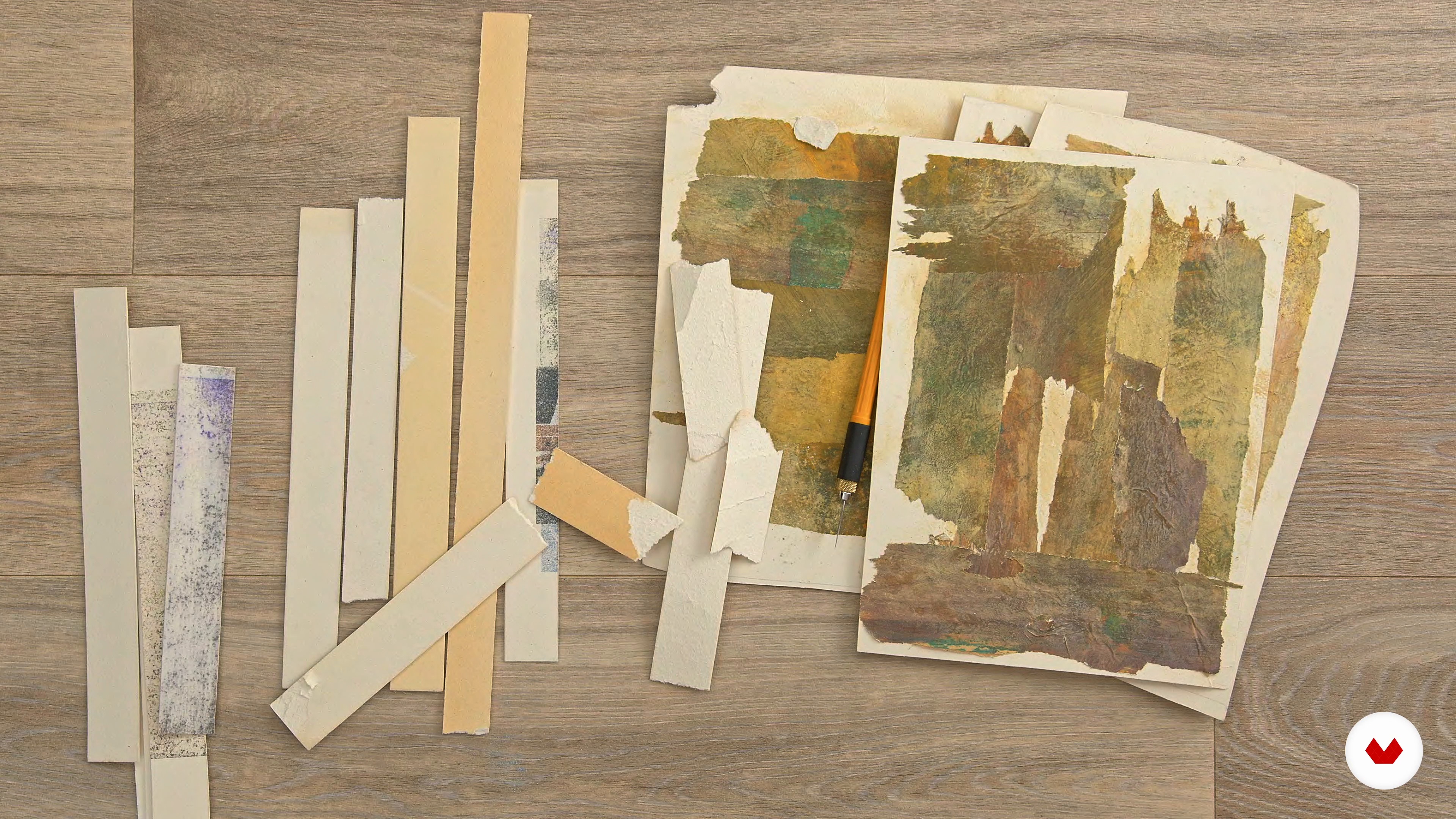
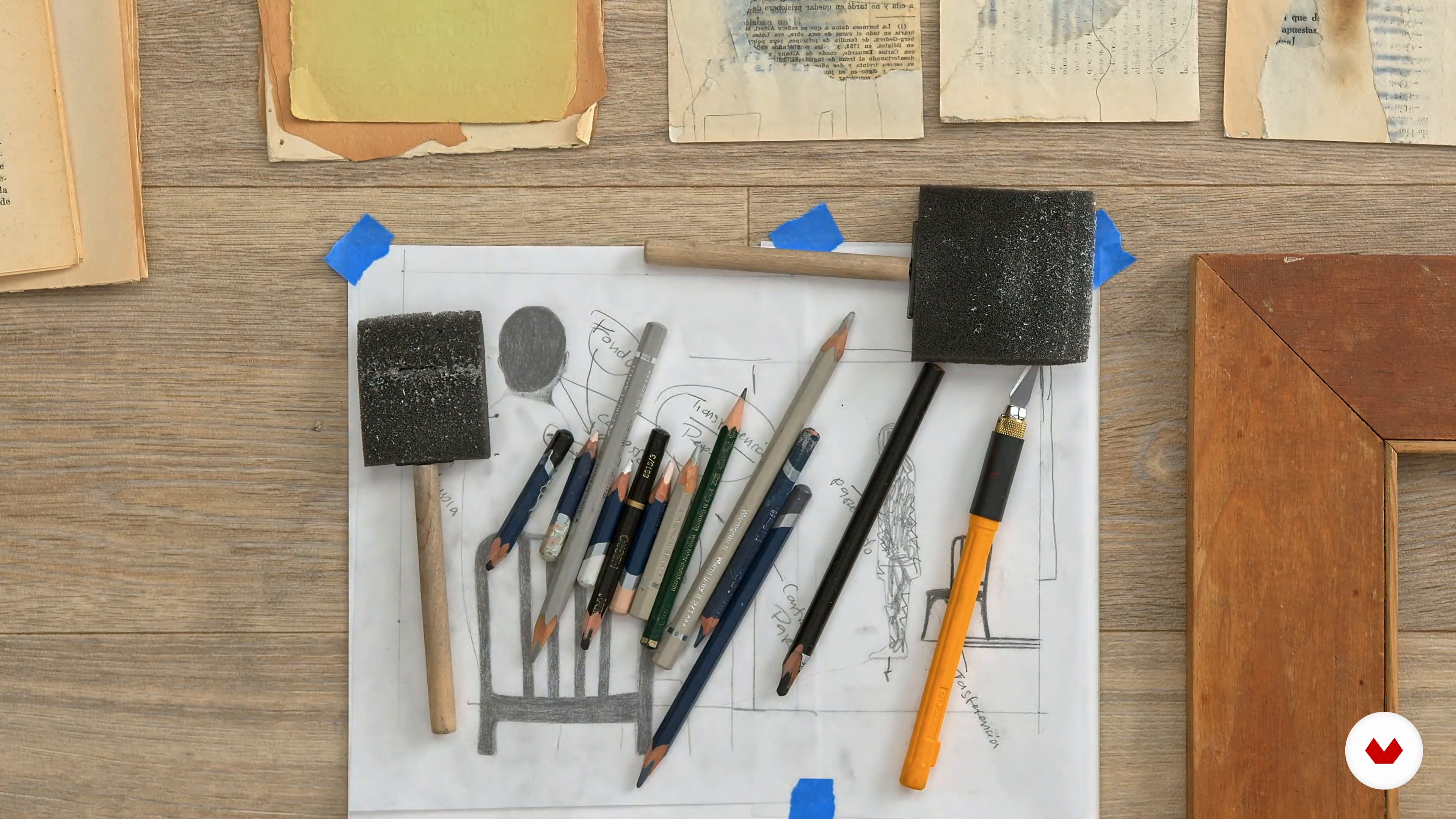
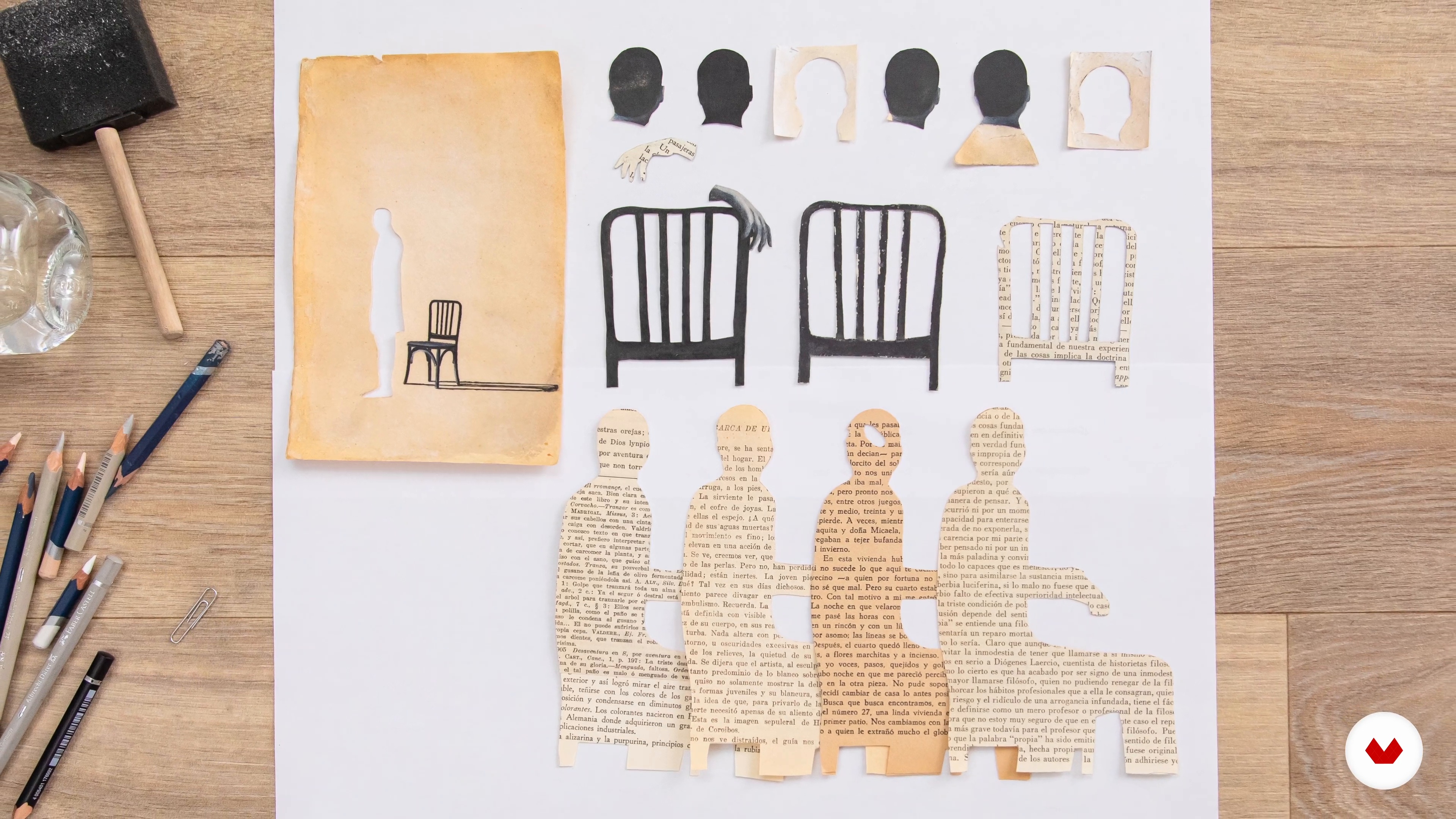
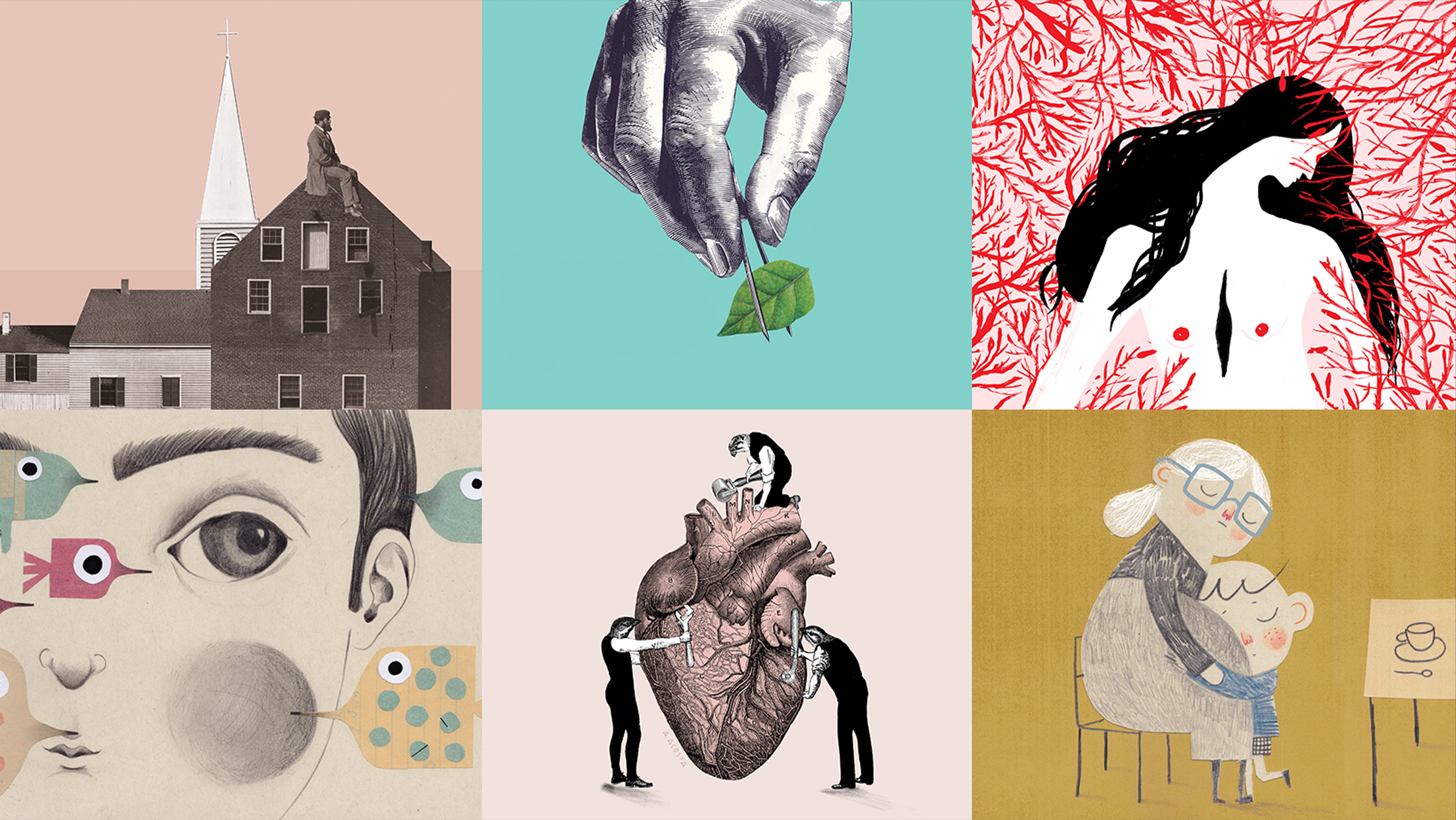
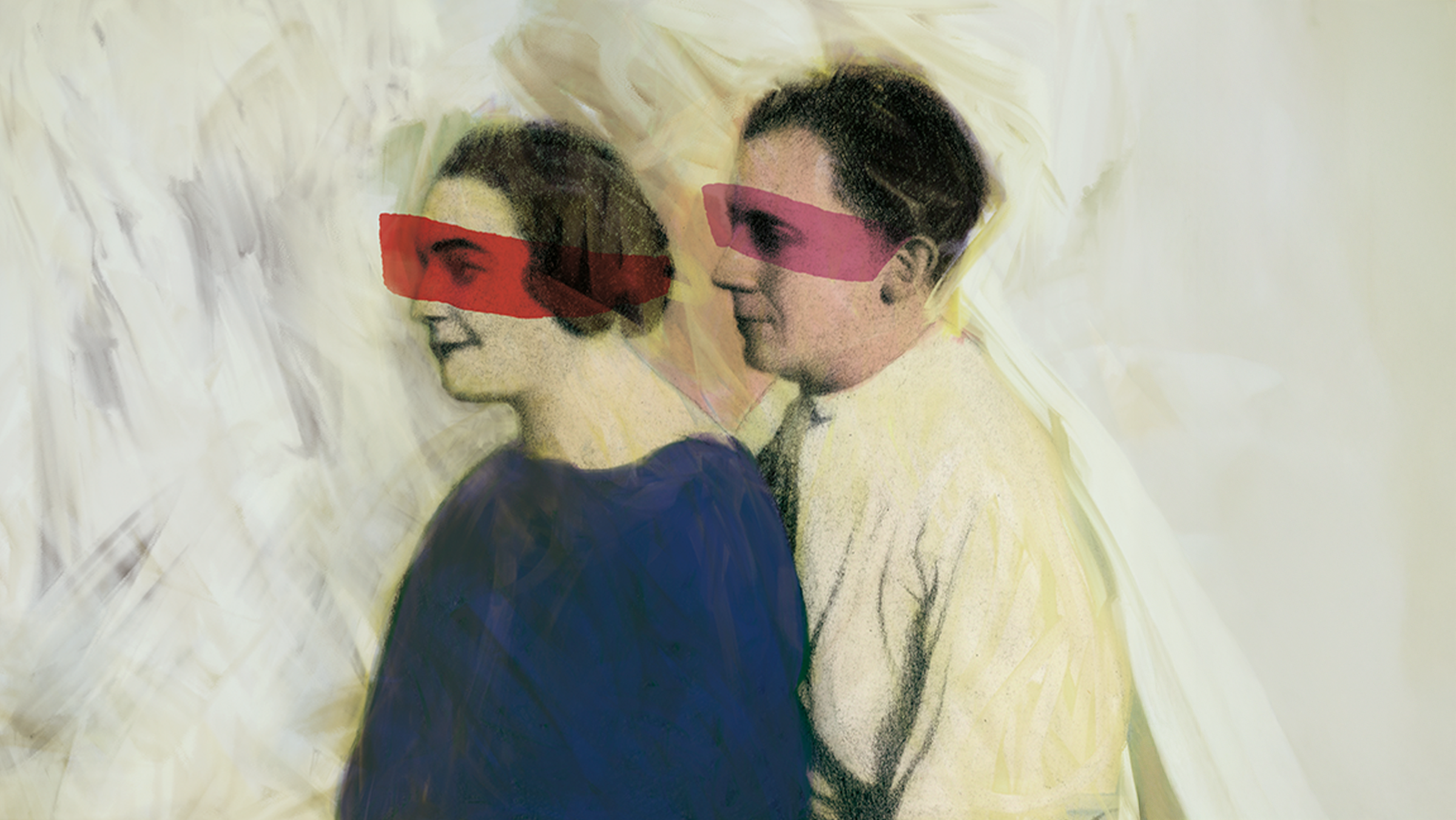
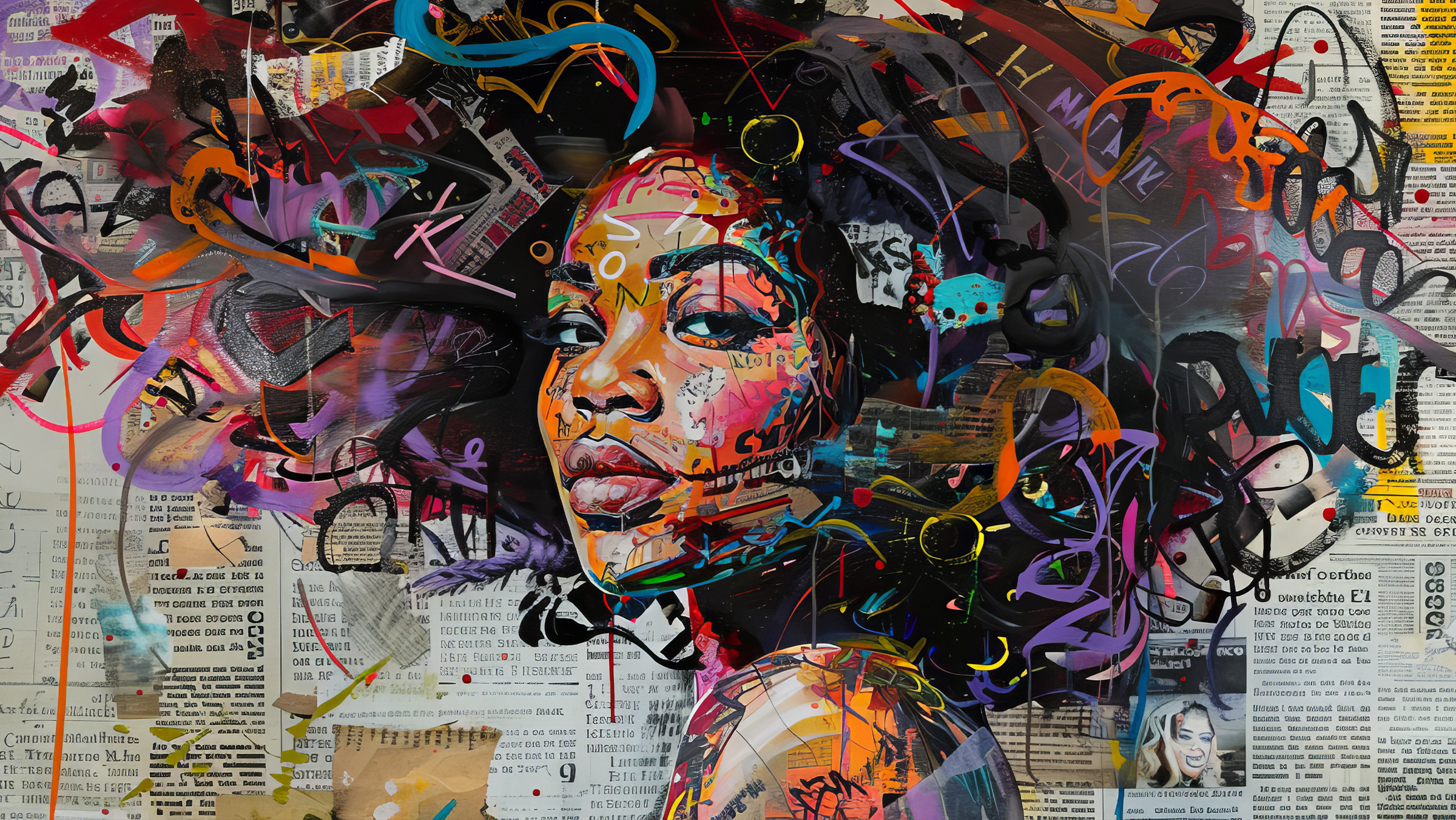
Explore the world of illustration through mixed media techniques, combining the best of traditional and digital media to create unique and expressive works of art. Unleash your imagination and immerse yourself in innovative creative processes that will help you discover new expressive possibilities. From graphic experimentation to drawing and collage, you'll learn to transform abstract concepts into powerful visual narratives. Each technique is a gateway to a universe of creativity, allowing you to communicate ideas effectively and develop a distinctive style that resonates in both editorial and artistic contexts.

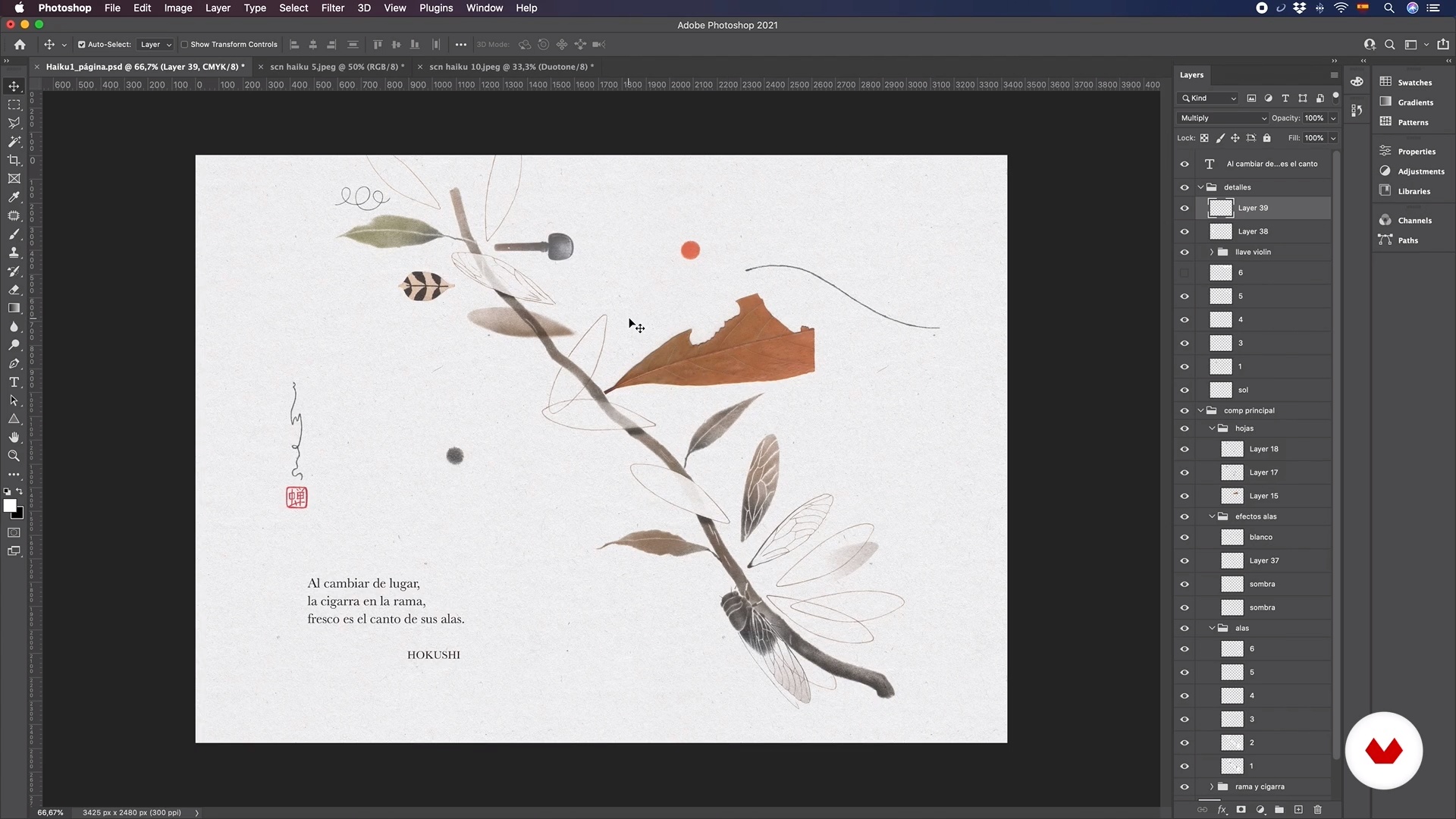
Guided by experts such as Leonor Pérez B, Aldo Jarillo Ramírez, Alejandra Acosta, Samuel Castaño, and Patricia Escalante, each course in this specialization offers you the opportunity to master different methodologies and creative processes. Develop your skills through final projects that integrate techniques such as graphite combined with digital manipulation or the creation of illustrated narratives. Upon completion of this specialization, your portfolio will reflect technical versatility and a personal artistic vision, highlighting your ability to create impactful illustrations and coherent visual narratives.

Read more ↓

What will you learn in this specialization?
A total of 6 modules and 77 lessons
A total of 14h 14m of vídeo lessons
Taught by 5 selected expert teachers
image
3
Materials
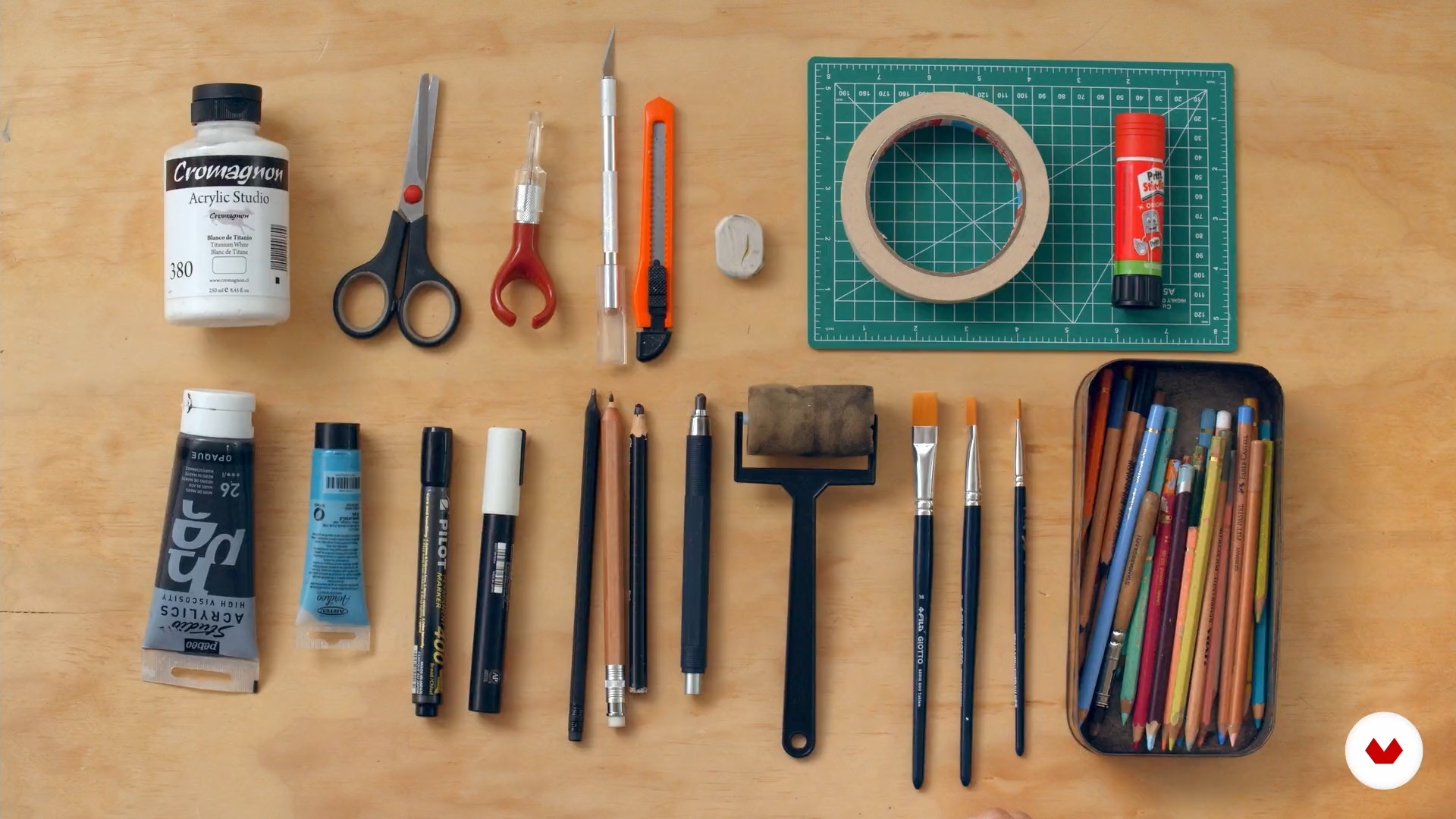
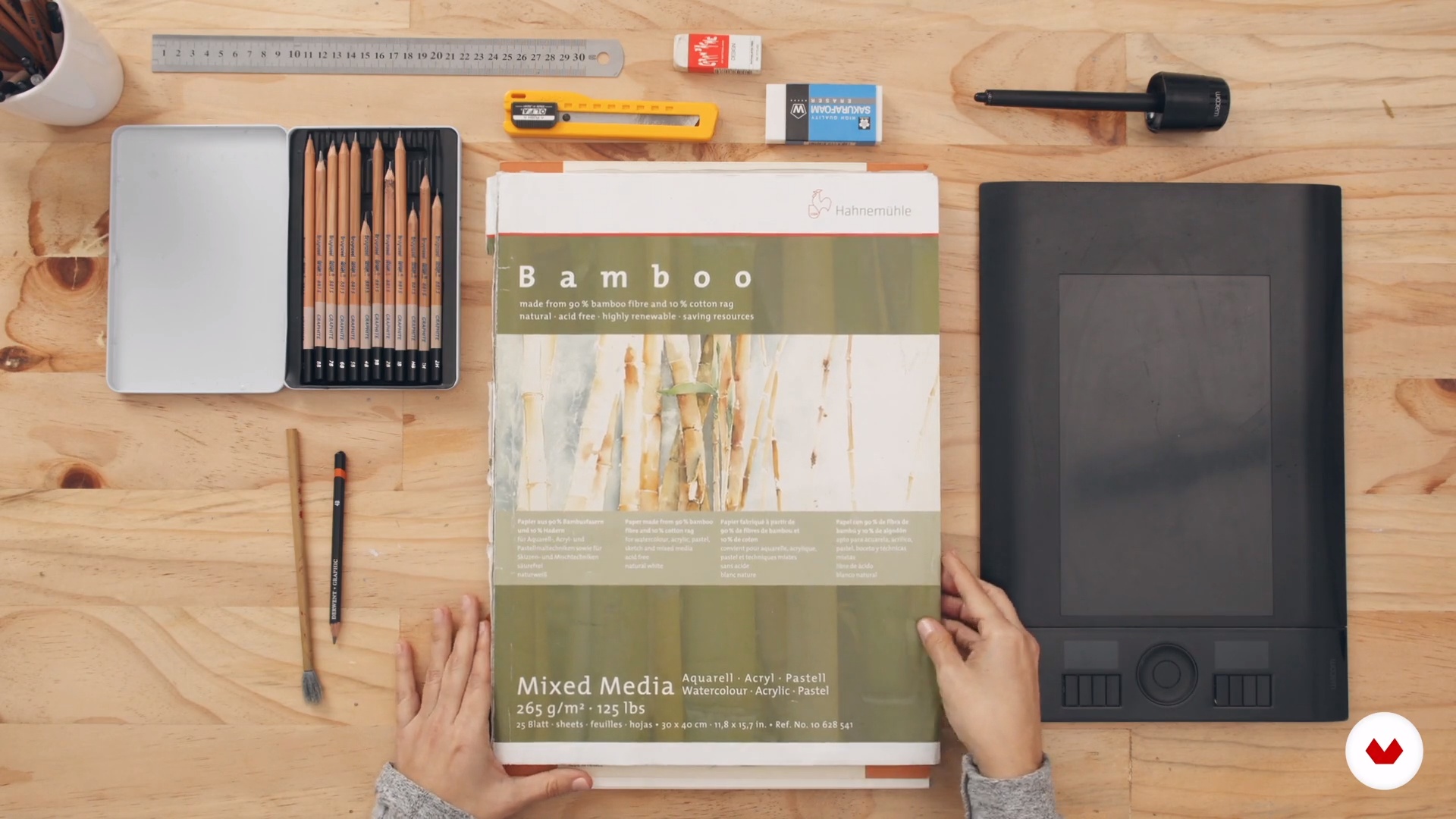
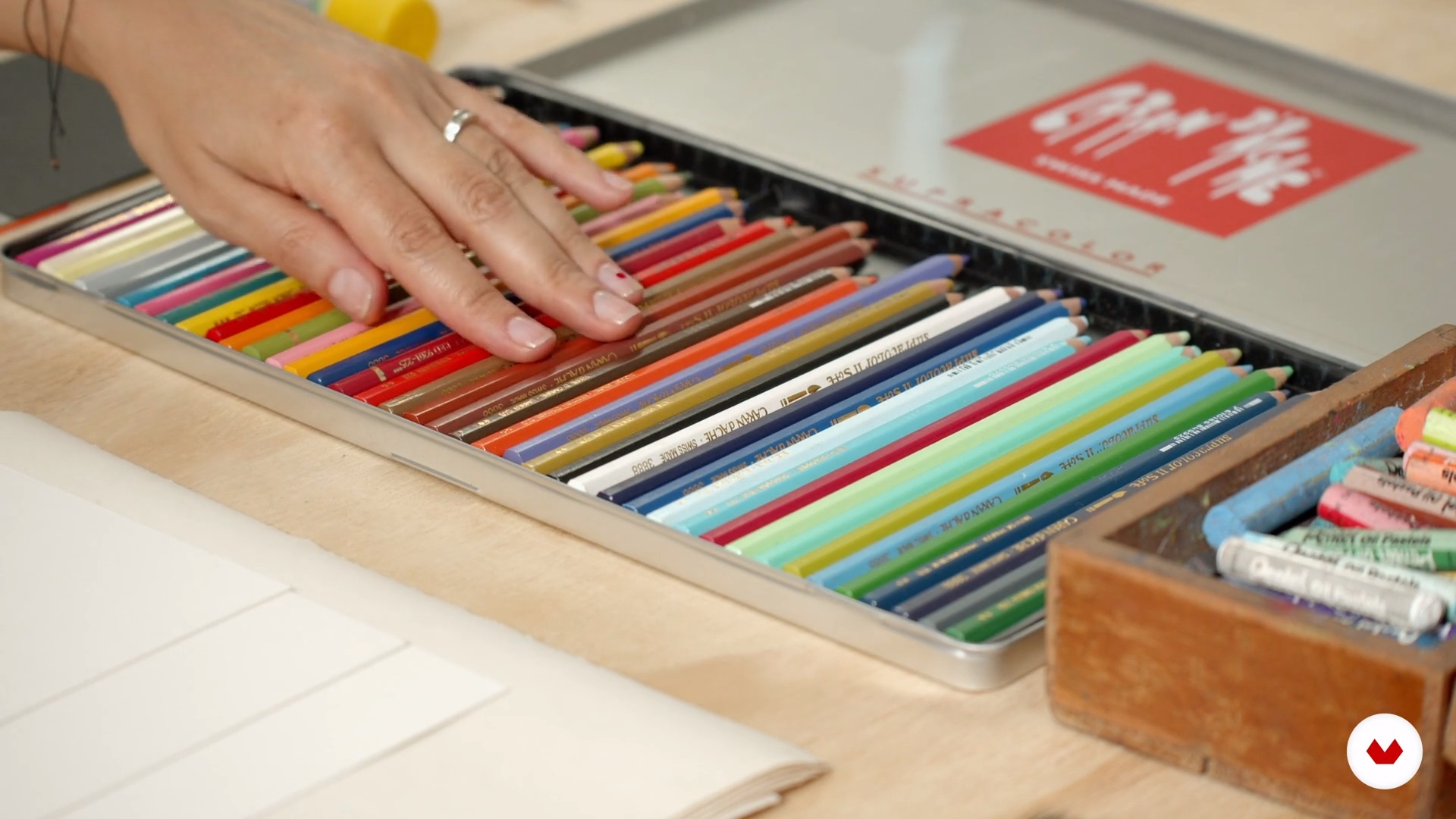
What materials will you need for this course? In this video, I will recommend some material possibilities and share some tips when working with these technical resources. You will be able to prepare what is necessary to start fully in the next unit.
7m
image
4
Experience as a reference
In this lesson, we will see how to use all of our artistic sources and references to fuel our creativity. We will make conscious what inhabits us, such as memories, experiences, tastes and inspirations.
9m
image
5
Observe and draw
Next, we will delve into the practice of observation, a fundamental experience to sharpen the gaze, improve the capacity for representation and begin a process of creation.
12m
image
6
From observation to imagination
The imagination is fundamentally nourished by what we know. By reviewing deconstructed materials to generate new images, we will see how observing and recording facilitate a more fluid creative experience.
12m
image
7
Photomontage
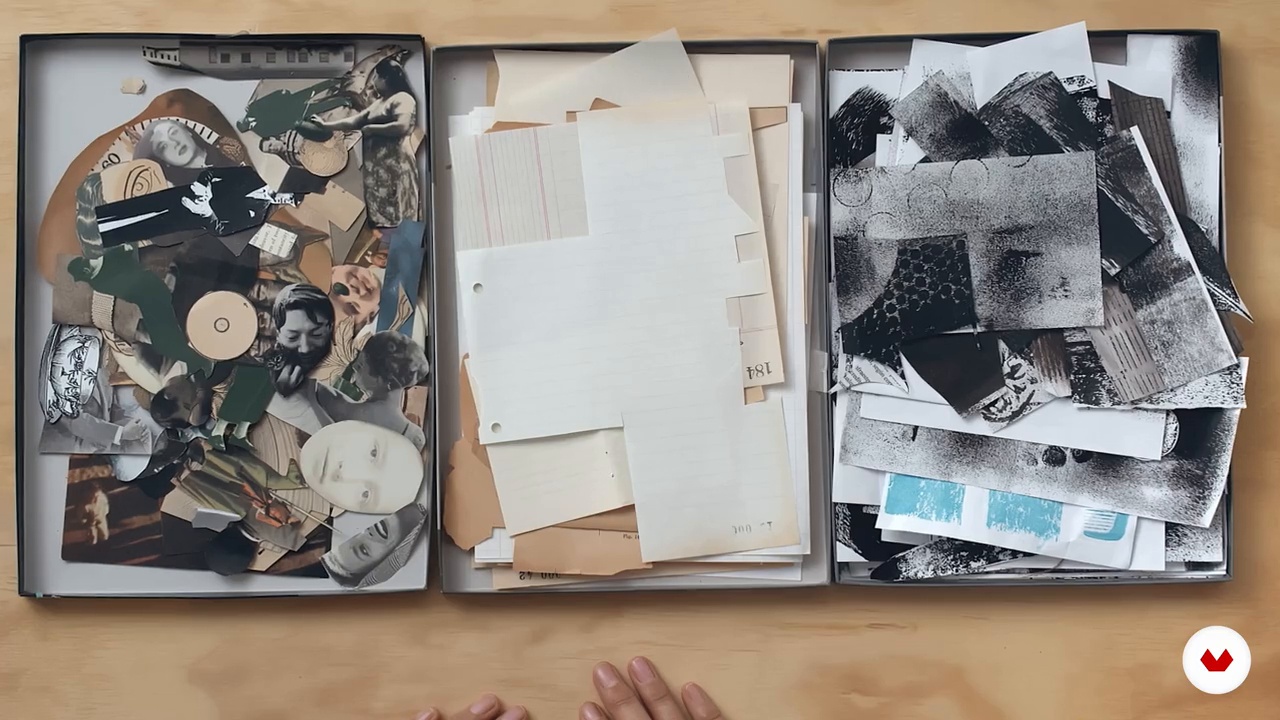
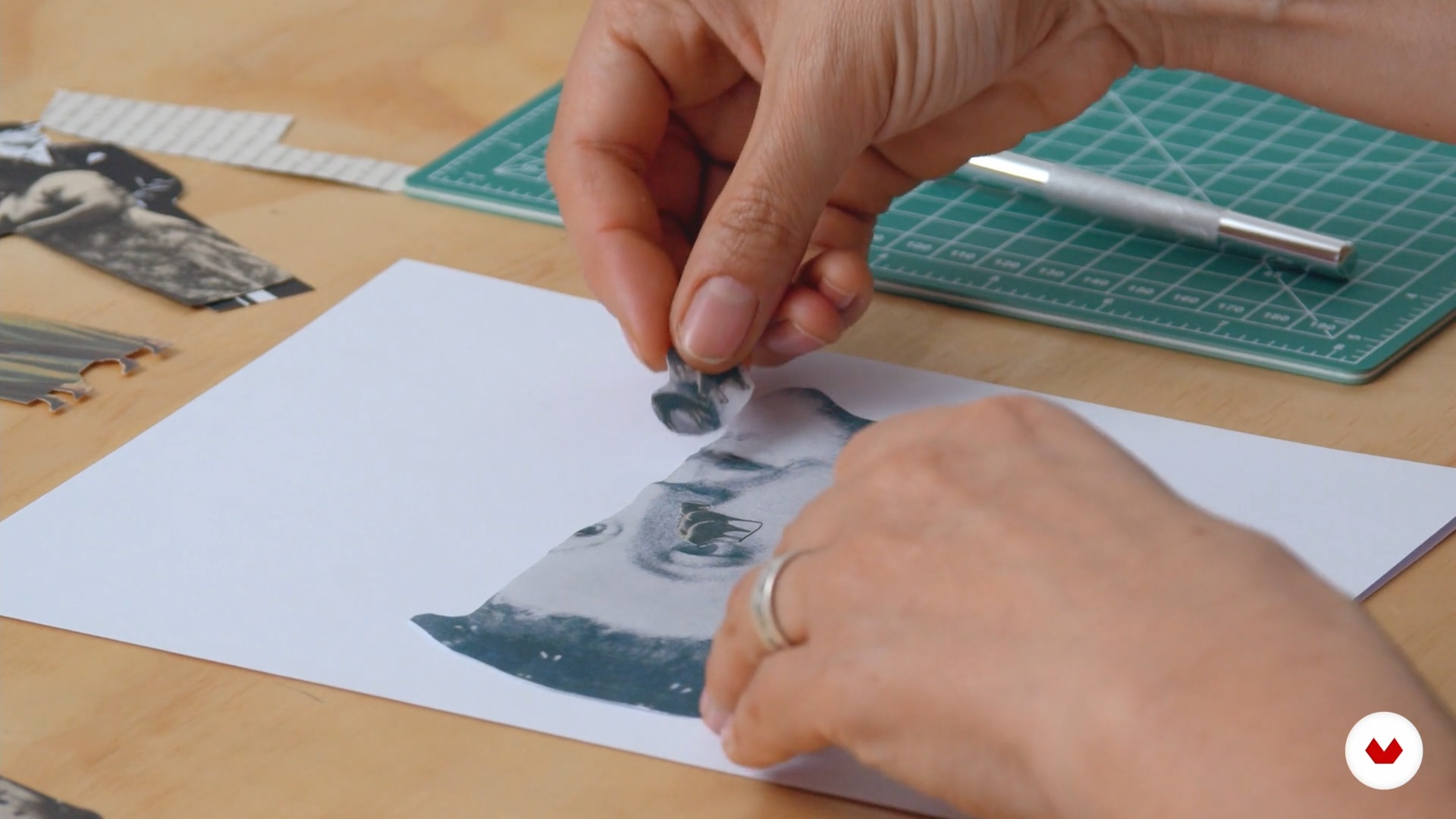
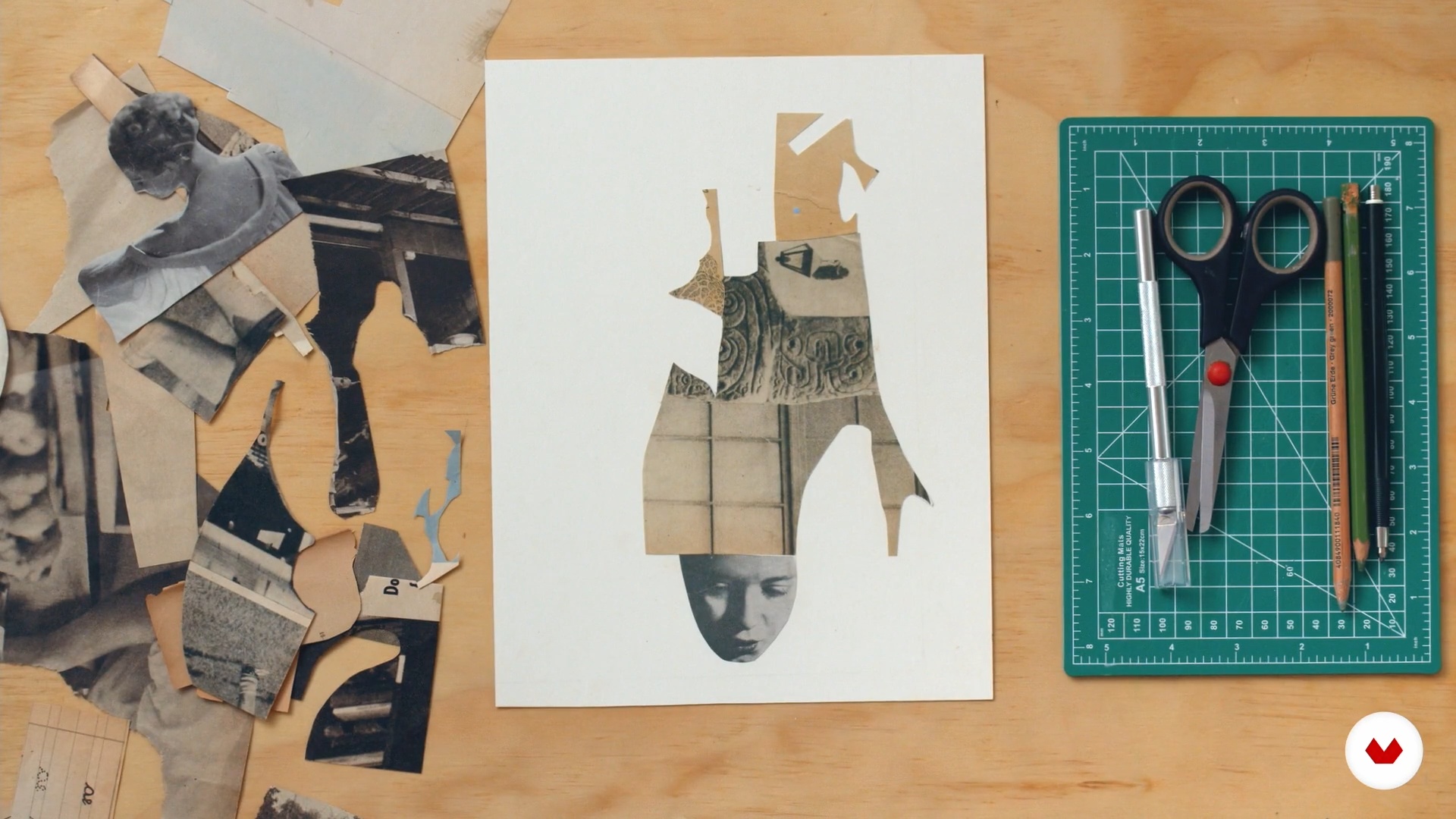
Analog photomontage results from the assembly of recognizable images. I will show you several technical and narrative characteristics of the photomontage, and we will see how this resource is an excellent means to start various creative processes.
14m
image
8
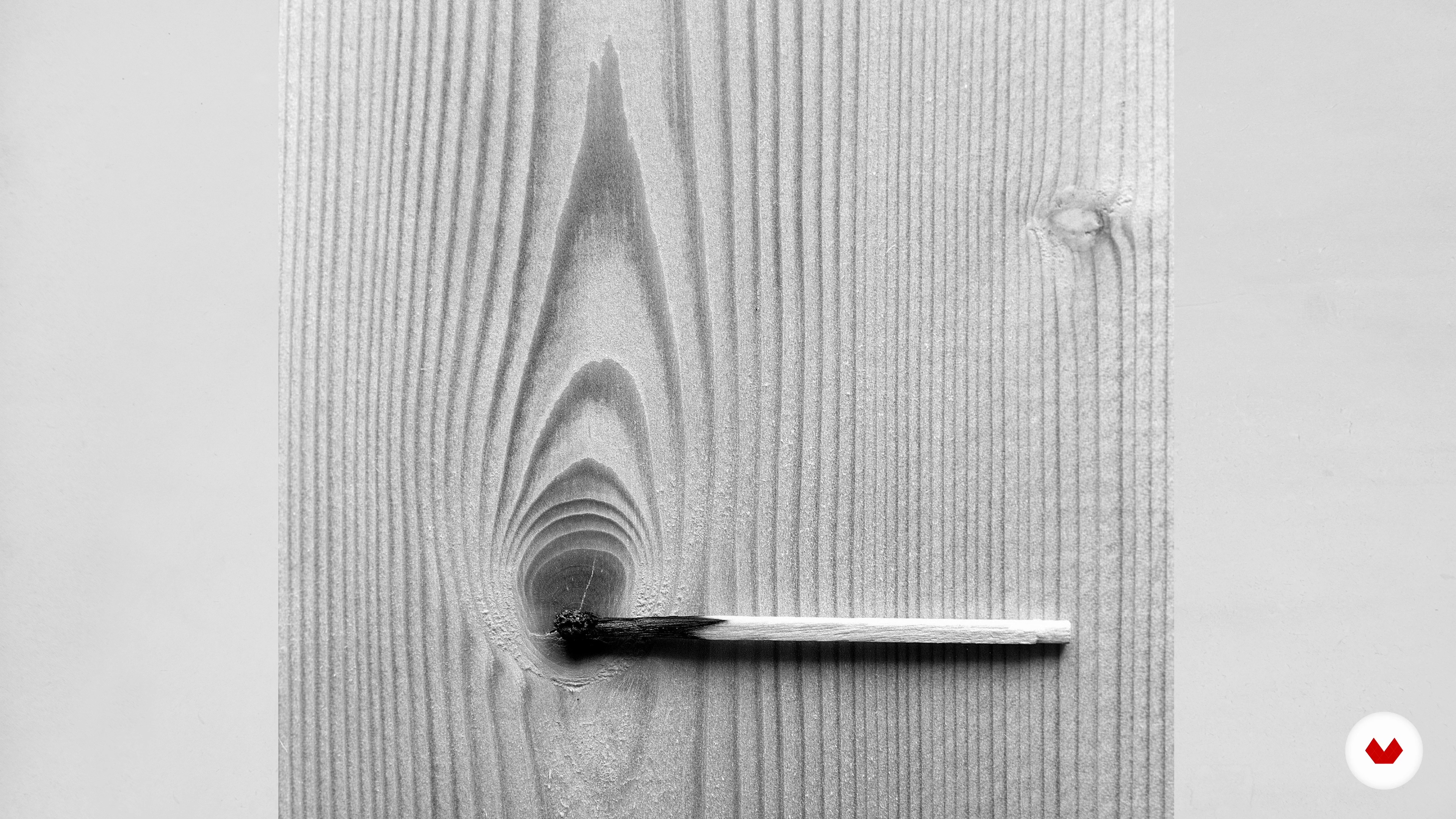
Pareidolias 1
Starting a project from an abstract reference offers several creative opportunities. To explore this process, I'll show you how to work with pareidolias - this is a psychological ability to find recognizable elements in abstract ways. In this way, we will give space to meet new morphologies and graphic possibilities.
9m
image
9
Pareidolias 2
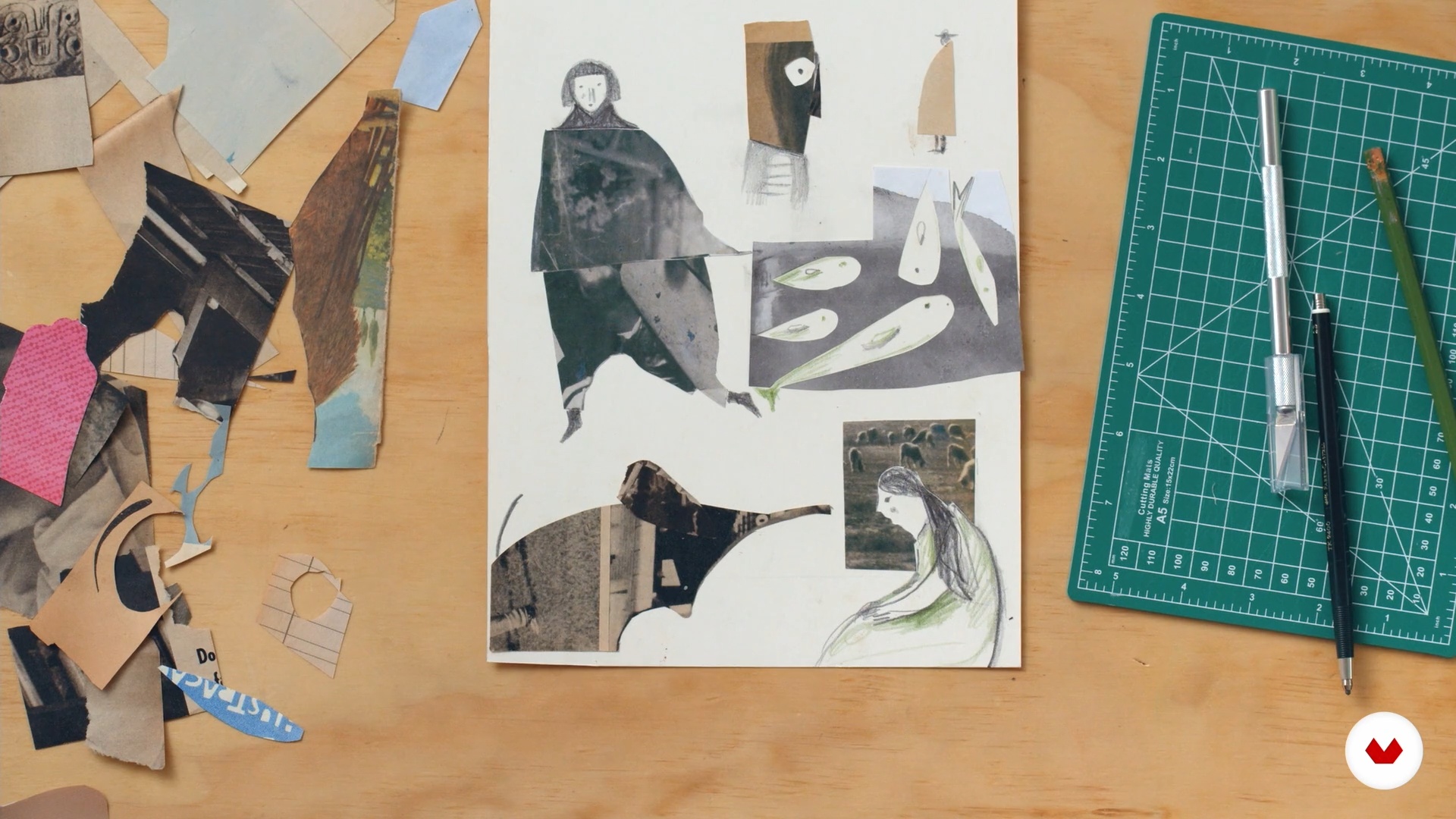
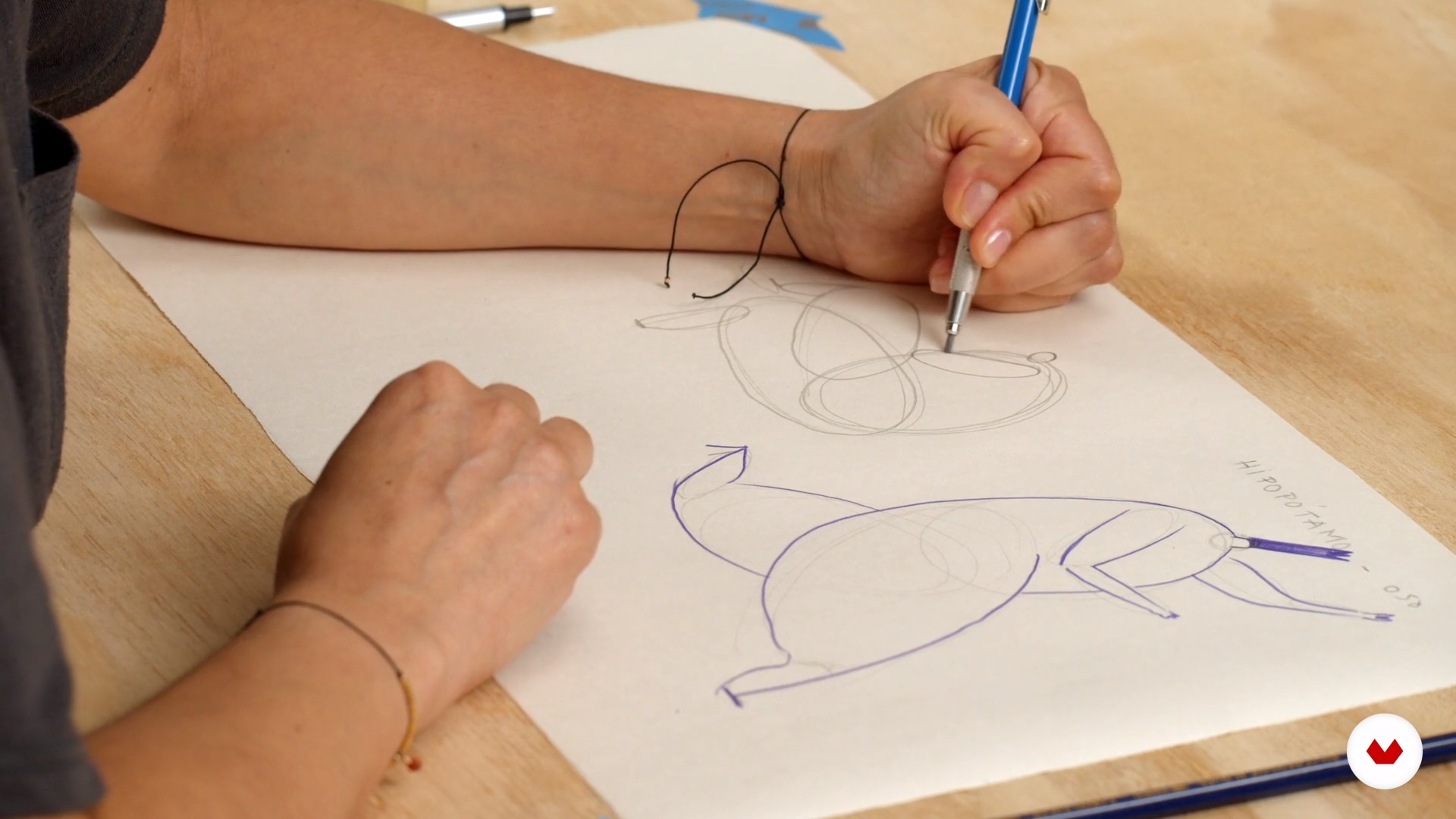
I will continue here my exploration of pareidolias looking for characters and animals in my roles. The beauty of this technique is in the simplification of complex forms such as the human body. We will also see that pencils and other materials can be used to complete the exploration.
12m
image
10
Images over images
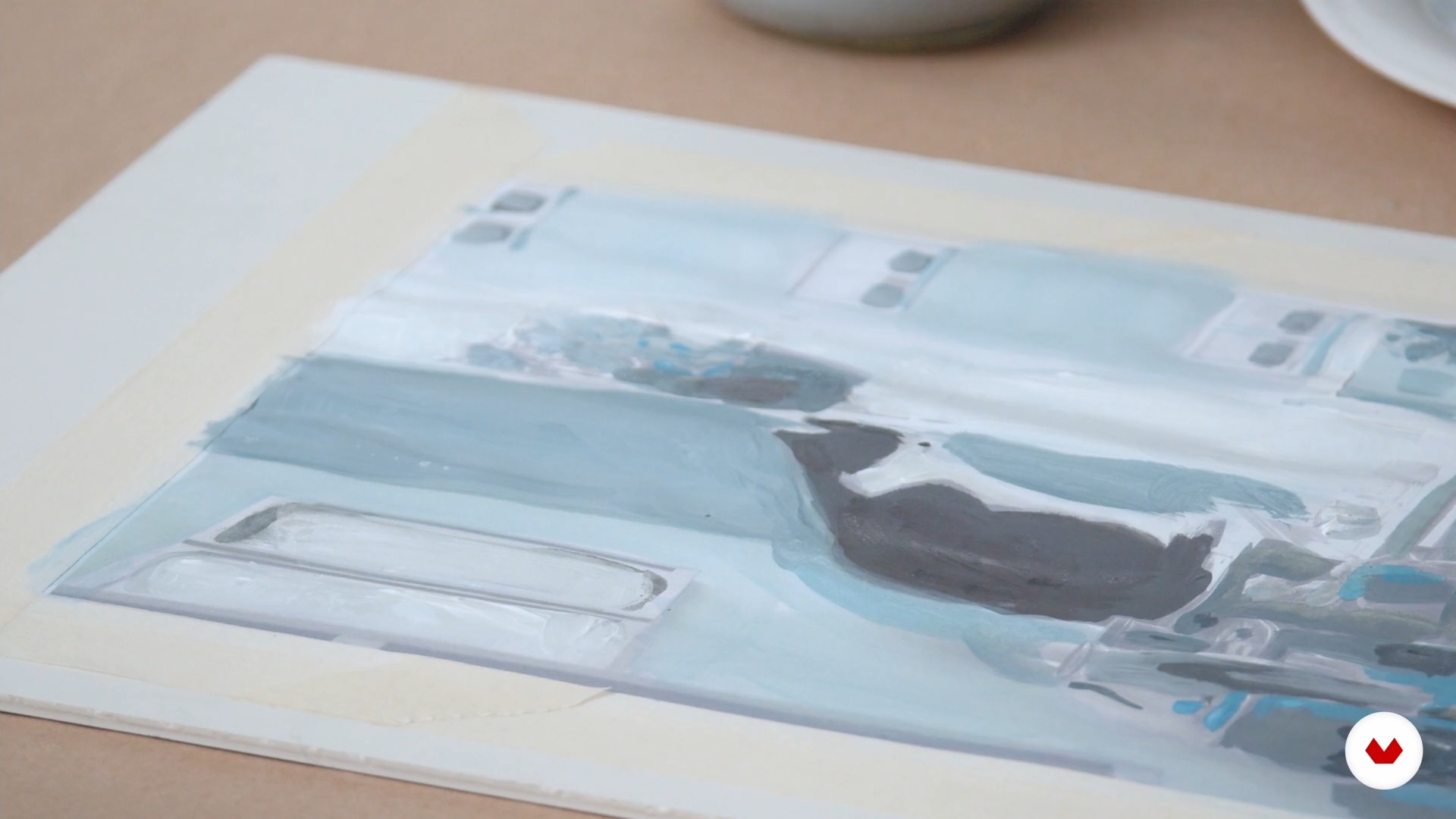
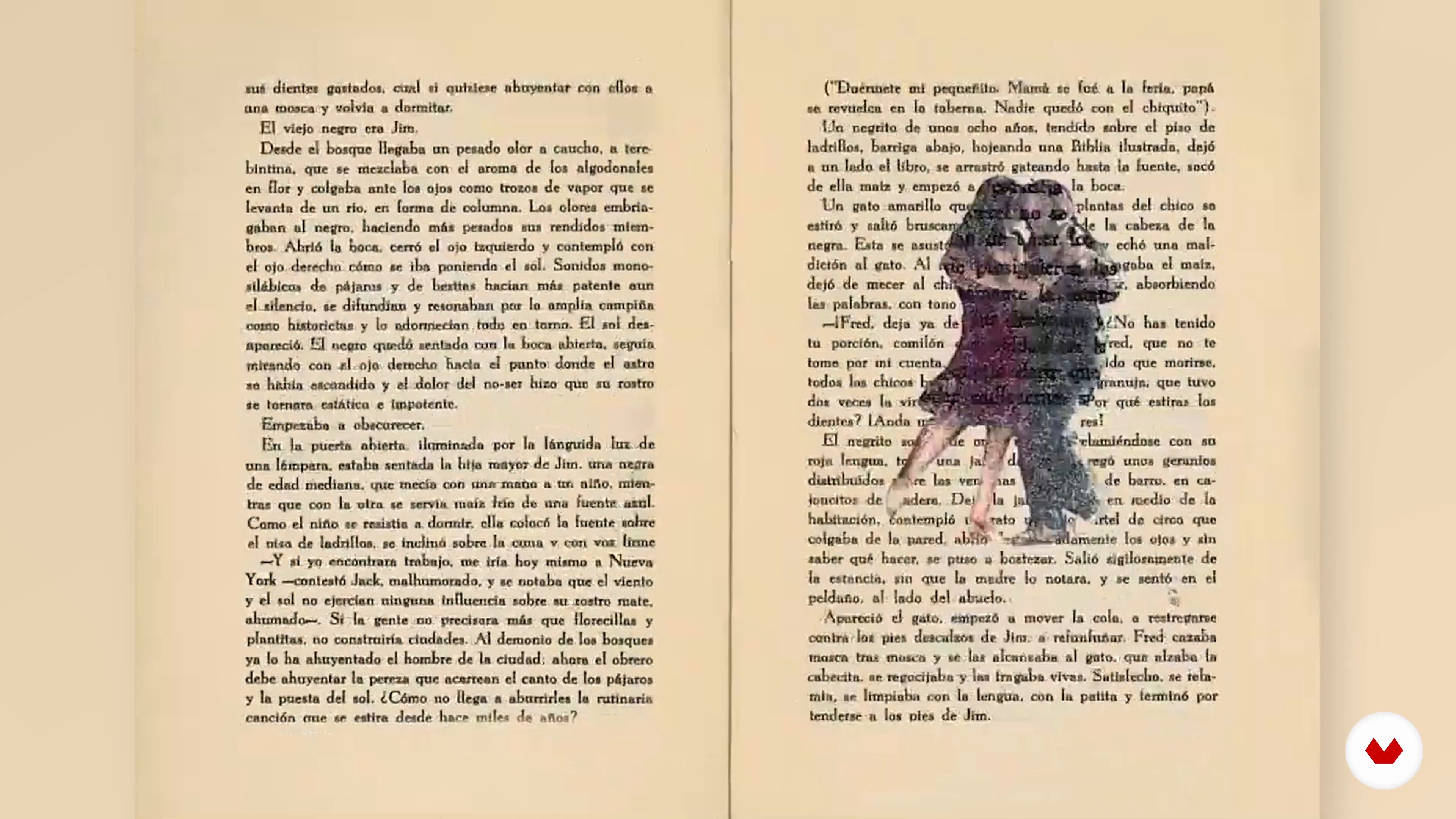
In this lesson, we will explore mixed media through the pictorial intervention of images from photographs, photocopies, and other printed matter.
19m
image
11
Stamp with debris
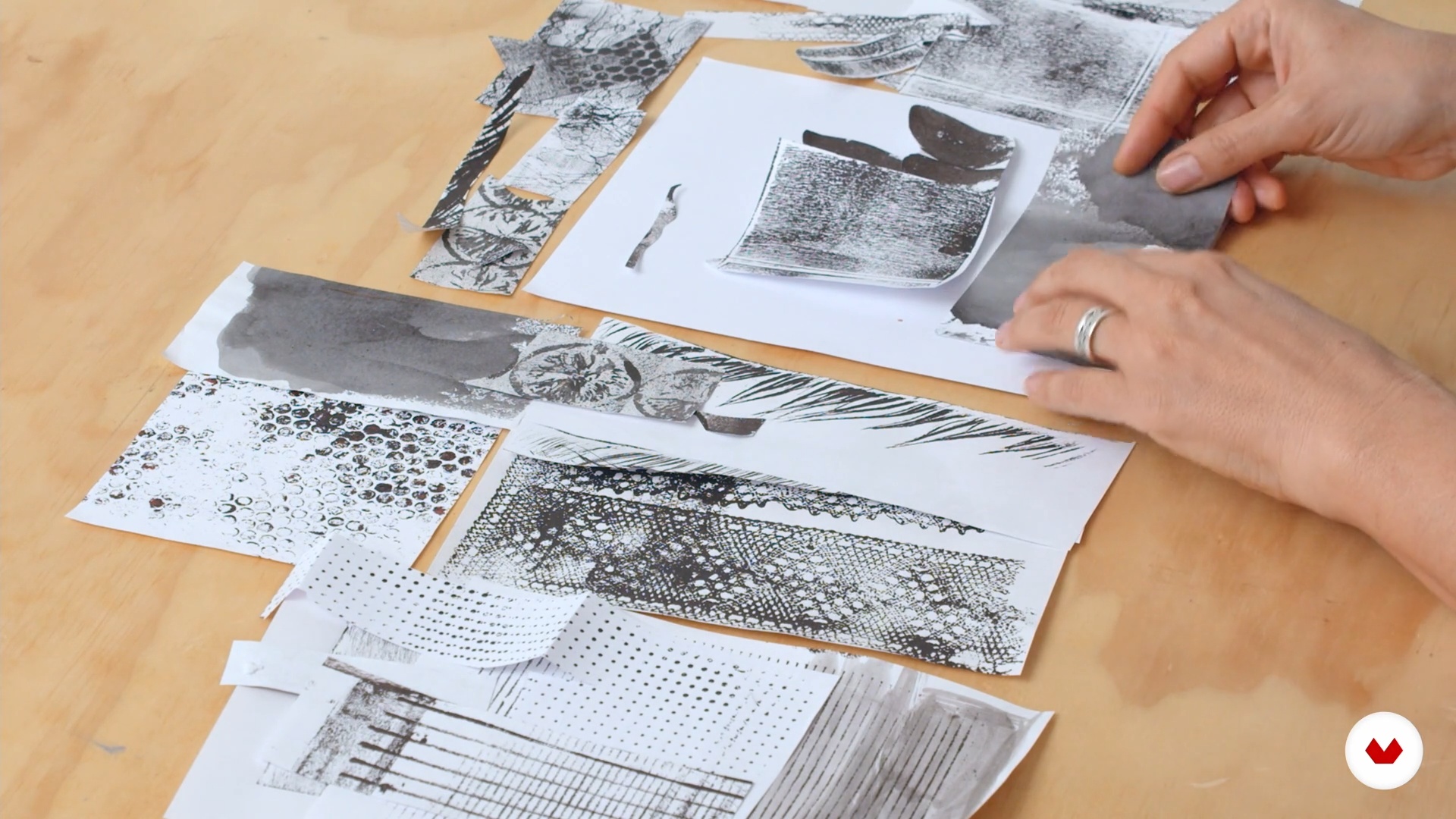
Next, we will introduce ourselves to the practice of stamping, using various objects and natural elements of everyday life. We will look for unexpected shapes and textures that you can apply to your graphic explorations in a variety of ways.
18m
image
12
What if you mix all of the above?
We do not have to restrict ourselves to a single technique. I will show you how you can mix the various materials seen in the previous lessons. You will see that the combinations of resources can give very interesting results!
19m
image
13
Unexpected connections
Mixing written and visual language leads to many creative possibilities. Through games of free association, we will explore original narratives where strangeness, humor and poetry have a guaranteed place.
13m
image
14
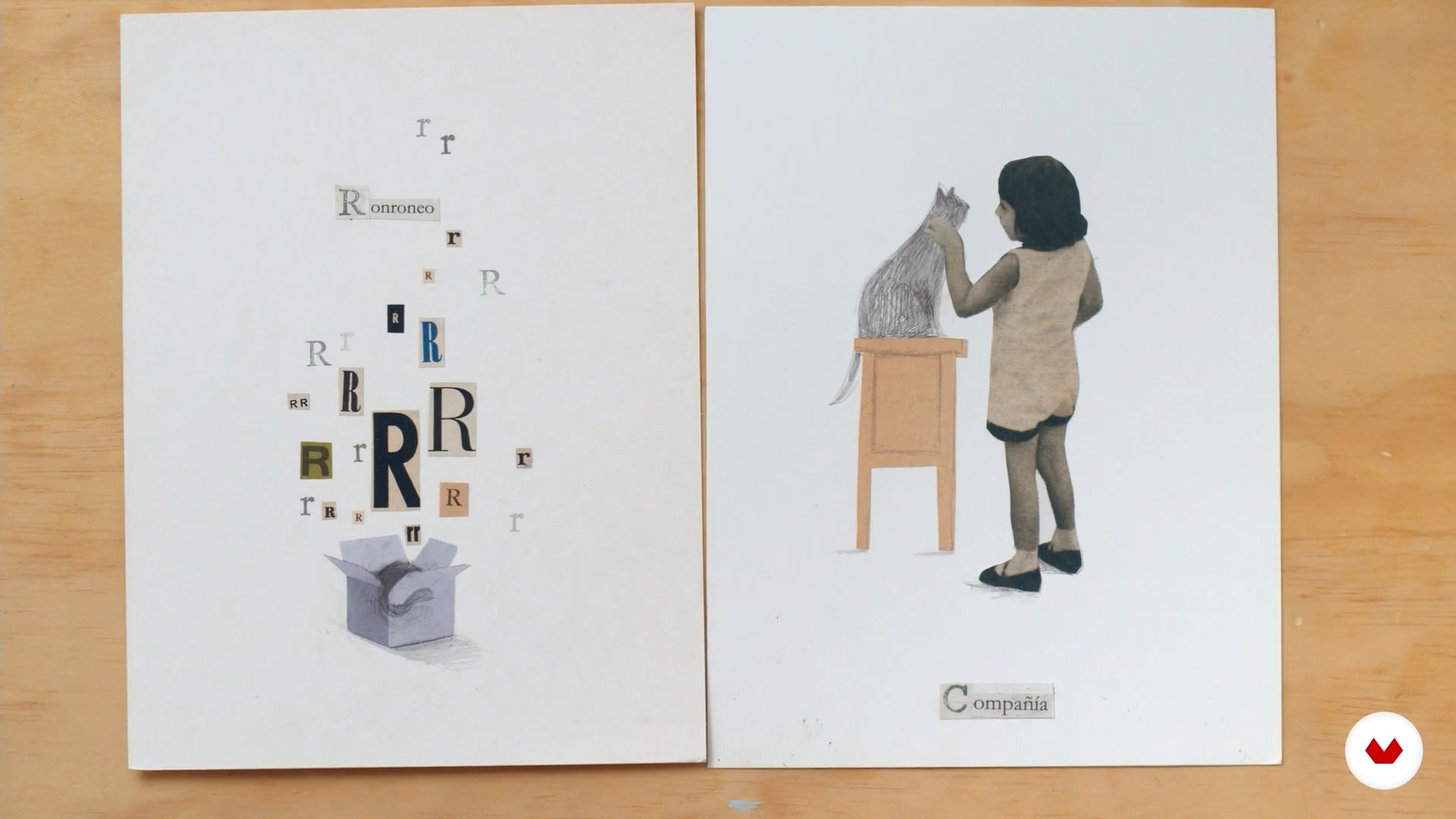
The alphabet, a pretext to create
Next, we will be inspired by meaningful words to interpret them through images. For this purpose, we will use the structure of an Alphabet, a reference work that today has become an interesting creative possibility to tell stories.
14m
image
15
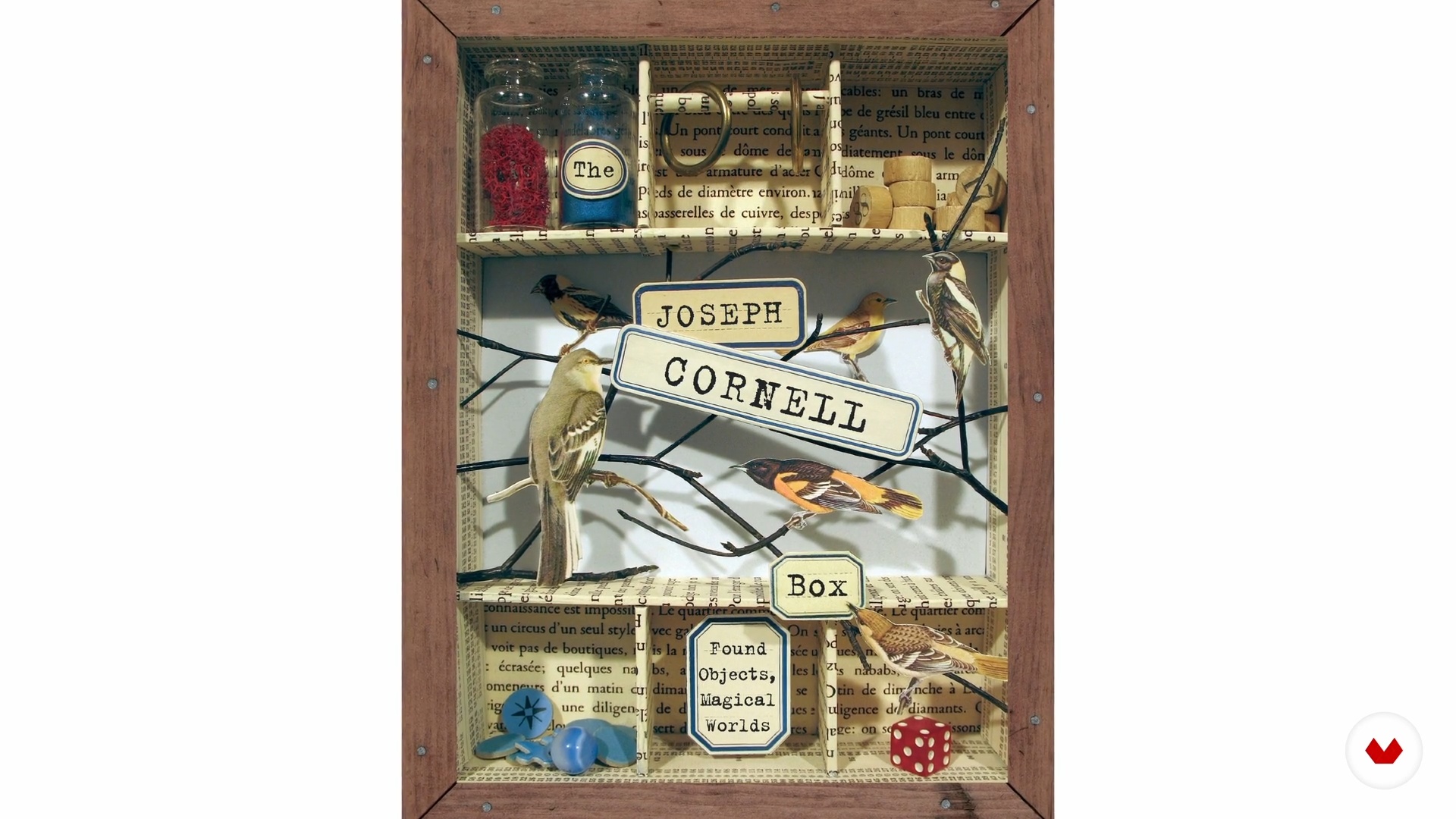
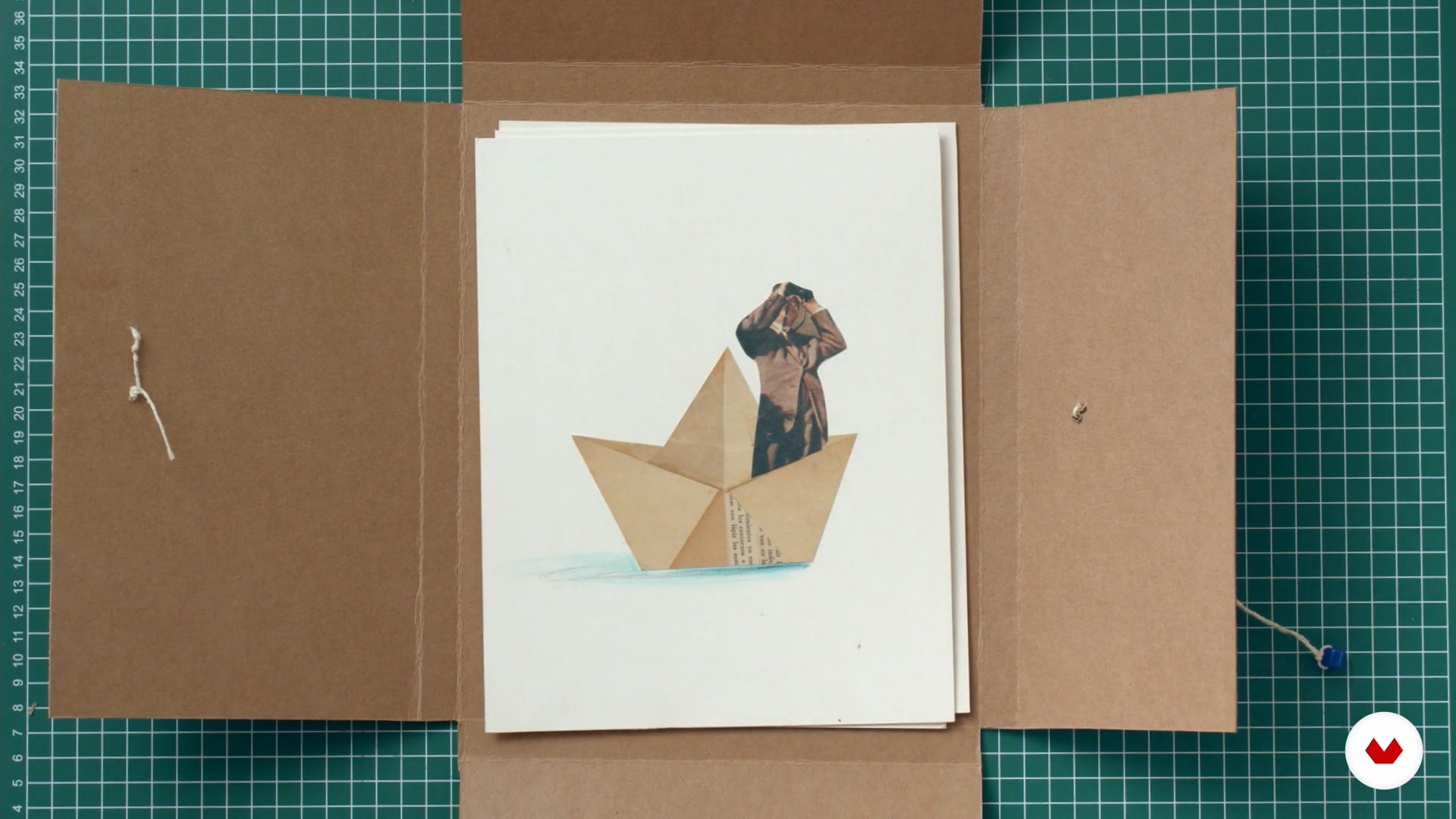
Creational Inventory Container
In this last lesson, you will make the container of the inventory of creative experiences that you have carried out during the course. To complete this process you will only need to define and assemble a container that gathers your inventory and that you will be able to intervene with the techniques seen.
14m
image
3
Dilate the borders
In this lesson I will analyze the concept of "borders" and I will explain how the borders of thought, matter and time nourish our visual language.
12m
image
4
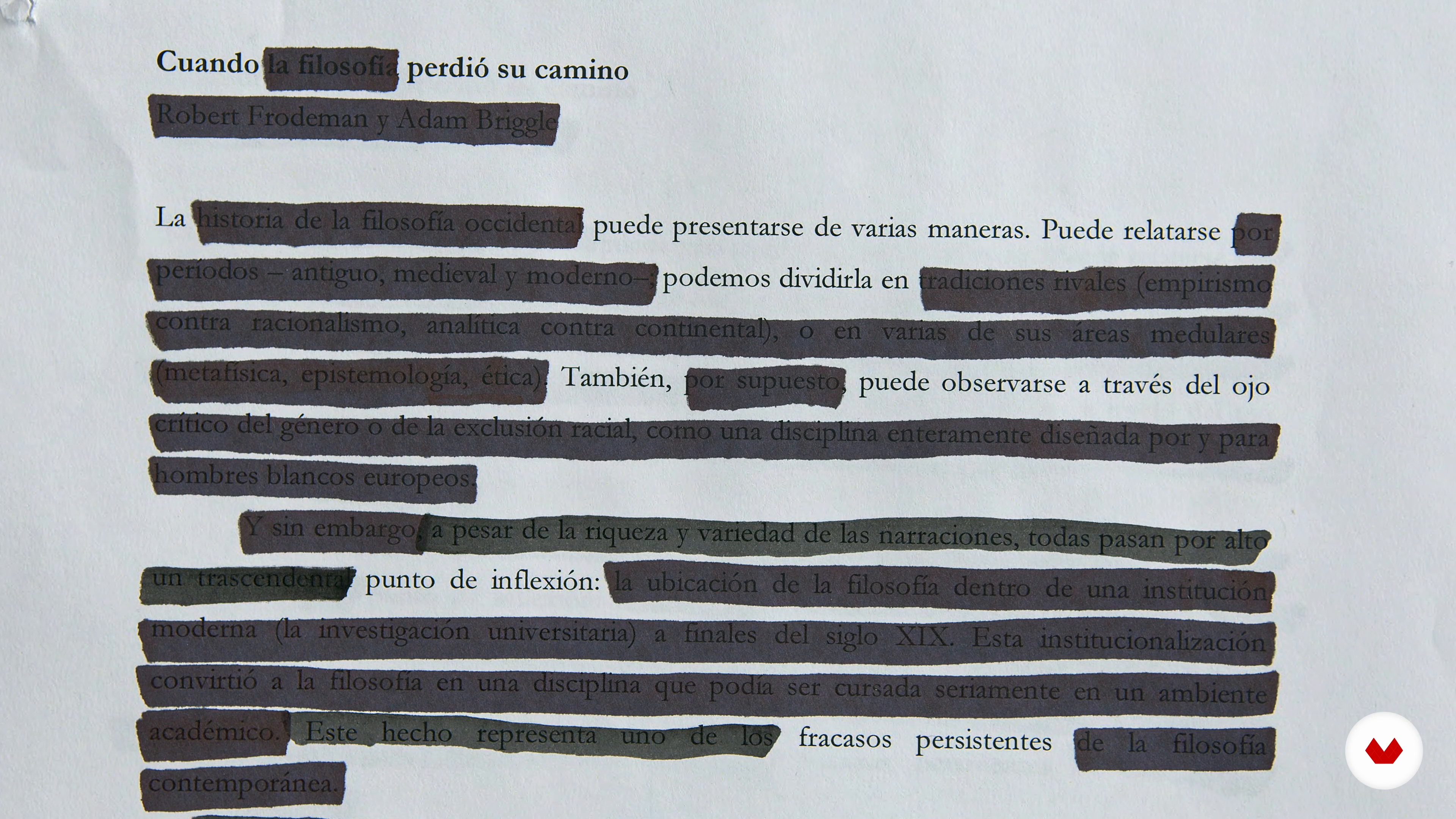
Dissect the text
Now you must select a text with which you are going to work on your course project, whether it is from an editorial commission, a selected text or your own. I'll show you how to approach it to find the main idea.
14m
image
5
Embody the idea
It is time for you to learn how you can appropriate the main idea of the text from your personal experiences and, in this way, generate a link between the author and ourselves.
20m
image
6
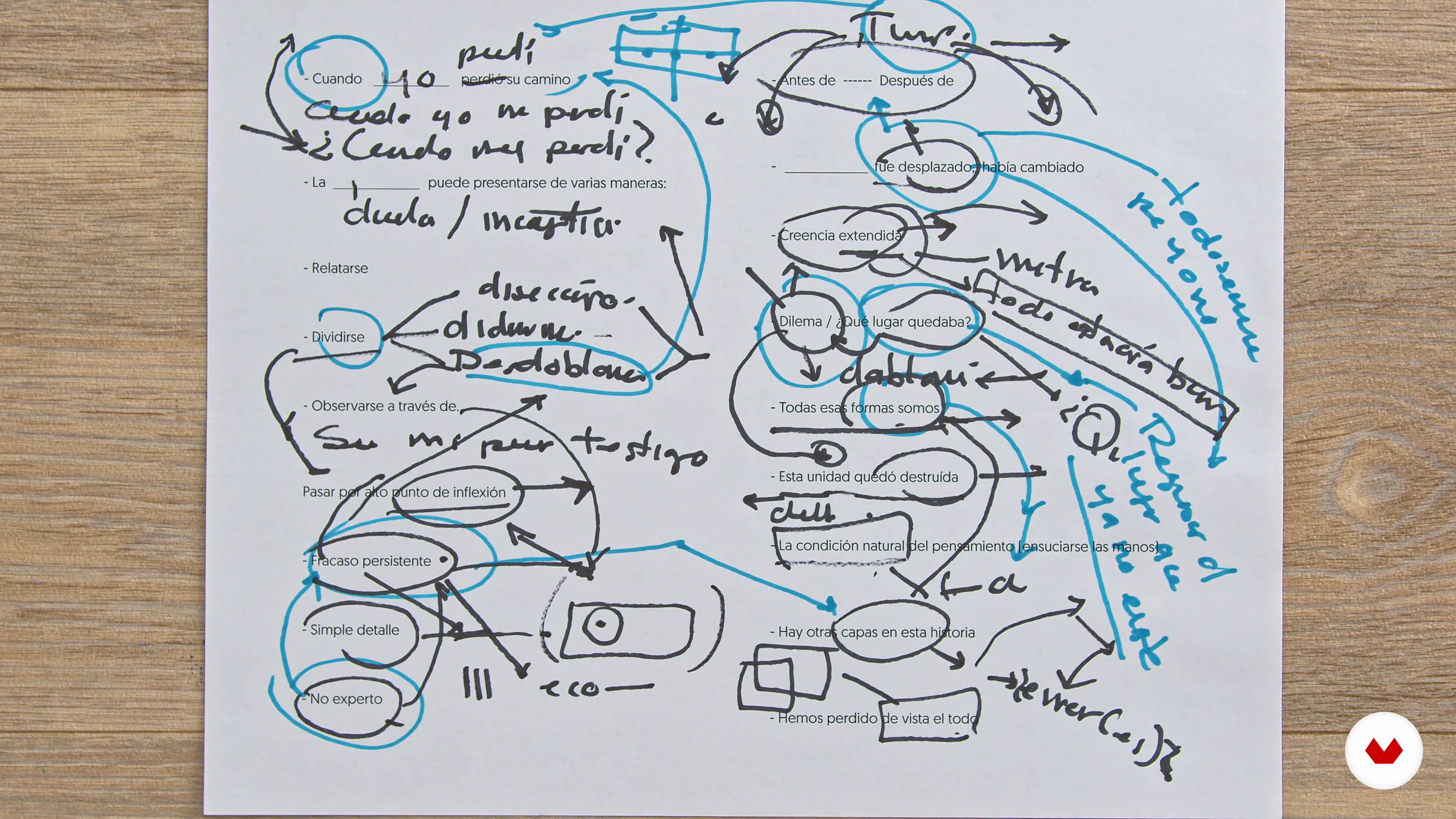
Ruminate the idea
Already with the idea in the abstract, the first step will be to sketch your idea from the words through the use of the verses. For that, I will talk to you about two key concepts: rumination and ambivalence.
13m
image
7
Spin the ideas
You already have your verses built, so now it's time to make way for graphic sketching. For this part of the process, you will use rhetorical figures as your main tool to achieve an interesting game between the image and its meaning.
18m
image
8
The structure of the image
In this lesson I will teach you some laws of visual composition that will help you when composing the image of your course project. They are laws that will be useful for the construction of any graphic piece.
17m
image
9
Resignify the materials
Now I will show you how the materials themselves can become containers of meaning. You can even give new meaning to those that —apparently— have no value.
8m
image
10
Error as an antidote to the artificial 1
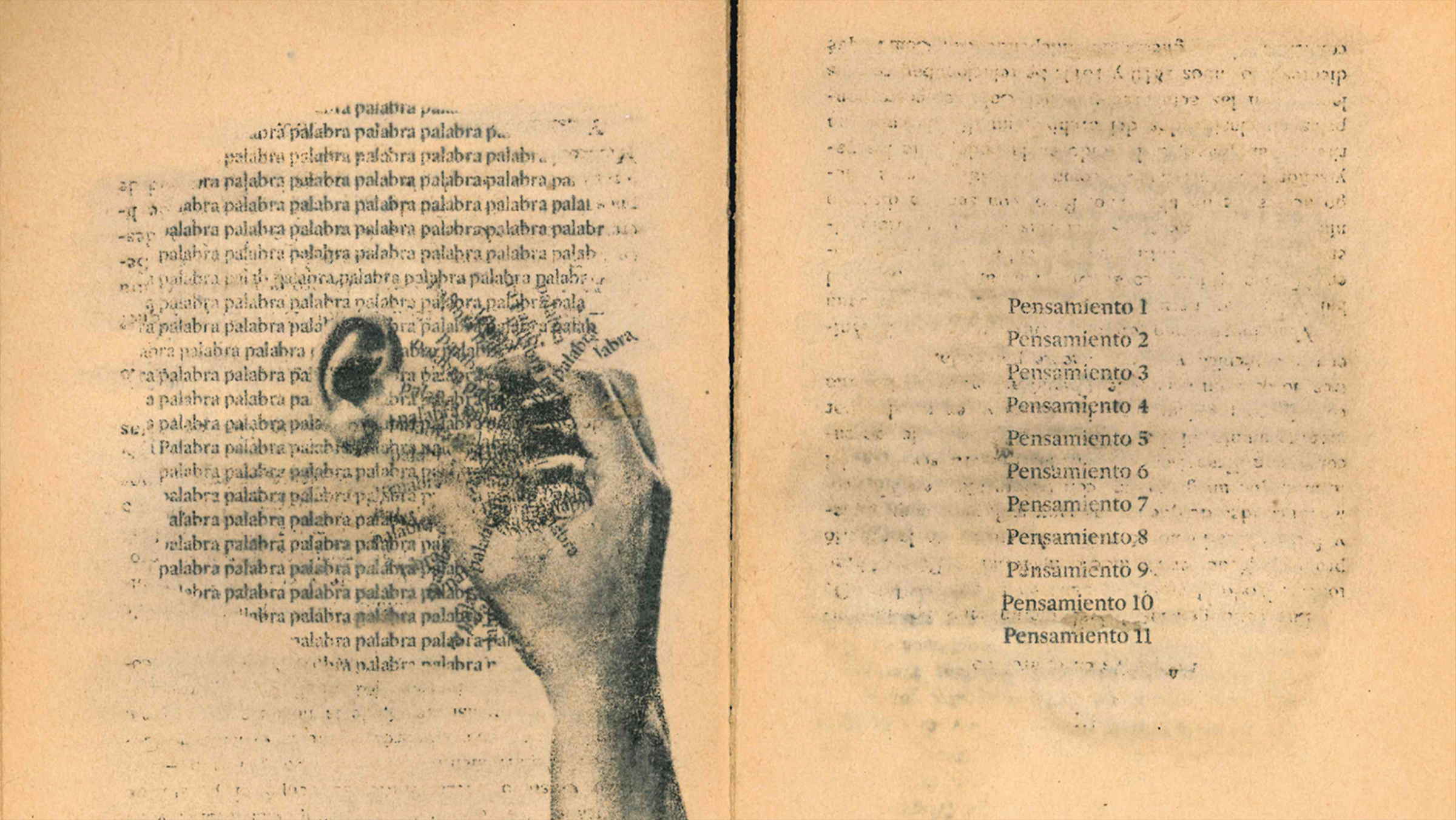
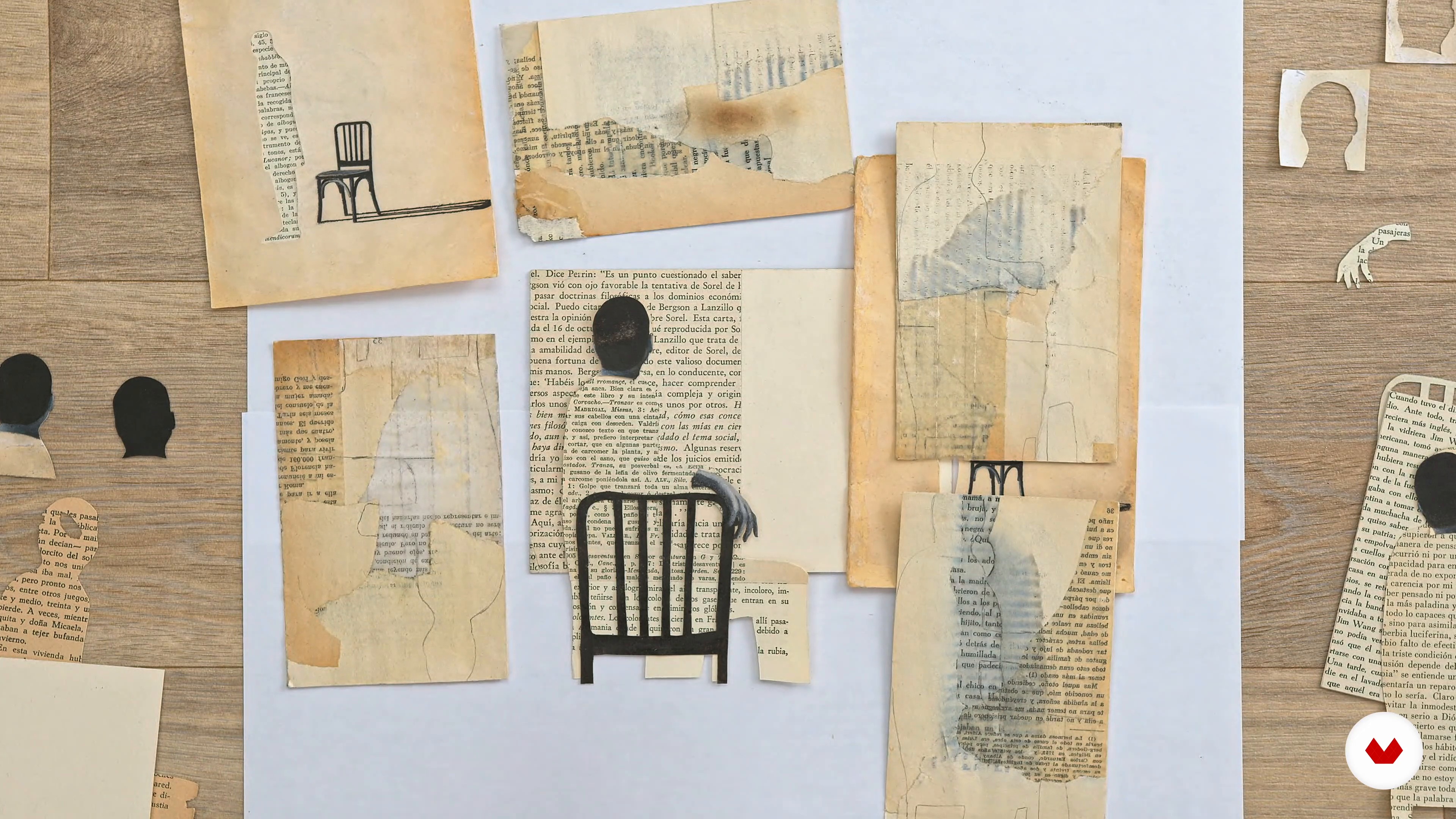
In this lesson, you will see the different ranges of possibilities offered by experimentation with materials. I will show you the techniques I use the most and you will see how the game and the accident are an essential part of the process. First of all, I will show you how to select an old book to work with and take advantage of each of its parts. Then I'll show you how to break it down, remove the ink from the pages, and put it back together with a new meaning.
11m
image
11
Error as an antidote to the artificial 2
The illustration has already become an object that has ceased to be something two-dimensional and has begun to have a body. Within this analogy, I like to consider that the paper takes the function of the "skin". In this lesson, I will teach you how to play with it and I will show you examples using battery paper and its different layers.
10m
image
12
Part planning
In this lesson I will teach you how to plan the development of your piece through the creation of a work script to have better control of the process.
9m
image
13
Construction of the final piece 1
Here you will give way to the realization of your final piece from everything you have learned. At this point, improvisation and "mistakes" will be your allies to find new graphic paths.
15m
image
14
Construction of the final piece 2
I already have the drawings, lines and paint of my elements and I have also made the intervention of the textures and materials. Now it's time to start the composition game and start assembling the pieces.
15m
image
15
End Bracket Assembly
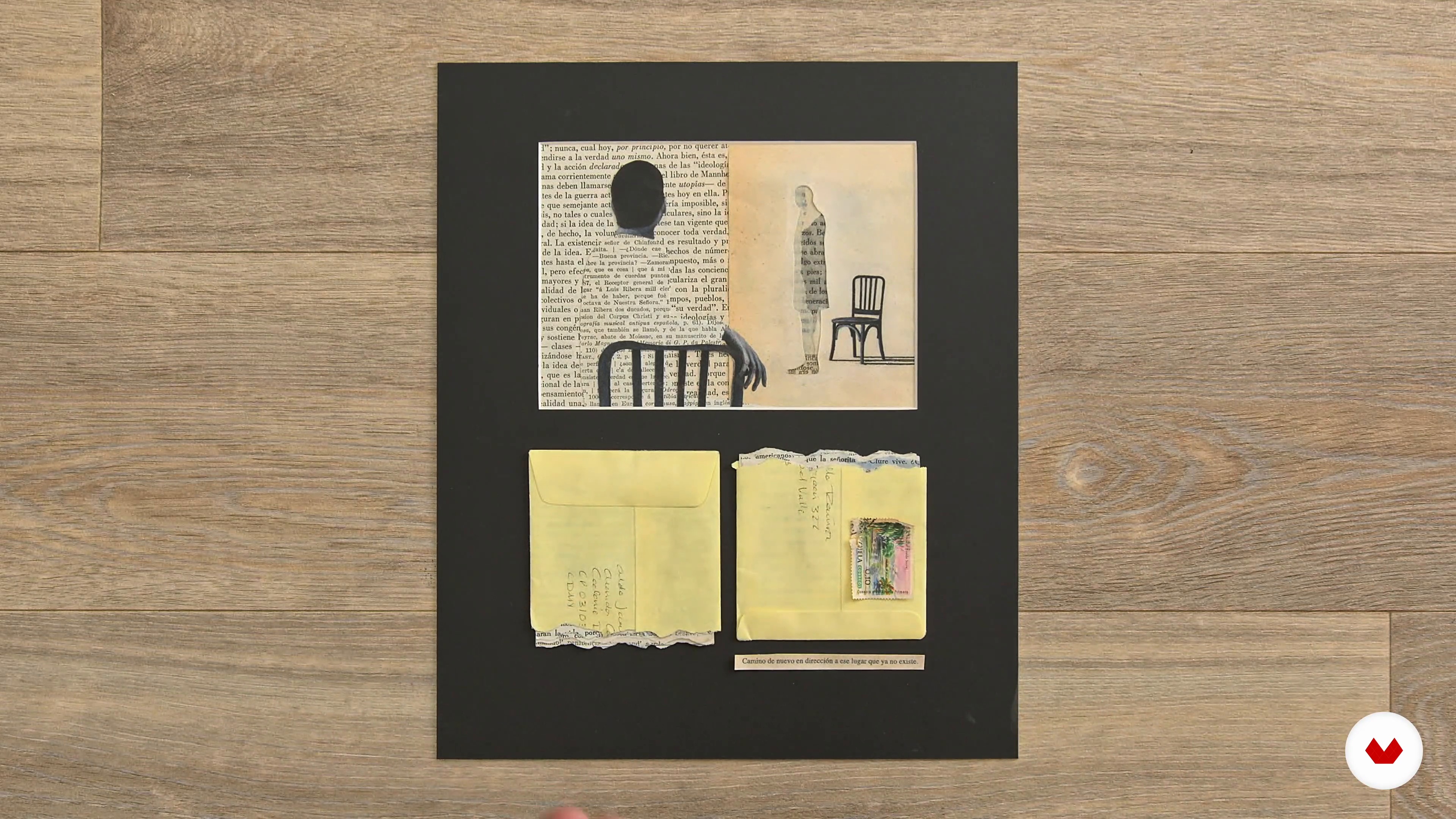
Being a physical piece, your project will need to be mounted on a support that protects it and helps it to be exhibited. In this lesson I will show you different options that can help you when selecting one.
8m
image
4
Atmosphere and point of view
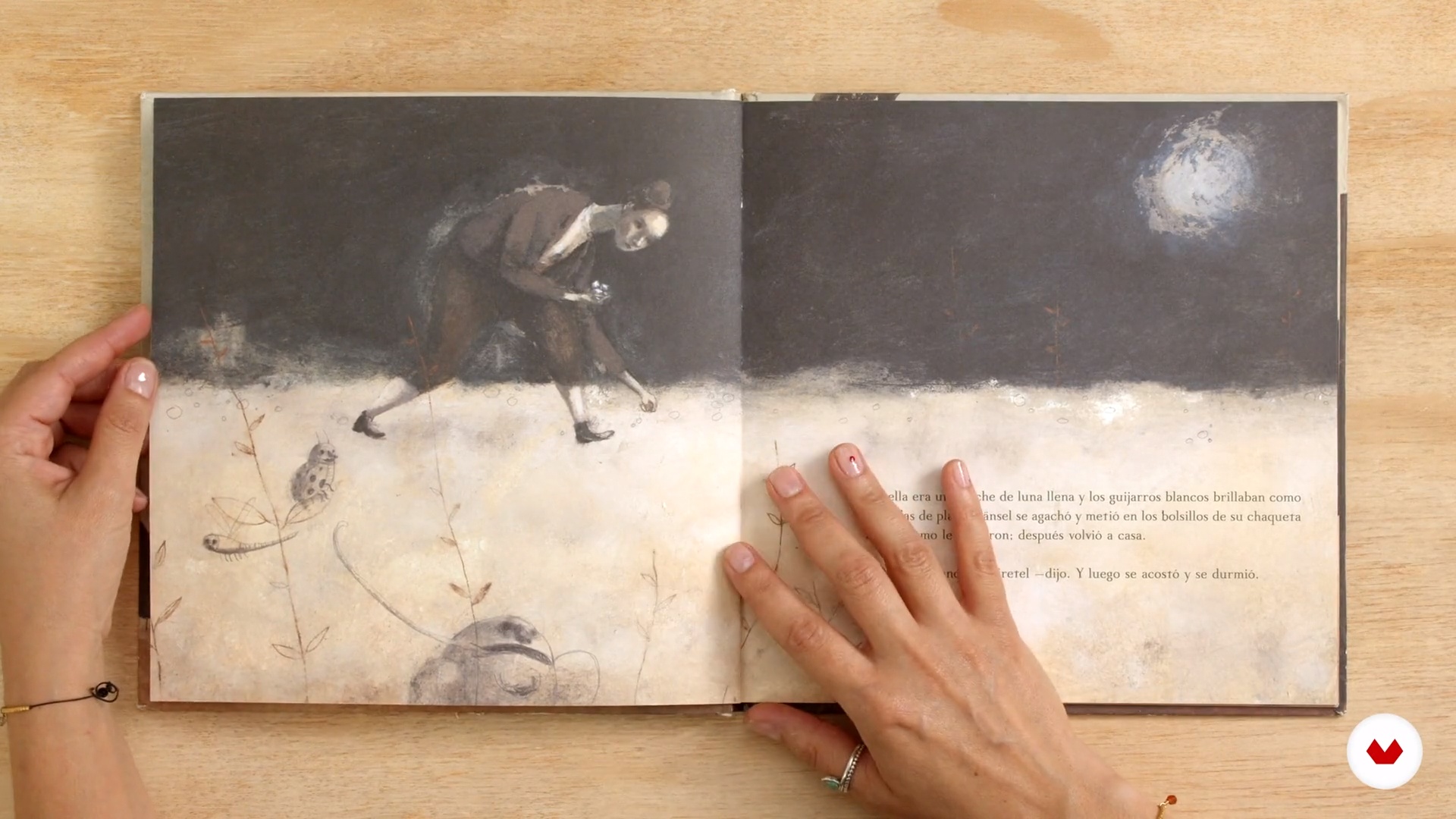
In this lesson, I will explain some tricks to define the atmosphere of an illustrated story. We will analyze some books, from their format, tone, to the point of view with which they were illustrated. With these tips, you will learn how to pave the way and warm up your engines before you start working on your own project.
9m
image
5
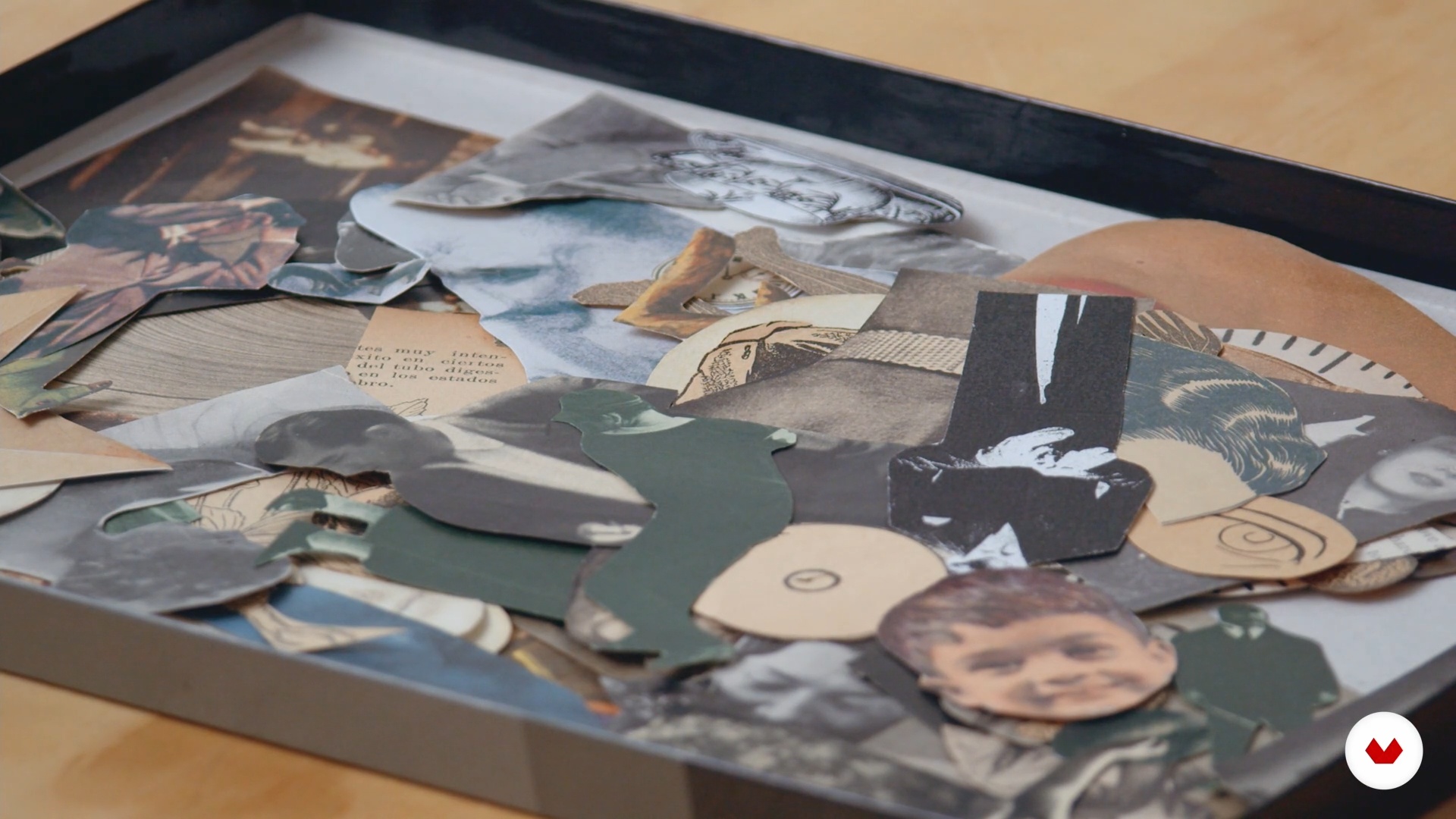
Keywords and mood board
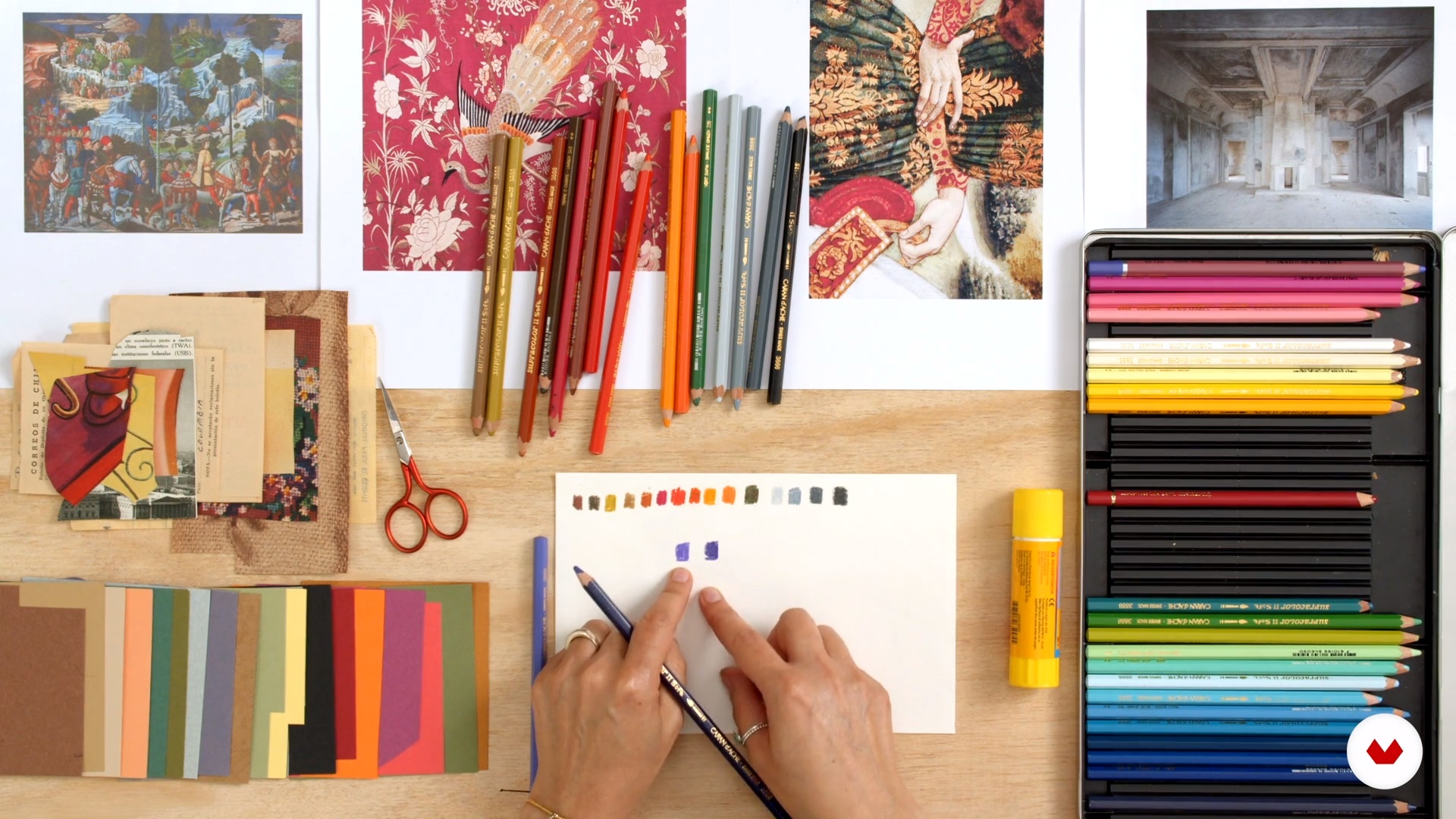
In this lesson, I will show you how to prepare an mood board with inspirational images, using a list of key words to define the atmosphere of the illustrated story.
13m
image
6
materialsM
In this lesson, I will teach you the materials you will need to face the creation of each of the exercises in the final project of this course.
9m
image
7
Color palette
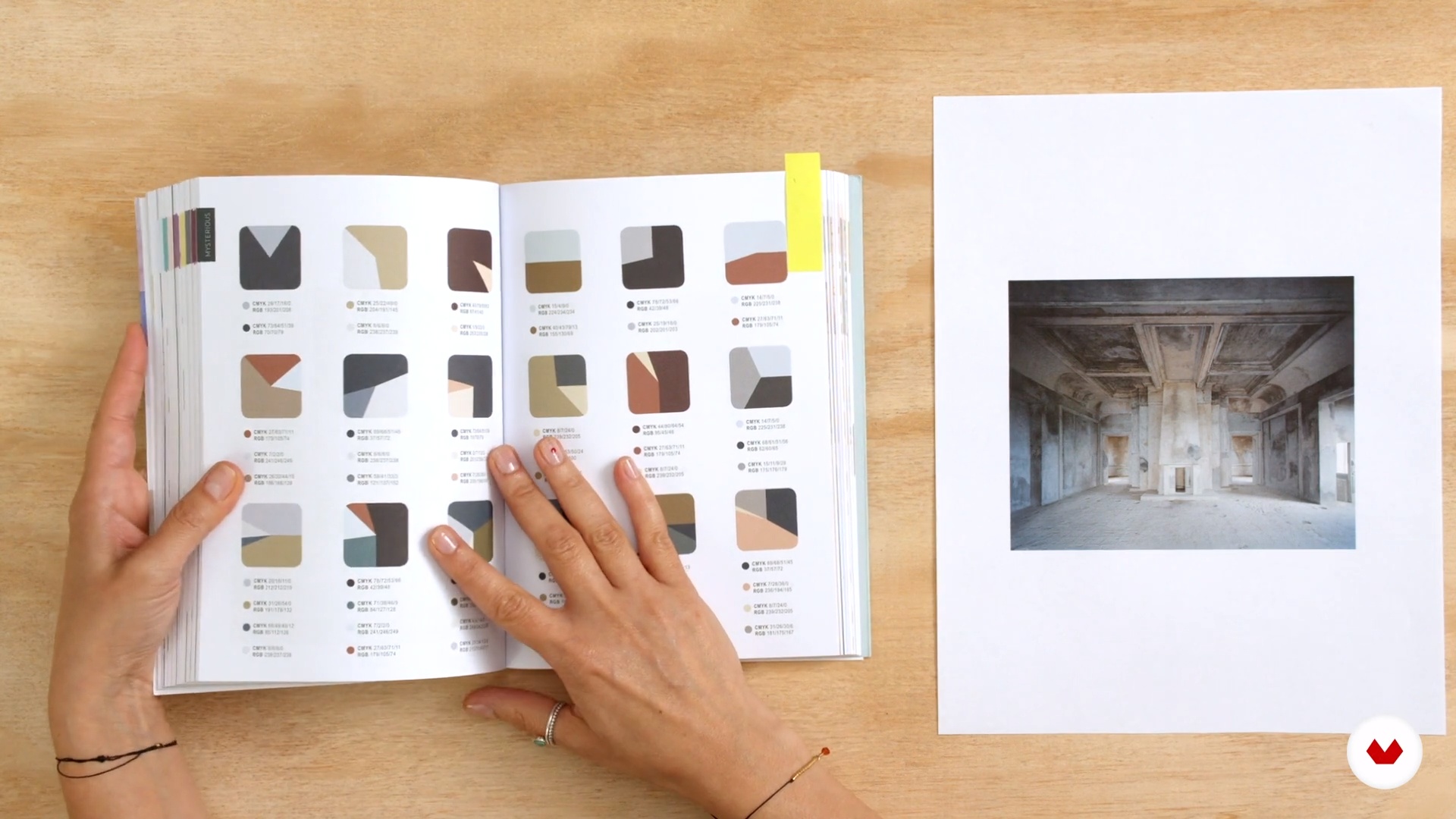
In this lesson, I will show you how to work the atmosphere and the concepts defined above, through a specific color palette. We will review examples of illustrated books and we will analyze the many possibilities that color gives when it comes to illustrating.
13m
image
8
Color palette (part 2)
Second part of the lesson, in which I am showing you how to work the atmosphere and concepts through a specific color palette.
10m
image
9
Characters
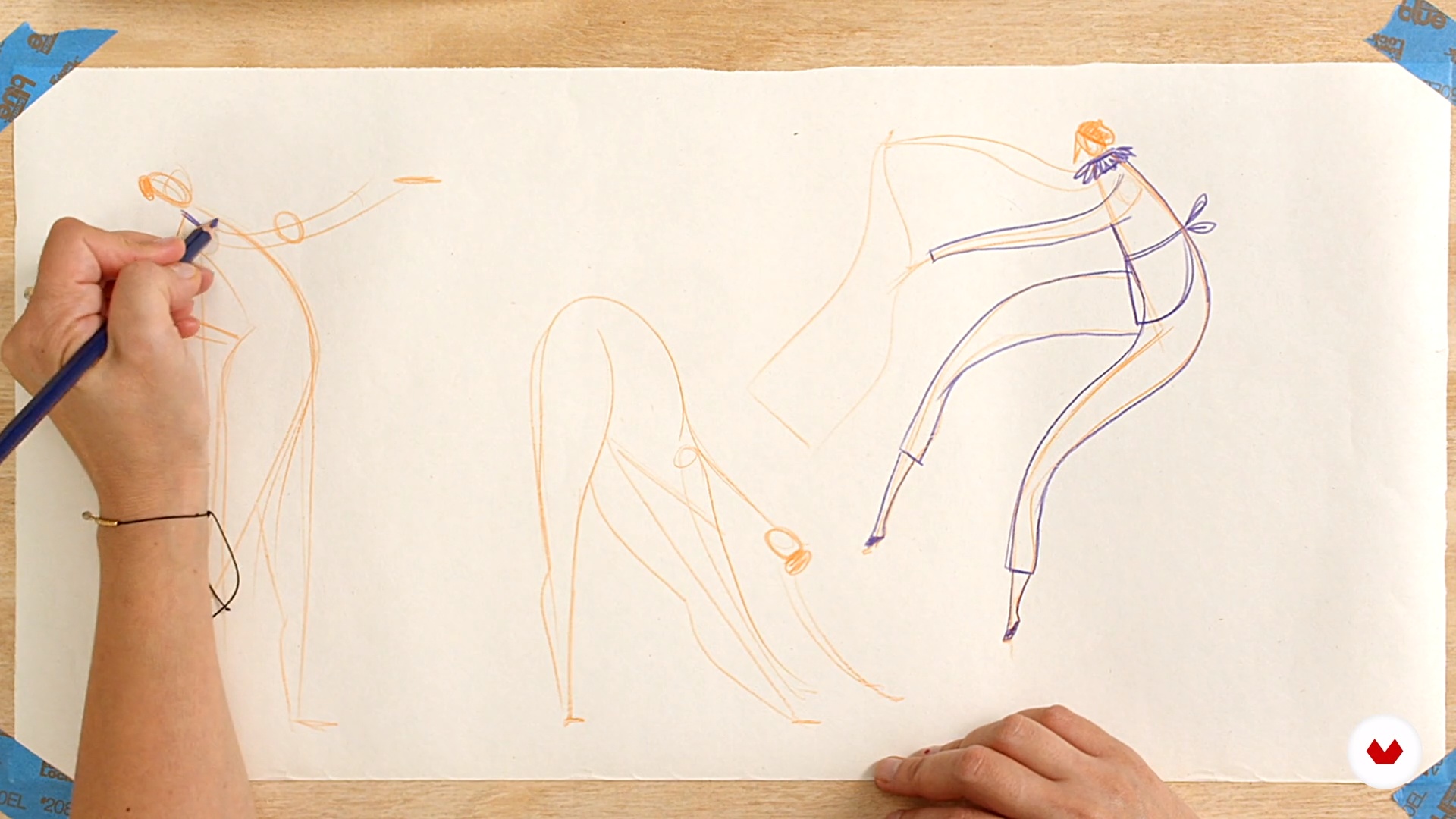
Knowing your characters is vital! And so, in this lesson, I will show you my process to search for references and study emotions, through gestures and movement. Thus we will be defining the characters that will give life to the illustrated story.
14m
image
10
Characters (part 2)
Second part of the lesson, in which I am showing you my process to search for references and study emotions, through gestures and movement.
8m
image
11
Composition
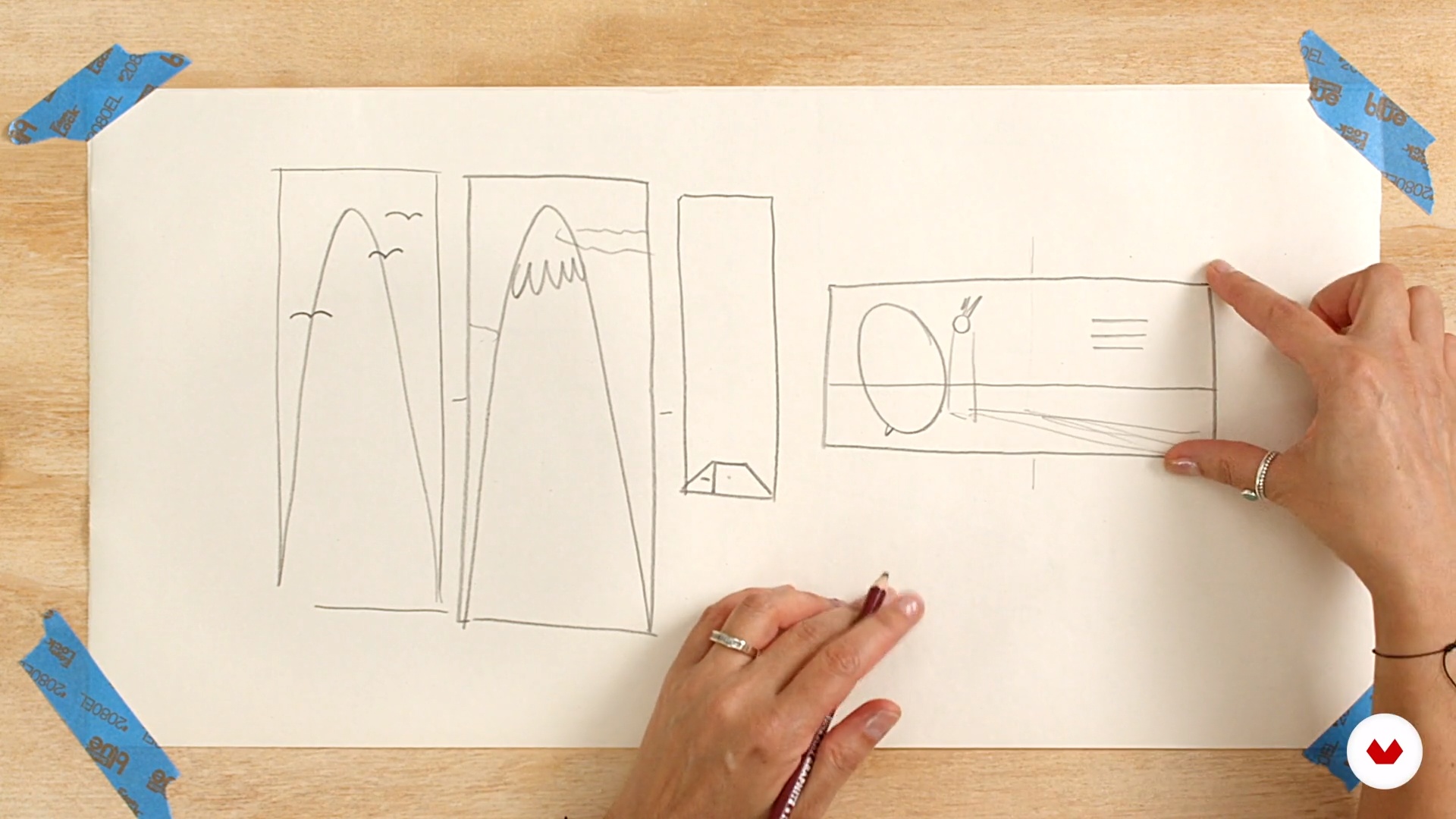
In this lesson, I will show you different ways to compose your illustrations, taking into account different concepts, such as weight, focal point and values. In addition, we will see the main considerations to take into account when defining the space for the text in the illustrated story.
13m
image
12
Projecting
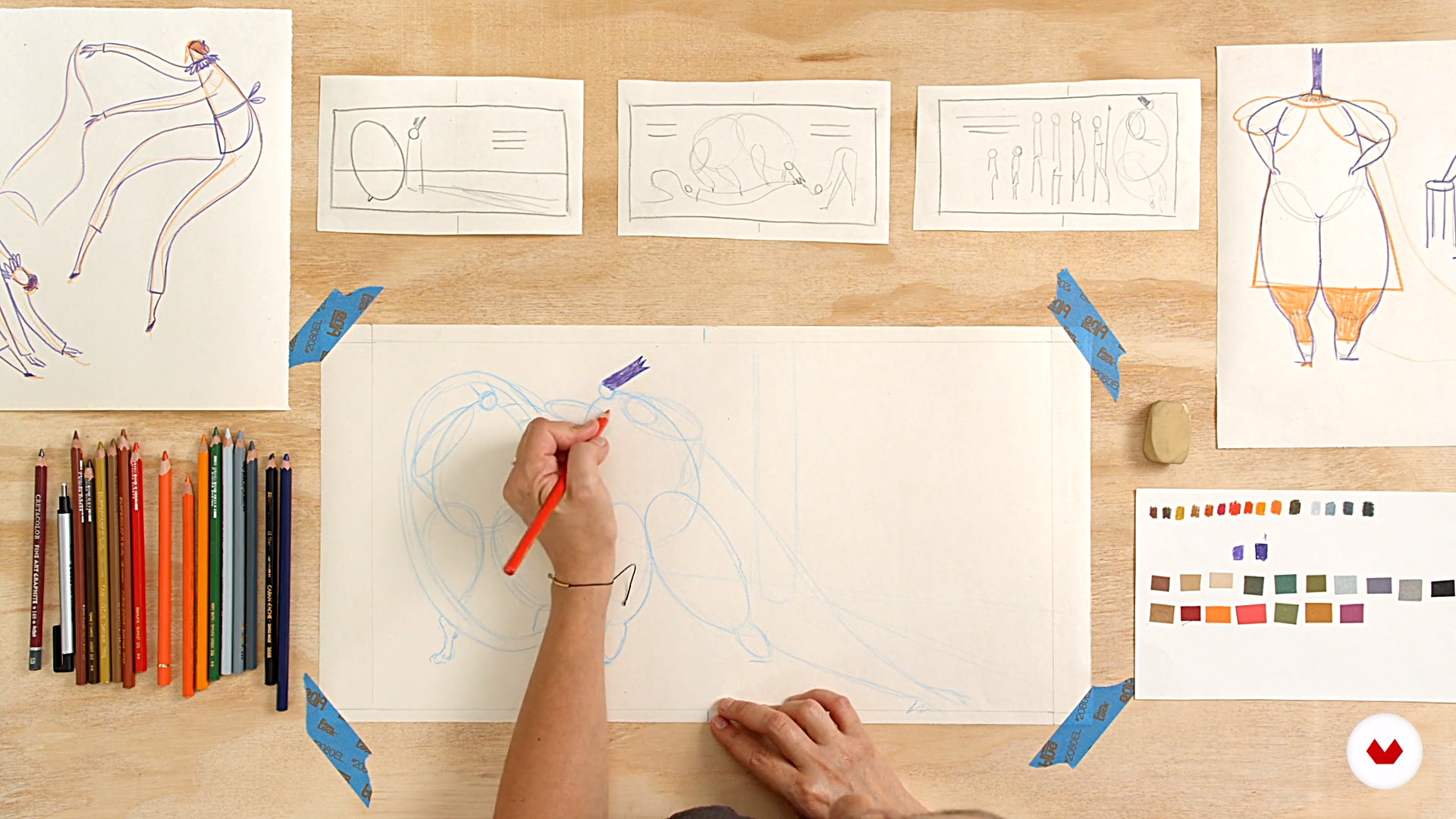
It is time for us to work on our sketches! In this lesson, I will teach you how to draw your final sketches, that is, to "project"; integrating your characters, color and composition in the illustrated book scene.
13m
image
13
Projecting (part 2)
Second part of the lesson, in which I am teaching you to draw your final sketches, that is, to "project".
12m
image
14
Watercolor and polychromes
In this lesson, I will teach you how to mix a wet and a dry technique. The two work very well together and are great for creating backgrounds and characters. I will show you how to paint a color base with watercolor, and when the pigment is dry, to work different values and textures.
16m
image
15
Watercolor and polychromes (part 2)
Second part of this lesson, in which I am teaching you how to mix a wet and a dry technique, to create backgrounds and characters; besides seeing how to paint a color base with watercolor and to work on different values and textures.
16m
image
16
Colored and graphite papers
In this lesson, we will work on another scene from the illustrated story and teach you how to use paper as a color block and create volume, adding textures of light and shadow with graphite pencil.
16m
image
17
Colored and graphite papers (part 2)
Second part of the lesson, in which we are working on another scene from the illustrated story, learning to use paper as a color block and create volume, and adding light and shadow textures with graphite pencil.
12m
image
18
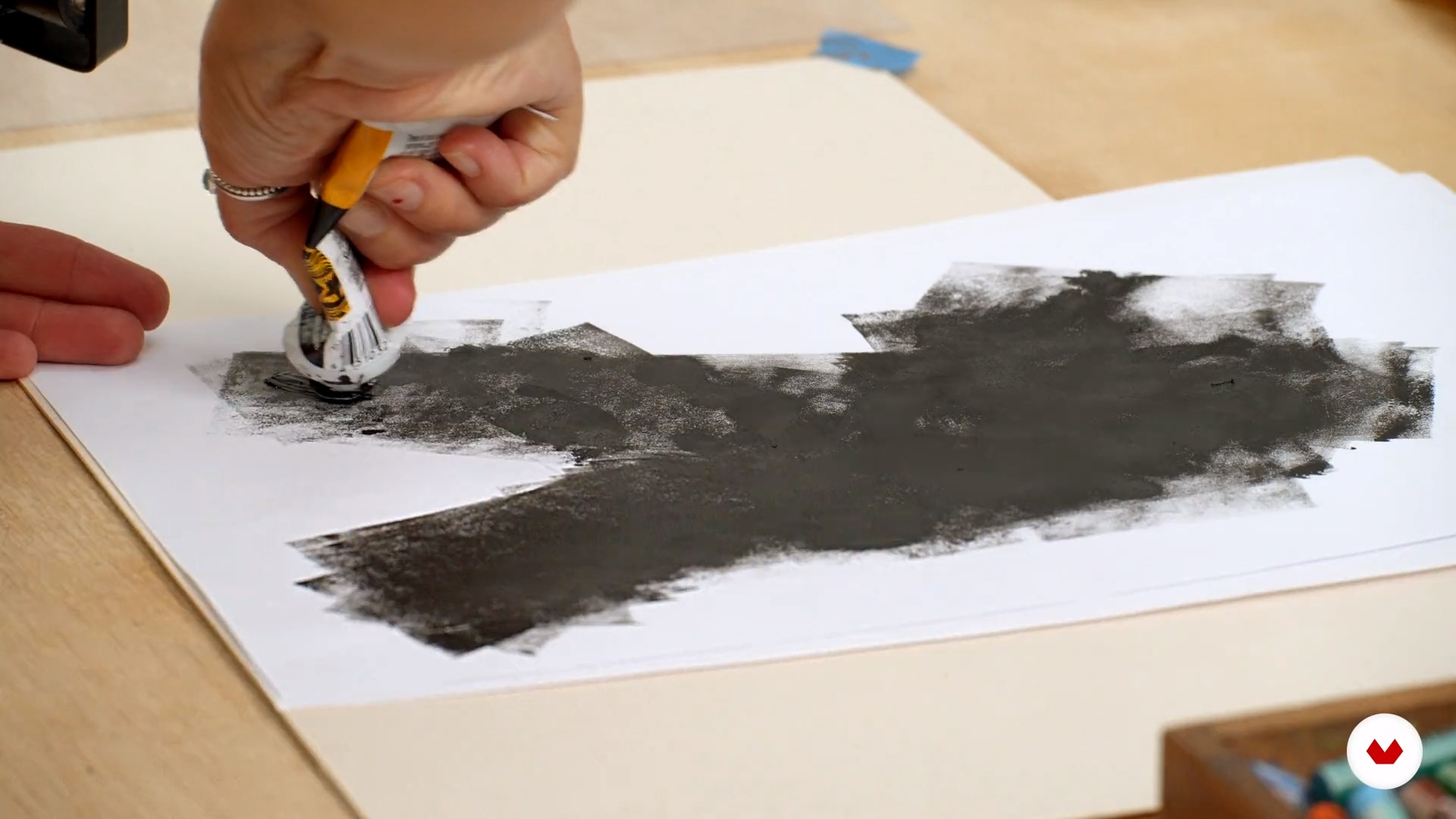
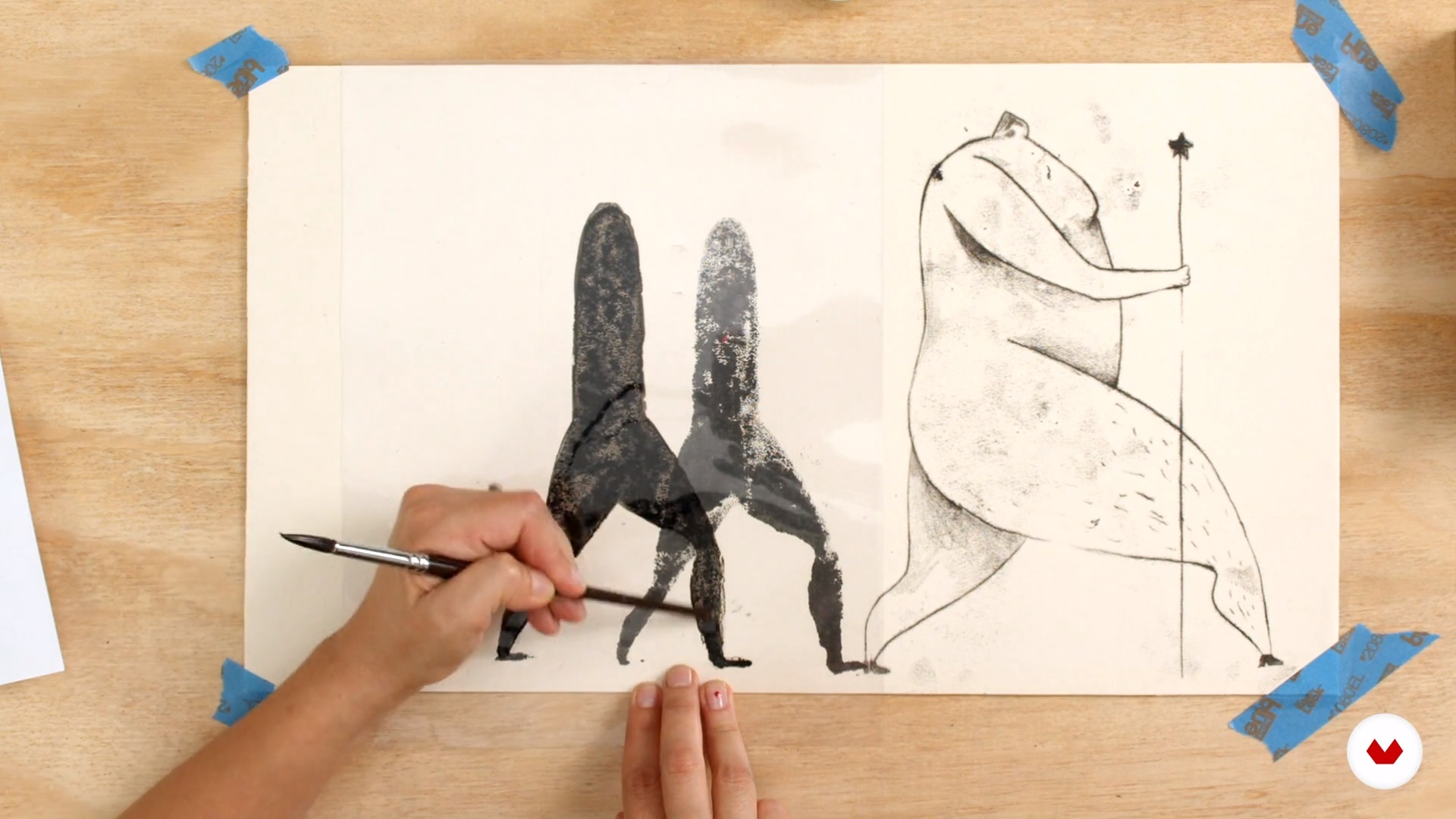
Ink and pastel monocopy
In this lesson we will work on the third illustration, and I will show you how to approach a technique that will allow us to explore the pictorial and expressive possibilities of printing.
13m
image
19
Ink and pastel monocopy (part 2)
Second part of the lesson, in which we are working on the third illustration, and showing you how to approach a technique that will allow you to explore the pictorial and expressive possibilities of printing.
16m
image
20
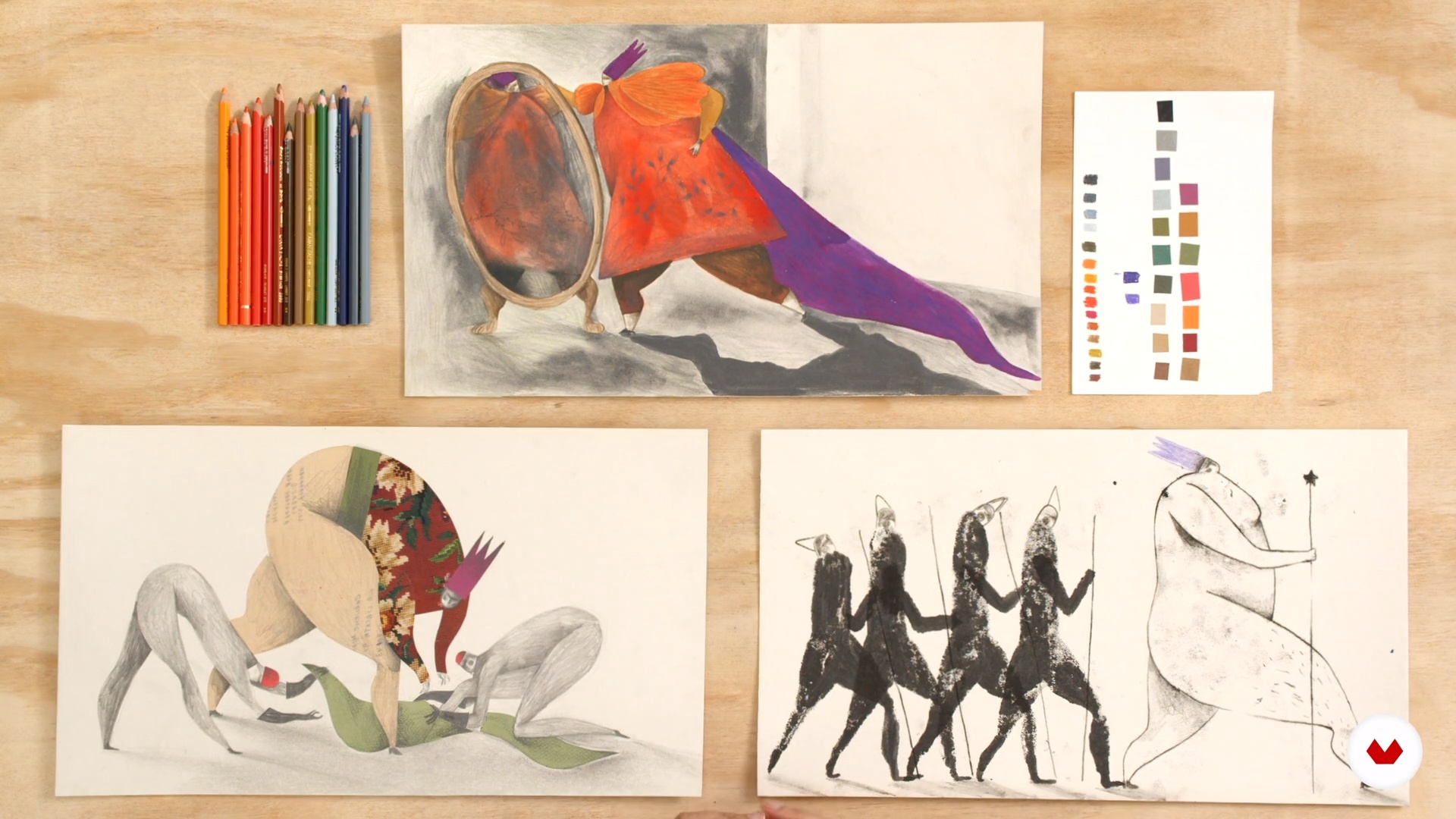
Voila!
In this lesson I will show you the three finished illustrations, and we will analyze all the elements that compose them. We will see if they dialogue between them, and if they are consistent with the atmosphere and the color palette of the story that we defined at the beginning.
7m
image
4
Key aspects of the text and primary ideas in drawing
You will see how your personal reading of the text at the beginning will be key in the graphic universe that you are going to develop for your illustration. What aspects of the text speak to you in a more personal way? You will begin to quickly lower those ideas to a visual plane with simple and quick drawings.
4m
image
5
Documentation: The references
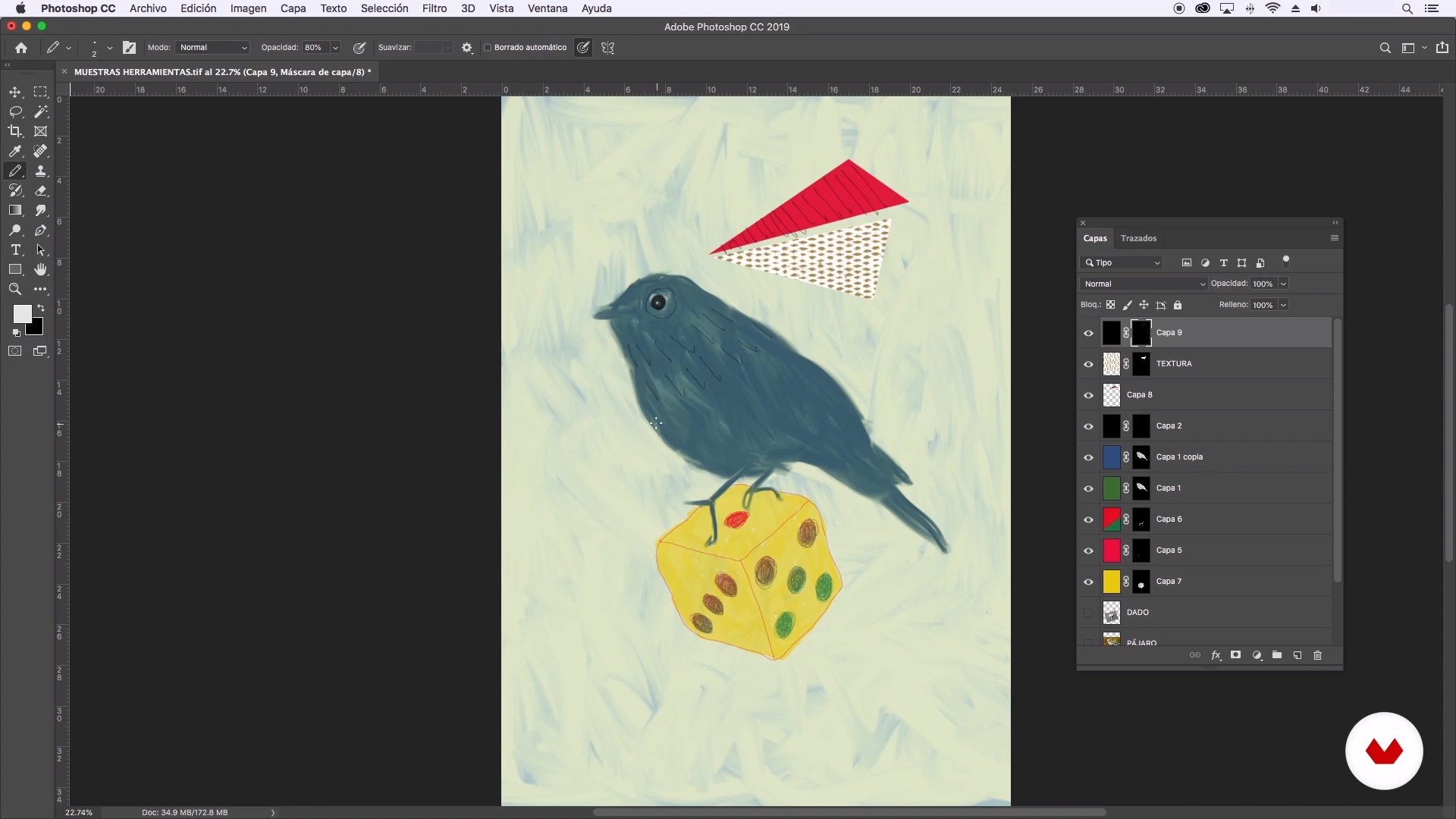
I will tell you about the importance and usefulness of observing and having references that begin to suggest ways to approach your project. You will look for graphic references from which you can borrow certain aspects to configure the personal identity of your illustration.
4m
image
6
Sketching
I will talk about the importance of the sketching process to clarify and find the image that will be your final illustration. Using different papers and the initial scratches, you will refine the image until you have a clean sketch on which to start drawing.
4m
image
7
Pencil and paper
I will show you the use of some materials, especially pencil and paper. You will test pencils of different hardnesses on some papers, in addition, I will tell you about their characteristics and appropriate ways to use them for each purpose within the drawing.
5m
image
8
Paper
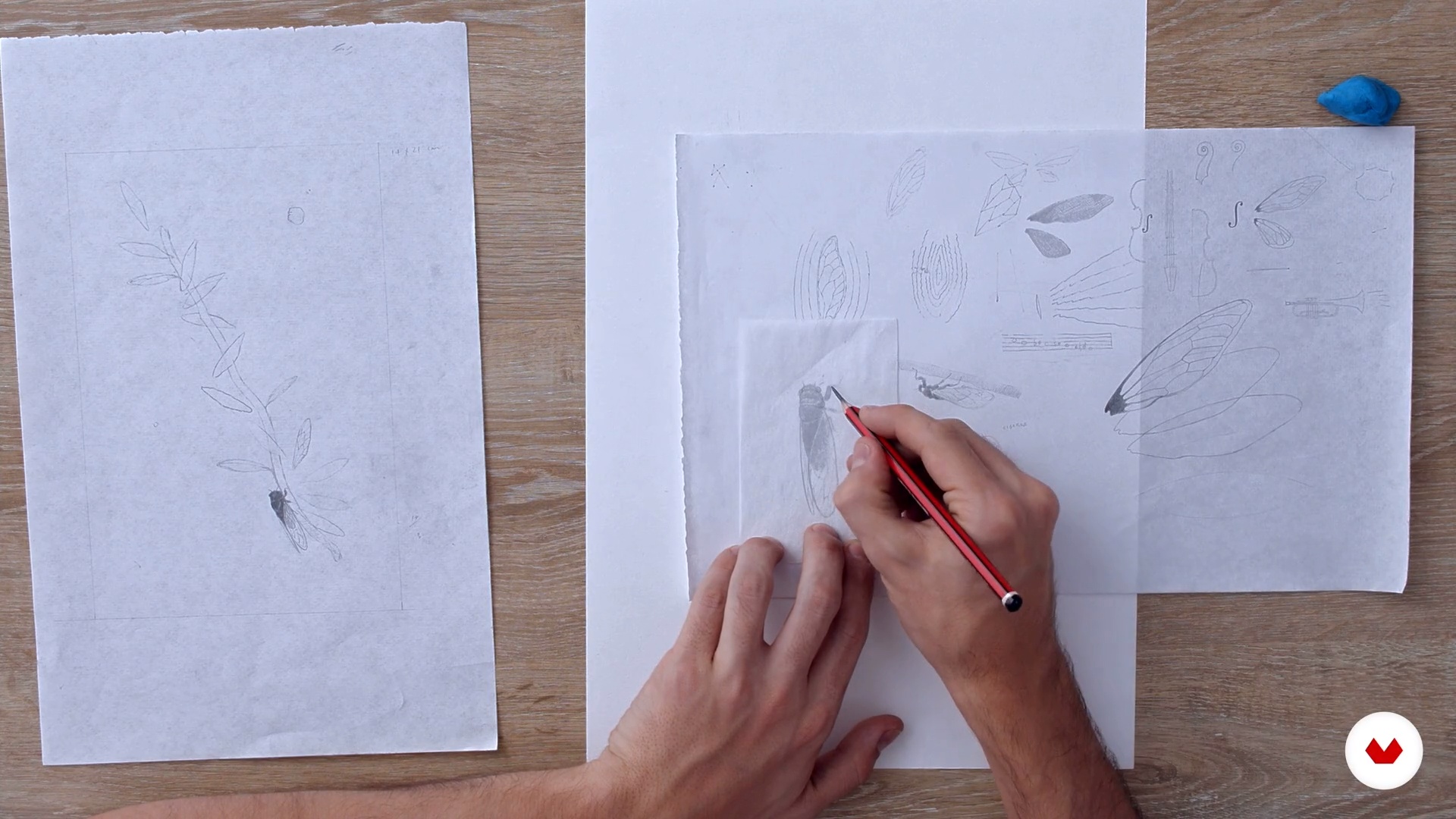
You will learn how to transfer the sketches to the final paper, using a light table, a window or tracing paper. In addition, I will show you how to support yourself with techniques such as transfer. According to the sketches you made previously and the elements they contain, you will think of the best way to finish the illustrations: Should you draw everything together? Or maybe the characters, backgrounds and other elements separately and then digitally put them together?
8m
image
9
Drawing
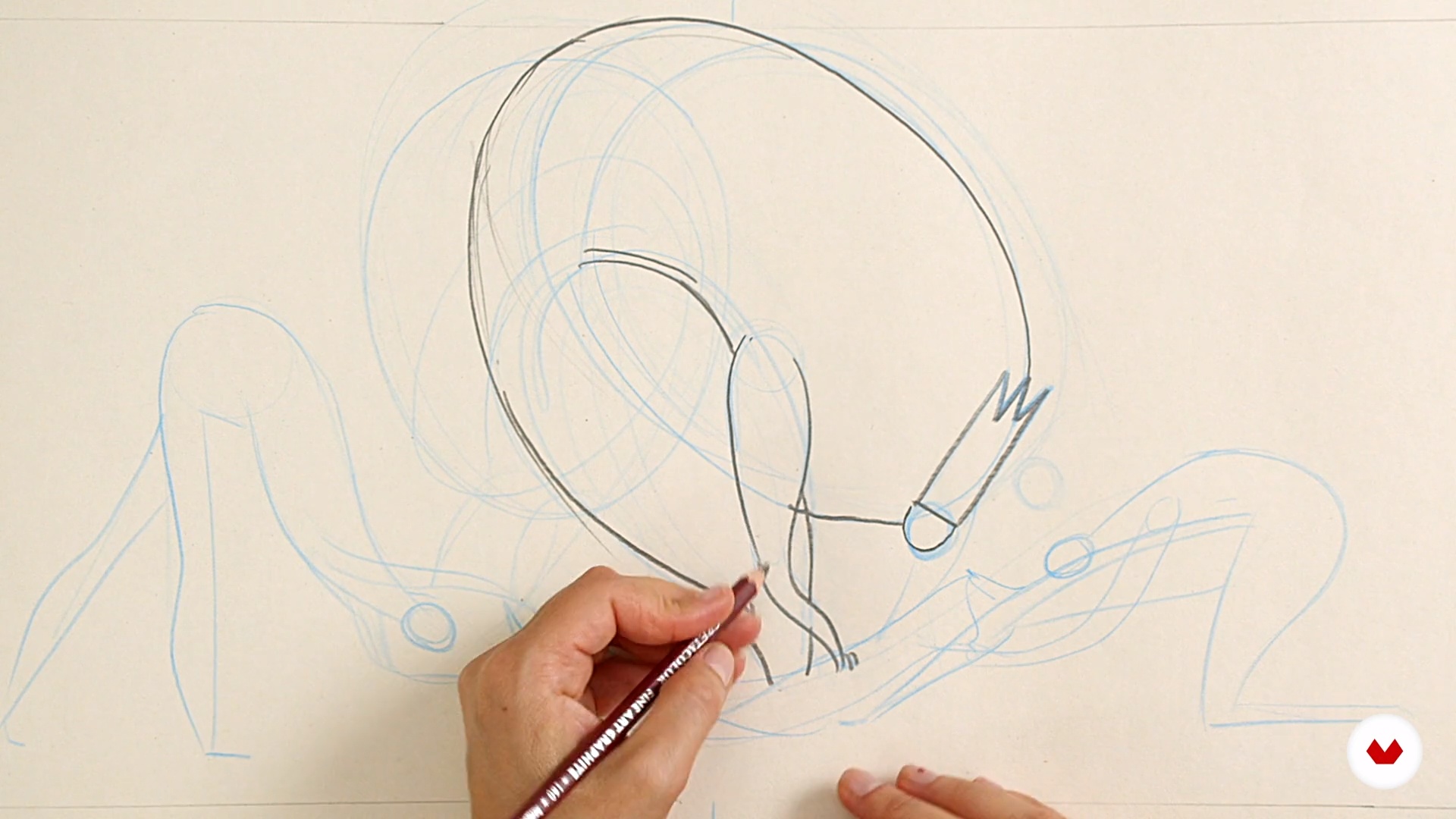
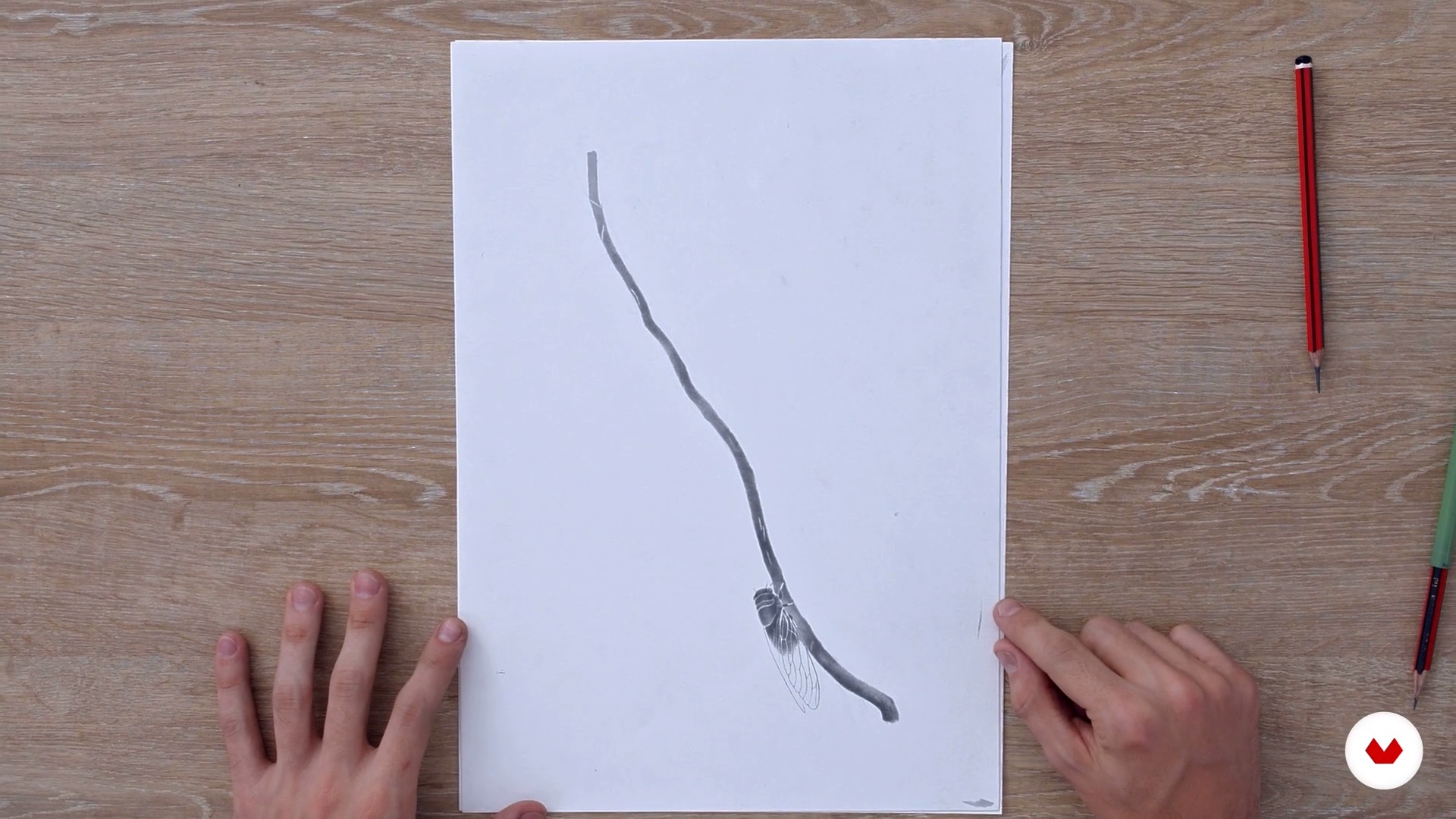
You will make the first strokes or skeleton of the final drawing using a hard pencil, you will also use the type cleaner to polish and shape that first sketch of the drawing. As you finish the drawing, you will see how to use pencils of different hardnesses, going from the hardest to the softest to generate different values, lights and shadows. I'll explain how to use the Type Cleaner to subtly polish certain edges, illuminate, and create textures. I will also teach you other uses and ways to apply graphite.
7m
image
10
Collage
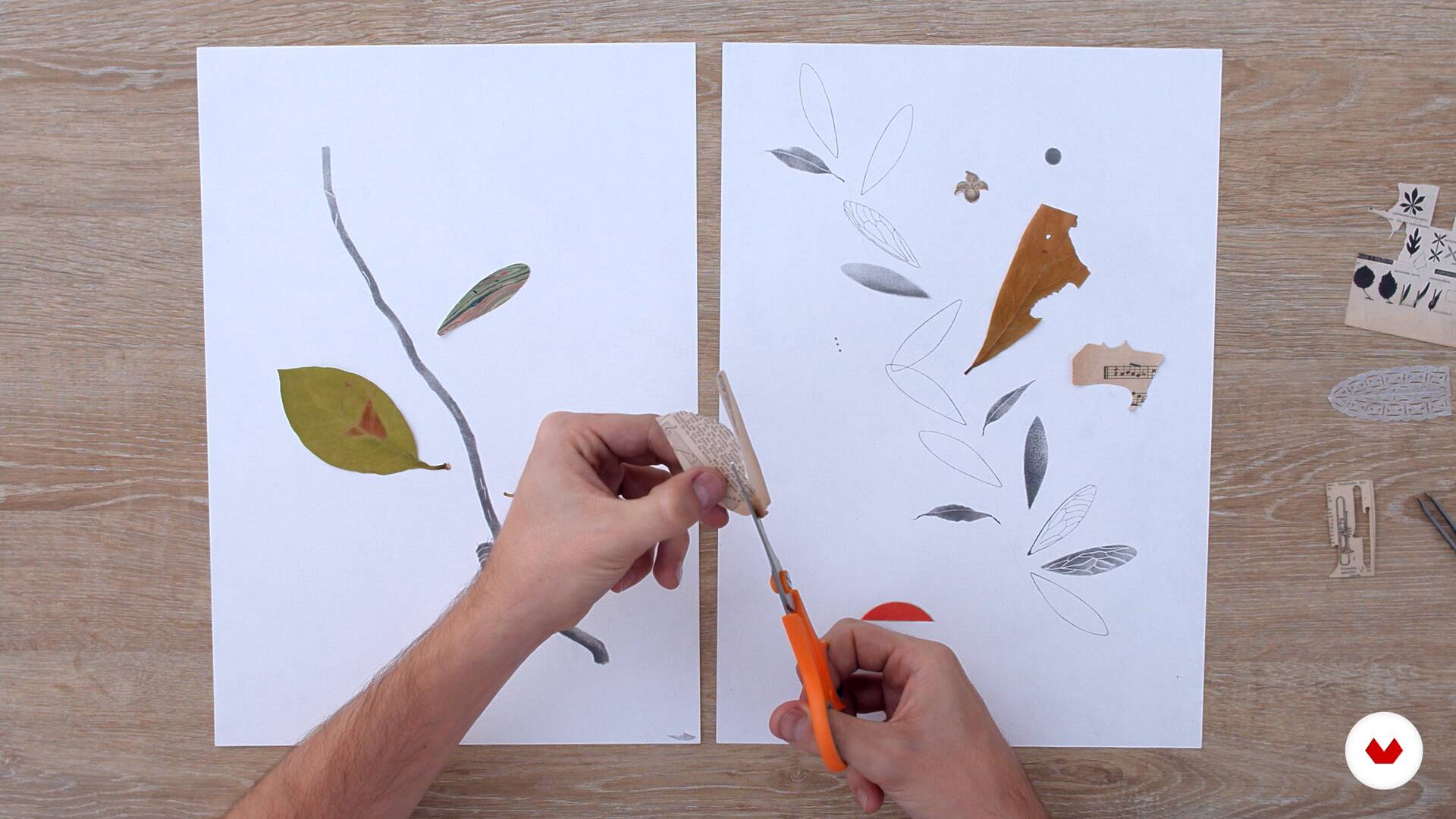
The elements that you were cutting out can go around the table and your drawing throughout the process, so you can see how they talk with each other and with what you are drawing. The collage brings new graphic elements and other natures, they surprise us and bring nuances and unforeseen readings to what you want to tell. You will learn how to search through the printed material that you save as images and graphic elements that you feel can converse with the universe that you are proposing. You will unfold them on the paper and begin to play with them: contrast them, superimpose them, cut them, and so on.
4m
image
11
Digitization and completion
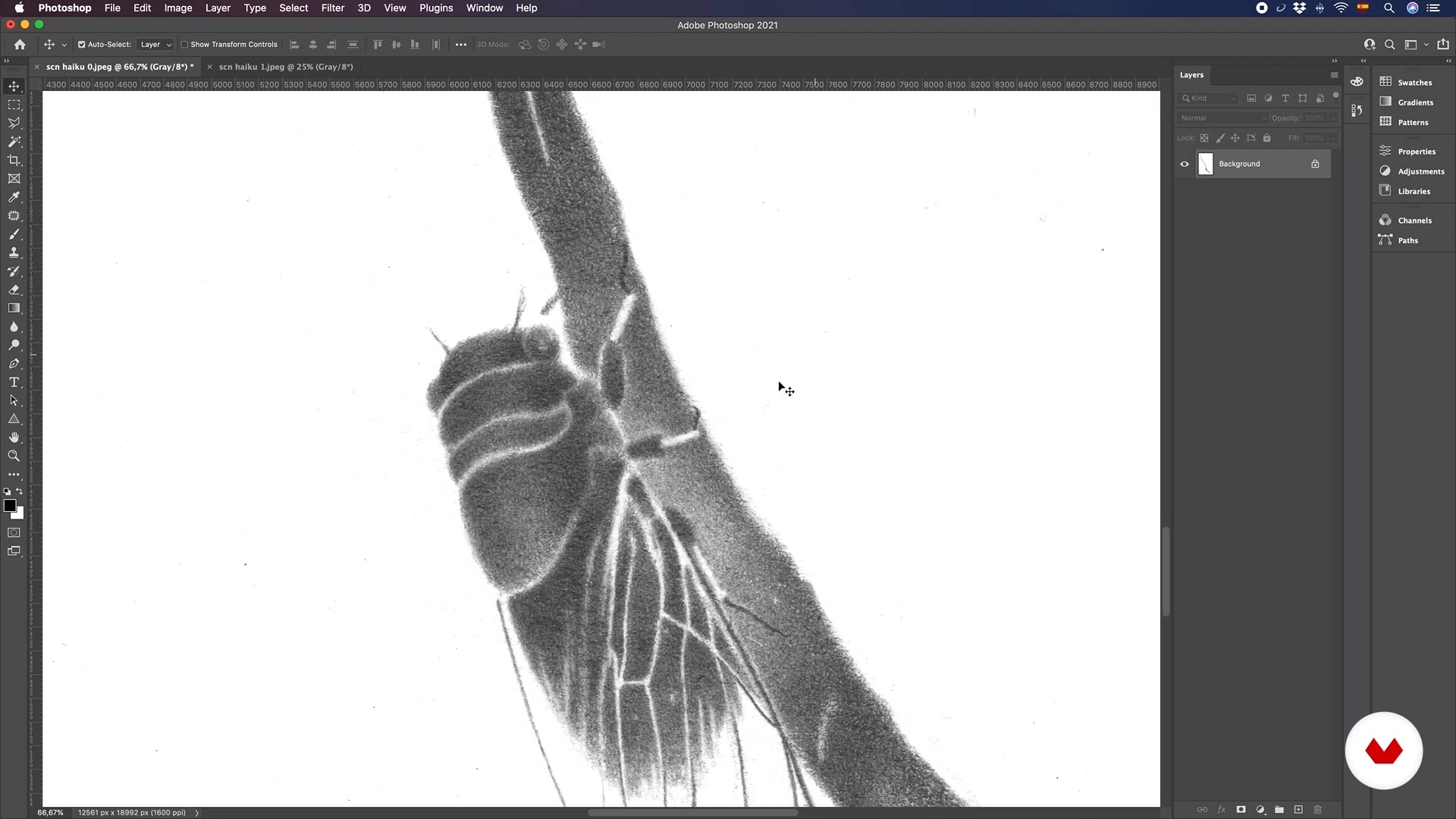
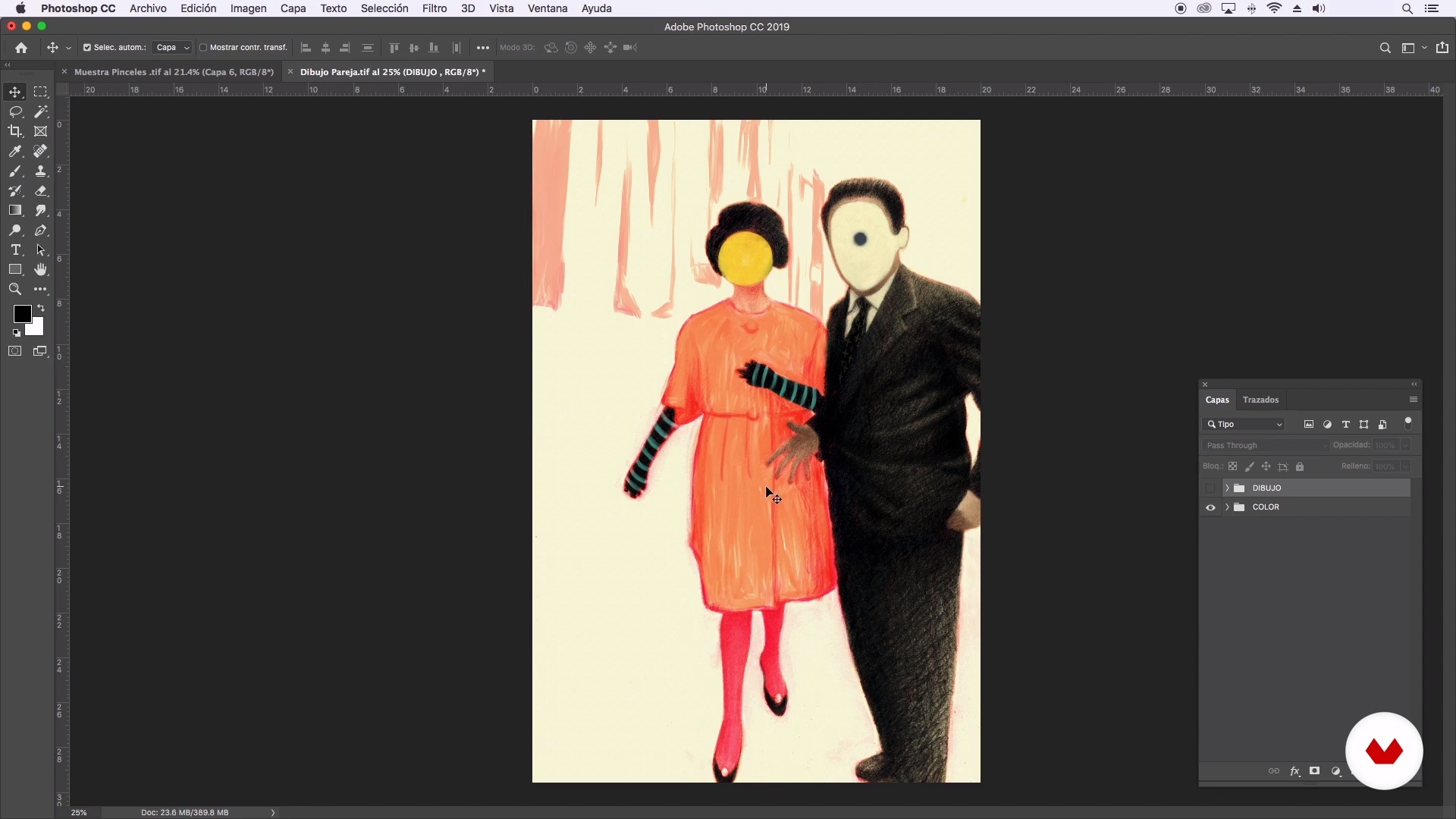
I will show you the way I digitize my illustrations, you will also see how I handle the resolution and formats to go from one or several drawings on paper to an illustration in digital format already finished.
5m
image
12
Assembly and location on the pages
With the illustration already digitized and in its final version, you will test how it behaves on the page, placing it together with the text you chose to achieve a layout that looks natural, harmonious and allows your illustration to stand out, but also respect and keep company to the text within the format.
13m
image
4
Presentation of Materials
I will show you the materials that I like to work with and the ones that I will use in this course.
9m
image
5
Proportions of a face
In this lesson, I will show you how to sketch the basic proportions to build the structure of a face. In doing so, you can create portraits that have a greater balance but remember that there are not 100% symmetrical faces. Keep in mind that practice makes perfect so I recommend practicing as much as possible.
15m
image
6
Light and Shadow Basics
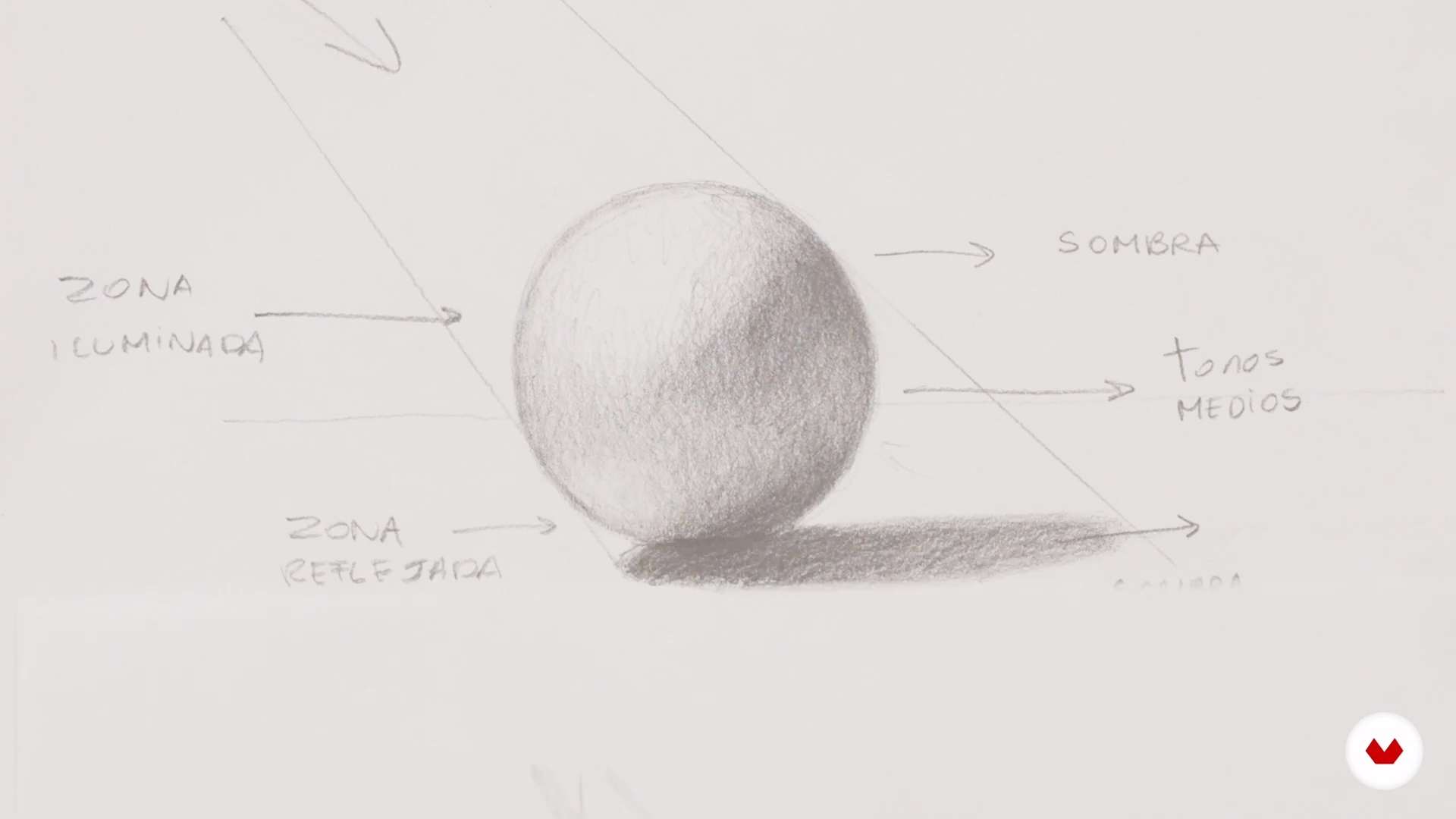
For me, light is everything, whether it is a figurative or abstract portrait. The knowledge of chiaroscuro is important because it builds volumes, defines the features, and also gives it a feeling. In this lesson, I will teach you the basics of gradients, highlights, and shadows.
16m
image
7
Graphite Shading Techniques
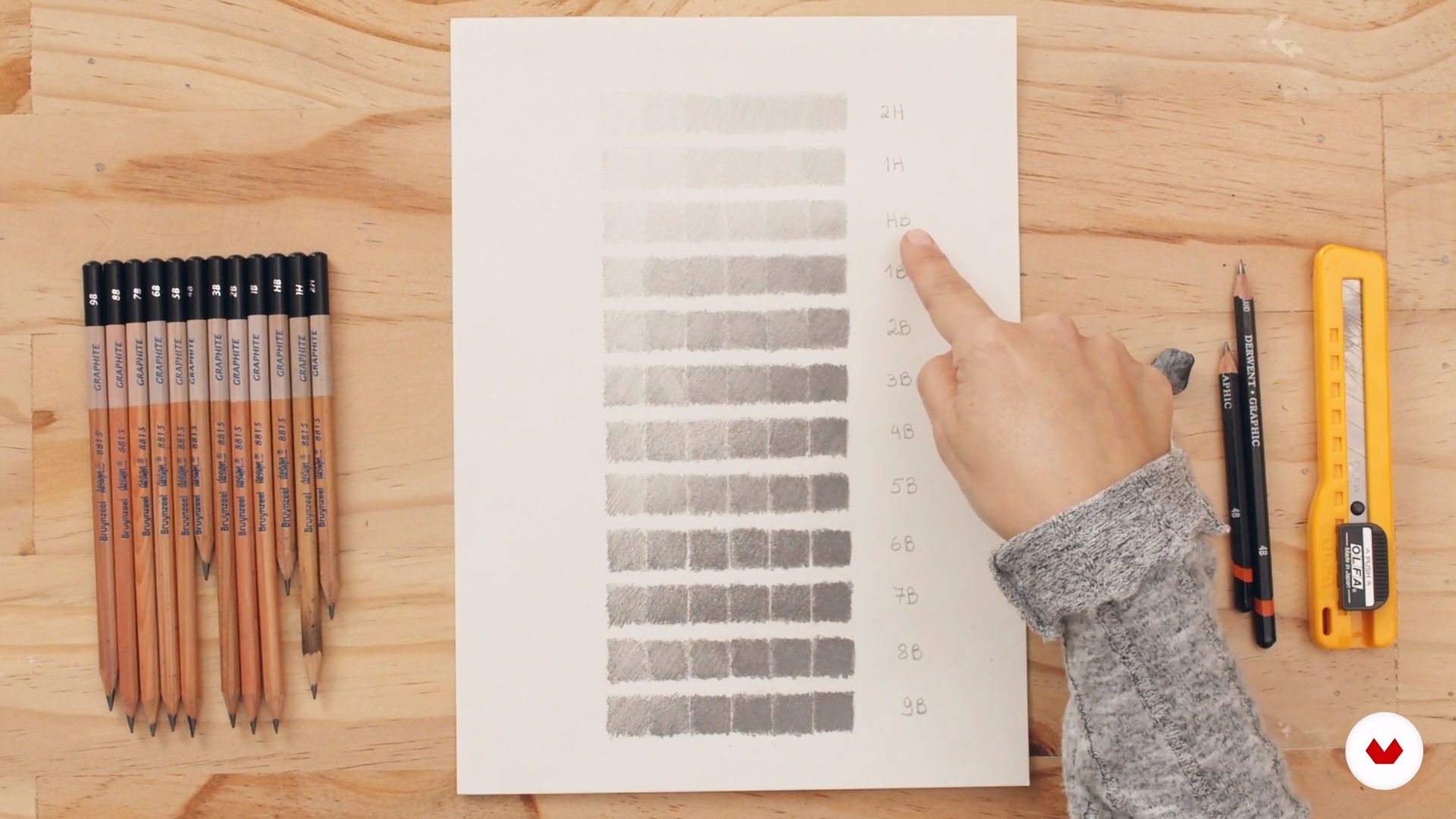
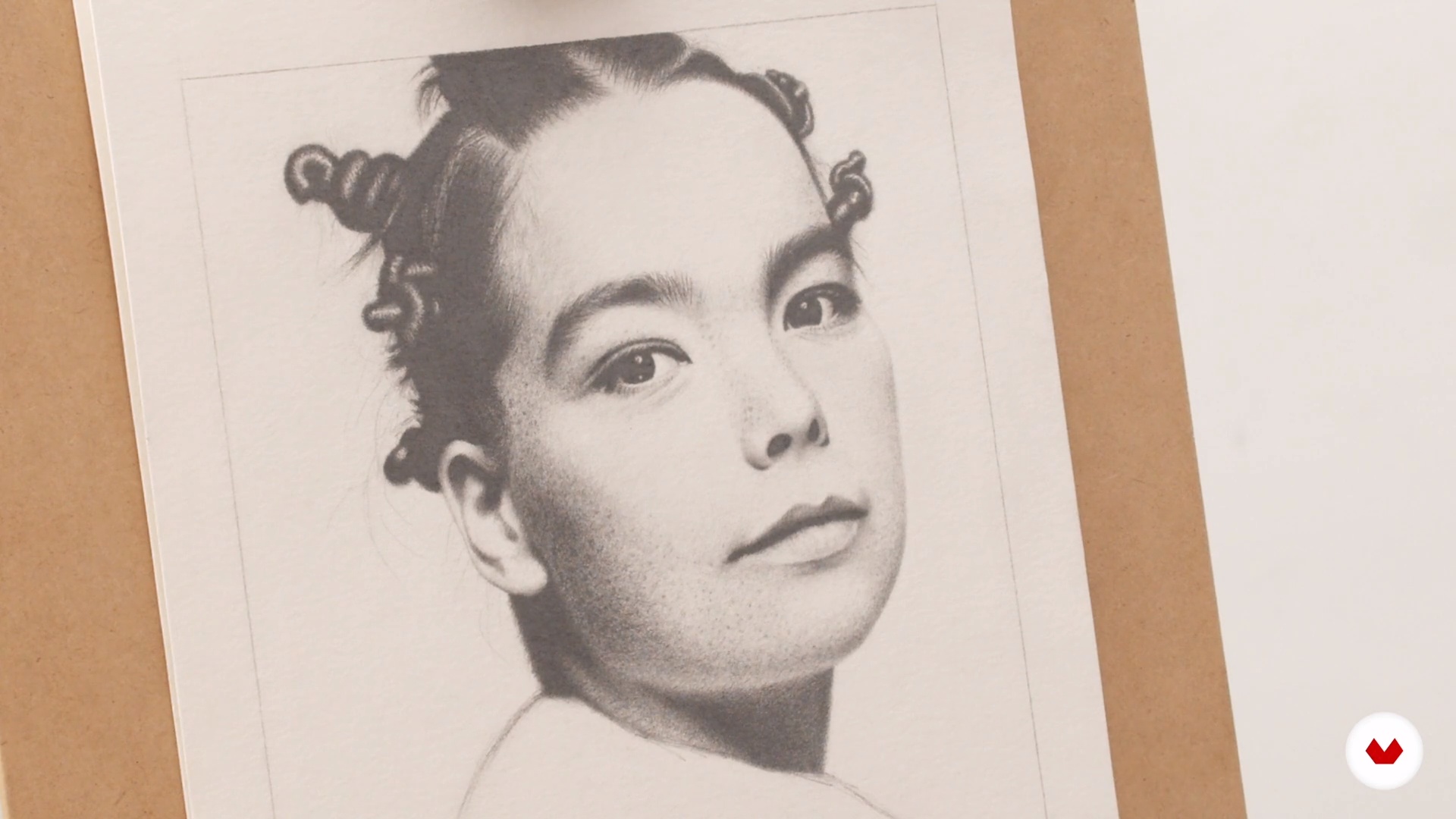
I like to do my graphite drawings using textures or "spots." To achieve this, I usually turn to some modeling techniques that I will share with you. I will also show you the whole range of grays that one can model with graphite pencils. I will then sketch in graphite an eye, an eyebrow, and a nose and lips.
19m
image
8
Selection of Images for Inspiration and Support Material
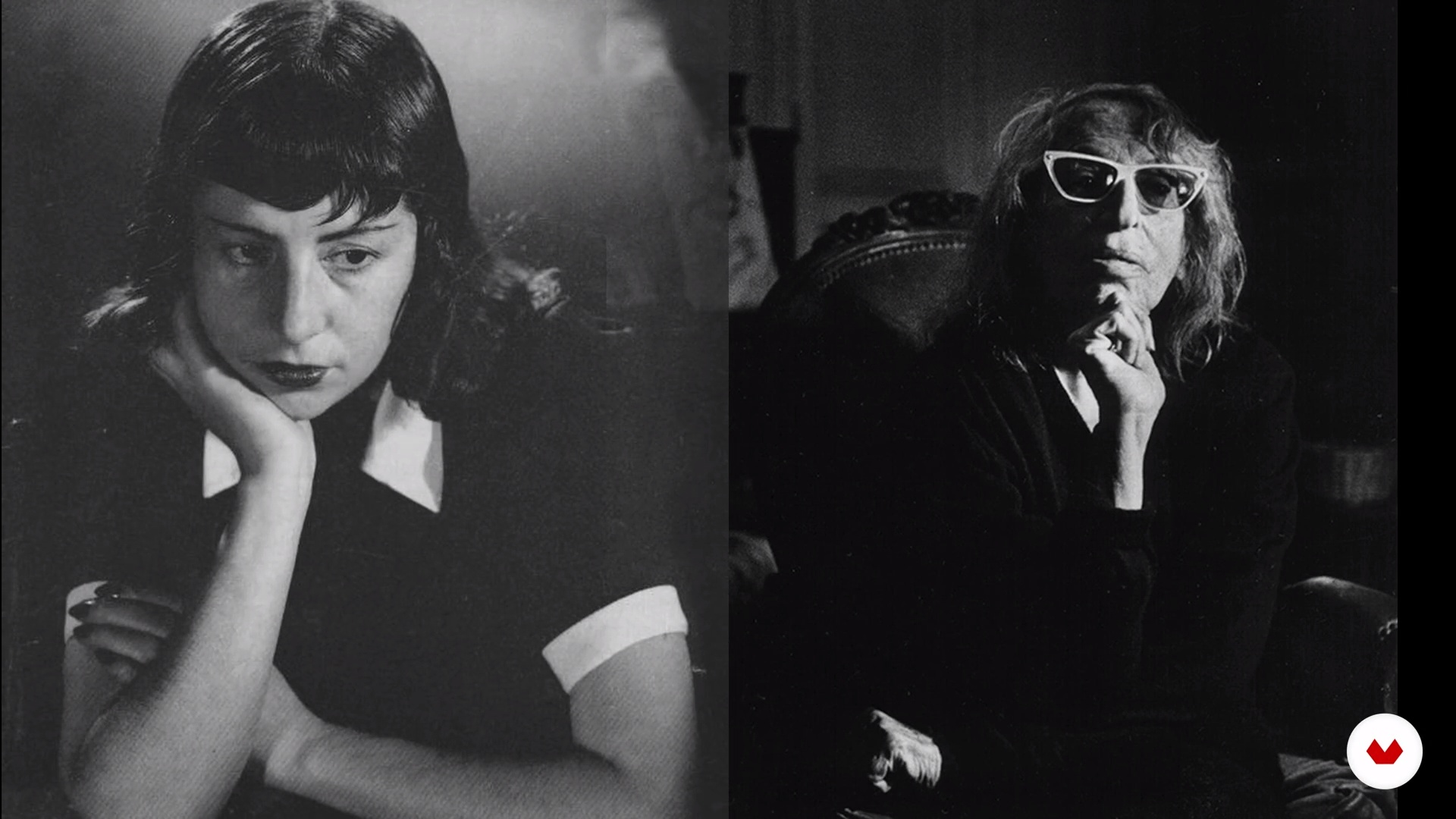
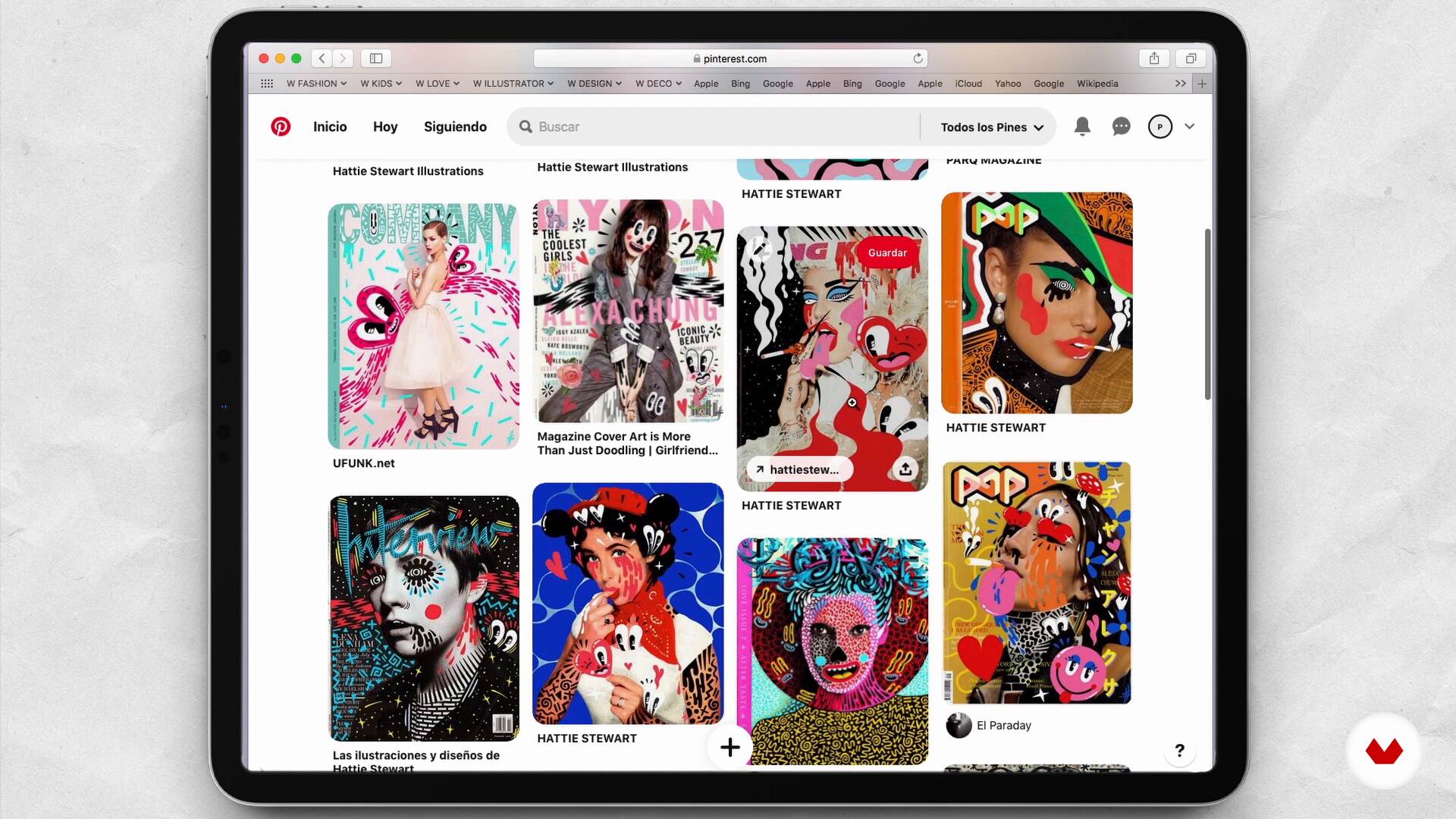
Using my computer, I will show you my Pinterest mood board, which I use to inspire myself and get visual references. You will see the photograph of an artist that I chose to draw and other images, among them, magazine covers that I will use as visual support.
9m
image
9
Retouching the Photograph and Printing to Scale
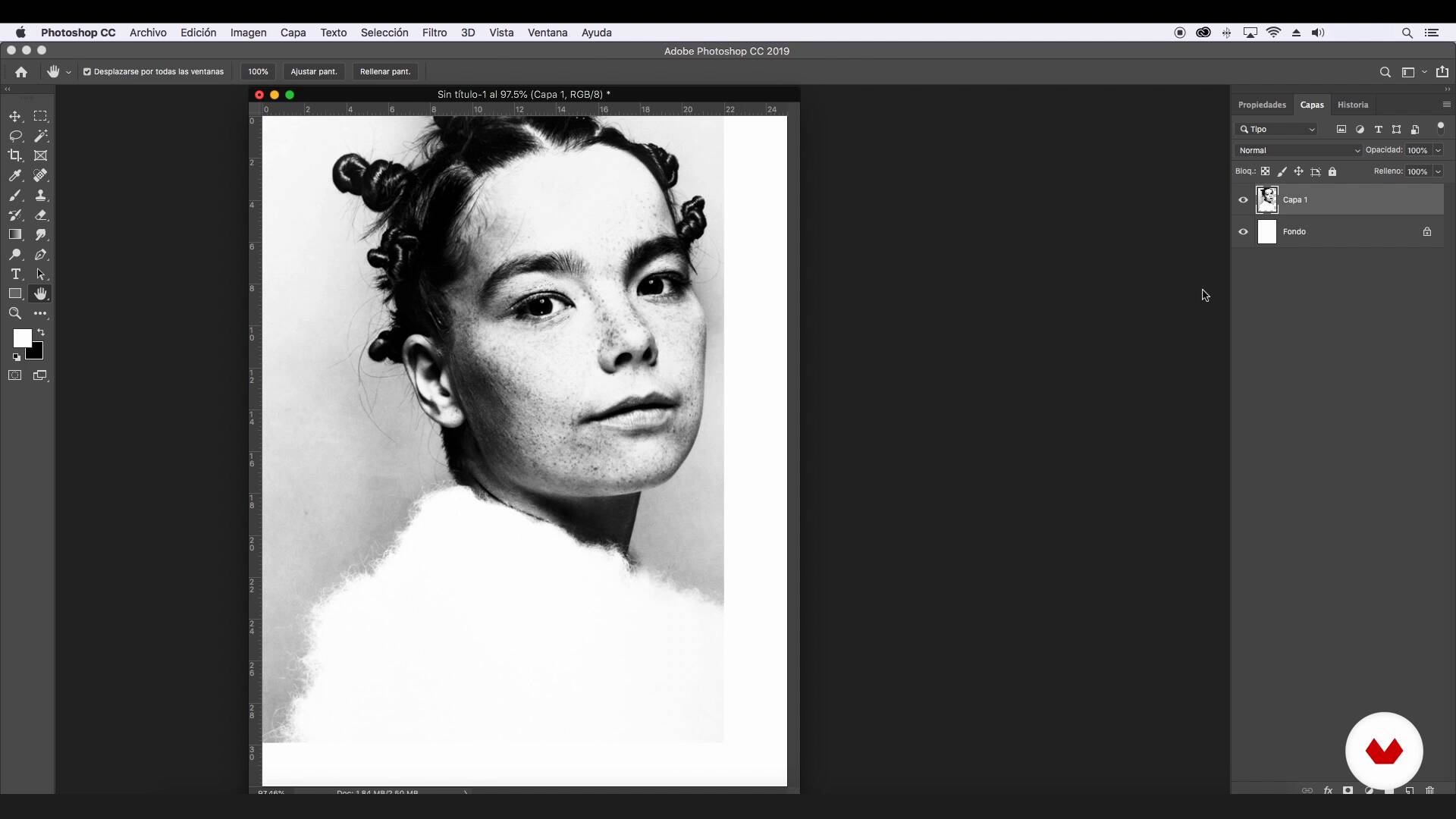
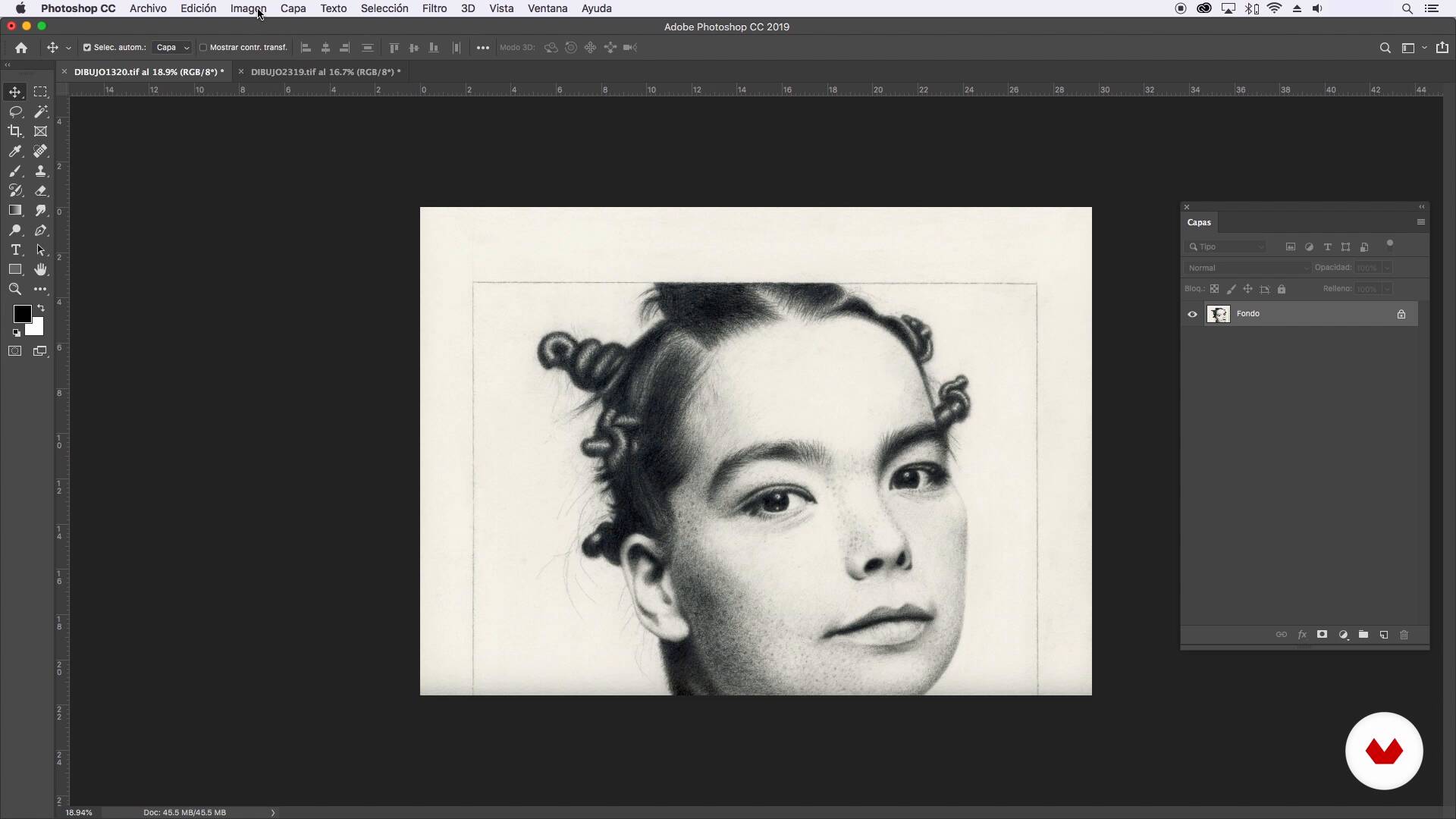
In this lesson, I'll retouch the artist's selected photograph, giving it the tonality and contrast I'm looking for. Then I will place it in the desired format and print the image at a specific scale. It will allow me to have a photograph the same size as my drawing format.
4m
image
10
Transfer of the Portrait to Cardboard
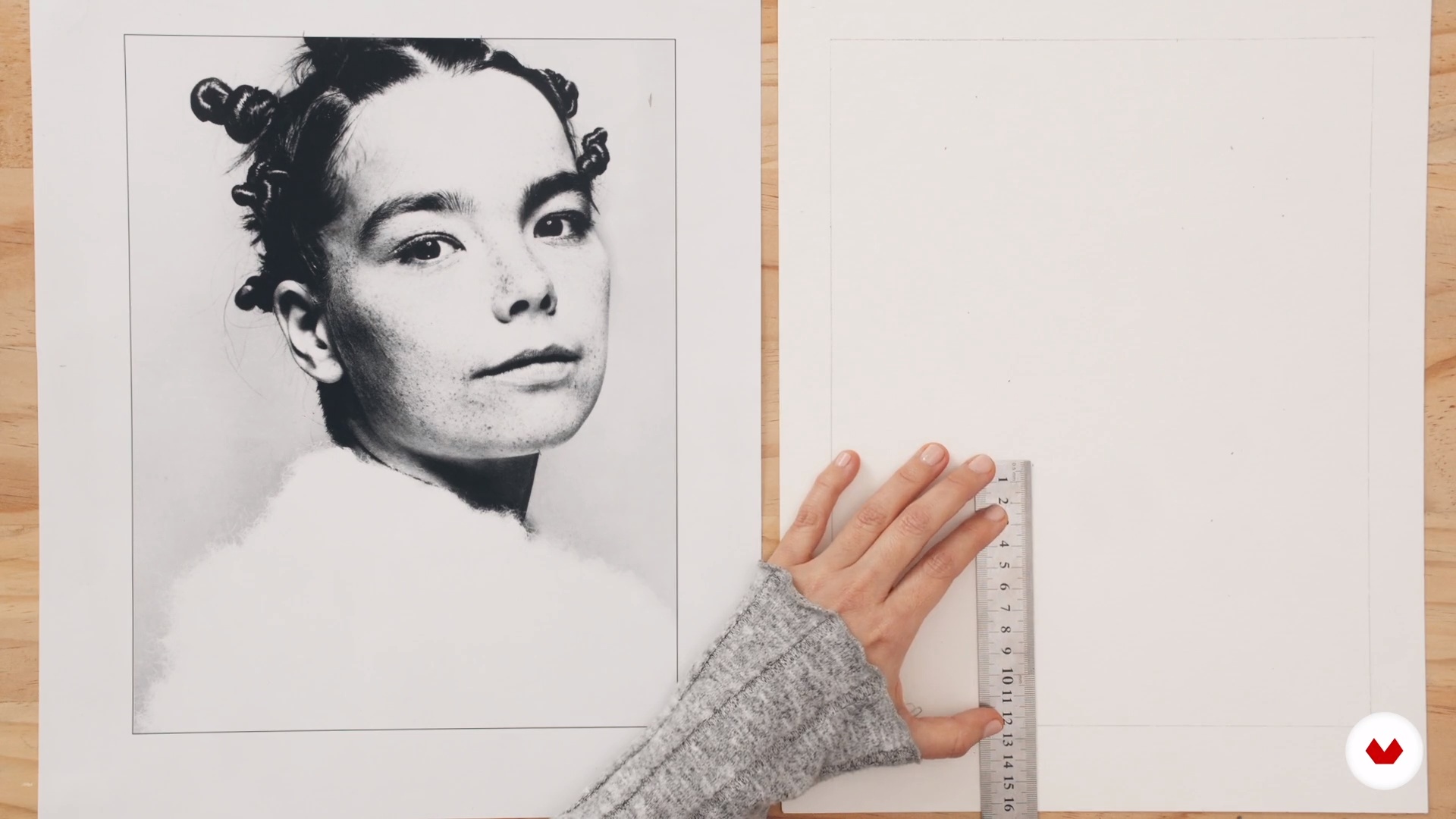
You will learn how to transfer the main measurements of the portrait to the cardboard. To do this, I will show you two ways to do it. One of them will be to review the measurements of the photo in Photoshop and transfer them to the cardboard. The other option is to print the photo to actual scale and take some measurements with a ruler and then transfer them to the cardboard. In both cases, you will see how to join with a pencil the points of the reference measurements and then you can start drawing the portrait. Let's see it!
3m
image
11
Shading 1: Base and First Layers
I will show you how to measure and mark some main points to create the outline of the portrait. In addition, you will learn how to mark the measurements of the main points of the eyes.
8m
image
12
Shading 2: Eyes and Eyebrows
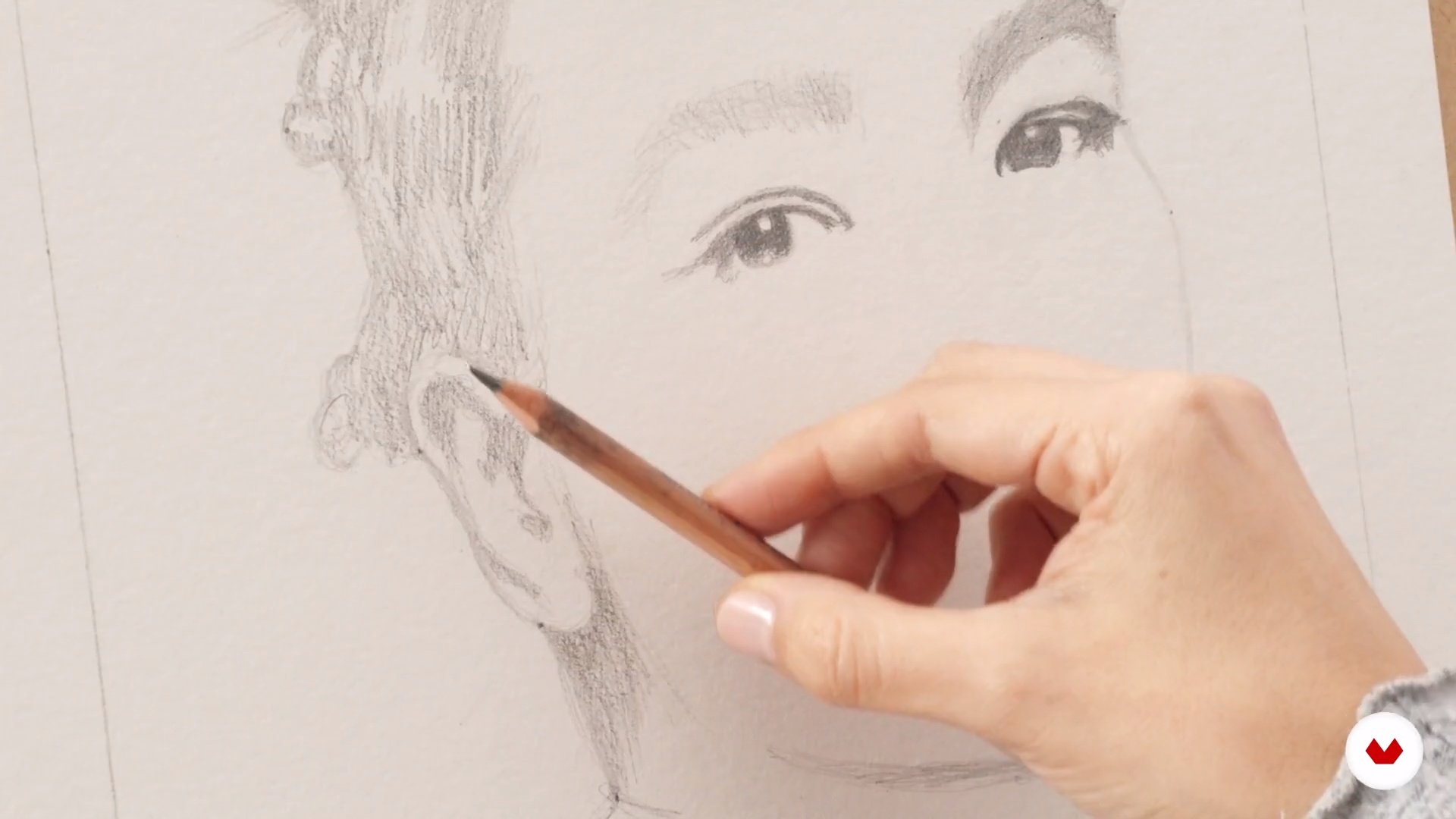
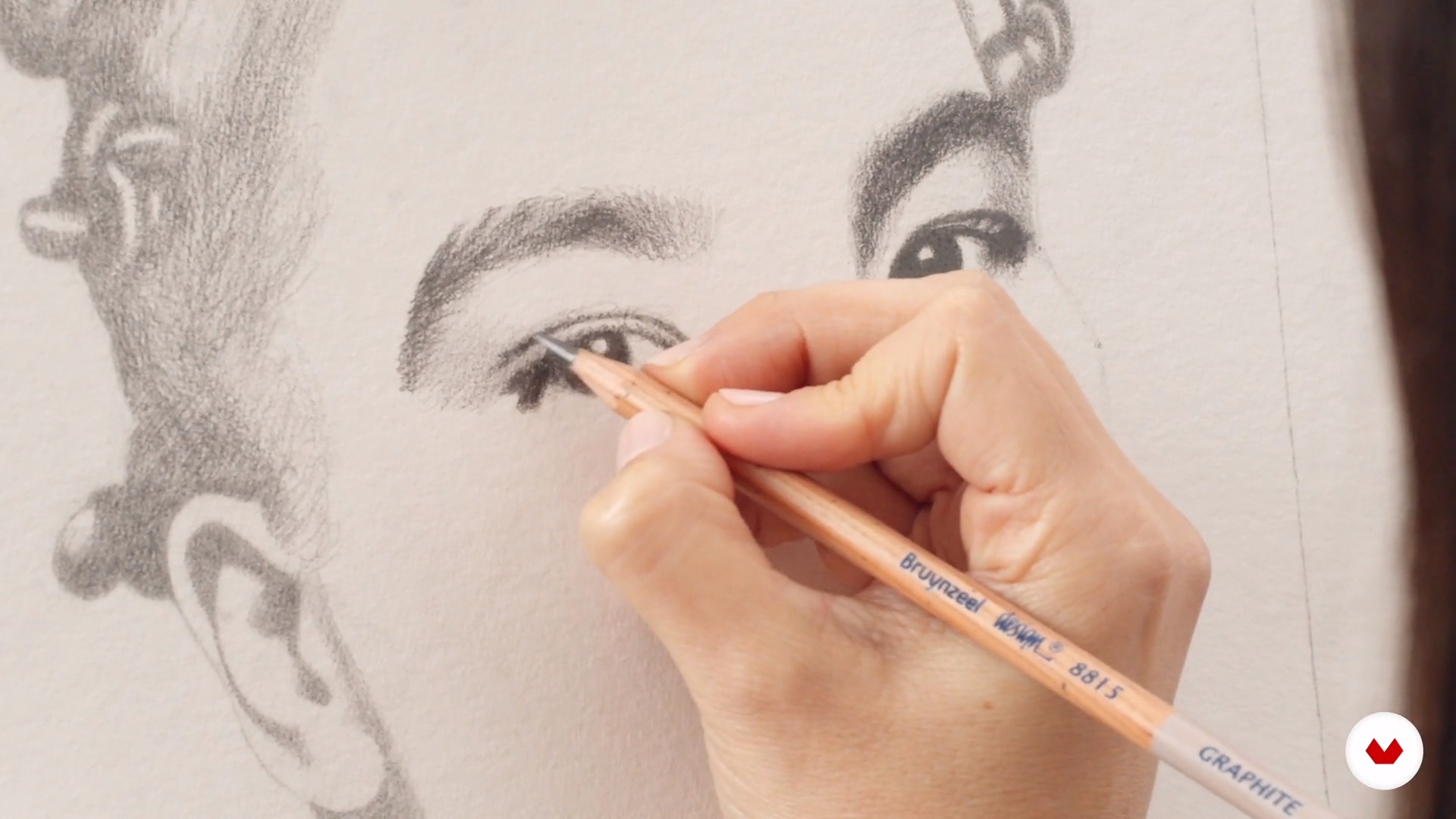
You will shade eyes and eyebrows, first with a layer of 2B pencil and then with another layer of 3B. You will also see how to shade the ear and the hair.
10m
image
13
Shading 3: Hair
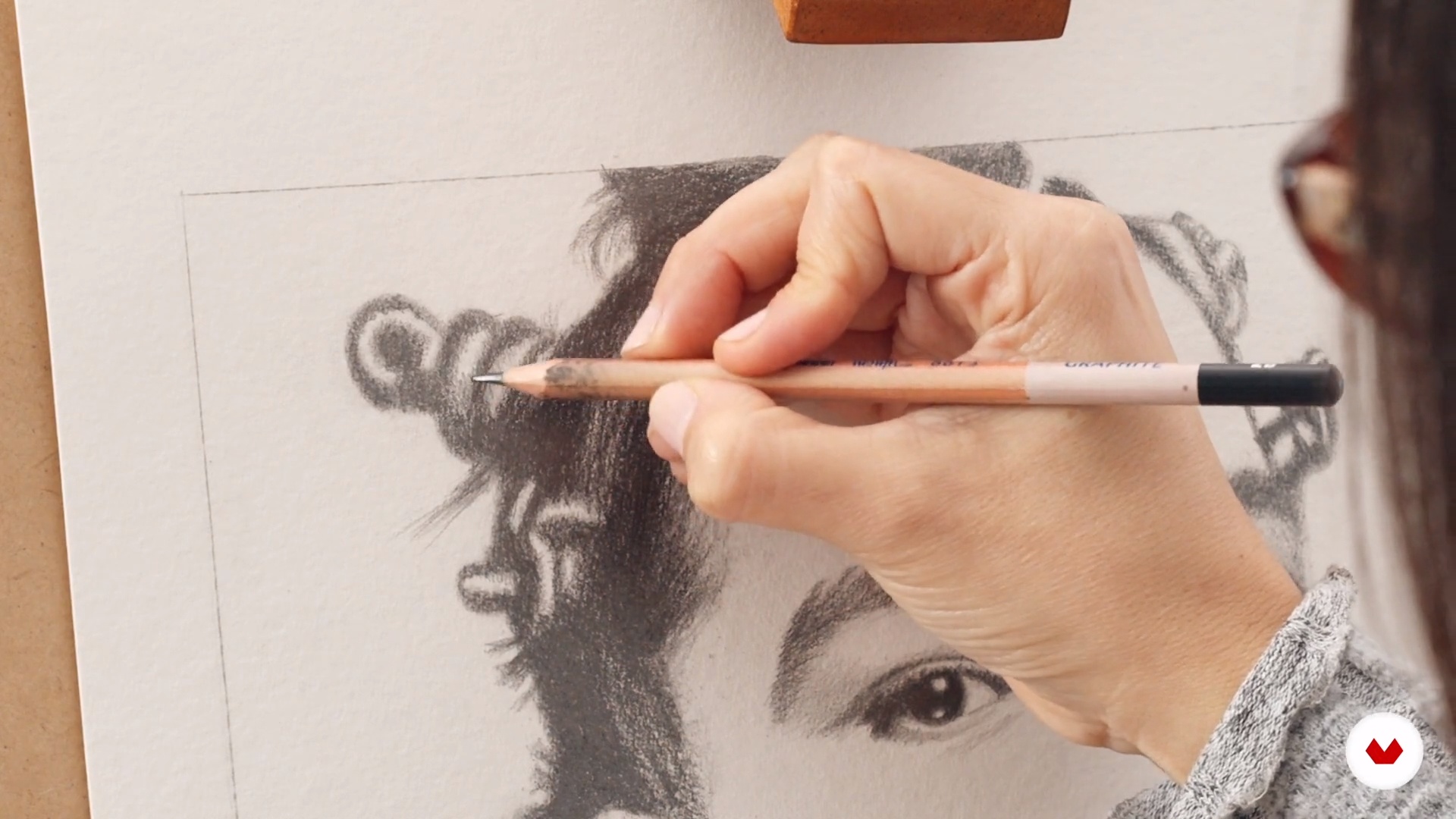
In this lesson, I will show you how to shade and model the hair using the 5B, 6B, 7B, and 8B pencils.
8m
image
14
Shading 4: Neck and Ear
You will see how to make the shading of the dark part of the ear and neck.
5m
image
15
Shading 5: Cheek, Nose and Lips
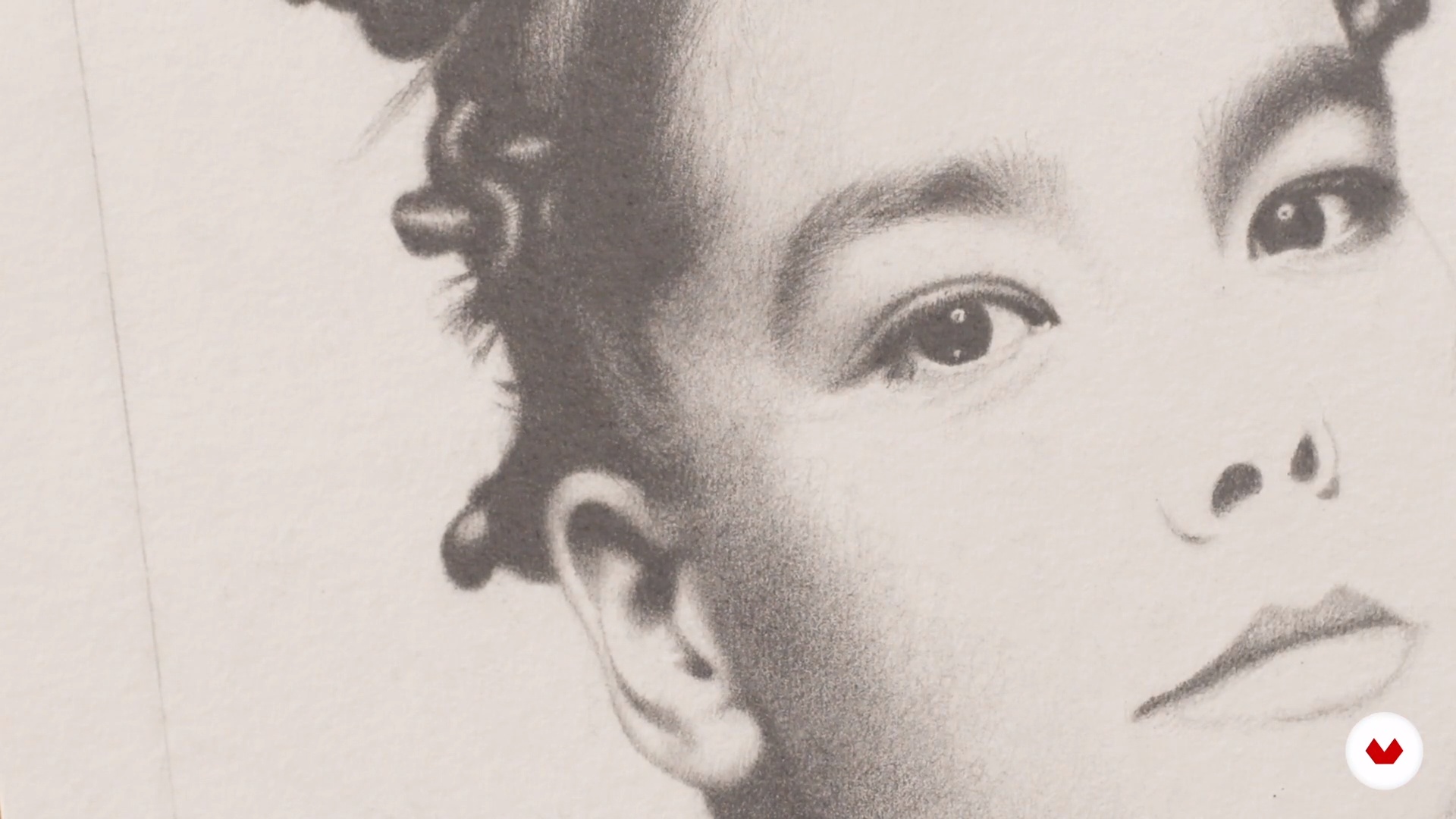
You will learn how to model the nose with a 2B pencil. In addition, I will show you how to model the cheek and lips, starting with a layer of 2B pencil, and then with a layer of 3B.
8m
image
16
Shading 6: Finishing Touches
Lastly, you will see how to meticulously shade the finish and shape the hair. I'll show you how to do the finishing touches on the cheeks and how to add some freckles to the face.
6m
image
17
Drawing scan and retouch
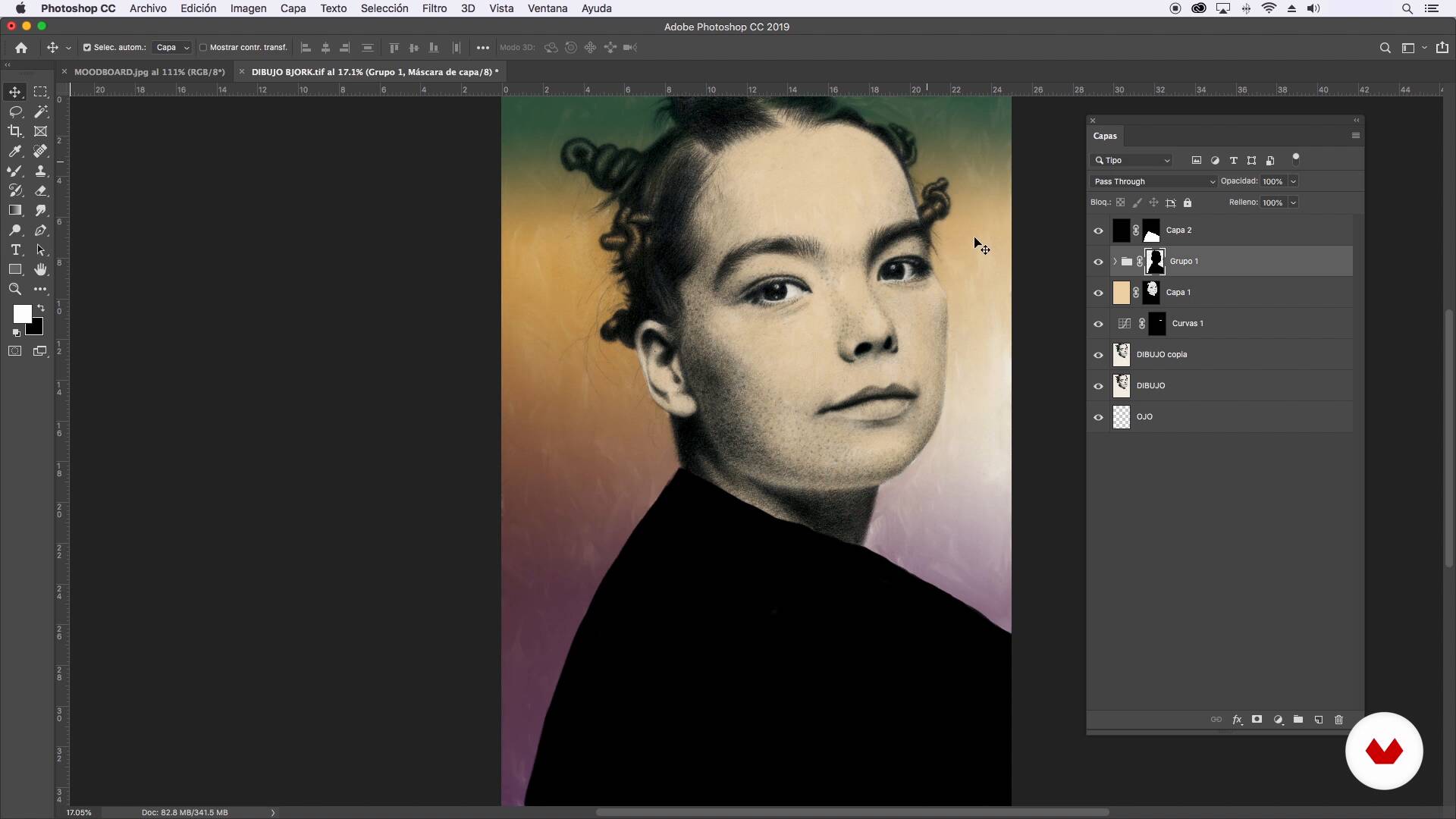
In this lesson, I will scan the portrait in graphite and then open it in Photoshop so I can teach you how to give it the necessary contrast to keep the portrait crisp.
4m
image
18
Concepts and Ideas for Digital Intervention
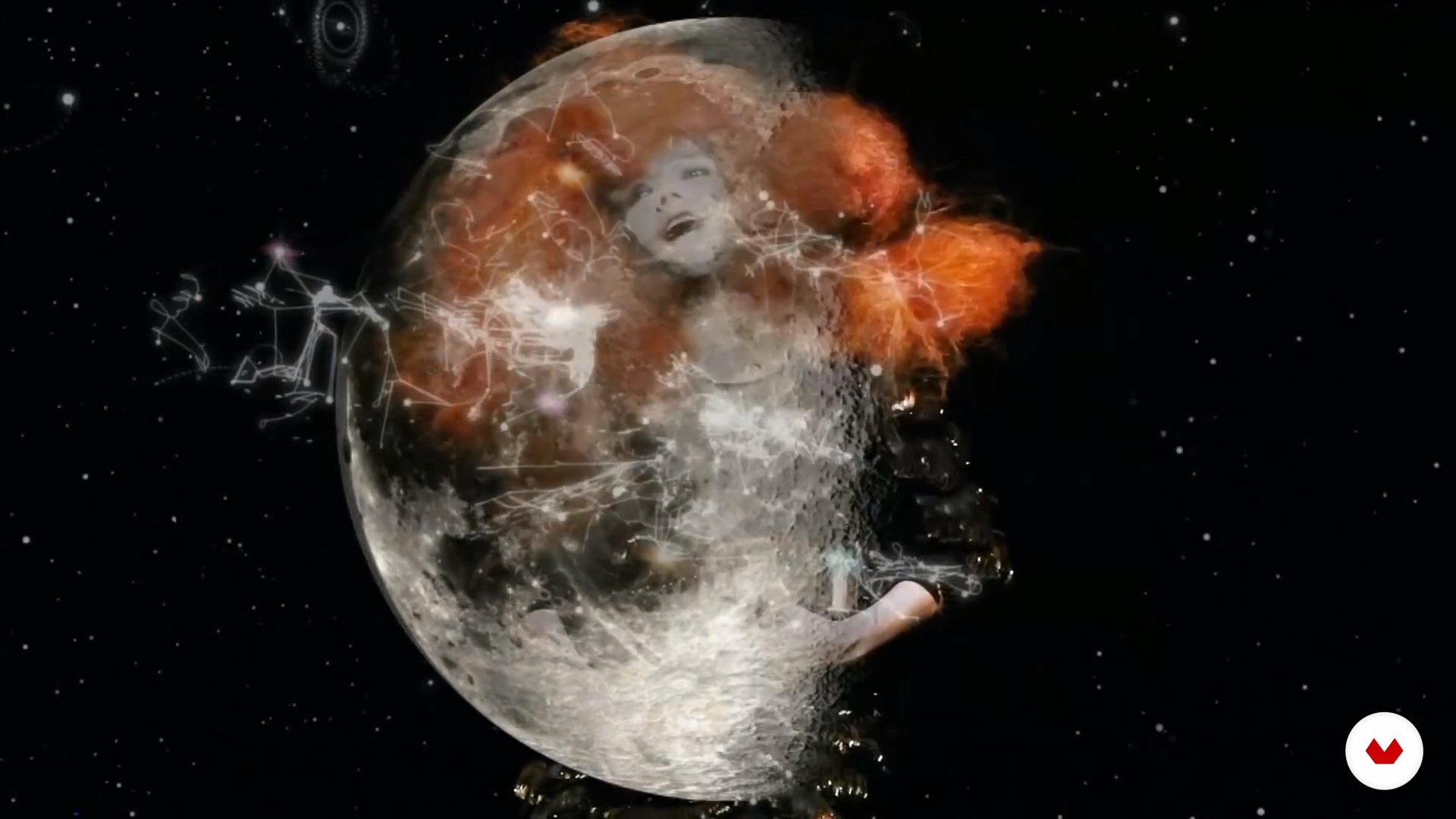
I will introduce you to a world like no other, the imaginary and fantastic world in which I will teach you how to look for options, shapes, colors, and more that will help create a concept, so you can turn that concept into visual and graphic elements that will make your portrait unique.
6m
image
19
Basic Texture Tools in Photoshop 1
Welcome to Photoshop! Don't worry if you have not used it before. In this lesson, I will teach you the basic tools you can use to retouch your portrait and create your composition.
14m
image
20
Basic Texture Tools in Photoshop 2
Using some more examples, I will show you what Photoshop tools you can use to enrich your compositions and achieve unique results.
10m
image
21
Digital Intervention
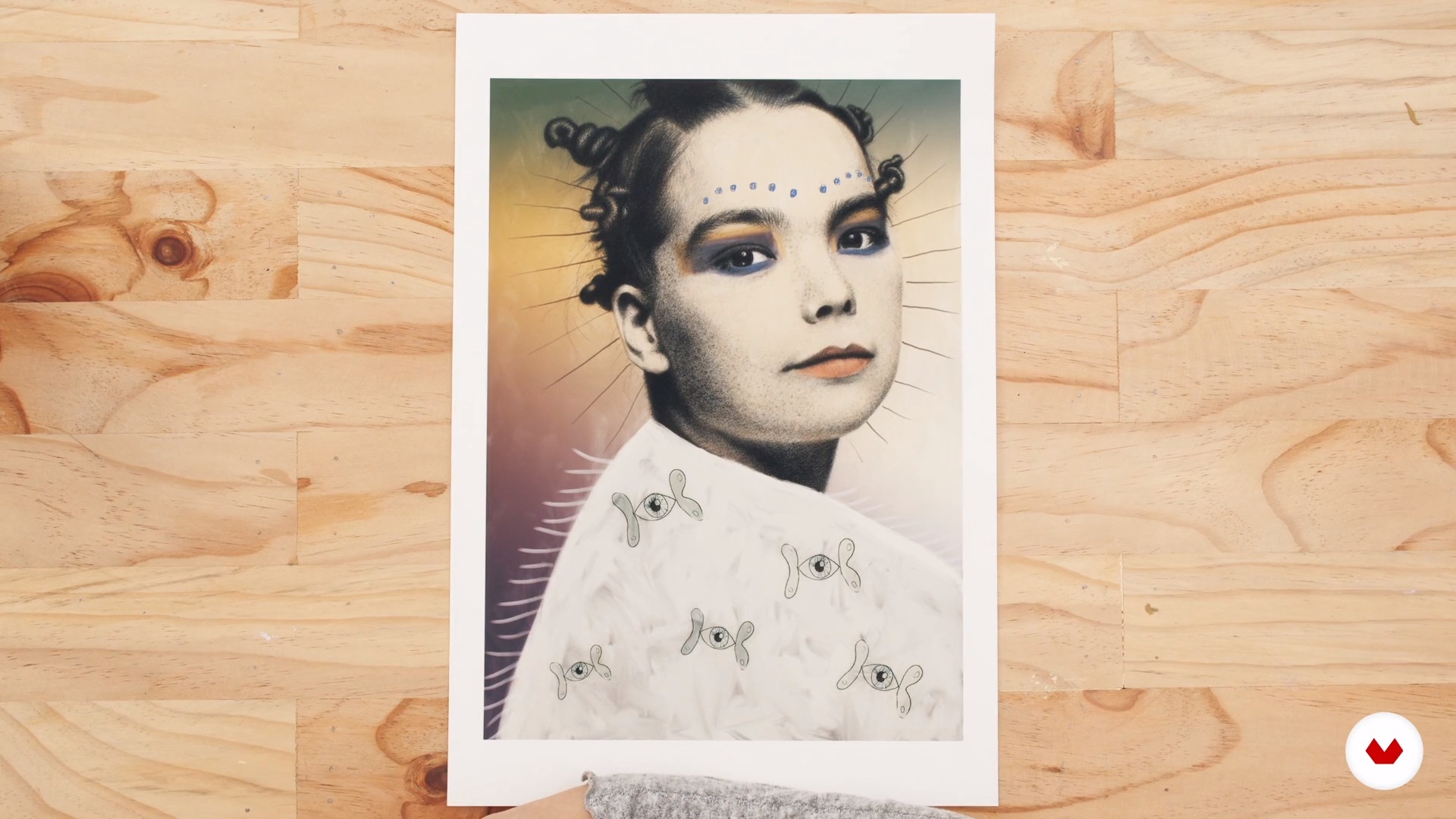
Now that you know how to take advantage of Photoshop, I will show you how to make different textures and color finishes that will round off the portrait.
14m
image
22
Getting the Drawing Ready to Print or to Publish on Social Media
Finally, you will learn how to make the necessary contrast curves to make your drawing ready for printing. I will show you the printed image so you can see the texture and color of the finish. You will also learn how to transfer the file in RGB format and in a lower resolution to upload it to your social networks.
1m
  • 126 students
  • 77 lessons (14h 14m)
  • 79 additional resources (19 files)
  • Online and at your own pace
  • Audio: Spanish, German, English, Spanish (Latam), French, Indonesian, Italian, Dutch, Polish, Portuguese, Romanian, Turkish
  • Spanish · English · Portuguese · German · French · Italian · Polish · Dutch · Turkish · Romanian · Indonesian
  • Level: Beginner
  • Unlimited access forever

What is this course's project?

Create a series of illustrations using mixed techniques to represent a personal theme, focusing on experimentation and expressiveness, transforming concepts into artistic illustrations through graphic experimentation and the development of creative processes.

Who is this specialization for?

Illustrators looking to expand their creative skills by exploring mixed media techniques will discover how to combine traditional and digital media. Those interested in enriching their artwork through diverse methodologies and innovative processes will find a guide to developing a unique style.

Requirements and materials

No extensive prior knowledge is required, but artistic curiosity and a willingness to experiment are essential. Basic drawing materials, paper, and access to digital tools are recommended for exploring mixed media techniques and developing a personal style.


Select to get to know your teachers in this specialization course
Read more ↓

What to expect from this specialization course

  • Learn at your own pace

    Enjoy learning from home without a set schedule and with an easy-to-follow method. You set your own pace.

  • Learn from the best professionals

    Learn valuable methods and techniques explained by top experts in the creative sector.

  • Meet expert teachers

    Each expert teaches what they do best, with clear guidelines, true passion, and professional insight in every lesson.

  • Certificates
    Plus

    If you're a Plus member, get a custom certificate for every specialization course. Share it on your portfolio, social media, or wherever you like.

  • Get front-row seats

    Videos of the highest quality, so you don't miss a single detail. With unlimited access, you can watch them as many times as you need to perfect your technique.

  • Share knowledge and ideas

    Ask questions, request feedback, or offer solutions. Share your learning experience with other students in the community who are as passionate about creativity as you are.

  • Connect with a global creative community

    The community is home to millions of people from around the world who are curious and passionate about exploring and expressing their creativity.

  • Watch professionally produced courses

    Domestika curates its teacher roster and produces every course in-house to ensure a high-quality online learning experience.


FAQs

Domestika courses are online classes that allow you to learn new skills and create incredible projects. All our courses include the opportunity to share your work with other students and/or teachers, creating an active learning community. We offer different formats:
Original Courses: Complete classes that combine videos, texts, and educational materials to complete a specific project from start to finish.
Basics Courses: Specialized training where you master specific software tools step by step.
Specialization Courses: Learning paths with various expert teachers on the same topic, perfect for becoming a specialist by learning from different approaches.
Guided Courses: Practical experiences ideal for directly acquiring specific skills.
Intensive Courses (Deep Dives): New creative processes based on artificial intelligence tools in an accessible format for in-depth and dynamic understanding.

All specialization courses are 100% online, so once they're published, specialization courses start and finish whenever you want. You set the pace of the class. You can go back to review what interests you most and skip what you already know, ask questions, answer questions, share your projects, and more.

The specialization courses are divided into different modules. Each one includes lessons, informational text, tasks, and practice exercises to help you carry out your project step by step, with additional complementary resources and downloads. You'll also have access to an exclusive forum where you can interact with other students, as well as share your work and your final project, creating a community around the specialization courses.

You can redeem the specialization courses you received by accessing the redeeming page and entering your gift code.

If you're a Plus member, when you complete a course you've purchased, you'll instantly get your personalized certificate. You can see all your certificates in the Certificates section of your profile. You can download your certificates as PDFs and share the link online. Learn more about certificates.
Specialization in Mixed Media Illustration Techniques. Illustration course by Domestika

Specialization in Mixed Media Illustration Techniques

A specialization by multiple teachers
Berkeley, United States.
Joined April 2002
  • 126 students